Setting Up an n8n Staging Environment
Set up an n8n staging environment that isolates production credentials and data, choose a branching pattern, and follow the push-review-pull promotion steps.

Checked against the cited sources on .
Prerequisites and the goal of an n8n staging environment
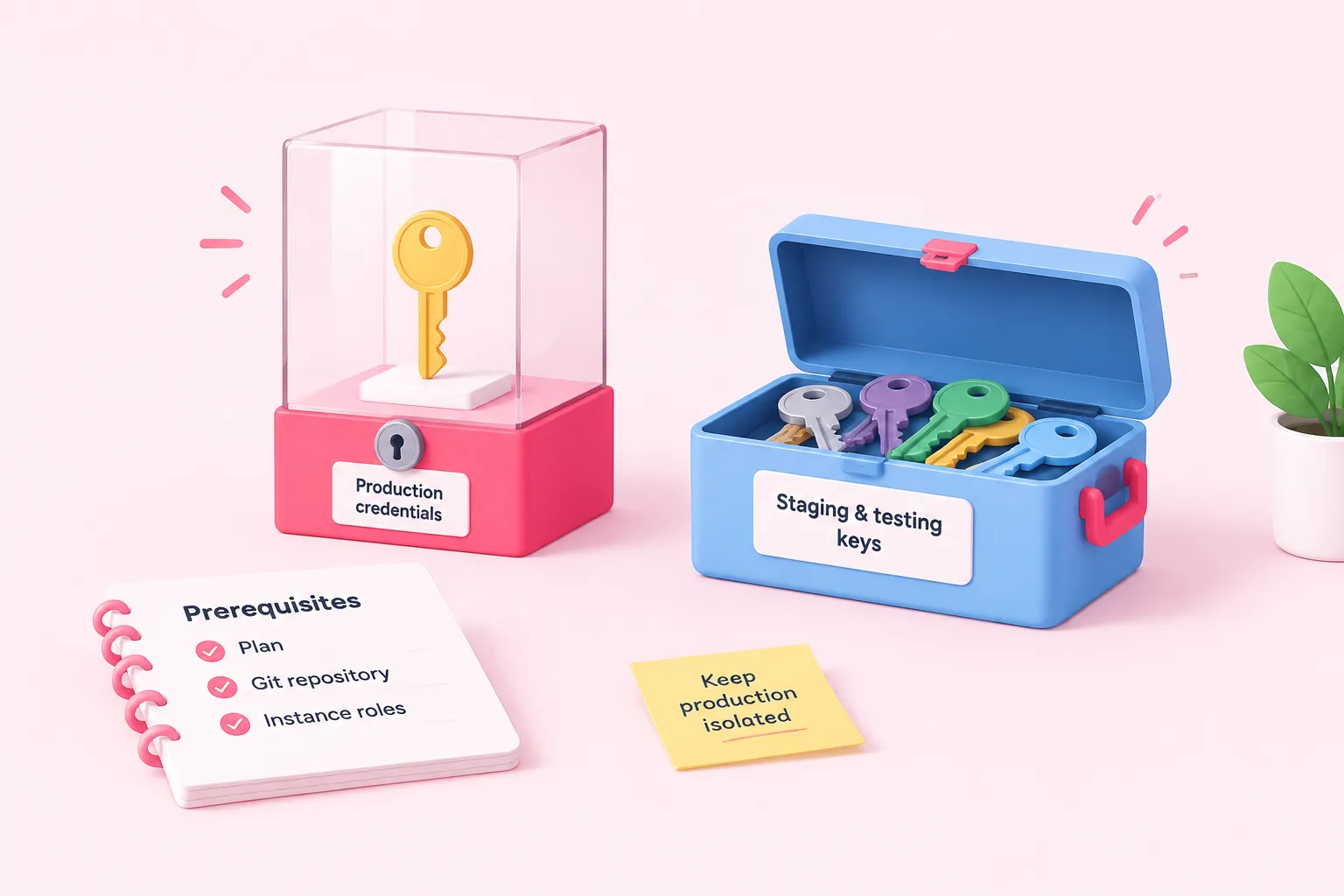
Setting up an n8n staging environment starts with three prerequisites: a plan, a Git repository, and the right instance roles. n8n's own documentation states that its built-in source control and environments feature, the Git-backed push-and-pull system this article relies on, is available only on Business and Enterprise plans, and only an instance owner or admin can enable and configure it. You will also need a Git repository reachable over SSH with a deploy key, or over HTTPS with a Personal Access Token, since n8n's setup guide requires one of these two connection methods before anything else.
The goal is simple to state: two or more environments that keep production credentials and data fully isolated from whatever you are testing. n8n frames this directly, describing development as the place to do the work and make changes, and production as the live environment your workflows actually run in. We think the Business/Enterprise plan gating is a real constraint worth budgeting for before you commit to this process, rather than a surprise you discover halfway through setup.
Sources: Tutorial: Create environments with source control | Administer | n8n Docs, Work with environments | Administer | n8n Docs, Set up source control | Administer | n8n Docs
Step 1–3: choosing a branching pattern and connecting Git
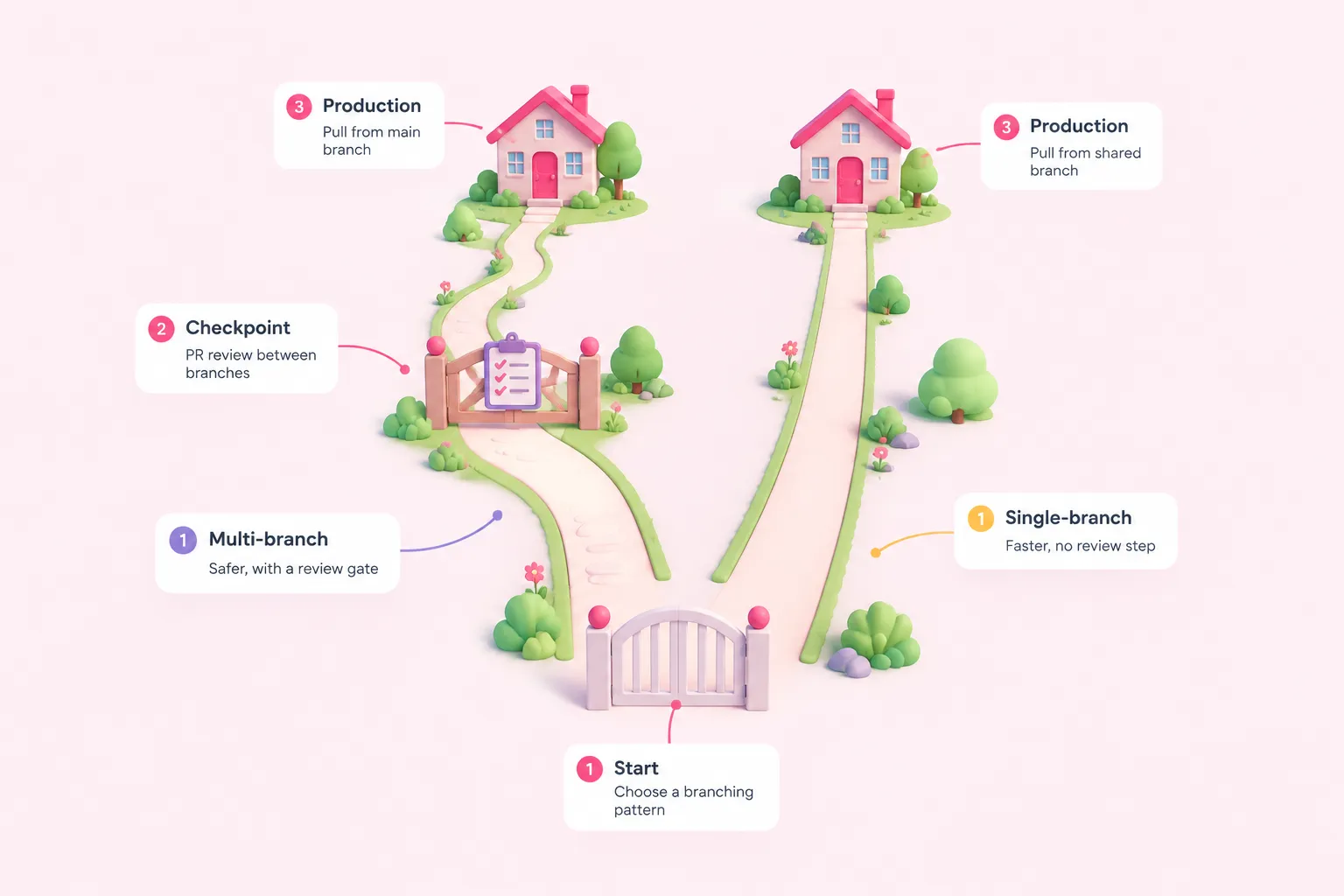
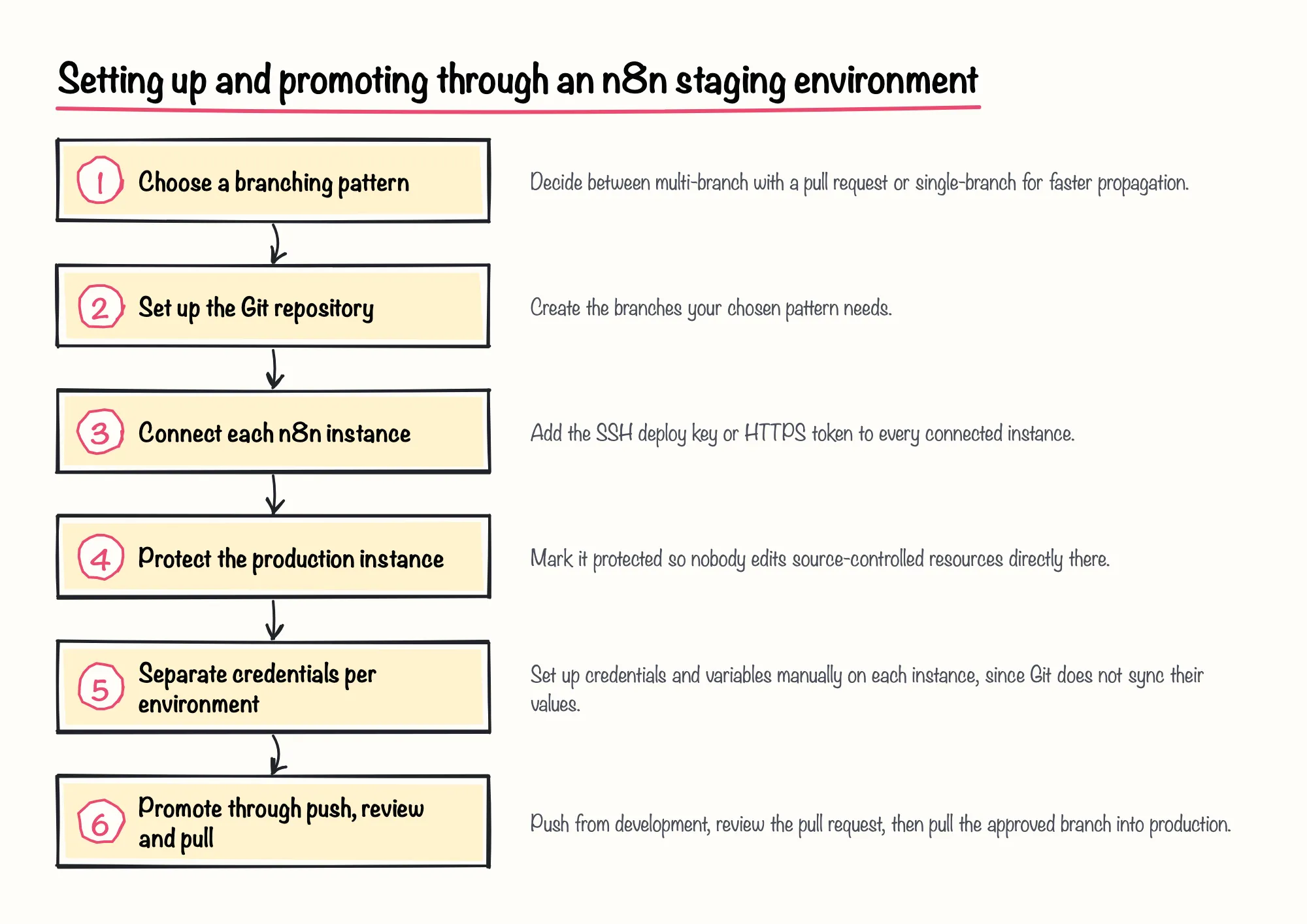
Step 1 of building an n8n staging environment is choosing a branching pattern. n8n's own tutorial documents a multi-instance, multi-branch pattern as one of two options, where development pushes to one branch and production pulls from another through a pull request; n8n describes this pattern as an added safety layer that prevents changes from reaching production by mistake. The alternative, single-branch pattern, lets every connected instance pull from the same branch, trading that review step for faster propagation.
| Pattern | How it works | Trade-off |
|---|---|---|
| Multi-branch | Separate branches per environment, joined by a pull request before production pulls | Added review step that guards against changes reaching production by mistake |
| Single-branch | Every connected instance pulls from the same branch | Faster propagation, but no built-in review gate |
Step 2 is setting up the repository itself and creating the branches your pattern needs. Step 3 is configuring the Git connection inside n8n for each instance, supplying either the SSH deploy key or the HTTPS token your provider issued. Our pragmatic take: pick the single-branch pattern only if your team already has strong Git discipline, since without a review gate the convenience is not worth the risk of an accidental push reaching production.
Sources: Tutorial: Create environments with source control | Administer | n8n Docs, Set up source control | Administer | n8n Docs
Step 4–5: protecting instances and separating credentials
Step 4 is connecting and protecting each instance. n8n lets an admin mark a connected instance as protected, which stops users from editing source-controlled workflows directly there, and n8n recommends this setting for production so every change arrives through the Git flow instead of a manual edit.
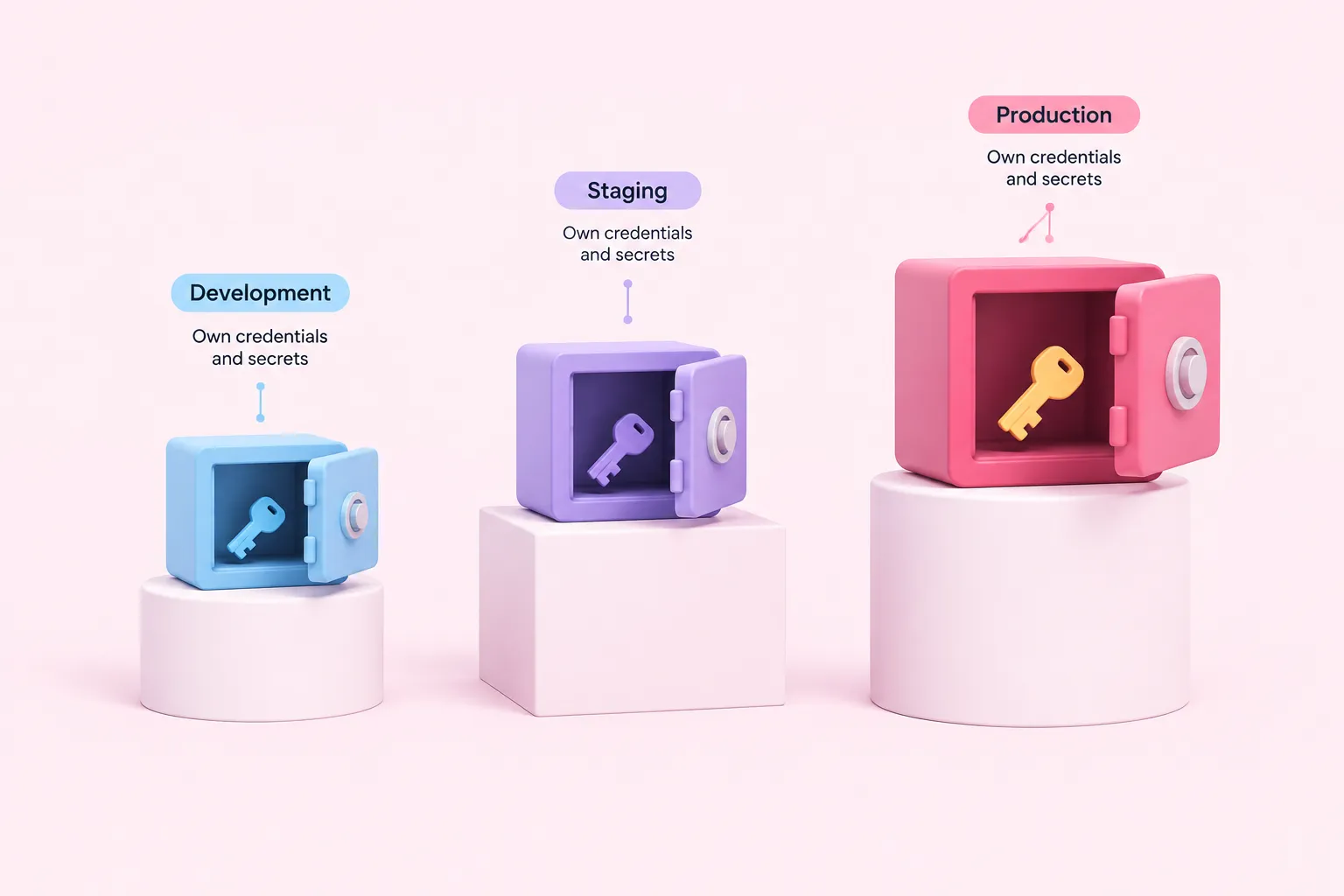
Step 5 is keeping credentials and secrets separate per environment. n8n's documentation is explicit that credential and variable values are not synced through Git; they have to be configured manually on each instance, and for teams whose credentials genuinely differ across environments, n8n's docs point toward an external secrets vault rather than relying on Git sync. A January 2026 community guide on this pattern suggests development, staging and production credentials should each reach only their own environment's resources, never a shared or production resource from a lower environment.
We'd back investing in an external secrets vault over manual re-entry every time environments diverge, because it scales far better once a team adds a third or fourth environment.
Sources: Set up source control | Administer | n8n Docs, Work with environments | Administer | n8n Docs, Push and pull changes | Administer | n8n Docs, n8n Environments: Dev–Staging–Prod Without Chaos | by Vectorlane | Medium
Promotion process: from push to production
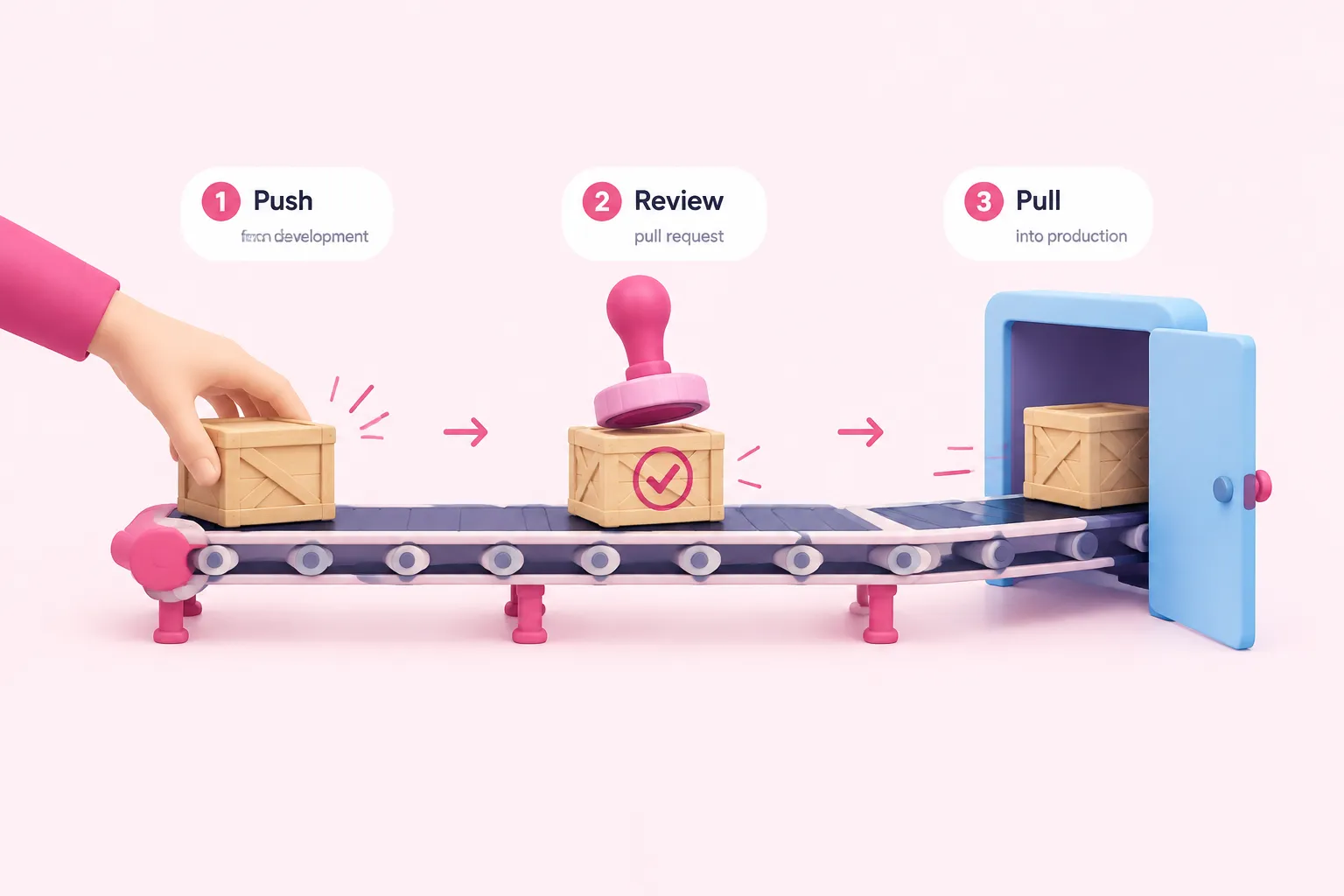
With the plumbing in place, promotion itself follows a short loop: push changes from development, open and review the pull request, then pull the approved branch into production. This is also where n8n's documented limits matter most: n8n states plainly that it cannot automatically detect conflicts on workflows, unlike credentials and variables, which it resolves on its own, so a human still has to read the diff before approving.
Pulling an update to an already-published workflow causes n8n to unpublish and republish it on the target instance, which n8n's own docs note may cause a few seconds of downtime. Teams that want to automate this loop can use the public API's source-control endpoints, available from n8n version 2.39.0, and scope the production instance's API key to pull-only so it is structurally unable to push changes back into Git.
If a push includes a file that conflicts with Git's current state, n8n's API rejects the whole push with a 409 response rather than applying part of it, so a failed promotion leaves production untouched. A community rollback playbook for when something does go wrong in production is to deactivate the new workflow, import the previous version, and reactivate it.
A completed promotion should leave production running the exact workflow version that was reviewed and pulled from Git, with no files still marked as pending in the status endpoint or pull modal. If pending changes remain after a pull, that is a sign the promotion did not fully complete, and the status check should be run again before moving on.
Sources: Push and pull changes | Administer | n8n Docs, Use environments programmatically with the public API | Administer | n8n Docs, n8n Environments: Dev–Staging–Prod Without Chaos | by Vectorlane | Medium
An alternative path without Business or Enterprise
Teams on the Community edition, or on an older self-hosted version, will not have the Environments feature described above for their n8n staging environment, since it is plan- and version-gated. A community-documented alternative combines n8n's own CLI export and import commands with environment-variable substitution, so the same credential template can be reused with different values across development, staging and production.
That CLI path has a sharp edge worth flagging: a community article found that n8n's export:credentials command writes hardcoded secret values into the exported file, so those values must be replaced before the file is reused anywhere else. Community authors have also proposed running staging behind a dry-run gateway that logs side effects like charges or emails instead of executing them, though this is a custom pattern you would build yourself, not an n8n feature.
The CLI route works without a Business or Enterprise plan, but it leaves more of the discipline to the team, since there is no built-in pull-request review step or protected-instance setting.
Sources: Building Reproducible n8n Environments with CLI-Based Configuration Management - DEV Community, n8n Environments: Dev–Staging–Prod Without Chaos | by Vectorlane | Medium, Tutorial: Create environments with source control | Administer | n8n Docs, Set up source control | Administer | n8n Docs