n8n Error Handling Best Practices: A Step-by-Step Tutorial
A step-by-step tutorial on n8n error handling best practices: build an error workflow, test it, bound retries, and add duplicate protection before production.

Checked against the cited sources on .
Prerequisites and Goal: What Production-Ready Error Handling Means

Good n8n error handling best practices start before you ever click Publish: you need a working n8n instance, a workflow you intend to harden, and a basic grasp of how triggers and nodes pass data between each other. Nothing else is required to follow the steps below.
The goal is concrete: wire up a dedicated error workflow, prove on purpose that it actually fires, put a ceiling on how long a flaky step gets to retry, and introduce some protection against the same action running twice, all before the workflow goes live rather than after it breaks in front of a real user. n8n's own documentation describes an error workflow as the mechanism for controlling how n8n responds when a workflow execution fails.
In our view, skipping this setup is the single costliest shortcut a team makes when moving a workflow from a demo into daily use, because the failures an error workflow would have quietly caught instead surface as a missed order, a lost lead, or a support ticket nobody saw coming.
Sources: Handle errors gracefully | Build | n8n Docs
Step 1 to 4: n8n Error Handling Best Practices for Your Error Workflow
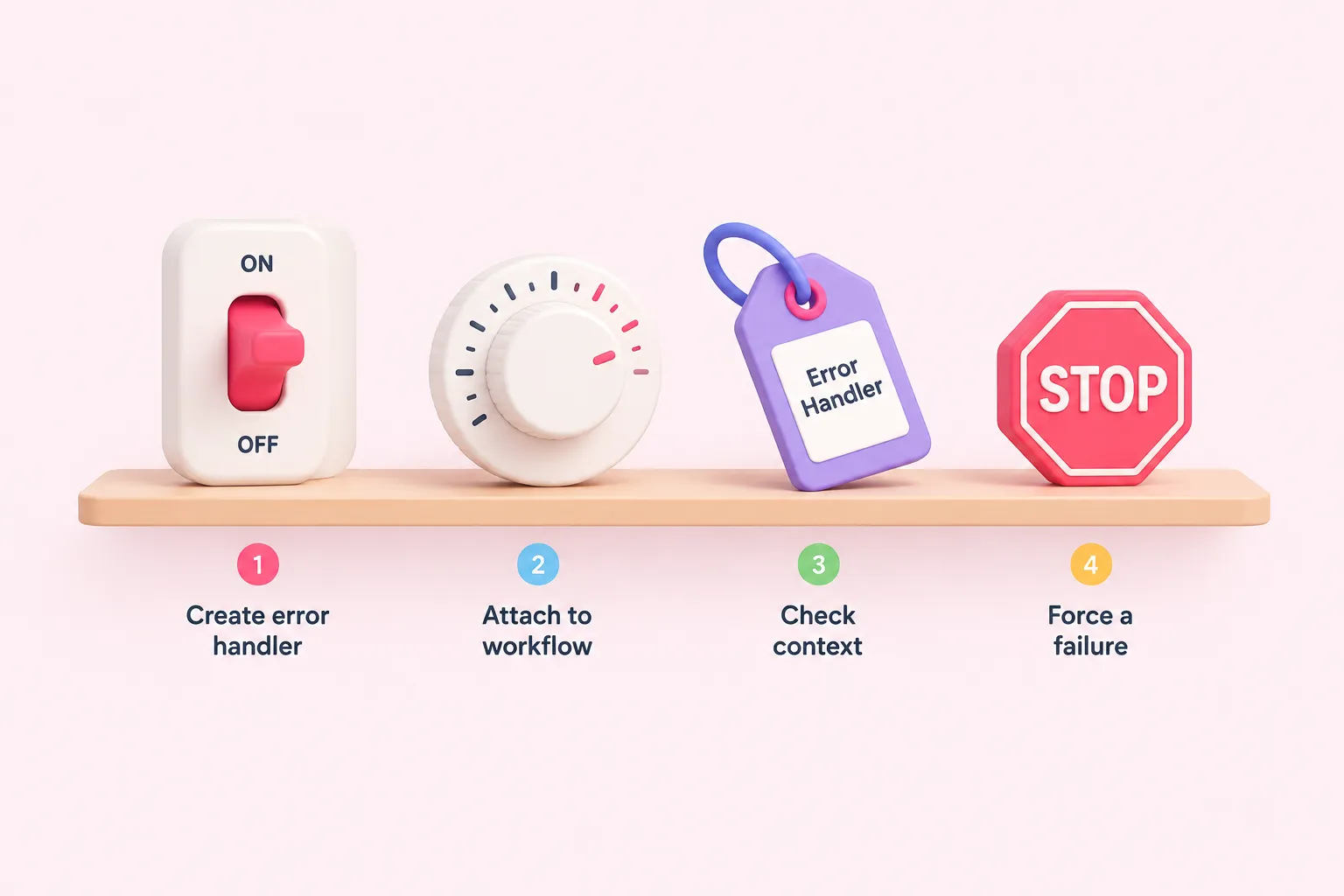
Step 1 is to create a dedicated Error Handler workflow that starts with the Error Trigger node, since n8n's documentation states that an error workflow must begin with this node. The docs also note that a workflow containing an Error Trigger node uses itself as the error workflow by default. We think building one shared Error Handler workflow for the whole team is worth the extra setup step, because relying on each workflow's own default self-reference scatters alert logic across every workflow instead of keeping it in one place you can actually maintain.
Step 2 is to attach that Error Handler to the production workflow you are hardening, one of the simplest n8n error handling best practices to put in place early. The documentation describes doing this from Options, then Settings, then setting the Error workflow field on the workflow you want to protect.
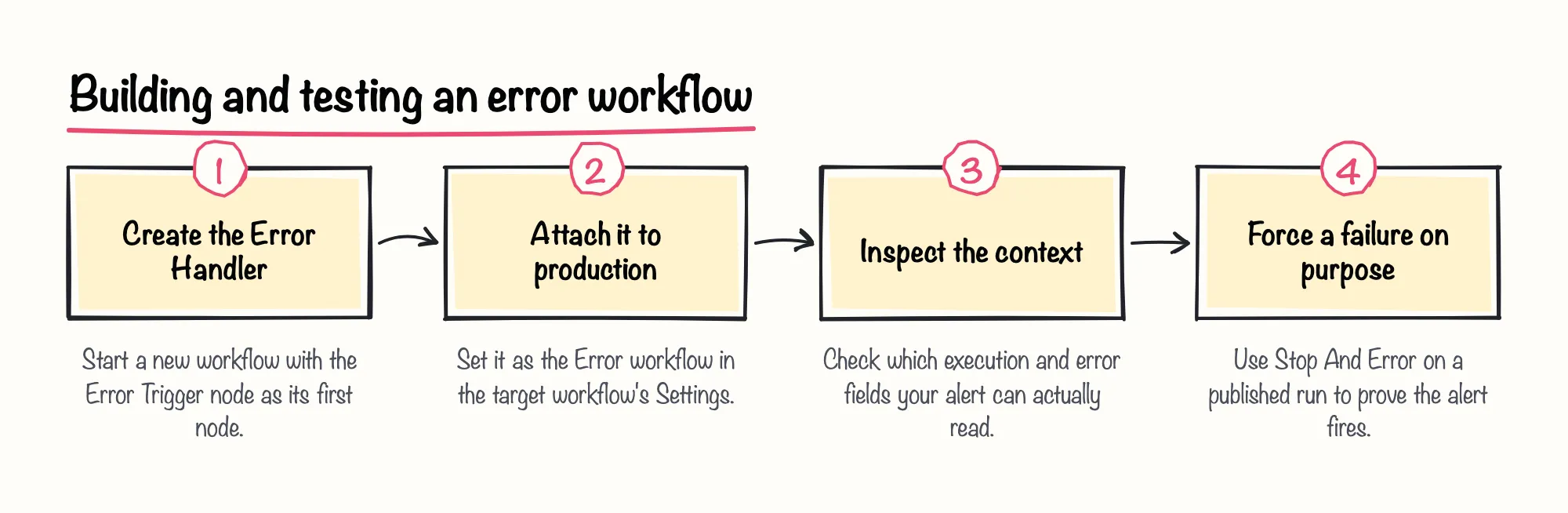
Step 3 is to inspect the context an Error Trigger execution actually receives, since your alerts are only as useful as the fields you read from them. The docs state that execution.retryOf is present only when the execution is itself a retry of a previously failed execution, so it is worth confirming in a test run whether this field is populated for your real failure scenarios.
Step 4 is to force a failure on purpose before you trust the alert path. n8n's documentation describes the Stop And Error node as a way to display a custom error message and make an execution fail under conditions you choose, offering two operations for this: Error Message and Error Object. This matters because the docs are explicit that the Error Trigger does not run when a workflow is executed manually from the canvas; it only fires on automatic, published executions, so a manual test run will tell you nothing about whether your alert actually works.
Independent n8n training content adds some texture here: a community training blog's 2026 description of a companion video says it covers the different error-reaction modes available on every node, such as stop, continue, or continue using the error output. That is the blog author's own summary of a video rather than documented behavior, so treat it as a pointer to explore, not as a verified instruction set.
Sources: Handle errors gracefully | Build | n8n Docs, Error Trigger | Nodes | n8n Docs, Stop And Error | Nodes | n8n Docs, Error Handling in n8n #2 — HTTP Requests and Dedicated Error Workflows [E013], How to Handle Errors in n8n (Error Handling) #1 [E011]
Step 5 to 7: Bound Retries, Add Duplicate Protection and Confirm Your Trigger
Step 5 is to put a hard ceiling on retries so a flaky API cannot stall an execution indefinitely. The docs describe the Wait node's After Time Interval option as pausing execution for a set amount of time, which can be used to build a backoff pause before a retry, and they describe a resume time limit that lets the workflow continue automatically once a specific limit is reached, which bounds the whole sequence. Bounding retries this way is one of the n8n error handling best practices worth setting up before a workflow depends on a flaky external API.
They also note that for wait times under 65 seconds the workflow does not offload execution data to the database, which affects how short retry delays behave in practice. This main guide only sketches the pattern; the group's dedicated articles on the Wait node and on pacing retries against rate limits walk through the backoff design step by step.
- Add a Wait node with a time limit so retries cannot stall an execution indefinitely.
- Treat duplicate-action protection as a separate pre-production check, not part of the retry logic.
- Confirm the workflow has a non-manual trigger and is Published before counting any run as a production test.
Step 6 is to introduce duplicate-action protection as its own pre-production check, separate from retry logic. Our take is that duplicate protection deserves its own checklist line rather than being folded into retry handling, because conflating the two is exactly how a retried request quietly creates a second charge or a second email. The deeper implementation detail, such as idempotency keys and deduplication checks, is covered in this group's dedicated articles on idempotent webhooks and on preventing duplicate API actions.
Step 7 is to know the difference between manual and production executions before you judge any of this as working. The documentation describes manual executions, triggered from the canvas, as a way to test workflow logic ad hoc, while production executions require a non-manual trigger attached and the workflow published with the Publish button. It also states that production executions ignore any data pinned during manual testing, so a manually pinned test case will not carry over once the workflow is live.
Sources: Wait | Nodes | n8n Docs, Types of executions | Build | n8n Docs
Expected Results and Troubleshooting Common Issues

Once this is in place, a failed, published execution should land in your Error Handler workflow with the execution id, URL, error message, and a retryOf field whenever the run is itself a retry. A forced failure from Stop And Error should produce the same alert as a real one, your longest retry sequence should end on its own instead of hanging, and a repeated action should be caught before it duplicates a side effect.
When something does not line up, start with the trigger and publish state, since that is the most common gap: the documentation lists a specific error message for a partial execution attempted without a connected trigger node, which is a useful sign that the workflow is not wired the way you expect. If the Error Trigger never fires during testing, revisit the manual-versus-published distinction covered in Step 4 above.
Sources: Handle errors gracefully | Build | n8n Docs, Error Trigger | Nodes | n8n Docs, Stop And Error | Nodes | n8n Docs, Types of executions | Build | n8n Docs
Where to Go Deeper in This Topic Group
This guide is meant as the entry point into a wider set of reliability questions. Once the basic error workflow and bounded retries are in place, you will likely want a closer look at pacing requests against a rate-limited API, at separating recovery logic from the success path when an HTTP request fails, at storing a stable key so a webhook delivery is never actioned twice even under concurrent retries, and at the pattern of only marking a downstream action as delivered once it is actually confirmed. Each of those is its own practical exercise built on the foundation covered here.