n8n Limitations in Production: What Breaks Once a Workflow Goes Live
n8n limitations that appear in production: scaling limits, data retention, silent failures, testing gaps and licensing, plus a launch checklist.

Checked against the cited sources on .
n8n Limitations: What Changes When a Practice Workflow Becomes a Production Workflow
n8n limitations rarely show up while you are practicing. A workflow triggered by hand, run a few times against sample data, will almost never expose the gaps that matter once real traffic, real customers and real failure modes are involved. The jump from a working prototype to a workflow you trust unattended is where teams evaluating n8n, especially those migrating from Zapier or Make, tend to get surprised.
None of this means n8n is unsuited to production use. It means production readiness is something a team has to build deliberately: n8n gives you the building blocks for scaling and monitoring, but it does not switch them on for you by default. The rest of this guide walks through where these n8n limitations show up and what to check before calling a workflow production-ready.
Scaling and Data Growth: Where Single-Instance n8n Hits a Wall
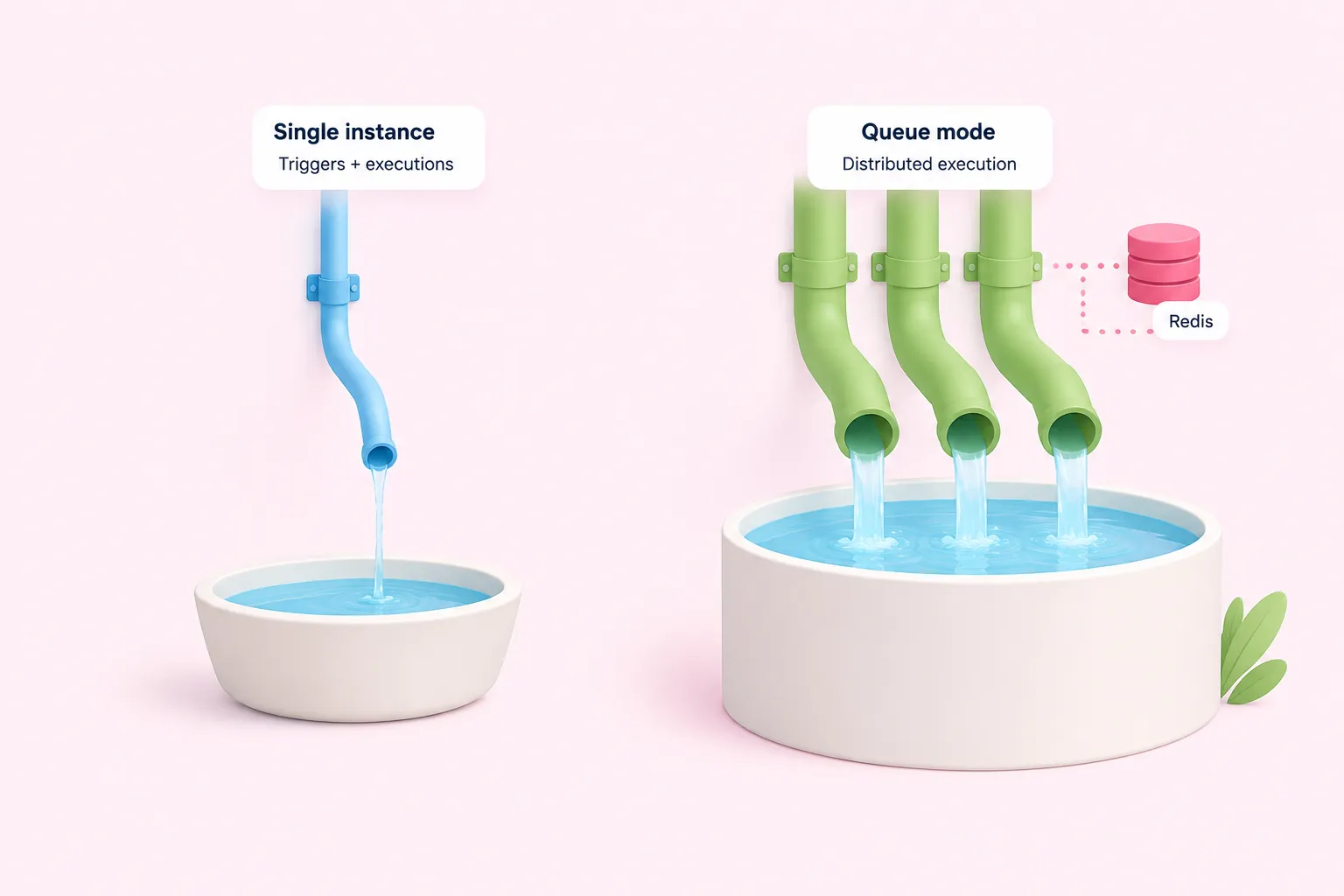
A default n8n install runs as a single instance handling both triggers and executions, and that is fine for low volume. n8n's own scaling documentation describes queue mode, where execution is distributed to separate worker processes coordinated through Redis while the main instance just handles triggers, as the path built for scale rather than an optional extra. The docs describe the architecture without stating at what exact volume a single instance becomes inadequate, so a team has to watch its own execution load rather than rely on a published number.
There is a catch for anyone starting on the default setup: n8n explicitly advises against running queue mode with SQLite, the database most installs use out of the box. A database migration typically needs to happen before queue mode is turned on. High availability for the main process itself, through a multi-main setup, is a self-hosted Enterprise feature and is not available on n8n Cloud at all.
| Setup | How it runs | Documented constraint |
|---|---|---|
| Single main instance | One process handles triggers and executions | No published volume threshold before it becomes inadequate |
| Queue mode | Main process handles triggers; separate workers handle executions via Redis | Not recommended on SQLite, the default database |
| Multi-main (Enterprise, self-hosted) | Multiple main processes for high availability | Not available on n8n Cloud |
Execution history grows quietly in the background too. By default, n8n prunes finished execution data after 14 days, which can delete logs a team assumed were kept for debugging or audit, unless the retention window is deliberately configured to something longer.
Sources: Enable queue mode | Deploy | n8n Docs, Scaling | Deploy | n8n Docs, Manage execution data | Deploy | n8n Docs
Error Handling and the Silent-Failure Gap
n8n will not tell you a workflow failed unless you have set that up yourself. A production workflow needs a dedicated error workflow starting with an Error Trigger node attached to it; without that piece, a failed execution can pass silently. This is a setup step a team has to add per workflow, not a default behavior.
Even that safety net has a gap reported by a practitioner who runs about a dozen n8n workflows in production for his own business: an error workflow only catches executions that actually run and fail. It does not catch a workflow that has simply stopped running entirely, for example after an instance restart quietly deactivates a trigger. Catching that requires a separate heartbeat or monitoring check outside n8n. As he put it in his own account of debugging these failures after they hit his business:
A related gap shows up on webhook-triggered workflows. The same practitioner reports that without a deliberate idempotency check, a retried webhook can be processed twice, triggering repeated actions such as duplicate customer emails. Building in an ID de-duplication step is the practical fix, and it has to be added by the workflow author, not assumed.
Sources: Handle errors gracefully | Build | n8n Docs, Why Your n8n Workflows Break in Production (And 5 Patterns to Fix Them) - DEV Community
Engineering Process and Licensing Limitations
Some of the sharpest n8n limitations surface not in the runtime but in the surrounding engineering process. A vendor review comparing automation tools reports that n8n has no built-in automated testing: no way to define an expected result and run a pass/fail check on a workflow before deploying it, unlike a conventional software CI pipeline. This claim comes from a source with a commercial interest in a competing product and is not independently confirmed by n8n's own documentation in this research, so treat it as a reported gap to verify against current n8n releases rather than a settled fact. The table below summarizes what that same review says engineers typically expect compared with what it reports n8n offers today.
| Engineering expectation | What the vendor review reports n8n offers |
|---|---|
| Automated tests | Manual clicks |
| Test success and failure paths | Pin one sample execution |
| Pass/fail report | Reading execution logs |
The same source describes n8n's Enterprise Source Control feature as limiting teams to two branches and requiring all workflows to be saved together rather than per-workflow, which would constrain git-style collaboration compared to conventional code review. Again, this is a vendor-reported detail, not corroborated here by an official n8n source.
On licensing, the free, self-hosted Community Edition runs under n8n's Sustainable Use License, which restricts use to a business's own internal purposes rather than granting unrestricted resale or redistribution rights, unlike a permissive open-source license. An automation agency that builds production n8n workflows for clients also reports that self-hosting is not zero-maintenance: it estimates 2 to 8 hours a month of ongoing server, database, backup and patch work. That agency's founder still weighs this license boundary and maintenance overhead against what self-hosting buys a team commercially, in his own overall verdict on n8n for production automation:
Sources: Community license | n8n Community license | n8n Docs, n8n's Engineering Limitations: Testing, Version Control, Licensing | PageLines, n8n Review 2026: An Automation Agency's Honest Take
A Practical Production-Readiness Checklist
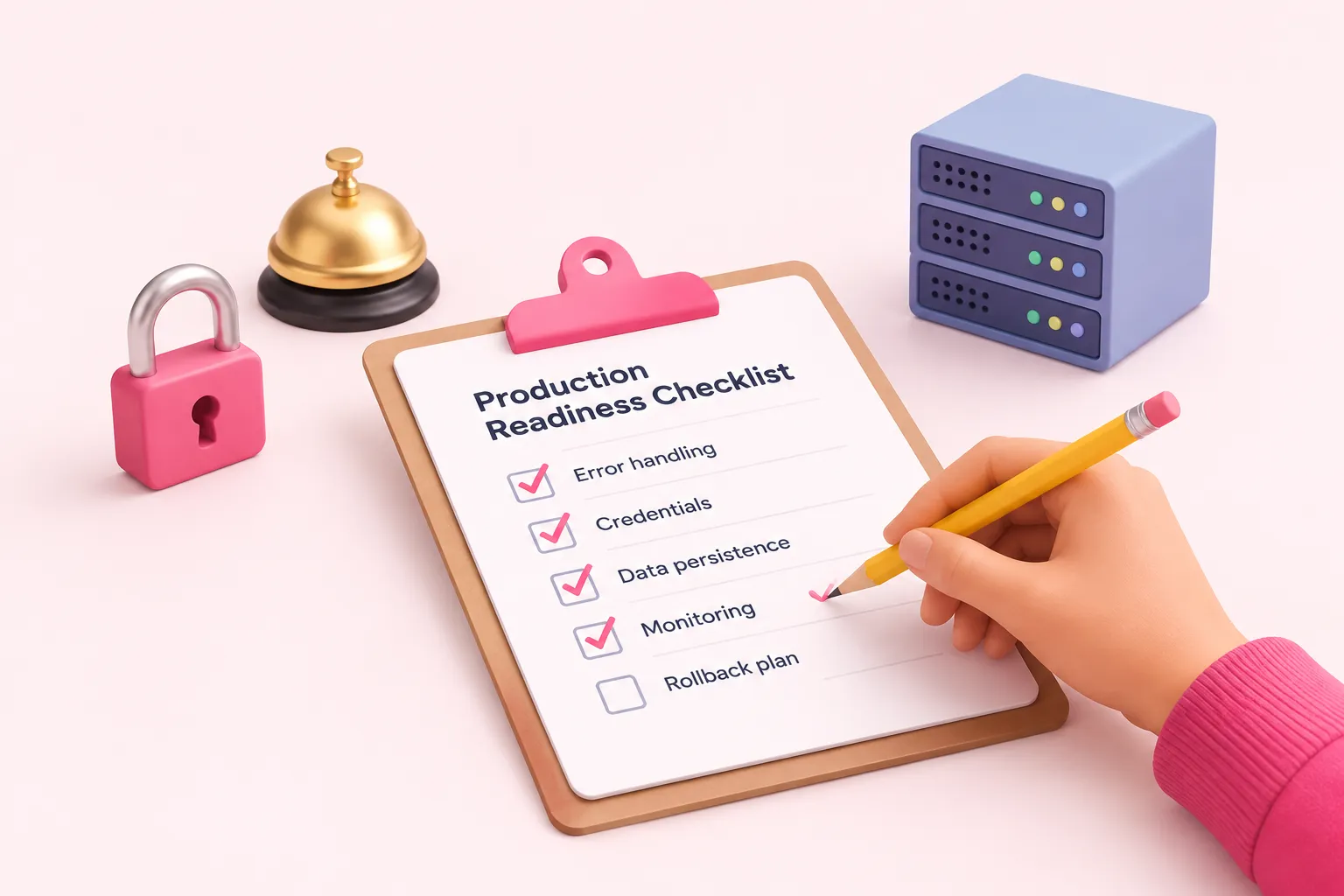
Pulling the sections above together, a team preparing to move an n8n workflow into production can work through a short list before calling it done. None of these steps happen automatically; each one is a deliberate configuration or build decision.
Sources: Enable queue mode | Deploy | n8n Docs, Manage execution data | Deploy | n8n Docs, Handle errors gracefully | Build | n8n Docs, Community license | n8n Community license | n8n Docs, n8n's Engineering Limitations: Testing, Version Control, Licensing | PageLines, Why Your n8n Workflows Break in Production (And 5 Patterns to Fix Them) - DEV Community