n8n Environment Variables and Credentials: Shared Instance Checklist
A checklist for moving a practice workflow to a shared n8n instance: the encryption key, n8n credentials, sharing, project moves and n8n environment variables.

Checked against the n8n documentation on .
Before you start: what moves and what doesn't
You probably built a practice workflow on your laptop, and now your team wants it on a shared or self-hosted n8n instance. This checklist covers the checks that matter most for that move: the encryption key, n8n credentials, sharing and project moves, and n8n environment variables that control access. It is written for technical leads and for teams running n8n at a company.
The scope is limited. This checklist doesn't cover n8n's Variables feature, external secret stores, or exporting and importing between instances. It covers instance configuration and moves between projects inside one instance. The n8n Docs pages it relies on carry no version numbers, so check the defaults and plan availability against the release you run.
As an editorial suggestion, list every credential the workflow uses before you move anything.
Most items below are editorial suggestions. The docs state only two of them as requirements, and the encryption key and credentials sections mark each one where it applies.
Sources: Set a custom encryption key | Deploy | n8n Docs, Credentials | Deploy | n8n Docs
Encryption key checks
The n8n Docs say n8n creates a random encryption key the first time it launches. It stores the key in the ~/.n8n folder and uses it to encrypt credentials before they are saved. You can supply your own key with the N8N_ENCRYPTION_KEY environment variable, but only if no key is in the settings file yet. In queue mode, every worker must have that variable set.
The docs don't describe key rotation, recovery from a lost key or how to migrate to a new key. That is why it helps to decide on the key before the first launch.
The security settings include N8N_ENFORCE_SETTINGS_FILE_PERMISSIONS, which defaults to false. When you set it to true, n8n tries to set 0600 permissions on the settings file that holds the key. The docs say it tries, so the result isn't guaranteed. This setting only applies to self-hosted instances.
Sensitive variables can take a _FILE suffix, which makes n8n read the value from a separate file. The docs don't list every variable that supports this suffix, so check the table in the docs for the key variable before you depend on it.
Sources: Set a custom encryption key | Deploy | n8n Docs, Credentials | Deploy | n8n Docs, Security | Deploy | n8n Docs
n8n credentials checks
If you use credential overwrites, check CREDENTIALS_OVERWRITE_PERSISTENCE. It defaults to false. According to the n8n Docs, you need it in multi-instance or queue mode so that overwrites reach the workers. If you don't use overwrites, you can skip it.
Once the workflow is on the shared instance, we suggest recreating each credential there. Give each one a clear name so teammates can tell which service and which account it connects to. The naming convention is an editorial suggestion, not something the docs require.
Sources: Credentials | Deploy | n8n Docs
Sharing and project checks
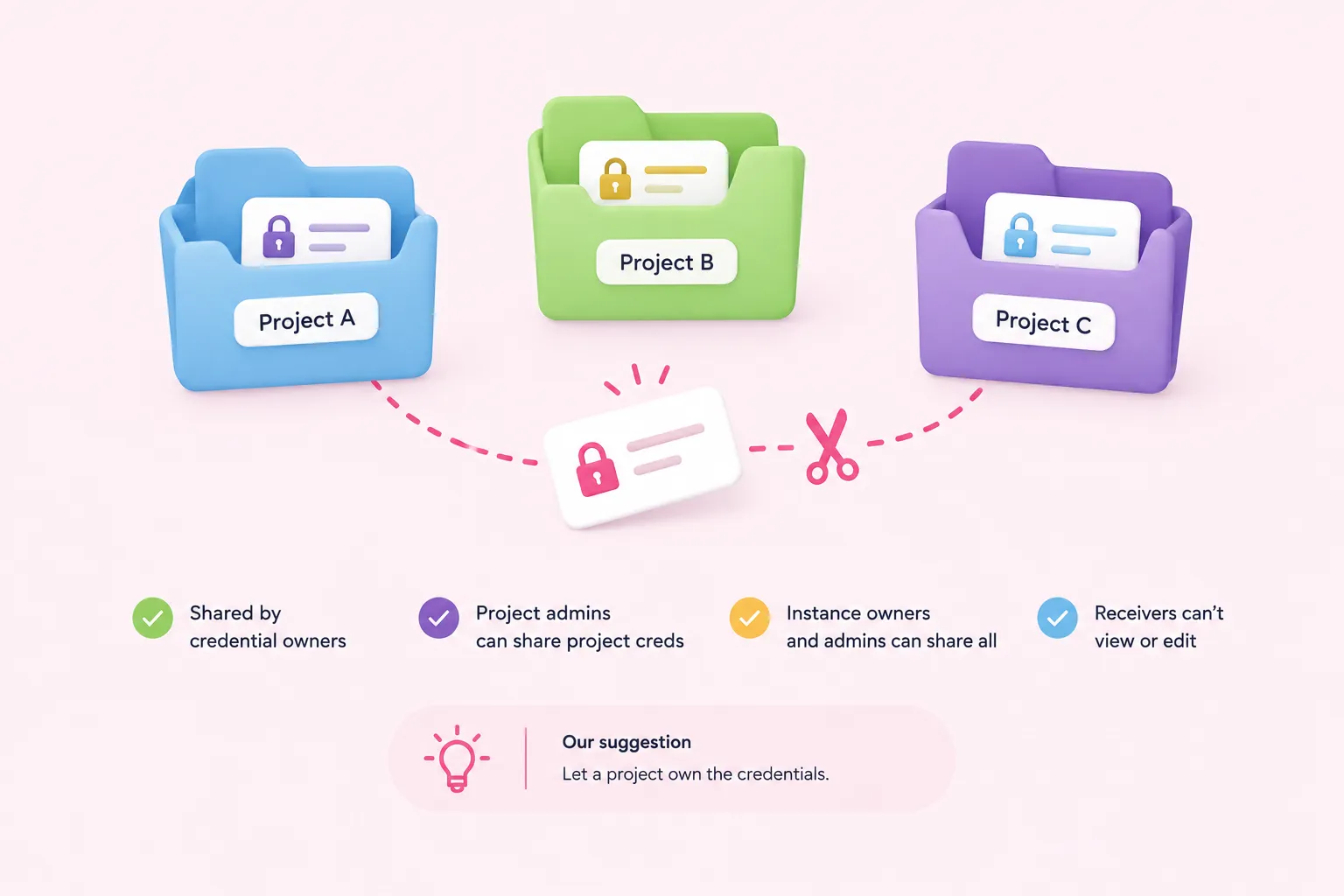
Before you rely on sharing, confirm your plan supports it. Plan availability can change, so check it for your own edition.
| Feature | n8n Cloud | Self-hosted |
|---|---|---|
| Credential sharing | All plans | Business, Enterprise |
| Projects and RBAC | All plans | Registered Community, Business, Enterprise |
| Project and role limits | Vary by plan; numbers not documented | Vary by plan; numbers not documented |
A few rules from the n8n Docs matter here. Users can share credentials they own. For a credential owned by a project, only project admins can share it. Instance owners and admins can view and share every credential. A user who receives a shared credential can't view or edit its details. As an editorial suggestion, have a project own the credentials rather than one person.
Moving a workflow or a credential removes all of its existing sharing. A workflow may also stop working if the credentials it needs aren't available in the target project.
A suggested order for a project move
- Check the plan: Confirm that your edition supports projects and sharing.
- Place the credentials: Make sure the target project can use the credentials the workflow needs.
- Move: Move the workflow into the target project.
- Re-share: Share the workflow and credentials again.
- Re-run: Run the workflow once to confirm it still works.
Sources: Share credentials securely | Administer | n8n Docs, Organize work in projects | Administer | n8n Docs
Environment variable and file access hardening
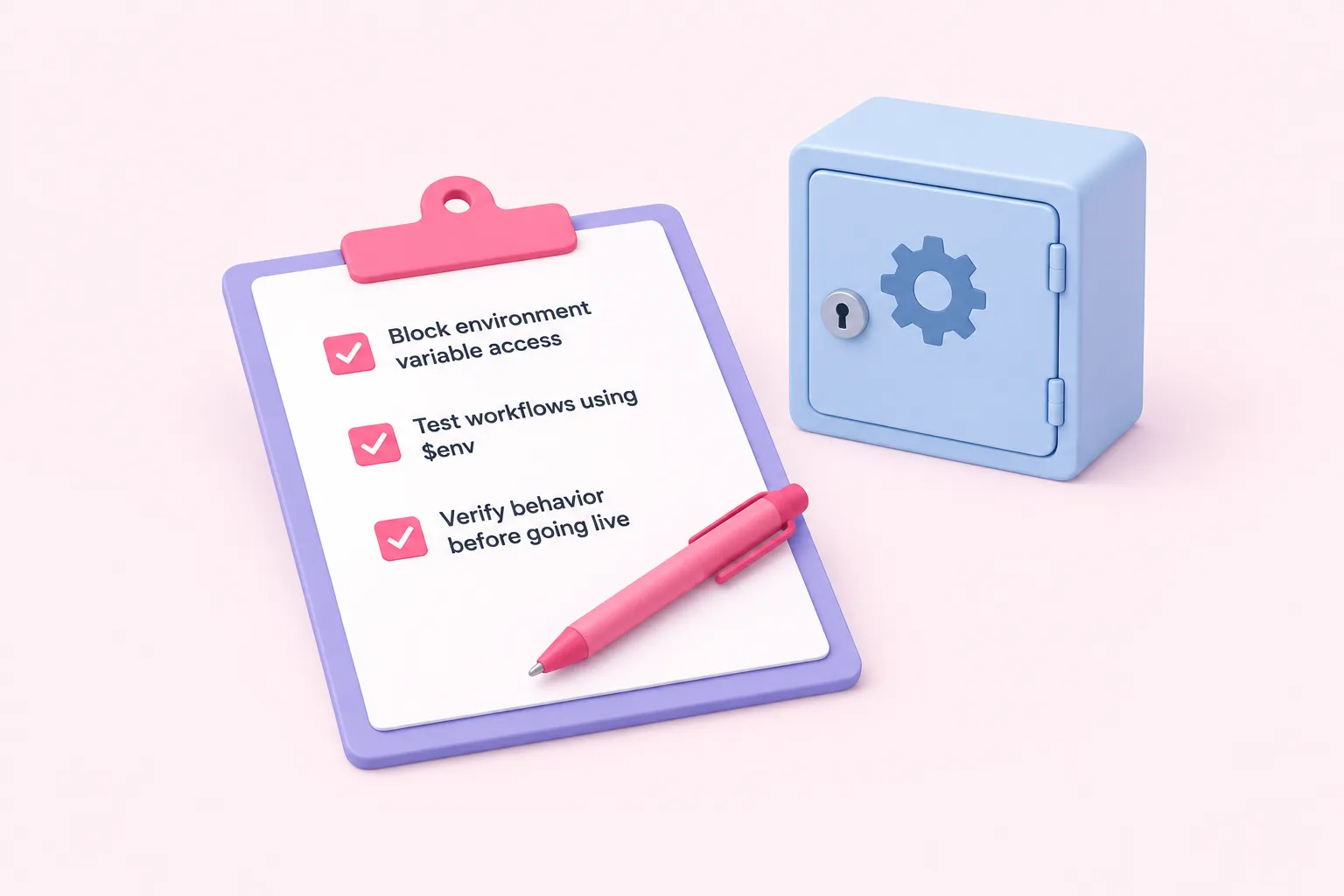
N8N_BLOCK_ENV_ACCESS_IN_NODE defaults to false in the current n8n Docs. With that default, users can read n8n environment variables in expressions and in the Code node. On a shared instance, you might set it to true so users can't read them. Whether to block this access is an editorial choice.
If you block access, test every workflow that uses $env before you tell people it's live. Any workflow that reads n8n environment variables through $env stops getting those values once access is blocked.
Sources: Security | Deploy | n8n Docs
What done looks like, and troubleshooting
A section is done when you have ticked every item in its checklist and the workflow runs on the shared instance under its intended project. If a workflow stops working after a move, work through the causes in this table. They are suggestions for where to look first, not a complete diagnosis.
| Symptom | Checklist to revisit |
|---|---|
| Workflow stops working after a project move | Sharing and project checks: placing the credentials |
| Teammates lost access | Sharing and project checks: re-sharing step |
| Workers can't use credentials in queue mode | Encryption key checks: key on every worker |
| Overwrites ignored on workers | n8n credentials checks: overwrite persistence |
| Expressions or Code nodes can't read env values | Environment variable and file access hardening |
Sources: Set a custom encryption key | Deploy | n8n Docs, Credentials | Deploy | n8n Docs, Security | Deploy | n8n Docs, Organize work in projects | Administer | n8n Docs