n8n Community RBAC: A Manual Access-Control Checklist
A checklist for n8n community rbac gaps: what Community edition lacks and what to enforce by hand, without paid roles or n8n SSO on Community Edition.

Checked against the cited sources on .
Confirm What Community Edition Actually Includes and Excludes
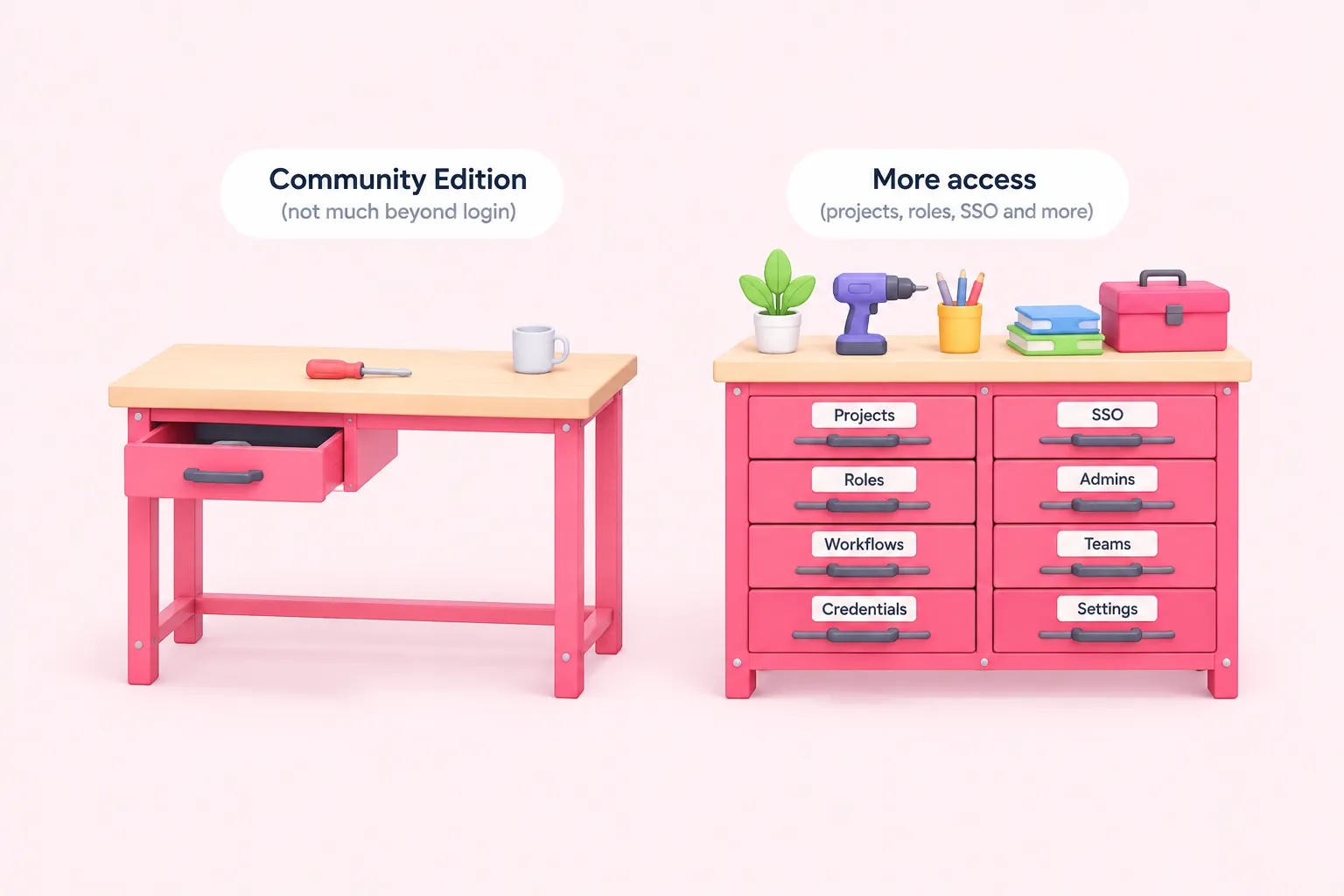
If you're googling n8n community rbac because you're not sure what your free, self-hosted n8n instance actually protects, the short answer is: not much beyond login. n8n's own documentation states that on self-hosted Community edition, workflow and credential sharing is not included, so only the instance owner and whoever created a workflow or credential can open it, according to n8n's documentation. Everyone else working on that instance either shares a login or works blind to what colleagues have built.
That single sentence does not tell the whole story n8n gives about itself. A separate n8n page on organizing work in projects states that RBAC through projects is available on self-hosted Registered Community edition as well as Business, Enterprise and all n8n Cloud plans. The two pages do not agree, and no n8n source here resolves the contradiction, so treat both as current documentation and verify against n8n's pricing page before building a plan around either reading.
What is consistent across n8n's documentation is that custom roles, at either the instance or project level, sit behind the Enterprise plan on n8n Cloud or self-hosted, and n8n's pricing comparison lists admin roles as a Pro-tier addition above Starter. If you're also asking about n8n SSO on Community Edition, that feature sits outside what these project and RBAC pages document here, so check n8n's current pricing page directly rather than assuming either way.
| Feature | Community (self-hosted) | Business / Pro | Enterprise |
|---|---|---|---|
| Workflow & credential access | Only the instance owner and the creator, per n8n's docs | Sharing available | Sharing available |
| Projects / RBAC | n8n's docs disagree: one page excludes it, another includes Registered Community | Available | Available |
| Custom roles (instance or project) | Not available | Not available | Available |
| Admin roles | Not listed for Community | Introduced at Pro tier | Available |
| External secret stores | Not available | Not available | Available |
Sources: Compare editions | Deploy | n8n Docs, Organize work in projects | Administer | n8n Docs, Set permissions and roles (RBAC) | Administer | n8n Docs, Share with others | Build | n8n Docs, Use external secret stores | Administer | n8n Docs, n8n Plans and Pricing - n8n.io
Compensate for the Single-Owner, Single-Admin Access Model
Because Community edition has no RBAC roles beyond its basic owner-and-member split, the account that signs in as owner is, in practice, the only account with full reach. n8n's own best-practices guidance recommends that the instance owner create a separate member-level account for themselves, because there is no way to see who created a particular workflow if the owner builds it directly, according to n8n's documentation.
Community reports back this up from the outside. In a September 2025 community forum thread, a self-hosted user reports that only the single Owner can perform certain admin actions on Community edition, which pushes some teams toward sharing the Owner login or spinning up extra instances as a workaround. A June 2026 thread from an agency user describes the same shape: without RBAC or project sharing, only the admin sees every workflow, while everyone else sees only their own.
We'd treat that owner login the way you'd treat a server's root password, not a shared team bookmark: the fewer people who ever type it in, the fewer ways a single mistake reaches every credential on the instance.
This pattern isn't unique to self-hosted deployments. Linx Security's own blog post, describing a test on n8n Cloud, states that an instance admin was able to run a workflow using another user's stored credential without that user's involvement.
Sources: Follow best practices | Administer | n8n Docs, Allow multiple Admins on self-hosted (Community) - Feature Requests - n8n Community, Scaling n8n as an agency: collaboration & access-control options? - General - n8n Community, n8n Credential Sharing | Linx Security
Segregate Credentials Without Built-In Sharing or a Secrets Vault
Credentials are where the single-owner model turns from an abstract risk into a daily inconvenience. n8n's documentation states that sharing a credential with another user or project is available on n8n Cloud and on self-hosted Business and Enterprise, meaning Community edition has no built-in way to let two people use one login for a shared CRM or email account. This is the credential-sharing half of the same n8n community rbac gap covered above, and workflow sharing follows the identical pattern.
External secret-store integration, plugging n8n into tools like 1Password, AWS Secrets Manager, Azure Key Vault, HashiCorp Vault or Infisical, is also an Enterprise-only feature on n8n Cloud or self-hosted, per n8n's documentation. One mechanism n8n's docs list without stating an edition restriction is credential overwrites, which sets credential data globally on a self-hosted instance; the documentation does not explicitly confirm this works on unregistered Community edition, so verify it on your own instance version before relying on it.
- Write a credential-naming convention before a second builder joins, for example CLIENT | SERVICE | PURPOSE; done once every active credential follows that pattern
- Give each credential a visible owner in that name, since n8n won't enforce ownership for you
- Keep personal and shared-service credentials in clearly distinct name patterns
- Re-test credential overwrites on your own instance version before relying on it for anything global
Sources: Share credentials securely | Administer | n8n Docs, Share with others | Build | n8n Docs, Use external secret stores | Administer | n8n Docs, Manage credentials | Administer | n8n Docs
Enforce Workflow Ownership and Handoff Conventions by Hand
Once more than one person builds on the same Community edition instance, ownership gets fuzzy fast. The separate owner account habit described above is n8n's own recommended first line of defense here too, so treat it as instance hygiene rather than a one-time setup step.
A spreadsheet or a ticket field recording who owns each workflow sounds almost too simple, but we think it's the right amount of process for a small team: it costs nothing to start, and it's easier to keep honest than a formal review gate nobody has time to run.
One related detail is worth knowing even though it isn't an access-control feature on its own: n8n's documentation states that webhook paths must be unique across an entire instance, for all workflows and all users, so if two people's workflows share a path, only the first one that ran or was published keeps working and the other errors. On a shared Community edition instance with no projects to separate things, that collision is easy to hit by accident.
Sources: Follow best practices | Administer | n8n Docs
Substitute for Missing Version Control and Audit Trail
Community edition's limits don't stop at who can open a workflow; they also affect how you'd ever reconstruct what changed and when, since the features already covered here are what would normally carry that information. As editorial advice rather than a documented n8n feature, we'd suggest exporting workflows as JSON into a private git repository on a regular cadence, giving the team some change history even without built-in version control.
Alongside that, keep a lightweight deployment log: a timestamp, the workflow name, who approved it, and a version hash, for anything promoted from a build instance to a client or production instance. Treat it as complete once every production promotion has a matching entry, not just the ones you remember to log. It won't replace a real audit log, but it gives you something concrete to point to when a workflow behaves differently than anyone remembers configuring.
Sources: Compare editions | Deploy | n8n Docs, Follow best practices | Administer | n8n Docs
Use Instance or Environment Separation as an Access Boundary
If conventions alone feel too fragile once a third or fourth person starts building, the more durable fix on Community edition is separation by instance rather than by role. A shared sandbox for experimentation plus isolated per-client or per-team instances gives the team a real boundary that doesn't depend on anyone remembering a naming rule, at the cost of more infrastructure to run.
We think this is worth doing earlier than it feels necessary: it's far easier to split instances before a team has outgrown one shared login than to untangle shared credentials and workflows after the fact.
This is also where the earlier gap keeps resurfacing: n8n's documentation describes only the instance owner and creator having access on Community edition, so splitting instances doesn't just organize work, it limits how far one compromised login or one careless admin action can reach.
Sources: Compare editions | Deploy | n8n Docs
When n8n Community RBAC Gaps Mean You Should Pay for Roles
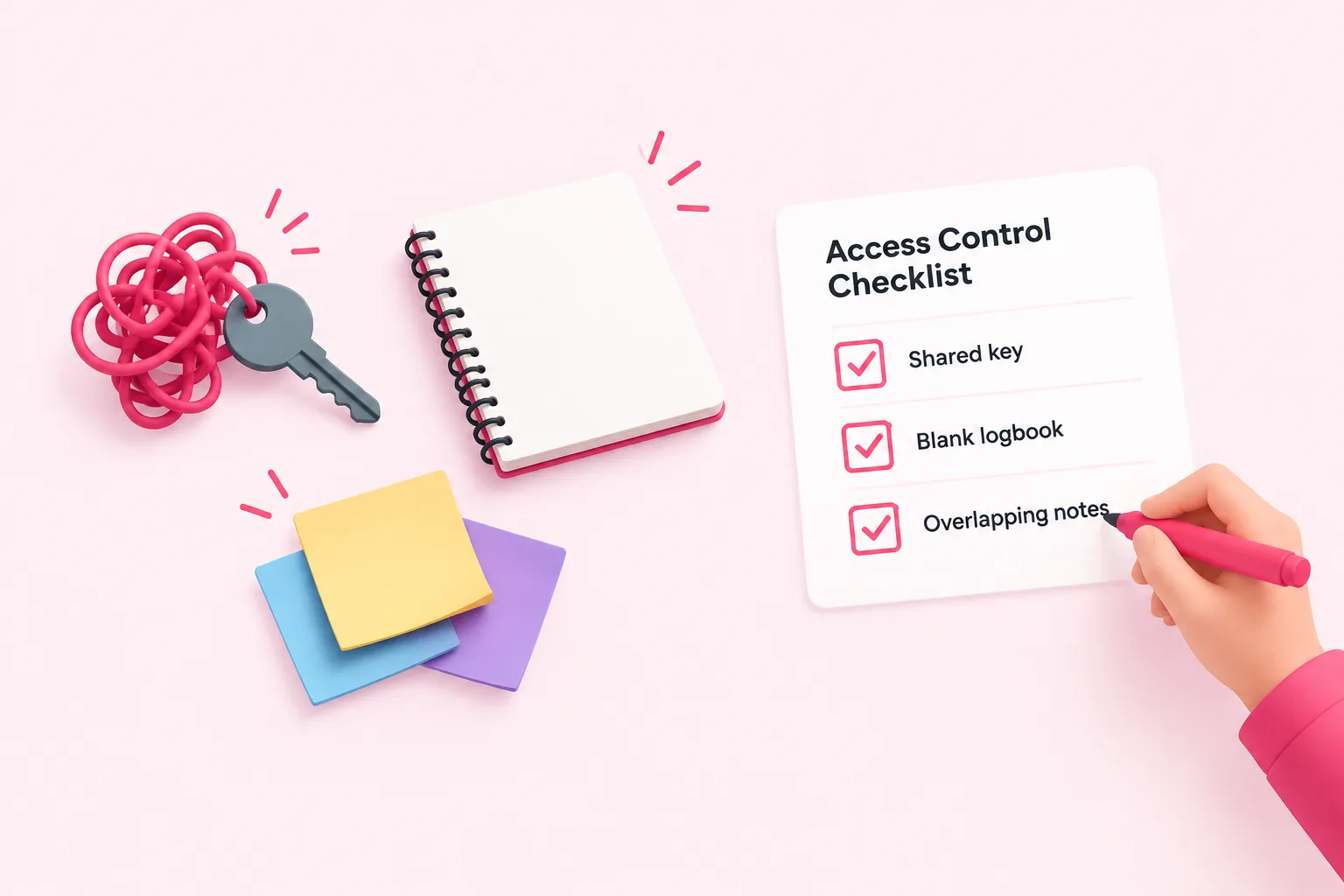
None of these workarounds are permanent fixes, and the table earlier in this checklist already maps where these n8n community rbac gaps close behind paid tiers, according to n8n's own documentation.
Rather than re-listing which tier unlocks which role, treat the checklist below as the practical trigger: when several of these signals apply at once, it's time to act regardless of which documentation page you're reading.
Sources: Set permissions and roles (RBAC) | Administer | n8n Docs, n8n Plans and Pricing - n8n.io