n8n Audit Logs: Which Plan Shows Who Changed a Workflow
n8n audit logs explained: what gets recorded, how RBAC ties changes to an identity, and which n8n enterprise plan gives your team a full change trail.

Checked against the n8n documentation on .
The practical question: what gets logged, and who can see it
When a workflow breaks in production or a credential goes missing, the first question an ops team asks is: what changed, and who changed it? n8n audit logs are meant to answer exactly that, but the honest answer is that "audit logs" in n8n actually covers several separate features with separate licensing requirements, and knowing the difference determines which n8n enterprise plan you actually need before you can trust the answer.
This guide walks through what n8n records today, which roles carry the identity behind an action, and which edition unlocks the full picture — useful context whether you're weighing n8n for enterprise deployment or explaining to a security reviewer why Community edition alone won't produce a change trail.
What n8n audit logs record today: Audit events and Log Streaming
n8n's structured audit trail is produced by a feature called Log Streaming, which emits a stream of Audit events whenever something meaningful happens to a workflow or an MCP server, according to n8n's documentation.
- Workflow events such as created, updated, deleted, archived, activated and deactivated
- MCP server events, available from n8n 2.34.0 on self-hosted instances
Log Streaming, and the n8n audit logs it produces, is gated to the Enterprise tier on both n8n Cloud and self-hosted. Community edition includes basic Logging, but explicitly excludes Log Streaming, so below Enterprise there's no structured audit trail to rely on for change tracking.
One configuration detail is worth knowing before you turn this on: if a destination has anonymizeAuditMessages enabled, the emitted event strips the user's email and display name but still leaves the userId and authType intact, so actions stay traceable to a specific account even with names hidden. Self-hosted teams running n8n 2.34.0 or later also get MCP-specific audit events covering OAuth completion, tool calls and access toggles for instance-level MCP servers; earlier versions don't emit these.
Sources: Stream logs to external systems | Administer | n8n Docs, Compare editions | Deploy | n8n Docs
Who did it: RBAC roles behind every action
An audit event is only useful if it's tied to a real identity, and that depends on n8n's role-based access control. Project-level access control — deciding who can view or edit which workflows — is available broadly: every n8n Cloud plan and self-hosted Registered Community, Business and Enterprise editions all support it.
Finer control needs a higher tier. The Project Editor role, able to create, edit and delete workflows inside a project, requires Cloud Pro or self-hosted Enterprise. A read-only Project Viewer role, useful for giving an auditor visibility without edit rights, requires Cloud Enterprise or self-hosted Enterprise. Custom instance and project roles beyond the built-in Admin, Editor and Viewer set are Enterprise-only on both Cloud and self-hosted.
| Role or control | n8n Cloud | Self-hosted | What it gives a team |
|---|---|---|---|
| Project access control | All plans | Registered Community, Business, Enterprise | Restrict who can view or edit a workflow |
| Project Editor | Pro | Enterprise | Create, edit and delete workflows in a project |
| Project Viewer | Enterprise | Enterprise | Read-only access, useful for an auditor |
| Custom instance/project roles | Enterprise | Enterprise | Finer-grained governance than the default roles |
On unregistered self-hosted Community edition, there is no sharing model at all: only the instance owner and whoever originally created a workflow or credential can access it. That default restricts access, but it produces no record of what changed or by whom.
Sources: Set permissions and roles (RBAC) | Administer | n8n Docs, See available roles | Administer | n8n Docs, Compare editions | Deploy | n8n Docs
Workflow history vs. the audit log
A separate feature, full workflow version history, shows what changed inside a workflow's definition and lets you restore an earlier version. Like Log Streaming, it is Enterprise-only on both n8n Cloud and self-hosted.
The two trails don't fully overlap. Workflow history captures full definition changes — node and parameter edits, restores, Git pulls — but changing only a workflow's settings does not create a new trackable version. n8n's documentation doesn't say whether a settings-only change shows up in the Audit event stream instead, so treat that as an open question rather than an assumption when you're relying on either trail for a compliance review.
Sources: View change history | Build | n8n Docs
Which plan unlocks full visibility
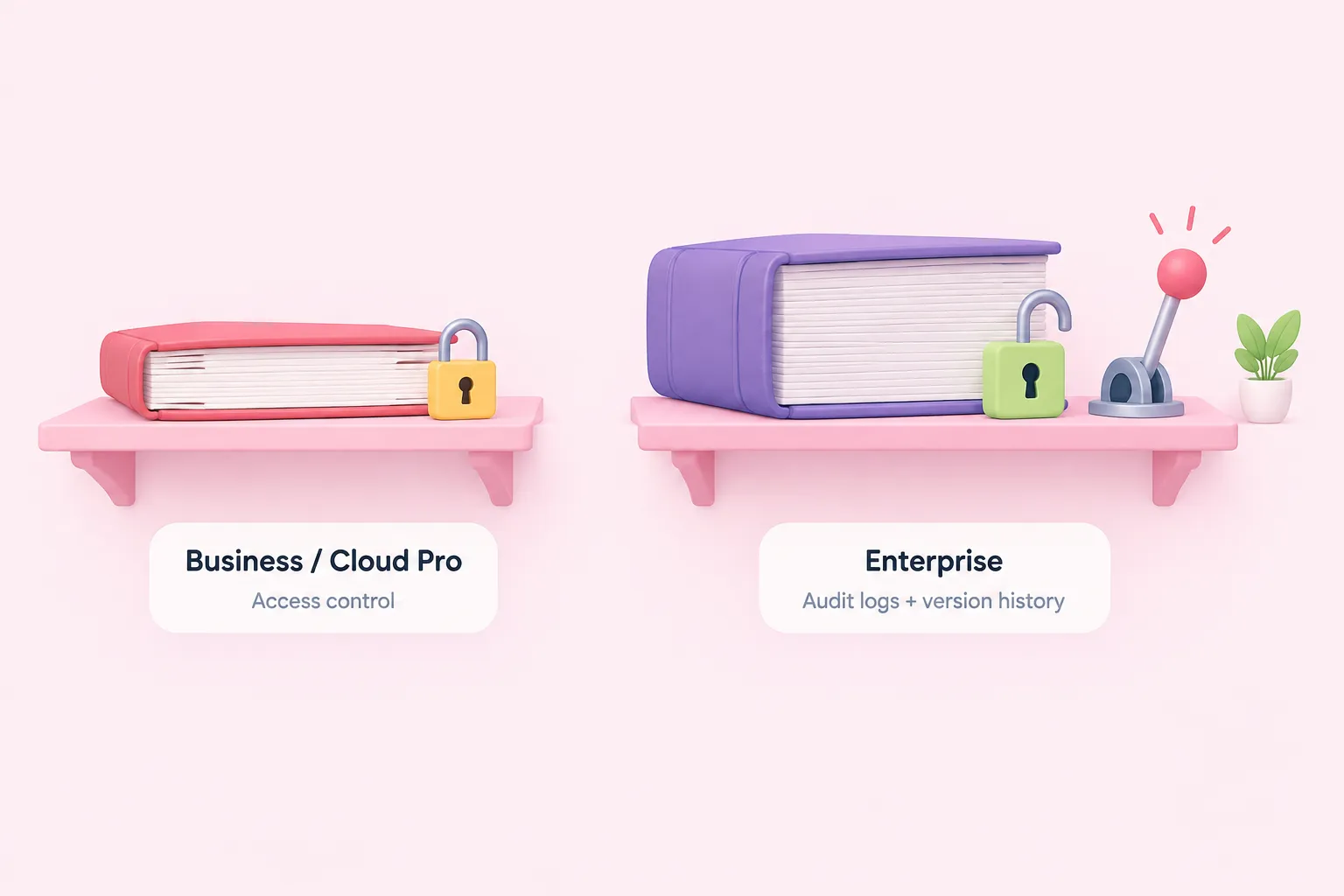
Put together, seeing who changed a workflow in n8n is not one feature but a bundle of them, and most of that bundle — the part that actually produces n8n audit logs and a restorable history — sits at the top of the pricing ladder on both n8n Cloud and self-hosted. The table below lines up the pieces covered so far.
| Feature | n8n Cloud | Self-hosted |
|---|---|---|
| Log Streaming / Audit events | Enterprise | Enterprise |
| Full workflow version history | Enterprise | Enterprise |
| Project access control | All plans | Registered Community, Business, Enterprise |
| Project Viewer (read-only) | Enterprise | Enterprise |
| Custom instance/project roles | Enterprise | Enterprise |
The practical implication for anyone weighing n8n enterprise use cases against a cheaper tier is that Business or Cloud Pro gets you access control, but not the audit trail or version history that a compliance review usually expects.
Sources: Stream logs to external systems | Administer | n8n Docs, View change history | Build | n8n Docs, Set permissions and roles (RBAC) | Administer | n8n Docs, See available roles | Administer | n8n Docs, Compare editions | Deploy | n8n Docs
Practical recommendation for a growing team

Given the mapping above, treat "seeing who touched what" as two separate purchases rather than one line item: the Audit event stream and full Workflow History are both gated to Enterprise on Cloud and self-hosted, so a Business plan alone will not close the gap.
In the meantime, a few concrete steps narrow the risk without waiting on a licensing decision.
Sources: Stream logs to external systems | Administer | n8n Docs, View change history | Build | n8n Docs, Set permissions and roles (RBAC) | Administer | n8n Docs, Compare editions | Deploy | n8n Docs
Limitations and open questions
A few gaps are worth flagging plainly. None of n8n's documentation used here describes field-level diffs inside an audit event — you learn that a workflow was updated, not exactly which parameter changed. Exact retention windows for workflow history on non-Enterprise tiers also exist in n8n's docs but aren't detailed here; check n8n's own documentation directly for current numbers.
The Log Streaming documentation referenced above is also a partial excerpt, so further configuration detail may exist beyond what's summarized.