RBAC Meaning in n8n: When a Small Team Needs It
A plain-language look at rbac meaning in n8n: instance and project roles, plan requirements, and when a small team actually needs role-based access control.

Checked against the cited sources on .
What Is RBAC Access Control, in General Terms
If you're trying to pin down the rbac meaning before rolling it out on a team, the concept doesn't start with n8n. Role-based access control assigns each user one or more roles, and each role carries a defined set of privileges, according to NIST's Computer Security Resource Center. Rather than granting access person by person, you assign roles, and the roles carry the permissions.
The point of RBAC, in general, is to manage security at a level that mirrors how the organization is actually structured, instead of maintaining a separate access list for every person and resource. This description comes from a general, non n8n-specific NIST project page, which the source itself notes is archived and no longer updated, but the underlying logic is exactly what n8n's own permission system follows.
Sources: Role Based Access Control | CSRC
How n8n Implements RBAC: Instance Roles vs. Project Roles
n8n applies RBAC at two separate levels. Instance roles determine what a user can do across the entire n8n instance — things like inviting people or managing global settings. Project roles determine what that same person can do inside one specific project, which is where day-to-day workflow building actually happens.
Out of the box, n8n's instance roles are Owner, Admin and Member. Fully custom instance and project roles, where you define permissions beyond those defaults, are an Enterprise-only feature on both n8n Cloud and self-hosted n8n — the built-in roles are what everyone else works with.
Sources: Set permissions and roles (RBAC) | Administer | n8n Docs
Project Roles in Practice: Admin, Editor, Viewer
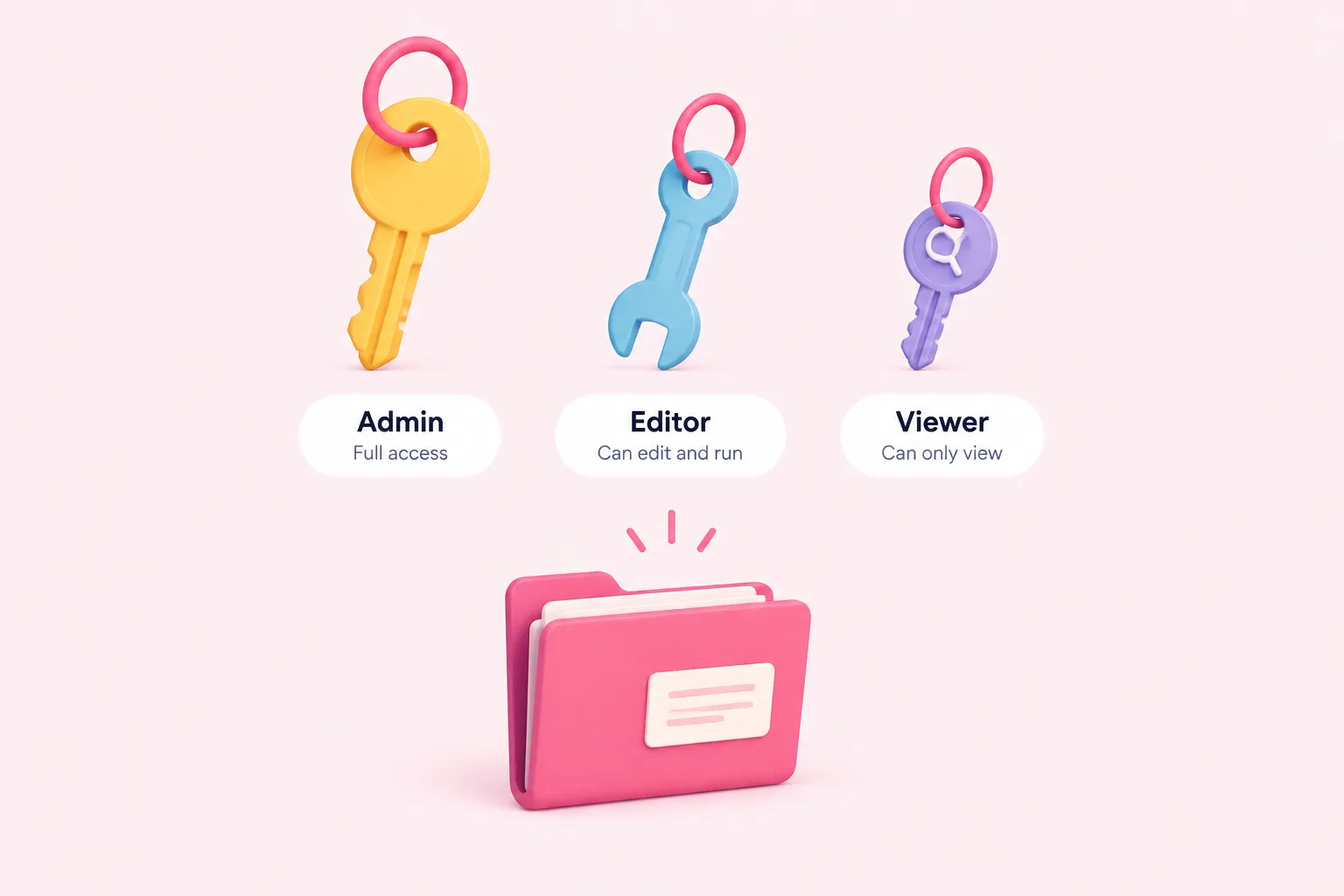
Inside a project, n8n offers three roles: Admin, Editor and Viewer. They decide who can edit, run or merely look at that project's workflows.
| Role | Can do | Cannot do |
|---|---|---|
| Admin | Manage project settings and members, plus edit and run workflows | Nothing restricted within the project |
| Editor | Build, edit and run workflows in the project | Manage project settings or members |
| Viewer | Open and read workflows for visibility or audit purposes | Manually run any workflow in the project |
The Viewer role is stricter than it might sound: viewers can open and read a project's workflows, but they cannot manually execute even the ones they're allowed to see.
Sources: See available roles | Administer | n8n Docs
What Plan or Edition Each Role Level Requires
None of this is available everywhere by default. The free self-hosted Community edition has no project or sharing system at all: only the instance owner and whoever created a given workflow or credential can access it, so there's no role to assign in the first place.
Projects and sharing — the mechanism RBAC depends on — unlock on self-hosted Business and Enterprise plans, and on n8n Cloud according to its own feature table. n8n's pricing page frames this as role-based access control that ensures 'the right level of permissions' for each teammate. Even the entry-level Cloud Starter plan includes one shared project, and Cloud Pro adds a third shared project along with a named Admin roles feature.
The Editor role specifically — letting someone edit and run workflows without managing the project — is only available on n8n Cloud Pro or self-hosted Enterprise. Note that n8n's pricing page carries no explicit publication date in what's documented here, so treat plan names and inclusions as accurate only as of when this was checked, and confirm against the live pricing page before committing budget.
| Edition or plan | Projects and sharing | Roles available |
|---|---|---|
| Self-hosted Community | Not available — only the instance owner and each workflow's creator have access | No role system |
| Self-hosted Business | Enabled | Admin (Editor and Viewer require Enterprise) |
| Self-hosted Enterprise | Enabled | Admin, Editor, Viewer, plus custom instance and project roles |
| n8n Cloud Starter | 1 shared project included | Basic project roles |
| n8n Cloud Pro | 3 shared projects, named Admin roles feature | Project Editor role included |
Sources: See available roles | Administer | n8n Docs, Compare editions | Deploy | n8n Docs, n8n Plans and Pricing - n8n.io
What RBAC Does Not Cover in n8n
Roles don't reach every corner of an n8n instance. Variables and tags aren't scoped by RBAC at all — they stay global and visible across the whole instance no matter which project roles you've assigned. Keep naming conventions and review discipline for those separately rather than assuming roles lock them down too.
Sources: See available roles | Administer | n8n Docs
Scenario: One Shared Workflow, Different Rights Across Roles

Picture one production workflow that three people touch differently — this is a suggested scenario to reason through, not a documented n8n case study. An engineering manager needs to see it stayed green overnight, a developer needs to fix a broken node, and a stakeholder just wants confirmation it ran.
One shared workflow, three sets of rights
- Admin: Manages who has access to the project and can edit or run the workflow at will.
- Editor: Opens the workflow, fixes the broken node and runs it again, without touching project membership.
- Viewer: Checks the execution history to confirm the run succeeded, but cannot trigger it manually.
Sources: See available roles | Administer | n8n Docs
When a Small Team Actually Needs RBAC
So when does the rbac meaning actually translate into a purchase decision? No official n8n source names a specific team-size threshold — what follows is editorial judgment based on documented feature availability, not a vendor recommendation.
Sources: See available roles | Administer | n8n Docs, Compare editions | Deploy | n8n Docs
Practical Next Steps for Standardizing Permissions Across a Growing Team
Before rolling roles out to a growing team, get the map of who needs what down on paper. That's what turns the rbac meaning discussed above into an actual setup instead of a guess.
Sources: See available roles | Administer | n8n Docs