MCP integration testing checklist for n8n tools
Use this MCP integration testing checklist to verify an existing n8n tool’s discovery, arguments, results and failures before adoption and after changes.

Checked against the cited sources on .
Define your MCP integration testing fixture
MCP integration testing should check an existing n8n MCP Server Trigger tool in both an inspection tool and its intended client. This checklist proposes editorial acceptance gates: connect, inspect the contract, compare calls with expected results, exercise failures and repeat in the client. These are suggested team checks, not mandatory MCP standards or evidence that a particular workflow has passed.
Start with a representative read-only fixture. The MCP project’s Inspector CLI guide recommends choosing a tool that is read-only, idempotent and cheap to call repeatedly. Record the following before testing; completion means another developer can reproduce the same case.
We think a small fixture with an explicit expected result is a better starting point than an impressive agent conversation.
Sources: inspector/docs/cli-smoke-testing.md at main · modelcontextprotocol/inspector · GitHub
Check connectivity and the discovered contract
n8n documents SSE and streamable HTTP for MCP Server Trigger connections; direct stdio is unsupported. It distinguishes test and production URLs and registers the production endpoint when the workflow is published. Mark connectivity complete when Inspector connects to the intended environment. If it fails, check transport and publication before investigating tool logic.
The MCP project’s Inspector documentation, archived in April 2025, describes discovering tools, inspecting descriptions and schemas, calling tools with custom input and inspecting results. Use that historical guidance as an inspection workflow, rather than current interface instructions. The following discovery checks define our suggested completion gate.
This checklist assumes an already configured endpoint. Installation, initial authentication setup, proxy configuration, queue-mode deployment and instance-wide MCP are outside its scope.
Sources: n8n-docs/docs/integrations/builtin/core-nodes/n8n-nodes-langchain.mcptrigger.md at main · n8n-io/n8n-docs · GitHub, docs/docs/tools/inspector.mdx at main · modelcontextprotocol/docs · GitHub
Verify arguments, results and controlled failures
For MCP server integration testing, write each expected response before making the call. MCP TypeScript SDK v2 documentation says arguments must satisfy inputSchema; this does not establish that every n8n tool enforces every constraint. Test the actual endpoint. The table below is a suggested case set for MCP integration testing, not a validated test instrument.
| Case | Input to prepare | Expectation to record |
|---|---|---|
| Valid input | Known fixture values | Expected content and fields |
| Missing argument | Omit a required field | Expected rejection |
| Wrong type | Replace a value’s type | Expected rejection |
| Boundary value | A documented contract limit | Expected acceptance or rejection |
| Controlled failure | A safe simulated dependency failure | Expected failure response |
For valid calls, compare returned content and any structured fields against the fixture, rather than accepting any nonempty response. For negative cases, the Inspector CLI guide recommends explicitly asserting the expected refusal. An unreachable server or crash does not count as a successful rejection.
The MCP TypeScript SDK v2 weather-server example returns isError set to true for handler exceptions and rejected arguments. That is example behavior, not a universal n8n guarantee: record the actual error flag, message and failure classification. Mark each case complete only when the observed response matches its written expectation.
Sources: inspector/docs/cli-smoke-testing.md at main · modelcontextprotocol/inspector · GitHub, Build your first client | MCP TypeScript SDK
Repeat representative cases in the intended client
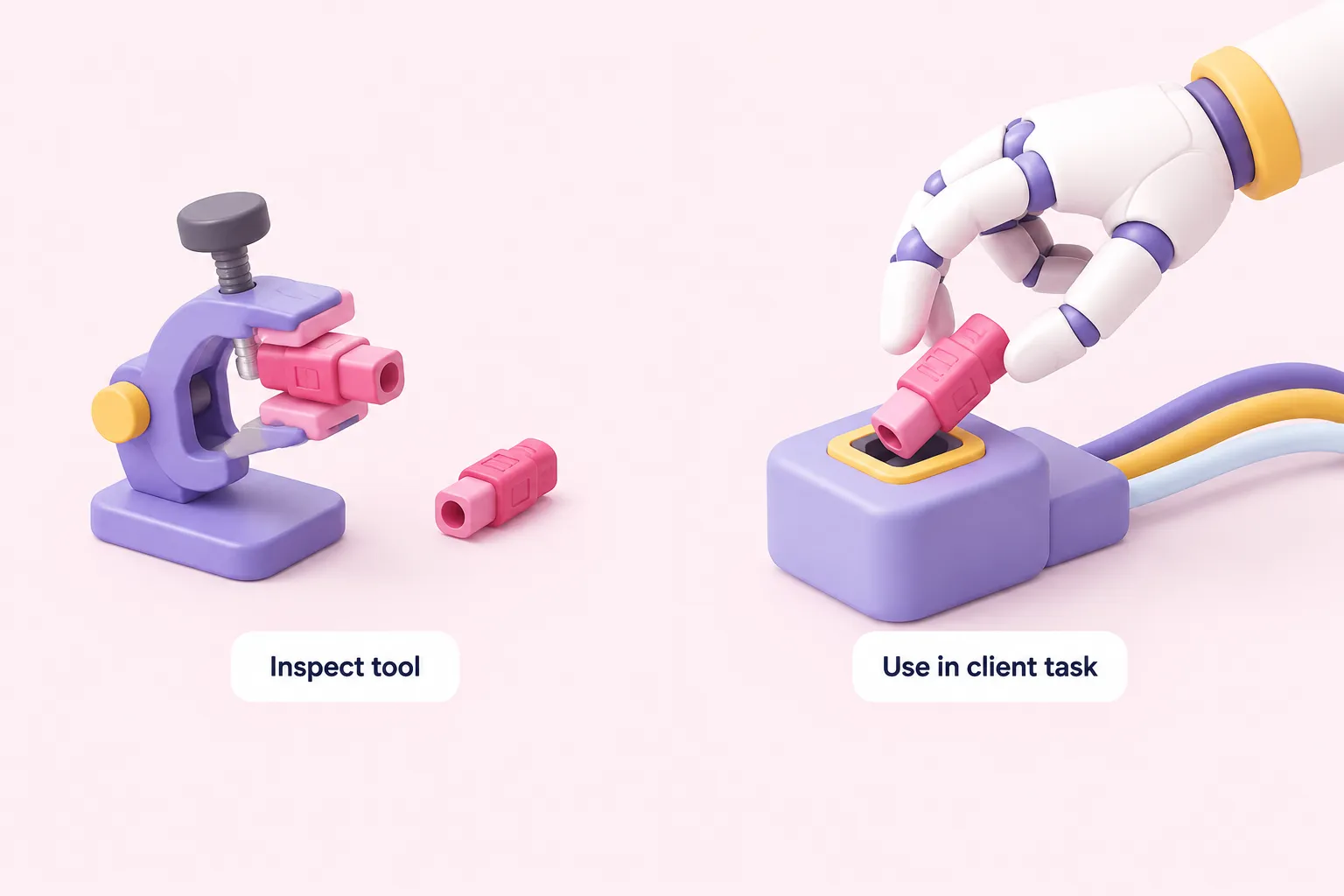
In an April 2026 community account, Jeff Hooton describes Inspector checks passing while an agent still behaved incorrectly with his Go MCP servers. This personal report is not an n8n evaluation and establishes no prevalence or causal effect. It supports checking the intended client separately.
Our view is that a direct tool call and an agent choosing that tool answer different acceptance questions. Keep both checks in the review.
Use the following suggested client checks. Completion means the client’s observed selection, arguments and handling of results match the recorded task expectations.
Sources: Testing and Debugging MCP Servers: Inspector, Integration Tests, and CI Patterns · Jeff Hooton
Save a regression baseline before approval
Make MCP integration testing repeatable by saving inputs, expected responses, observed results and failure classifications with the fixture’s environment details. The MCP project’s Inspector CLI guide positions smoke tests as repeatable checks for commits and deployments, while distinguishing them from a conformance suite.
As an editorial approval rule, rerun the saved cases after workflow changes and before adoption. Compare differences, investigate unexplained changes and update expectations only when the changed behavior is intentional. Completion means the reviewer can trace each accepted case to its input, expectation and observed response.
Sources: inspector/docs/cli-smoke-testing.md at main · modelcontextprotocol/inspector · GitHub