AI Agent Authorization in n8n: What to Check First
A practical guide to ai agent authorization in n8n: minimize tool permissions, use RBAC, require human approval, and log every write action.

Checked against the cited sources on .
AI Agent Authorization: Why Write Access Changes the Risk Calculus
AI agent authorization is mostly an academic question while an n8n AI Agent only reads data. The moment it can write — update a record, send a message, delete a row — a wrong tool call stops being a bad answer in a chat window and becomes a change to a system of record. OWASP's 2025 guidance on excessive agency in LLM applications names three root causes of an agent taking damaging actions it wasn't meant to take: excessive functionality, excessive permissions and excessive autonomy. Its core mitigation is to limit what an agent's tools can do on the downstream system to the minimum required, rather than trusting the prompt to hold the line.
Microsoft's security blog, writing in 2026 about identity for agentic systems, describes a pattern it says it sees repeatedly: a team provisions an agent with a broad role because early use looks read-only, then widens that same role instead of redesigning it once write access becomes necessary. We think many teams underestimate how quickly a read-only agent's role quietly turns into a write-capable one once nobody revisits it. Both the OWASP framing and this reported pattern point the same direction: permission scope deserves its own review before a new tool goes live.
Sources: LLM06:2025 Excessive Agency - OWASP Gen AI Security Project, Least privilege for AI agents: Identity, access, and tool binding | Microsoft Security Blog
Step 1: Separate and minimize what each tool can do (excessive agency check)
The practical starting point for ai agent authorization is an inventory, not a policy document. List every tool the agent can call today, and for each one ask whether the task actually requires it. OWASP's mitigation for excessive permissions is explicit: limit what an LLM extension's identity can do on the system it touches to the minimum necessary, instead of relying on prompt instructions to constrain it. In n8n, that means a tool-by-tool pass before write access is switched on, not one blanket decision for the whole agent. These are useful starting questions for that pass, offered as suggestions rather than a validated audit standard:
- Does this tool's task actually require write access, or would read-only satisfy it?
- Could this tool be split into a narrower version that only touches one object or field?
- If this tool were removed entirely, would the agent still complete its stated job?
- Is there a lower-risk tool already in the workflow that could substitute for this one?
Sources: LLM06:2025 Excessive Agency - OWASP Gen AI Security Project
Step 2: Scope who and what can configure the agent with n8n RBAC
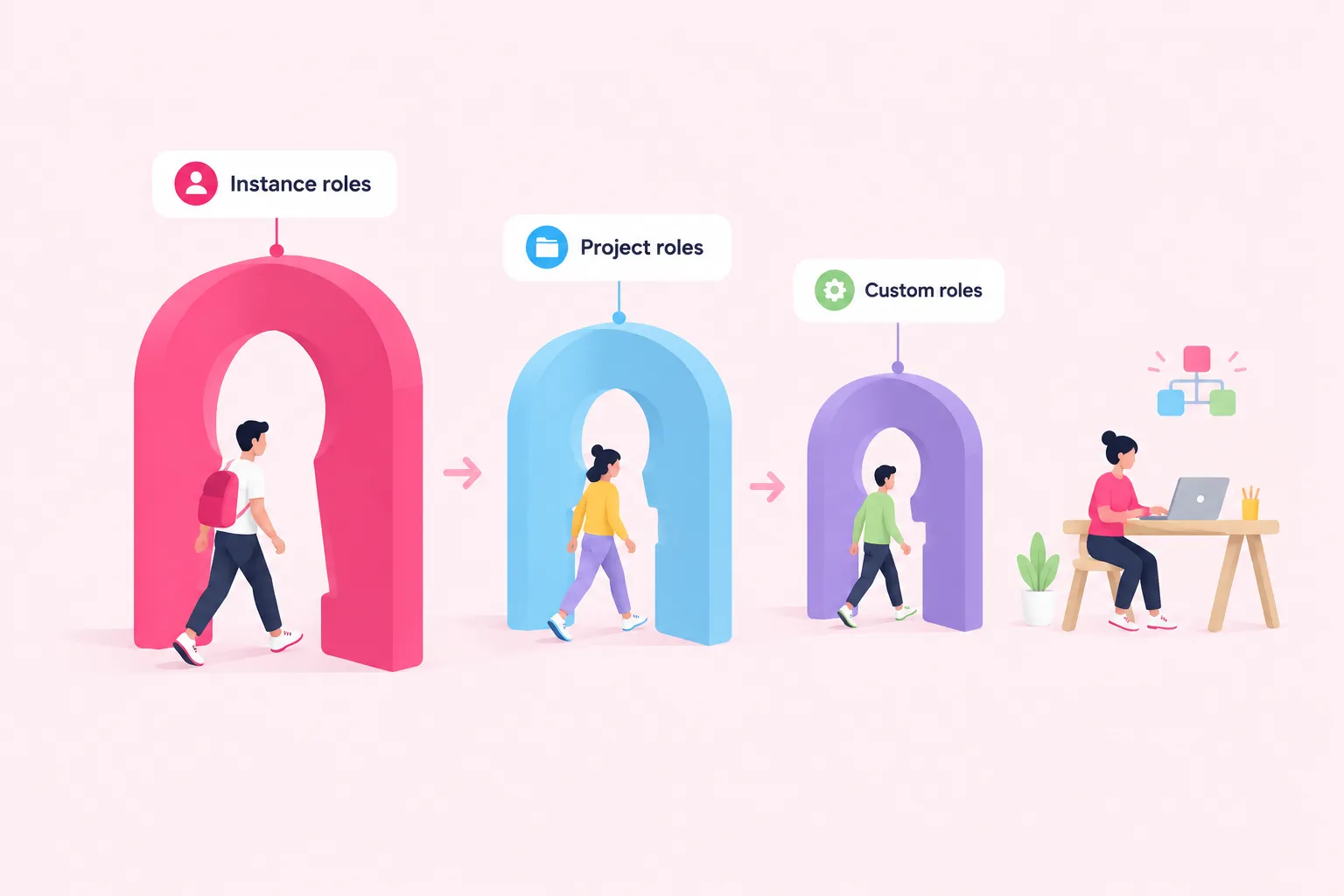
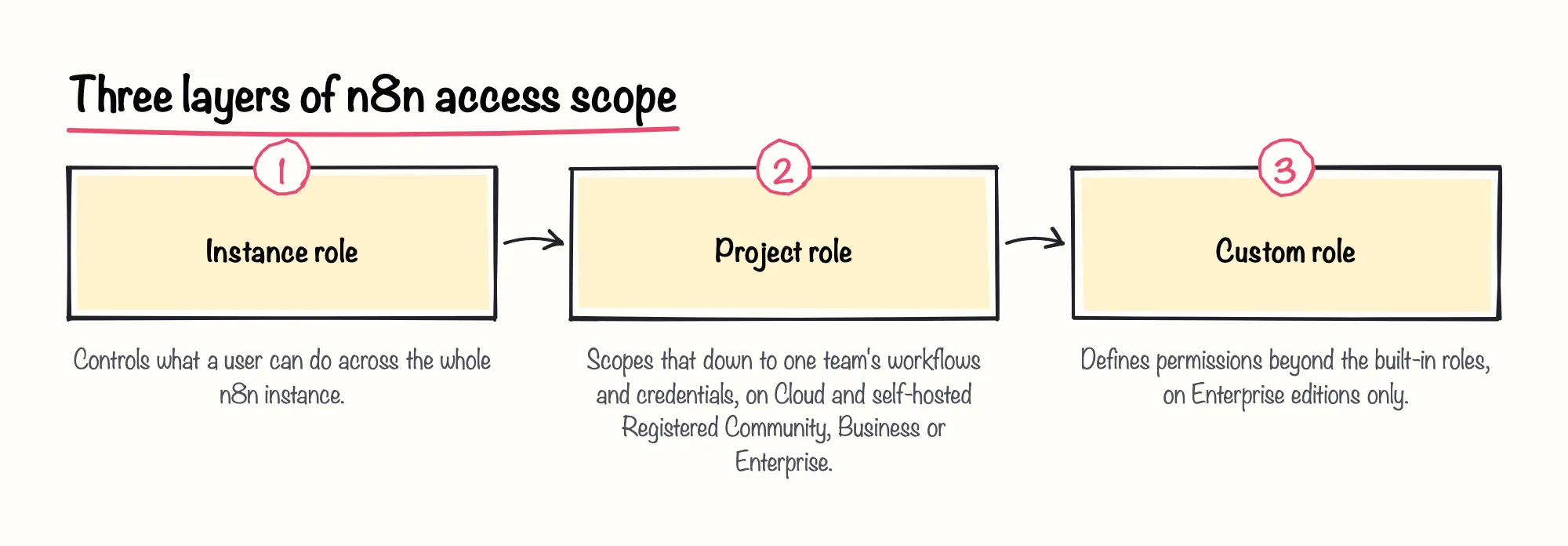
n8n's role-based access control works at two levels. Instance roles set what a user can do across the whole instance, while project roles scope that down to one project — in practice, one team's workflows and credentials. Project roles are available on every n8n Cloud plan and on self-hosted Registered Community, Business and Enterprise editions, so most teams can scope who edits an agent's tool list without waiting for a higher plan.
Where the built-in Owner, Admin and Member roles aren't granular enough, n8n's custom roles let a team define permissions beyond those defaults — a reviewer could, say, see an agent's workflow without being able to change its tool list. Custom roles are an n8n Cloud Enterprise or self-hosted Enterprise feature, so smaller instances need to rely on the built-in roles and keep the group able to touch the agent's configuration small by other means.
Sources: Set permissions and roles (RBAC) | Administer | n8n Docs, Custom roles | Administer | n8n Docs
Step 3: Gate high-risk tool calls behind human-in-the-loop approval
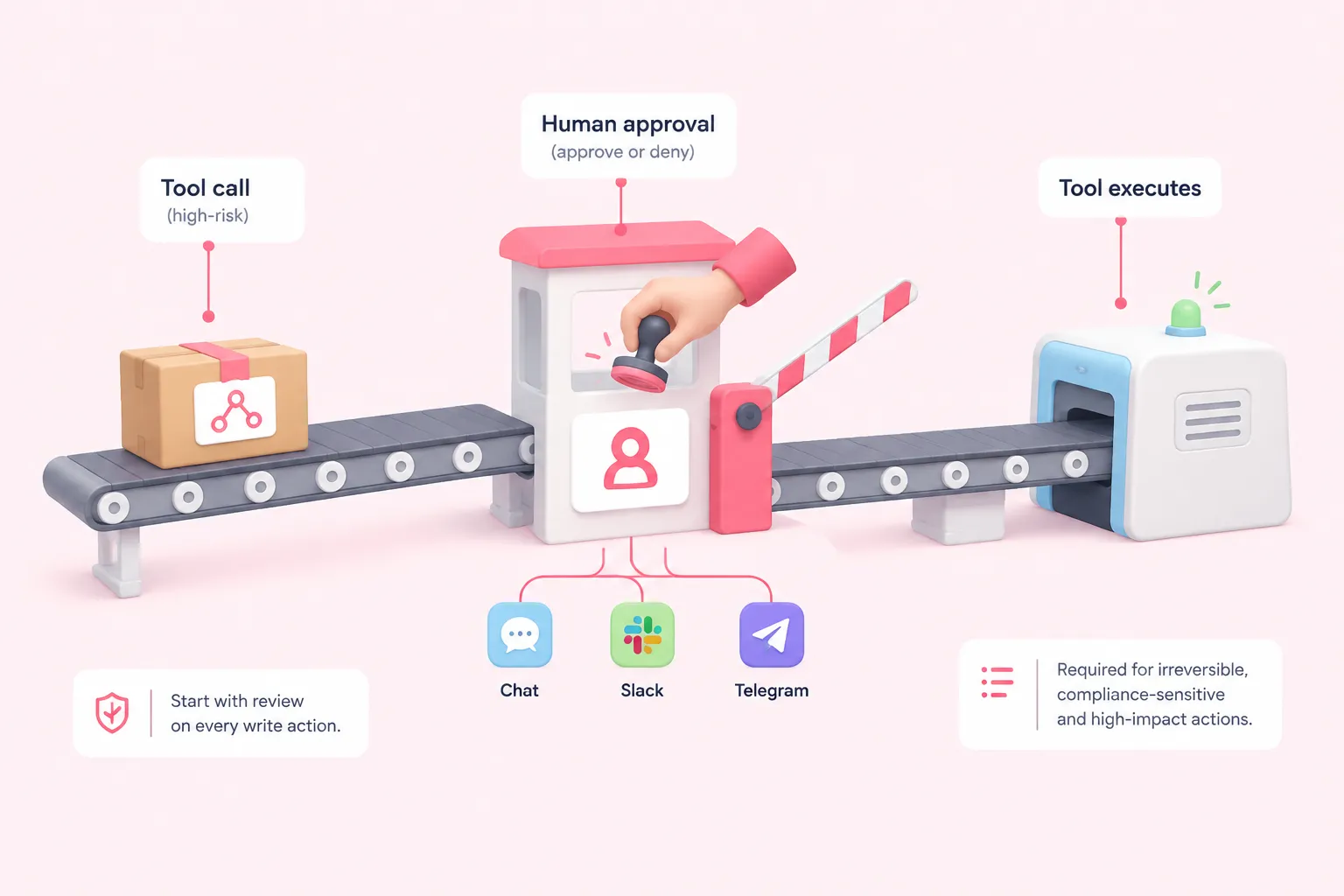
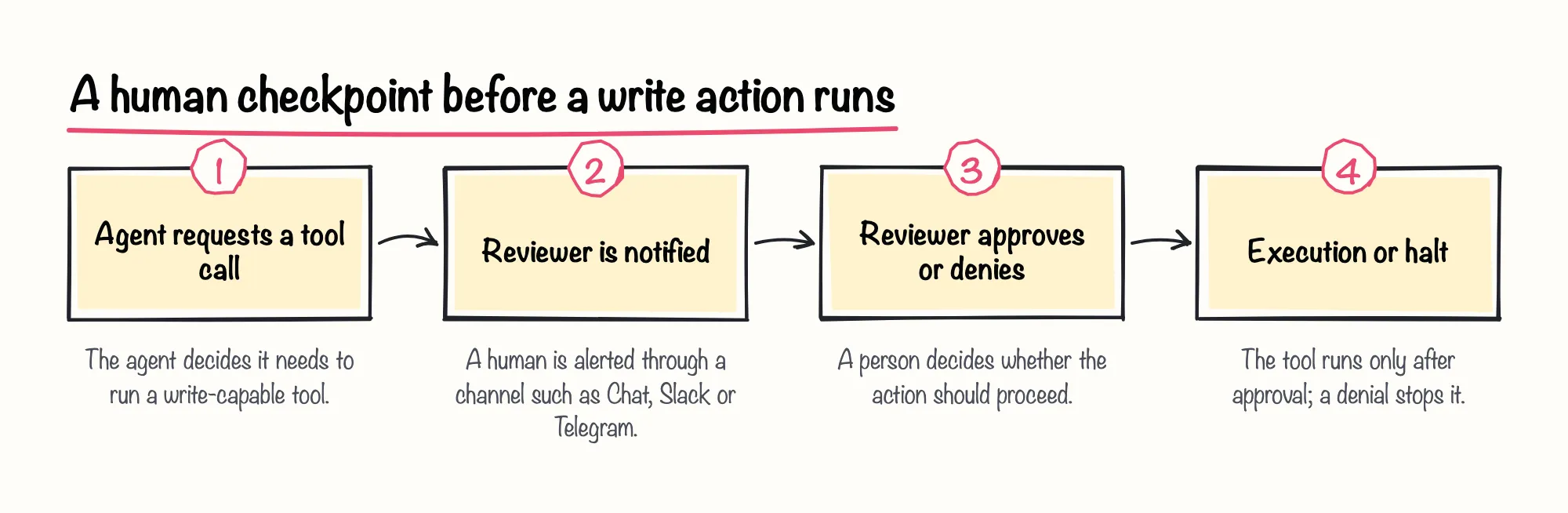
n8n can require a human to approve a specific tool call before it executes, and to explicitly deny it instead. The Tools Agent node supports gating individual tools behind this review step through channels such as Chat, Slack or Telegram, which is useful for tools that send messages, modify records or delete data — exactly the actions that turn an agent from read-only to write.
n8n's own documentation recommends human review specifically for irreversible actions, compliance-sensitive actions and actions with high business impact, and suggests starting with review enabled everywhere, then reducing it only as confidence in the agent's behavior grows. In our view, starting with review required on every write action and relaxing it tool by tool is the safer default, rather than trusting a well-written prompt to hold the line.
Sources: Human-in-the-loop for tools | Build | n8n Docs, Tools Agent | Nodes | n8n Docs
Step 4: Share and store credentials without exposing secrets to the agent's builder
Credentials in n8n can be shared with other users or projects without exposing the underlying secret — someone using a shared credential can't view or edit its details. That matters for ai agent authorization because whoever builds or adjusts an agent's tools doesn't need to see the raw API key or password behind them. Credential sharing is available on every n8n Cloud plan and on self-hosted Business and Enterprise editions.
For tighter control, n8n can scope an external secrets vault to a single project so only that project's credentials can reference its secrets, an Enterprise feature on both Cloud and self-hosted. The minimum permission set itself still has to be configured on the destination system: connecting n8n to AWS Secrets Manager, for instance, requires the underlying IAM identity to hold only the ListSecrets, BatchGetSecretValue and GetSecretValue permissions, not broader account access.
n8n Balloon Challenges' own advanced-level What's for Dinner? challenge builds a shopping-assistant MCP server, and its design is intentionally read-only — a concrete illustration of scoping an agent's tool surface down to only what a task needs, well before any write permission enters the picture.
Sources: Share credentials securely | Administer | n8n Docs, Manage credentials | Administer | n8n Docs, Use external secret stores | Administer | n8n Docs
Step 5: Log every tool call so you can reconstruct who authorized what
n8n's log streaming feature sends workflow, audit and AI-node events to external logging or SIEM tools, so a team can review tool calls outside n8n itself after the fact. Log streaming is an Enterprise feature on both Cloud and self-hosted editions.
One of those events is an MCP tool-call record that captures the user, the tool name — for example execute_workflow — the workflow it acted on, and whether it succeeded or errored. This event has been available from n8n 2.34.0 onward, and it covers only the instance's built-in MCP server, not workflows built around the separate MCP Server Trigger node. Without some version of this trail, a governance model for ai agent authorization can describe what should happen but not what actually did.
Sources: Stream logs to external systems | Administer | n8n Docs
Applying a least-privilege identity model to the agent itself
Microsoft's 2026 security blog post recommends designing least-privilege, task-based roles scoped to the specific resources and data an agent needs, with high-impact actions like delete or export gated behind step-up approval rather than bundled into one broad role. That's general identity guidance for agentic systems, not a study of n8n specifically, but it maps cleanly onto pieces n8n already offers: project-scoped credentials, human review on individual tools, and an audit trail of what ran.
We're optimistic that treating an agent as its own named identity, rather than an extension of whoever built it, will become the standard pattern for agentic automation. Giving that identity a human owner and a scheduled permission review, rather than revisiting access only when a new use case demands it, is what turns a one-off integration into something a team can actually govern over time.
Sources: Least privilege for AI agents: Identity, access, and tool binding | Microsoft Security Blog
Actionable checklist before flipping an agent from read-only to write
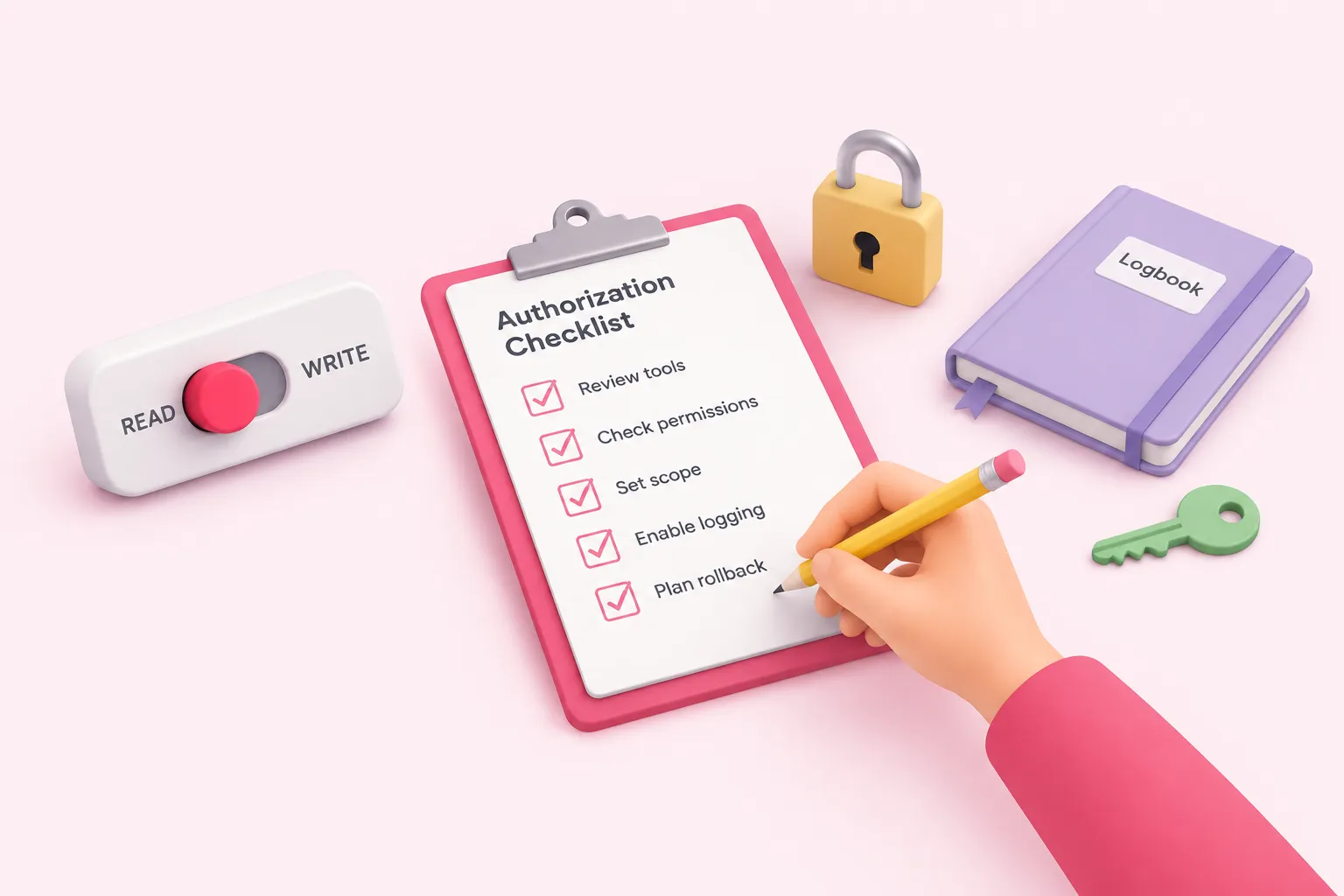
Put together, these steps are the practical core of ai agent authorization before an agent's first write action goes live. The checklist below pulls them into one pass a technical lead can run before flipping a tool from read-only to write.
None of this removes the judgment call of deciding which tools genuinely need write access — that still belongs to the team that knows the workflow. What these steps do is make sure the decision, once made, is scoped, reviewable and reversible.