AI Agent Testing Framework for n8n: A Practical Guide
A practical ai agent testing framework for n8n: check an AI Agent's outputs and tool calls, layer evaluation methods, and set guardrails before production.

Checked against the cited sources on .
Why AI Agents Need Systematic Testing Before Production Access
Before an n8n AI Agent gets access to real customer records, payment systems or production databases, you need more than a demo that worked once. An ai agent testing framework gives you repeatable ways to check whether the agent's answers and actions stay reliable as inputs change. n8n's own documentation treats this as core, not optional, framing evaluation as the technique for checking that an AI workflow is reliable rather than merely looking good in a walkthrough (F1).
The risk with agents specifically is that a wrong action can matter more than a wrong sentence. The sections below build out why testing n8n AI agent tools and the actions they take, not just the final text an agent returns, sits at the center of a reliable ai agent testing framework.
Sources: Understand why to test | Build | n8n Docs
n8n's Two Evaluation Stages: Light vs Metric-Based
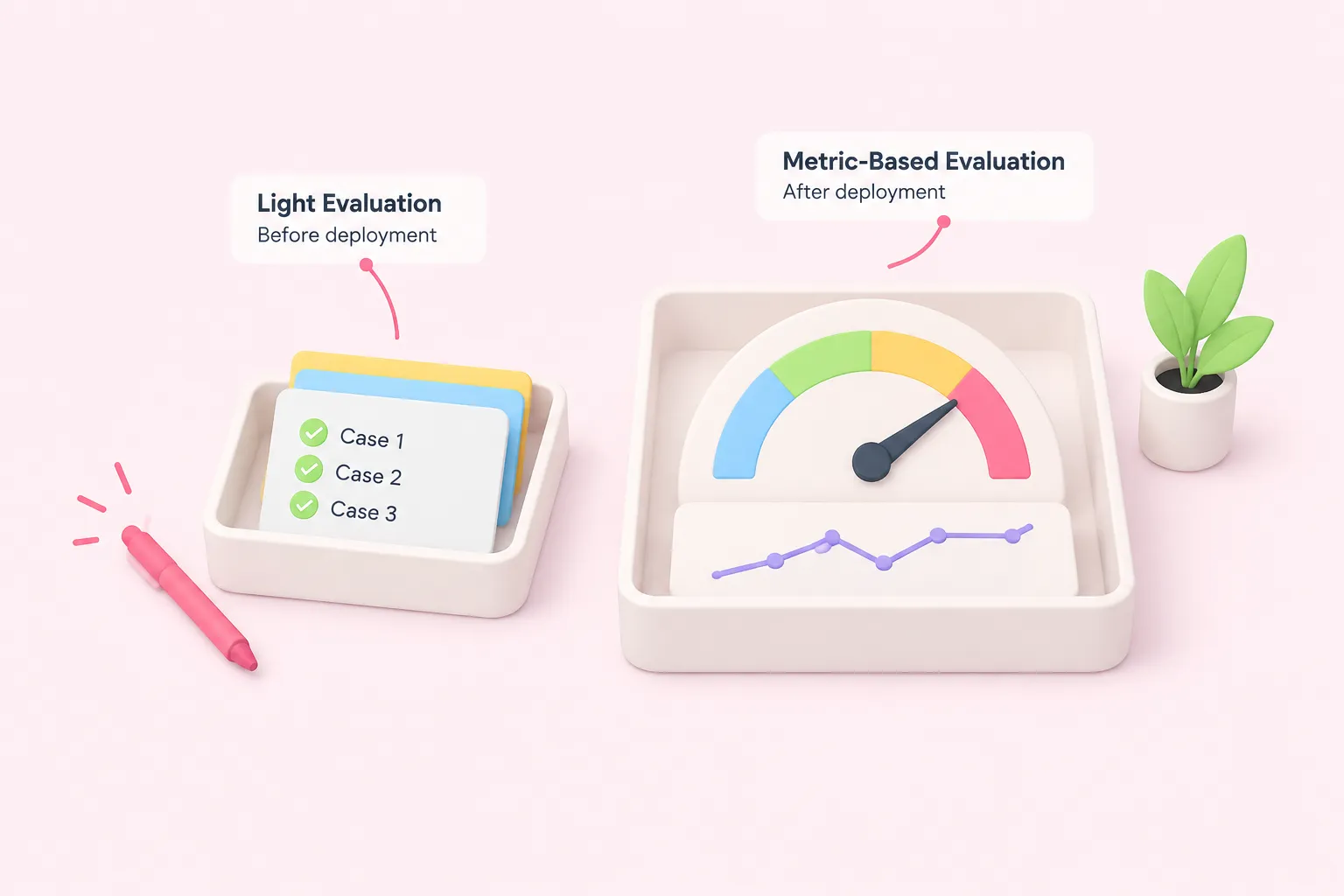
n8n documents evaluation as happening in two stages that suit different points in an agent's life. Light evaluation is meant for before deployment: you run a handful of cases and check the results by eye. Metric-based evaluation is meant for after deployment, once the agent already has traffic, and it tracks numeric scores over time (F2).
A related distinction on n8n's blog separates offline evaluation, which runs against a curated test dataset before a change ships, from evaluating live traffic (F6). n8n's blog frames this as a maturity progression: teams typically start with manual spot-checks and expand toward automated, metric-based checks as an agent moves closer to handling production traffic (F5).
| Stage | Runs when | What it checks |
|---|---|---|
| Light evaluation | Before deployment | A small set of cases, checked by eye |
| Metric-based evaluation | After deployment | Numeric scores tracked over time |
| Offline evaluation | Before a change ships | Runs against a curated test dataset |
| Online evaluation | On live traffic | Watches real production behavior for drift |
Sources: Understand why to test | Build | n8n Docs, How to evaluate the performance of AI agents? – n8n Blog
Layering Evaluation Methods: Deterministic Checks, LLM-as-Judge and Human Review
Not every evaluation method costs the same, and n8n's blog recommends starting cheap. Deterministic, rule-based checks, such as schema validation, exact-match comparisons or confirming a required field is present, are fast and fully reproducible, making them a sensible first layer for anything with an objective right answer (F7). Building on that starting point, here is how this guide organizes the remaining layers by cost and use case, as a working framework rather than a separately sourced claim for each one:
- Deterministic checks: schema validation, exact match, required-field checks
- LLM-as-judge: approximate scoring for tone, helpfulness and subjective quality
- Human review: manual read-through for high-stakes or ambiguous cases
- User feedback: signals collected once the agent is live
Text output alone can hide a bad decision underneath it, which is why evaluation needs to look at what the agent actually did rather than only what it said. Paweł Huryn, describing his own agent evaluation implementations on The Product Compass, puts it this way:
Concretely, that means writing explicit checks for which tools the agent called, in what order and with what parameters, alongside checks on the final answer. For subjective qualities, such as tone or whether an explanation actually makes sense, a second layer using LLM-as-judge methods can approximate human judgment at lower cost than reviewing everything by hand. Save manual human review for the highest-stakes or most ambiguous cases.
Sources: How to evaluate the performance of AI agents? – n8n Blog
Setting Up an n8n AI Agent Testing Framework: Evaluation Node and Licensing Limits
n8n's Evaluation node and Eval Trigger are the building blocks for an ai agent testing framework inside n8n: you feed in a dataset of test cases, run the agent against each one, and record metrics you can compare across versions. Before deciding how far to scale that setup, check which n8n plan you're on. A third-party tutorial reports that basic use of the Evaluation node ships with the free Community Edition, while more advanced evaluation features require a paid Pro or Enterprise plan (F3, F4).
| Plan | Evaluation capability | Note |
|---|---|---|
| Community Edition | Basic use of the Evaluation node | Reported by a third-party tutorial, not n8n's own pricing page |
| Pro or Enterprise | Advanced evaluation features | Reported by a third-party tutorial, not n8n's own pricing page |
Those plan boundaries come from a vendor tutorial rather than n8n's own pricing page in the sources reviewed here, so reconfirm current limits before committing an evaluation strategy to a particular tier, especially if you plan to run metric-based evaluation across several agents at once.
Sources: Understand why to test | Build | n8n Docs, How to stop your AI agents from hallucinating: A guide to n8n’s Eval Node - LogRocket Blog
Guardrails, Monitoring and a Pre-Production Checklist
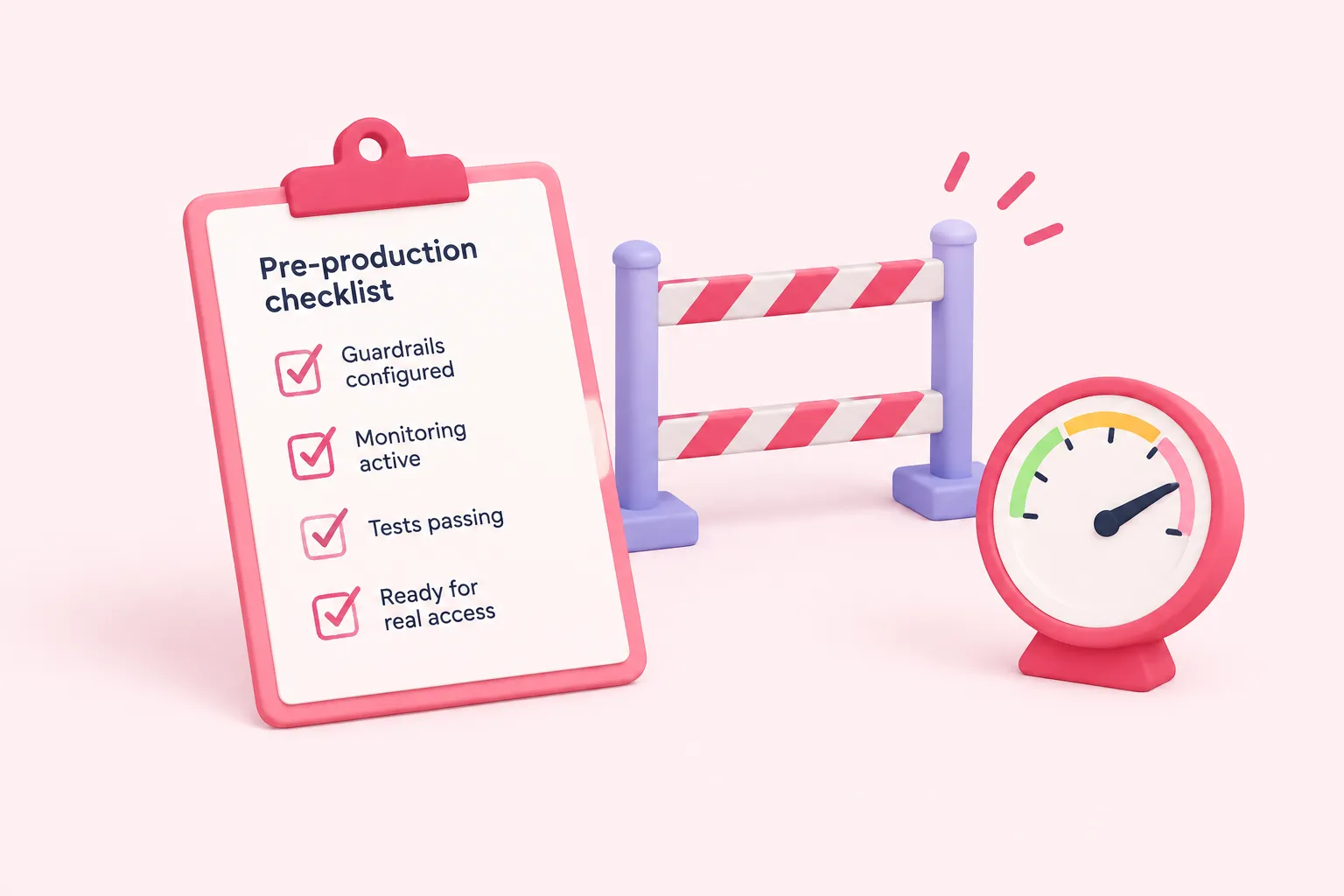
An ai agent testing framework doesn't stop once an offline dataset passes. n8n's blog describes evaluation as a staged progression that keeps expanding as an agent moves toward and through production, rather than stopping after initial tests pass (F5). Offline datasets only cover the scenarios you thought to include, so a live agent also needs guardrails on inputs and outputs, plus ongoing monitoring of the online metrics described earlier (F6).
When a real failure happens in production, treat it as a new test case: add that exact input to your evaluation dataset and re-run the full set before shipping a fix, so the same failure can't slip through unnoticed a second time.
Sources: How to evaluate the performance of AI agents? – n8n Blog