n8n Security Breach Checklist: What to Check and Lock Down First
If you suspect an n8n security breach, this checklist covers what to check and lock down first, from containment to downstream credential rotation.

Checked against the cited sources on .
Before You Start: What This n8n Security Breach Checklist Assumes
If you suspect an n8n security breach, the order you act in matters as much as what you do. This checklist walks through what to check and lock down first, synthesized from n8n's own documentation and from third-party incident-response writing into one ordered sequence.
It assumes you still have administrative access to the instance, that you can reach the server or cloud workspace directly, and that you're responding to a specific suspicion rather than running a general audit of n8n security concerns, since not every n8n security breach looks the same. Some steps below depend on which n8n edition or plan you run; each is named where it applies.
Sources: Rotate encryption keys | Deploy | n8n Docs
Step 1 — Contain: Cut Off Outside Access First
Before auditing anything, cut off outside access. n8n's own documentation describes disabling the public API as a way to stop others from using the n8n public REST API, and taking that step first keeps an attacker from reaching the instance again while you investigate. Treat the instance as still exposed until you've confirmed otherwise.
In our view, debating root cause before access is cut off just extends the window an attacker has; contain first, diagnose second.
Sources: Security | Deploy | n8n Docs
Step 2 — Rotate n8n's Own Secrets (Encryption Key, Tokens, Sessions)
Once outside access is cut, rotate n8n's own secrets before trusting anything already logged in. On self-hosted n8n, the encryption key can be rotated, but n8n's documentation notes this feature isn't available on n8n Cloud and instructs administrators to take a full database backup before enabling it, since rotation is a one-way migration.
| Deployment | Availability | Note |
|---|---|---|
| Self-hosted n8n | Available | Back up the database first; rotation is a one-way migration, per n8n's documentation. |
| n8n Cloud | Not available | n8n's documentation states this feature isn't offered on Cloud. |
Beyond the encryption key, Gridinsoft's 2026 incident-response guidance, reporting GitGuardian's research, instructs responders to revoke every exposed n8n API or MCP token and to rotate connected secrets at their source rather than only at the n8n level.
Sources: Rotate encryption keys | Deploy | n8n Docs, Leaked n8n API Tokens: 321 Live Instances Exposed
Step 3 — Lock Down and Review User Accounts
n8n defines three built-in instance roles, Owner, Admin and Member, with Admin available on n8n Cloud Pro, Enterprise, and self-hosted Enterprise, per n8n's documentation. Review who holds each role and remove access for anyone you can't immediately account for.
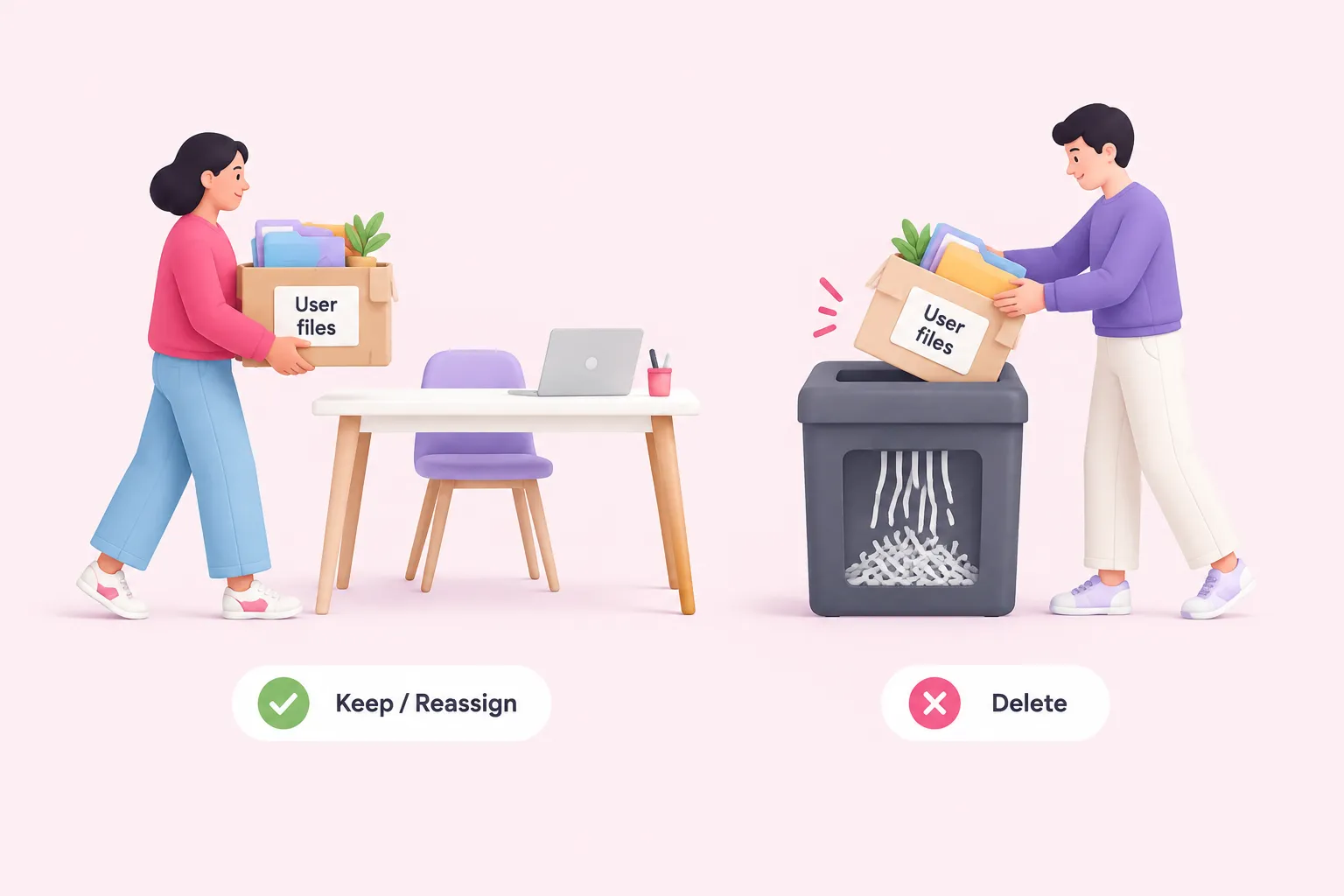
If you need to remove a suspected-compromised user, n8n's deletion flow lets an admin choose whether to copy that user's workflow data and credentials to a new user or permanently delete them, according to n8n's documentation. We'd default to permanently deleting a suspected-compromised user's workflows and credentials rather than copying them forward, unless you've already confirmed those items are clean.
Sources: Manage users and access | Administer | n8n Docs, Add and remove users | Administer | n8n Docs
Step 4 — Audit Workflows, Executions and Webhook Exposure
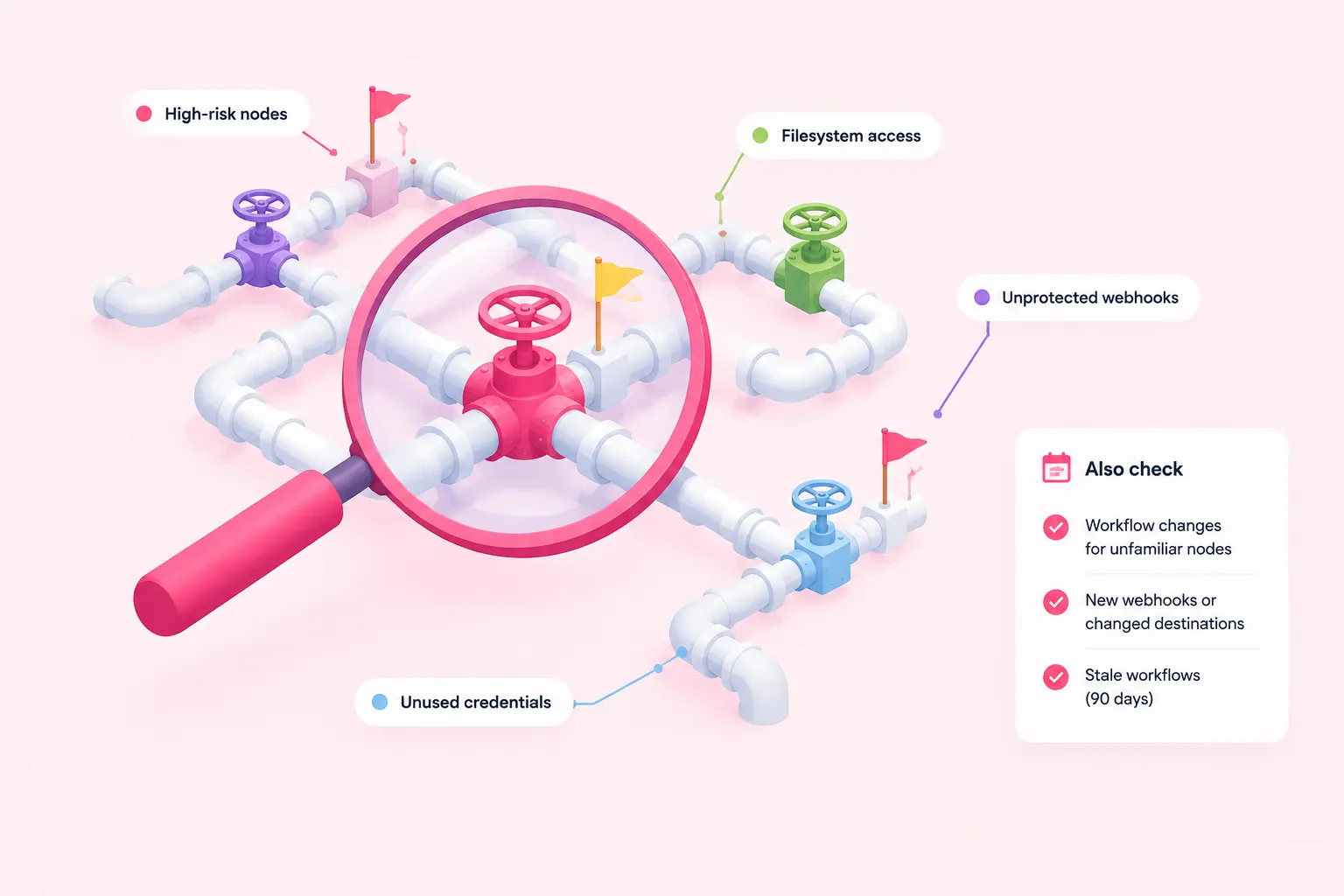
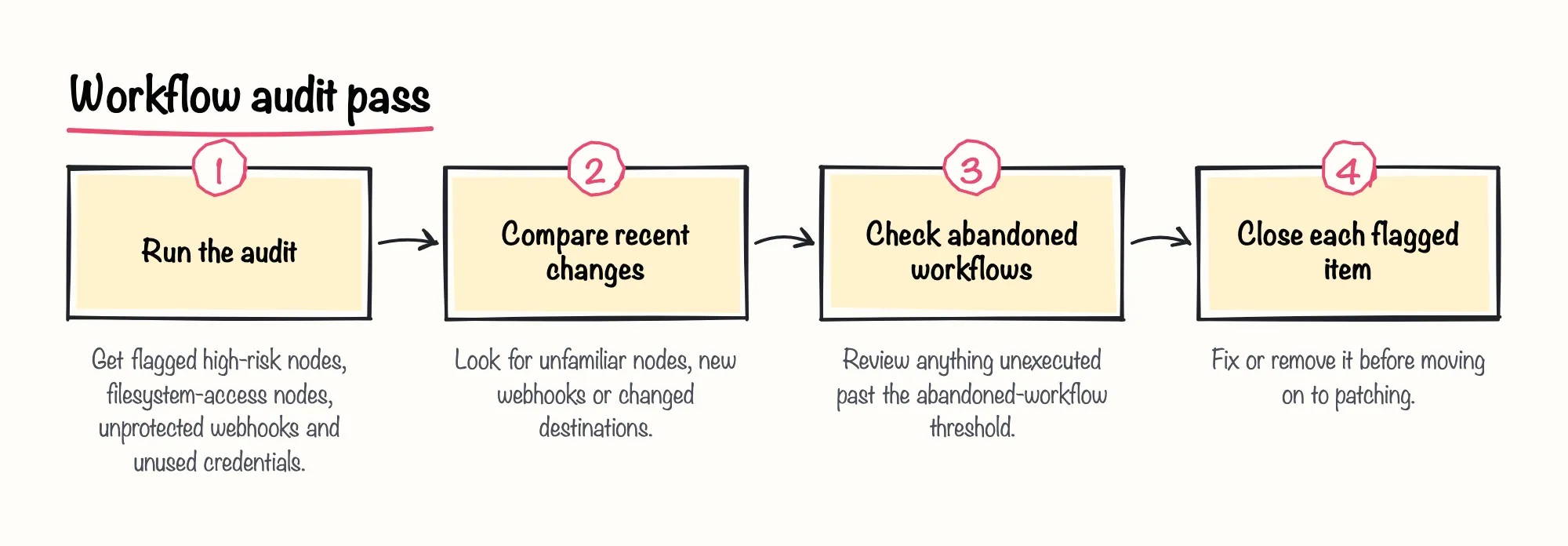
n8n's documentation lists running a security audit among the controls for securing a self-hosted instance. GitGuardian's 2026 blog research recommends running the authenticated audit endpoint on a schedule and forwarding results to a SIEM, and describes the audit response, in its own analysis, as able to flag high-risk nodes, nodes with filesystem access, unprotected webhooks and unused credentials.
Beyond the automated audit, Gridinsoft's 2026 guidance, reporting GitGuardian's research, instructs responders to compare workflow changes for unfamiliar nodes, new webhooks or changed destinations. n8n's N8N_SECURITY_AUDIT_DAYS_ABANDONED_WORKFLOW variable defaults to flagging a workflow as abandoned after 90 days without execution, which is one more place a stale, forgotten workflow can hide a change.
Sources: Security | Deploy | n8n Docs, n8n Security: How Leaked API Keys Expose Your Encryption Key, Leaked n8n API Tokens: 321 Live Instances Exposed, Security | Deploy | n8n Docs
Step 5 — Patch and Harden the Instance
Only patch after containment and secret rotation, so a patched-but-still-compromised instance isn't mistaken for a closed incident. Cyera Research Labs' January 2026 disclosure of CVE-2026-21858 recommends updating n8n to version 1.121.0 or later, and Cyera Research Labs' own 2026 estimate put the exposure at an estimated 100,000 servers globally when it published the finding on January 7, 2026. On patch turnaround specifically, Cyera's researcher Dor Attias commented in that same disclosure on how quickly n8n responded once the vulnerability was reported, a pace that matters because the value of a fix depends on how fast a team can apply it after containment.
Harden what's left afterward: n8n's N8N_BLOCK_ENV_ACCESS_IN_NODE variable controls whether users can reach environment variables through expressions and the Code node, and is worth checking during the same pass.
Sources: Ni8mare - Unauthenticated Remote Code Execution in n8n (CVE-2026-21858), Security | Deploy | n8n Docs
Step 6 — Rotate Every Downstream Credential n8n Could Reach
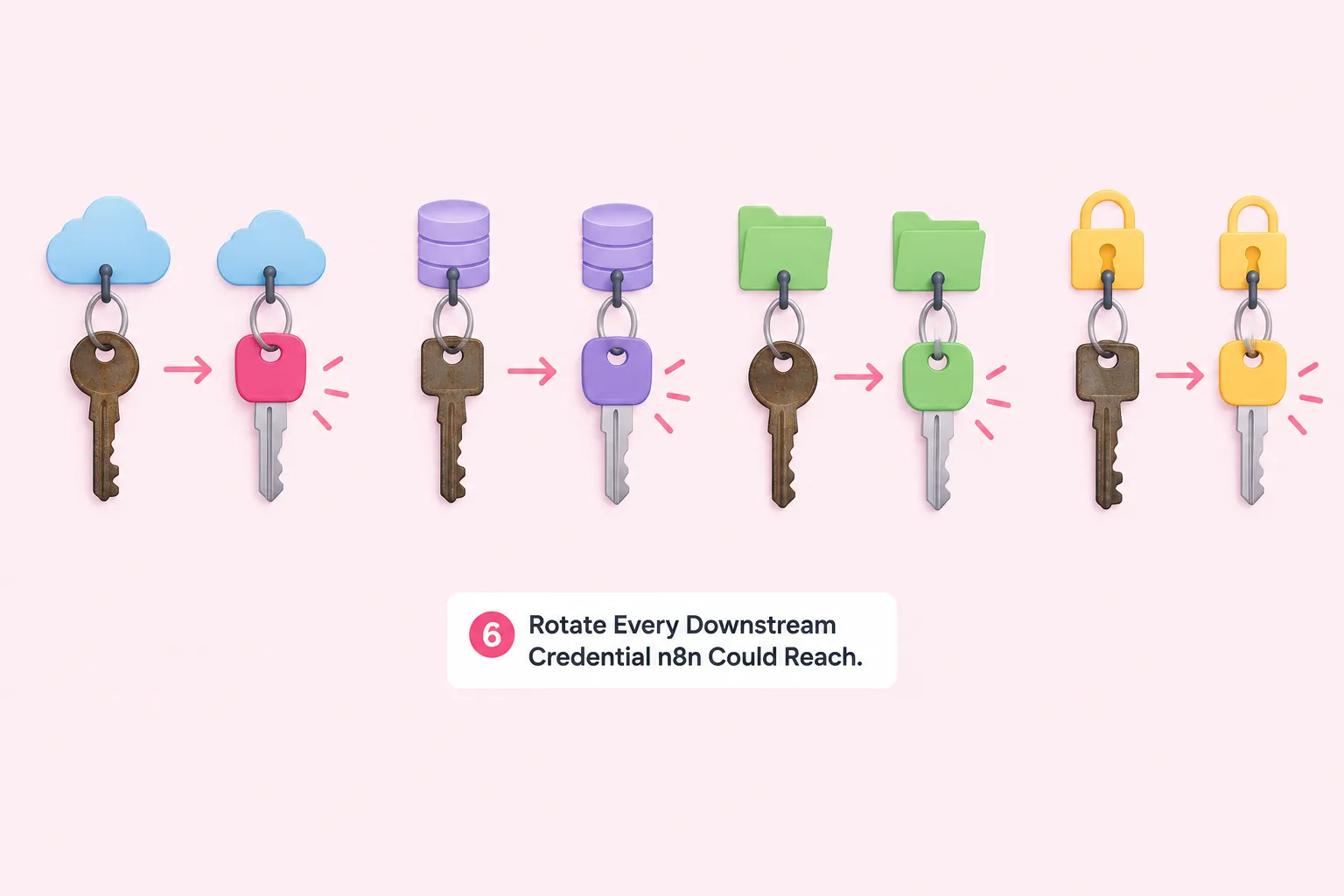
Revoking the n8n-level token doesn't undo actions already taken through connected systems. Gridinsoft's 2026 guidance, reporting GitGuardian's research, instructs responders to map which credentials were reachable through the affected workflows, then rotate those connected secrets at their source.
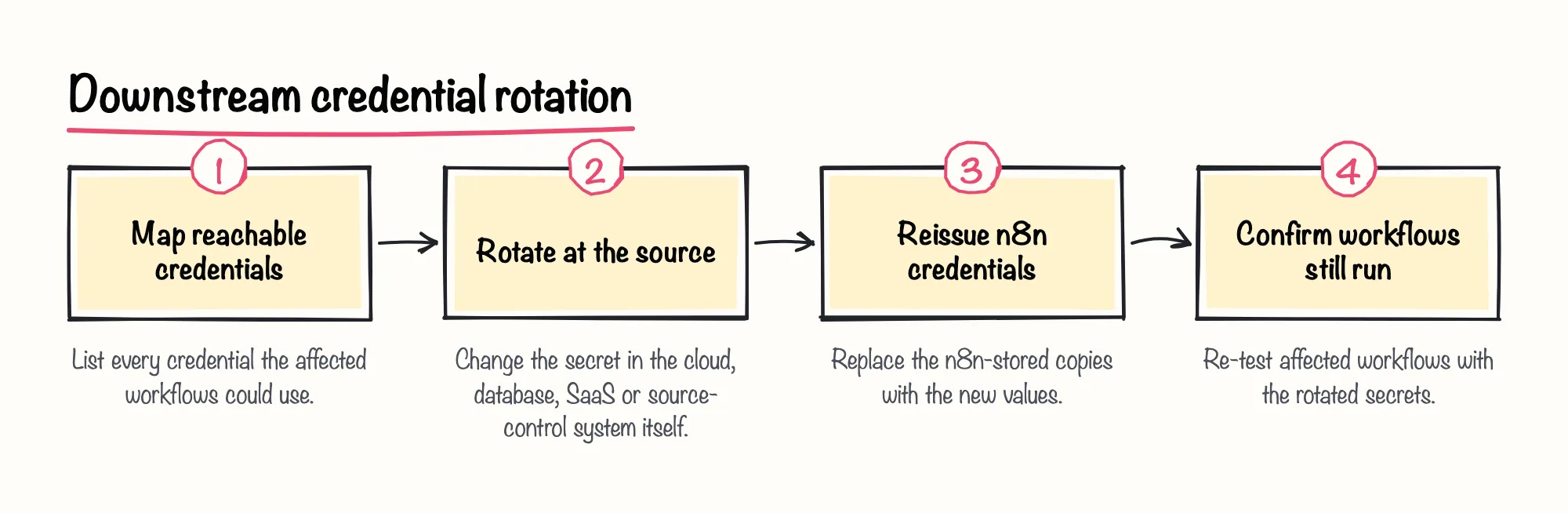
We think treating full downstream rotation as a non-negotiable last step, not an optional extra, is the difference between closing an incident and just hiding it.
Sources: Leaked n8n API Tokens: 321 Live Instances Exposed
Step 7 — Decide the Incident Is Closed
Treat the incident as closed only once every item below is true.
Sources: Security | Deploy | n8n Docs, Ni8mare - Unauthenticated Remote Code Execution in n8n (CVE-2026-21858)
Limitations and What This Checklist Does Not Cover
This order is an editorial synthesis across n8n's own documentation and third-party incident-response writing, not a single published runbook from n8n. GitGuardian and Cyera Research Labs are both vendor security-research blogs with a commercial interest in their findings and products, and Gridinsoft's guidance reports GitGuardian's research secondhand rather than firsthand.
Figures like Cyera's server estimate describe conditions at the time of that disclosure, not n8n's current installed base or current vulnerability status. If your team is weighing broader n8n security issues beyond one suspected n8n security breach, or comparing how n8n handles n8n security concerns against other platforms, treat this checklist as one input, not a complete program. It's also not documented here whether n8n Cloud customers have a self-service incident-response path equivalent to the self-hosted controls above.