How to Install n8n: A Team Pre-Commitment Checklist
A practical checklist for how to install n8n as a team: cloud vs self-hosted, license terms, npm vs Docker vs Compose, and infrastructure sizing.
Checked against the cited sources on .
How to Install n8n: Cloud vs Self-Hosted Decision Checks

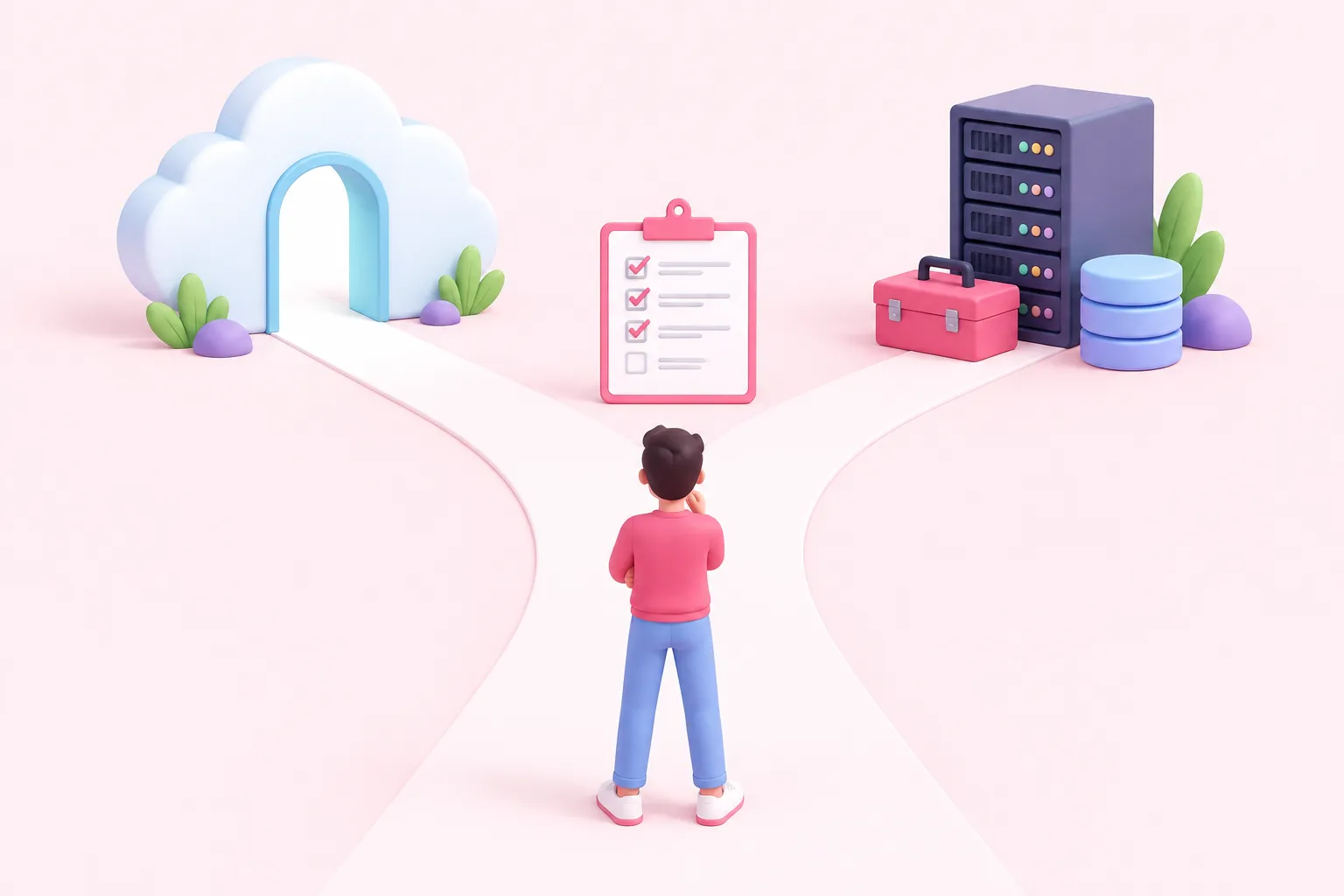
Before anyone opens a terminal or a sign-up form, the real question behind how to install n8n isn't npm versus Docker. It's cloud versus self-hosted, and n8n's own documentation frames it exactly that way: n8n Cloud as the fully managed option, and self-hosting as running the platform on your own infrastructure.
That framing matters because every install-tool decision downstream only makes sense once this one is settled. A team that picks self-hosting inherits ongoing responsibility for updates, uptime and security; a team that picks Cloud hands that responsibility to n8n and focuses on building workflows instead.
On n8n Balloon Challenges, for example, the whole hands-on format assumes this decision is already made before a session starts: sign up for n8n Cloud, choose a challenge, build a workflow, submit it for review, then collect a balloon. That sequencing is a useful model for a team's own rollout, too — settle the deployment question first, then let people practice.
Execution volume is one concrete way to pressure-test that decision. A team whose workflows will run only a few thousand times a month may find a managed starter plan simpler to reason about than standing up and maintaining its own infrastructure.
Sources: Choose how to use n8n | n8n Docs
Check Your Plan or Edition and Its License Terms
Once cloud versus self-hosted is settled, check what your chosen path actually gives you. n8n's documentation lists Community as the free self-hosted tier, describing it as carrying almost the complete feature set of the platform — worth verifying against your team's specific needs rather than assuming full parity with paid plans.
| Edition/plan | Hosting | License or access notes |
|---|---|---|
| Community | Self-hosted | Free; internal-business, non-commercial or personal use only, per license terms |
| Cloud (Starter and above) | Fully managed by n8n | Managed plans; feature and pricing details live on n8n's pricing page |
| Business | Self-hosted only (as documented) | Adds SSO, environments and Git version control; not offered on Cloud per that page |
The Community edition's license is not unrestricted. n8n's license terms state that the software may be used or modified only for your own internal business purposes, or for non-commercial or personal use. A team planning to resell n8n-based functionality to its own customers should read the full license FAQ before building on Community, rather than assuming it covers that case.
n8n's pricing page confirms Community is distributed through GitHub as the standard self-hosted version, and separately notes that the Business plan — which adds SSO, environments and Git-based version control — is currently available only for self-hosted deployments, not on Cloud. Since no publication date accompanies that page, reconfirm current plan availability before finalizing a purchase.
Sources: Choose how to use n8n | n8n Docs, Community license | n8n Community license | n8n Docs, n8n Plans and Pricing - n8n.io
Check Which Self-Hosted Install Method Fits (npm vs Docker vs Docker Compose) — and Why Desktop Is Off the Table
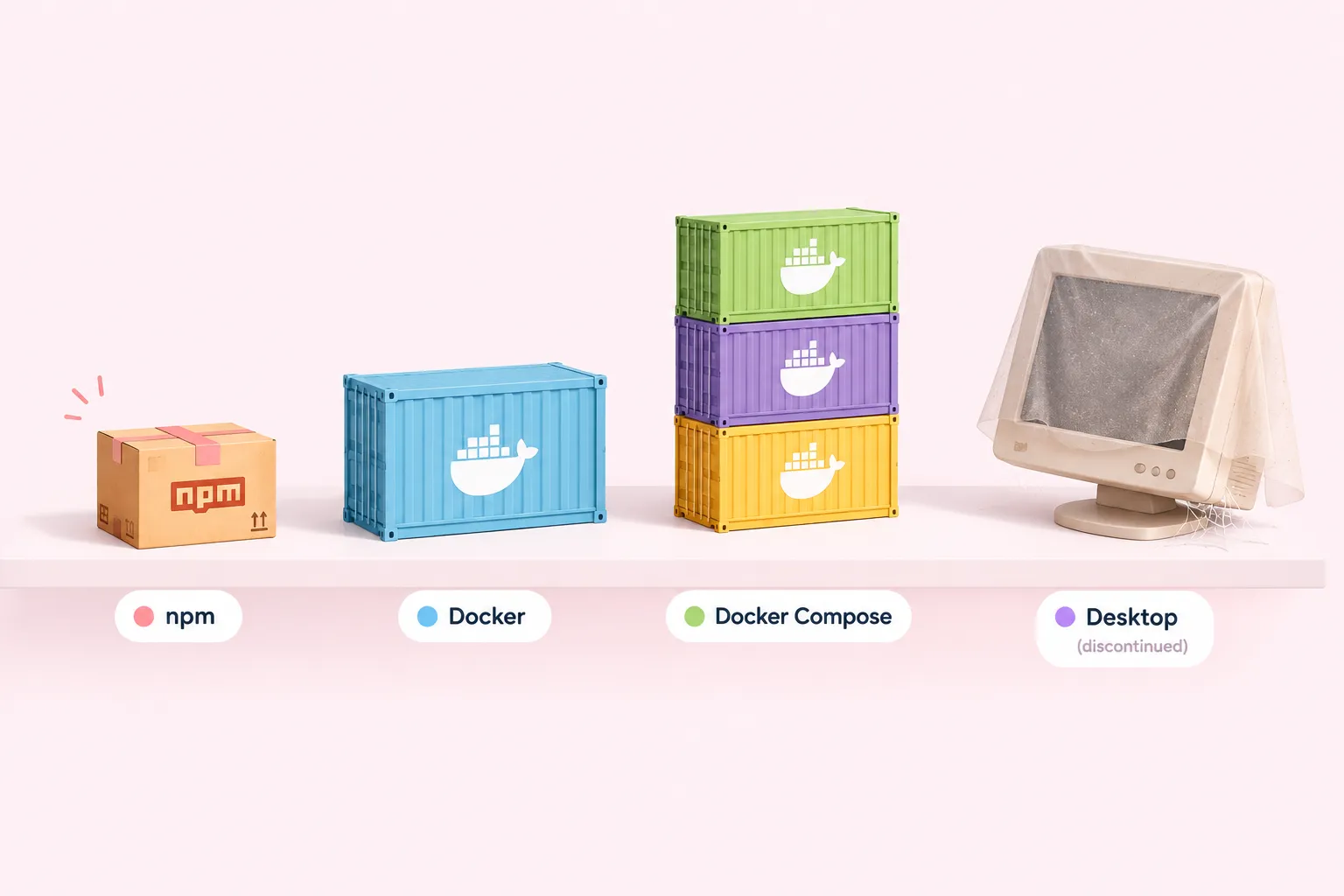
If self-hosting is the path, how to install n8n on your own machines comes down to three realistic choices: npm, a single Docker container, or Docker Compose — plus one option to rule out.
| Method | Documented status | Best fit |
|---|---|---|
| npm | Deprecated from n8n 3.0; not safe for production per n8n's docs | A five-minute look at the interface, not team use |
| Single-container Docker | n8n's docs mark the page outdated | A step toward Compose, not an end state |
| Docker Compose | n8n's currently recommended self-hosted method | Ongoing self-hosted team use |
| Desktop | Development stopped per a 2023 announcement | Not recommended for new team setups |
Start with what n8n's own docs say. The npm-based install is now marked deprecated starting with n8n 3.0, and the local/npm-style setup is explicitly described as unsafe for production use — it's positioned for local development and testing only. A community guide from 2026 echoes the same boundary in practice, suggesting npm only when someone wants to see the interface within five minutes, not for daily team use.
The single-container Docker page carries its own warning: n8n's docs mark that page as outdated and point readers to Docker Compose as the recommended installation method instead. Self-hosting through either path still requires real technical knowledge, which n8n's documentation calls out directly as a prerequisite before a team commits.
Desktop deserves a firm no for new team setups. n8n announced in a 2023 community forum post that it was stopping development of the Desktop version; no more current official statement in the sources reviewed here reverses that, so Desktop should be treated as discontinued as of that 2023 announcement rather than as a live option.
Sources: Install with npm | Deploy | n8n Docs, Install with Docker | Deploy | n8n Docs, Sunsetting Self-hosted Team Plan + Desktop Version - Announcements - n8n Community, Install n8n Locally: Step-by-Step Guide 2026 - Alex Harte
Check Infrastructure and Production-Readiness Prerequisites
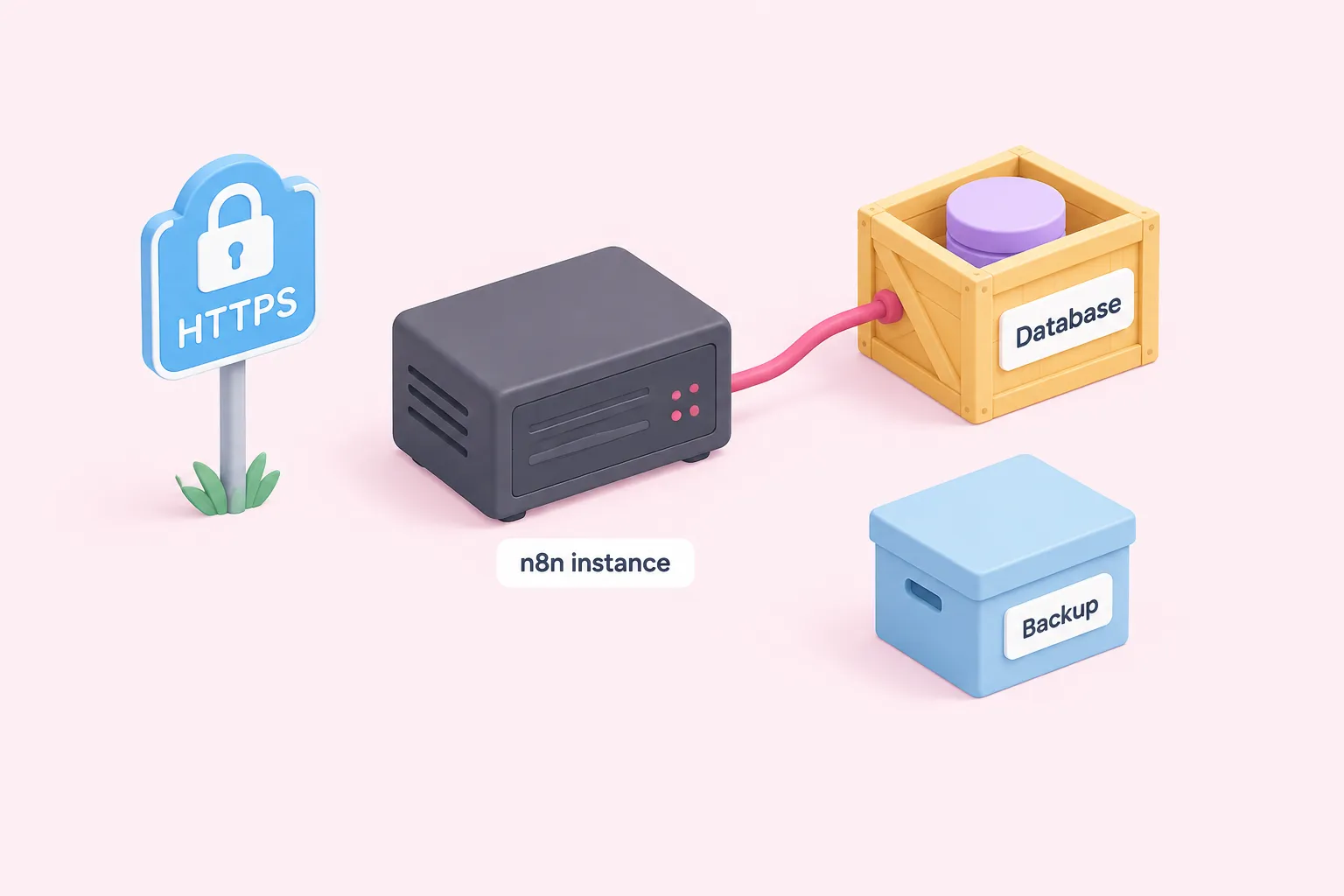
Before a self-hosted instance goes live, part of how to install n8n well is sizing the infrastructure rather than guessing. n8n's own sizing guidance, built as an illustrative example based on n8n Cloud, recommends a dedicated database per n8n instance rather than sharing one across multiple instances.
The same guidance notes that a typical instance doesn't require large amounts of available memory at idle — but it's an example, not a guaranteed self-hosted minimum, and actual memory needs depend on workflow data volume, which can spike with data-heavy nodes like Code. Re-check sizing against your real workflows, not idle numbers alone.
Sources: Prerequisites | Deploy | n8n Docs
Check the Cost Picture Before You Commit
Cost isn't only a Cloud-plan line item. A 2026 practitioner write-up on self-hosting describes the free, self-hosted Community edition as offering unlimited executions — a framing worth noting, though it comes from a community blog whose author discloses co-founding a competing managed-hosting product, so treat it as one practitioner's perspective rather than an independent benchmark.
Weigh that against what n8n's own pricing page confirms about the Community edition's free, GitHub-distributed status, alongside the Business plan's self-hosted-only availability noted above. The real cost of self-hosting also includes the infrastructure and the prerequisite technical skills already covered above — time and effort a managed Cloud plan absorbs on your behalf.
Sources: Choose how to use n8n | n8n Docs, Self-hosting n8n in 2026: three paths, the env vars that matter, and 5 things that quietly break - DEV Community, n8n Plans and Pricing - n8n.io
Editorial Recommendations

These are editorial suggestions based on the checks above, not a mandatory standard — weigh them against your own team's constraints.
Once the cloud-versus-self-hosted decision and the self-hosted install-method checks above are settled, treat the following as a short final pass rather than a new set of criteria: