n8n Security News: A Recurring Patch Checklist
A practical checklist for turning n8n security news into a recurring team habit, from subscribing to advisories through triage and patch close-out.

Checked against the cited sources on .
Why n8n Security News Needs a Routine, Not One-Off Checking
Following n8n security news is easy to do once and hard to sustain. n8n's own GitHub Security Advisories page lists vulnerabilities from the maintainers themselves, each with an identifier and a severity rating; one example entry shows a High-severity advisory published with its own GHSA identifier and date. The n8n community forum's Security Advisories category shows the same pattern from another angle: a running, dated log of bulletins posted on separate dates within weeks of each other.
That pattern, entries arriving on a schedule rather than as a single event, is the whole reason a one-off check falls short. A team that reads one advisory carefully and then stops watching will miss the next one, and the next, unless someone owns checking again on a fixed rhythm.
Sources: Security Advisories · n8n-io/n8n · GitHub, Security Advisories - n8n Community
Checklist: Subscribe to n8n's Official Advisory Channels
Before you can build a cadence, you need reliable channels that actually carry n8n security news to someone on your team. n8n offers more than one path, and they serve slightly different purposes.
This section is complete once a real person on your team is actually subscribed to at least one of these channels, rather than the page sitting as an unopened bookmark.
Sources: Security Advisories · n8n-io/n8n · GitHub, Security Advisories - n8n Community, Security update — 20 August 2026 - Security Advisories - n8n Community, Overview · n8n-io/n8n · GitHub
Checklist: Set a Recurring Cadence Matched to n8n's Schedule

A community post from n8n staff describes these as bi-weekly security updates, and a February 2026 bulletin from the same source listed multiple vulnerabilities already fixed across specific n8n 1.x and 2.x versions, urging affected users to upgrade as soon as possible. Matching your own review rhythm to that pattern, rather than checking whenever someone remembers, is what turns this into a habit.
This section is complete once a recurring slot exists on the calendar and one named owner is assigned to check it every cycle, whether or not that cycle brings a new advisory.
Sources: Security update — 20 August 2026 - Security Advisories - n8n Community, Security Bulletin: February 6, 2026 - Security Advisories - n8n Community
Checklist: Triage Each Advisory for Exposure
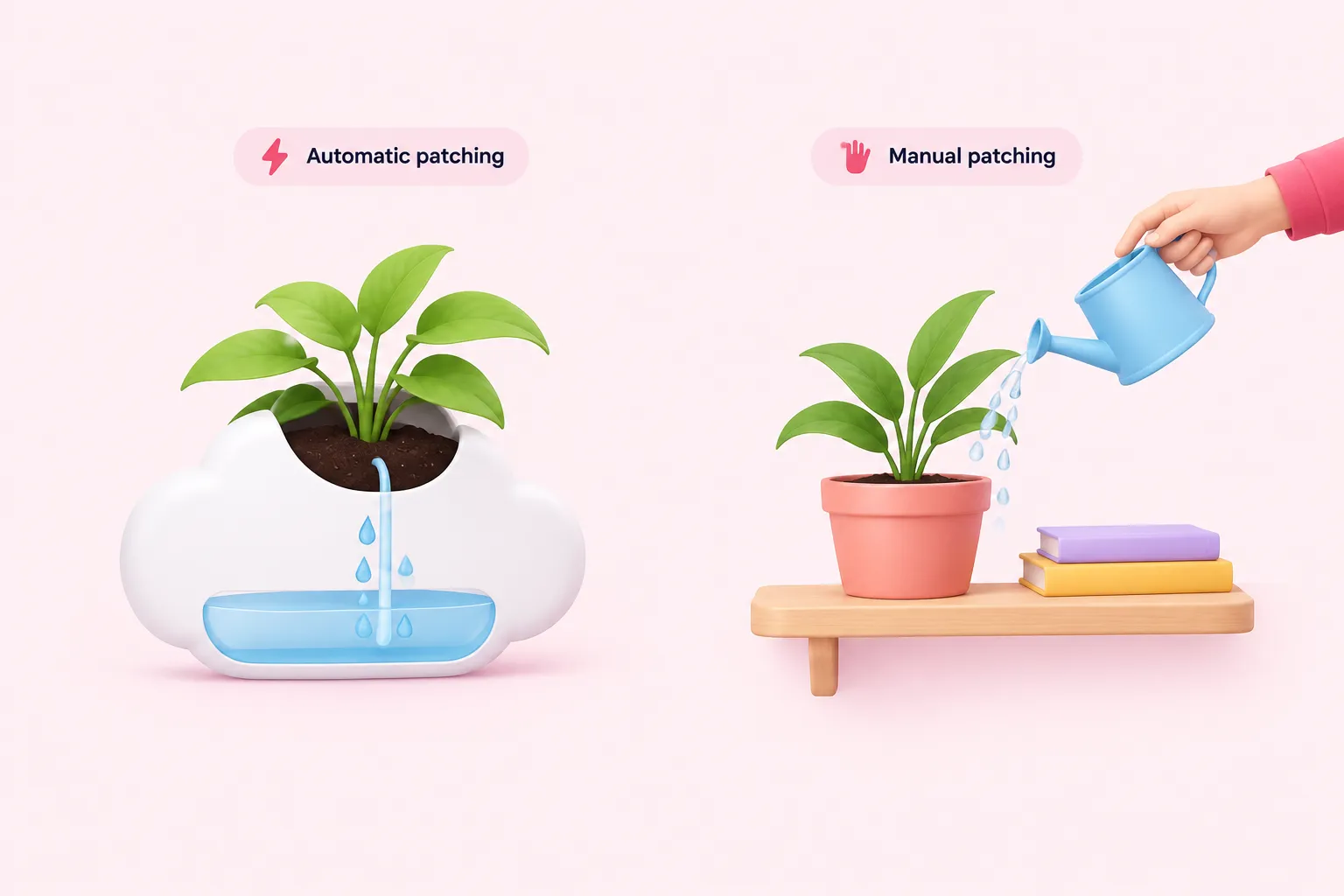
Once an advisory arrives, the next question is whether it applies to you. For one January 2026 advisory covering versions 1.65 through 1.120.4, n8n told affected self-hosted users to update to version 1.121.0 or later as soon as possible, and also published a scan template for that specific case, covered in more detail further below. n8n's documentation changelog tracks current stable and beta release versions, which is where you would confirm your own version against an advisory's stated range; the same page notes that npm installs stop working with n8n 3.0 in October, which is worth factoring into any upgrade plan.
Cloud and self-hosted deployments carry different exposure. An August 2026 community post from n8n staff confirmed the bi-weekly cadence in practice and stated that Cloud instances are patched automatically with no action required, while self-hosted users already on the latest patch version for their release branch also need no action.
This section is complete once you can say, for any incoming advisory, whether your current version and deployment mode are affected without pausing to investigate from scratch.
| Deployment | What n8n does | What your team checks |
|---|---|---|
| Cloud | Patches applied automatically | Nothing, according to n8n's own account |
| Self-hosted, already on latest patch | No change needed | Confirm your version against the documentation changelog |
| Self-hosted, behind on patch | Publishes the fixed version and, at times, a scan template | Upgrade to the fixed version as soon as possible |
Sources: Security Advisory: Security Vulnerability in n8n Versions 1.65-1.120.4 – n8n Blog, Changelog | n8n Docs, Security update — 20 August 2026 - Security Advisories - n8n Community
Checklist: Prepare a Fast-Track Patch Path
n8n's own VP of Engineering has written about why an ordinary maintenance window is not fast enough for security patches.
The same post pushes the reasoning further, toward removing manual steps from the process entirely.
This section is complete once a documented fast-track path exists separately from routine maintenance and has been tried at least once outside a real emergency.
Checklist: Layer Defenses That Reduce Exposure Between Patches
For at least one advisory, n8n gave self-hosted teams a workflow template to scan their own instance for potentially vulnerable workflows. That was tied to a specific case, and nothing in n8n's published material states an equivalent scan exists for every advisory, so it is worth treating as one tool among several rather than a guaranteed safety net.
This section is complete once workflow-edit restrictions and environment hardening are standing practice, not steps applied only after an advisory lands.
Sources: Security Advisory: Security Vulnerability in n8n Versions 1.65-1.120.4 – n8n Blog
Checklist: Handle Critical, Off-Cycle Notifications
Not every notice fits neatly into the routine two-week rhythm. Some vulnerabilities are urgent enough that waiting for the next bi-weekly update would leave an instance exposed too long. Treating those as a separate, immediate-response path, rather than something that sits until the next calendar slot, is an editorial recommendation for how your team should act when urgency demands it. What counts as critical enough for your team, and exactly how you respond once such a notice lands, is where a documented internal process still matters.
This section is complete once your team has agreed in advance what counts as urgent enough to skip the calendar, and the named owner can be reached the moment such a notice arrives.
Checklist: Verify, Record and Close Out Each Patch
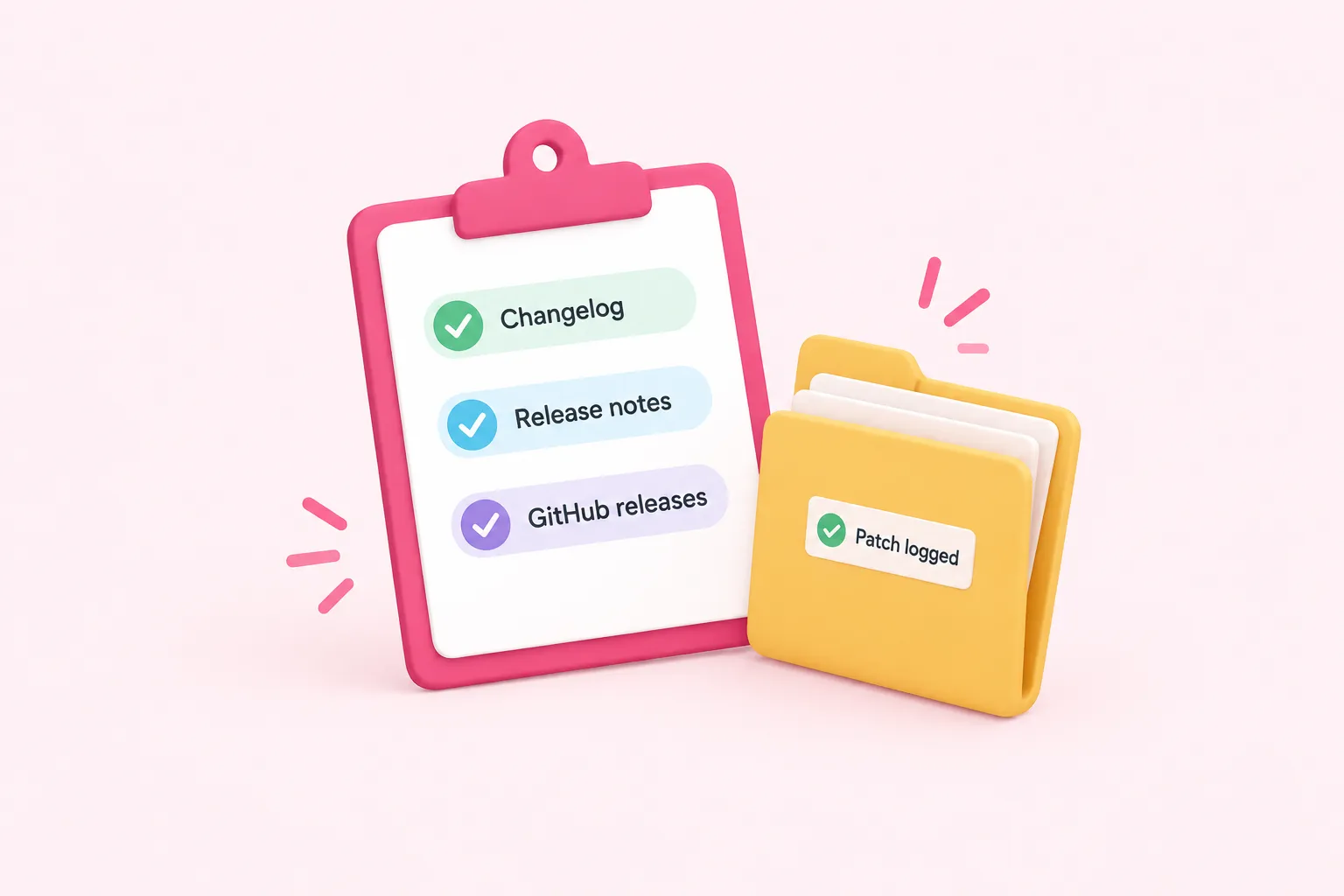
n8n's documentation separately lists a curated changelog, full release notes and GitHub releases as distinct resources for tracking updates. That gives you a place to confirm exactly which version you landed on after a patch, which matters once the deploy is done and the log needs closing out.
Sources: Changelog | n8n Docs
When to Bring in Outside Help
A routine like this only works if someone sustains it every two weeks, indefinitely. If your team can absorb n8n security news reliably alongside everything else it maintains, the checklist above is enough on its own. If it can't, that gap is worth naming honestly rather than hoping no critical advisory lands during a busy quarter.