Zapier vs n8n comparison: error handling, run history and more
A Zapier vs n8n comparison for migrating teams: error handling and run history side by side, plus n8n hosting, Zapier task counting and the unknowns to check.

Checked against the cited sources on .
What this comparison covers, and what it leaves out
If your team is moving its automations off Zapier, this Zapier vs n8n comparison looks at the two things that matter on the first day a workflow breaks. The first is how each tool handles errors. The second is where you go to see what ran. We only had documentation for both tools on those two criteria, so they're the only real side-by-side comparisons here.
Hosting and usage counting are included as one-sided context. The sources cover hosting for n8n only and task counting for Zapier only, so neither section compares the two tools. Make and other Zapier alternatives are out of scope because the sources don't cover them. Every source is vendor documentation retrieved in September 2026. It describes features, not measured results, and it doesn't cover automatic retry settings in either tool.
Zapier vs n8n comparison: criteria at a glance
Error handling: Zapier lets you add error handler paths to a Zap. In n8n, you can give each workflow a separate error workflow that runs when an execution fails. Run history: Zapier's Zap history lists the tasks your Zaps attempted. n8n calls each run an execution. It saves executions, and you can limit which ones it keeps and prune old ones. Hosting: n8n can run on n8n Cloud or on your own servers, but the sources don't document Zapier's hosting. Usage: Zapier counts successful actions as tasks, but the sources don't document how n8n counts or bills usage.
Keep those gaps in mind. If a capability isn't documented here, treat it as unknown, not as missing.
Error handling: Zapier error handler paths vs n8n error workflows
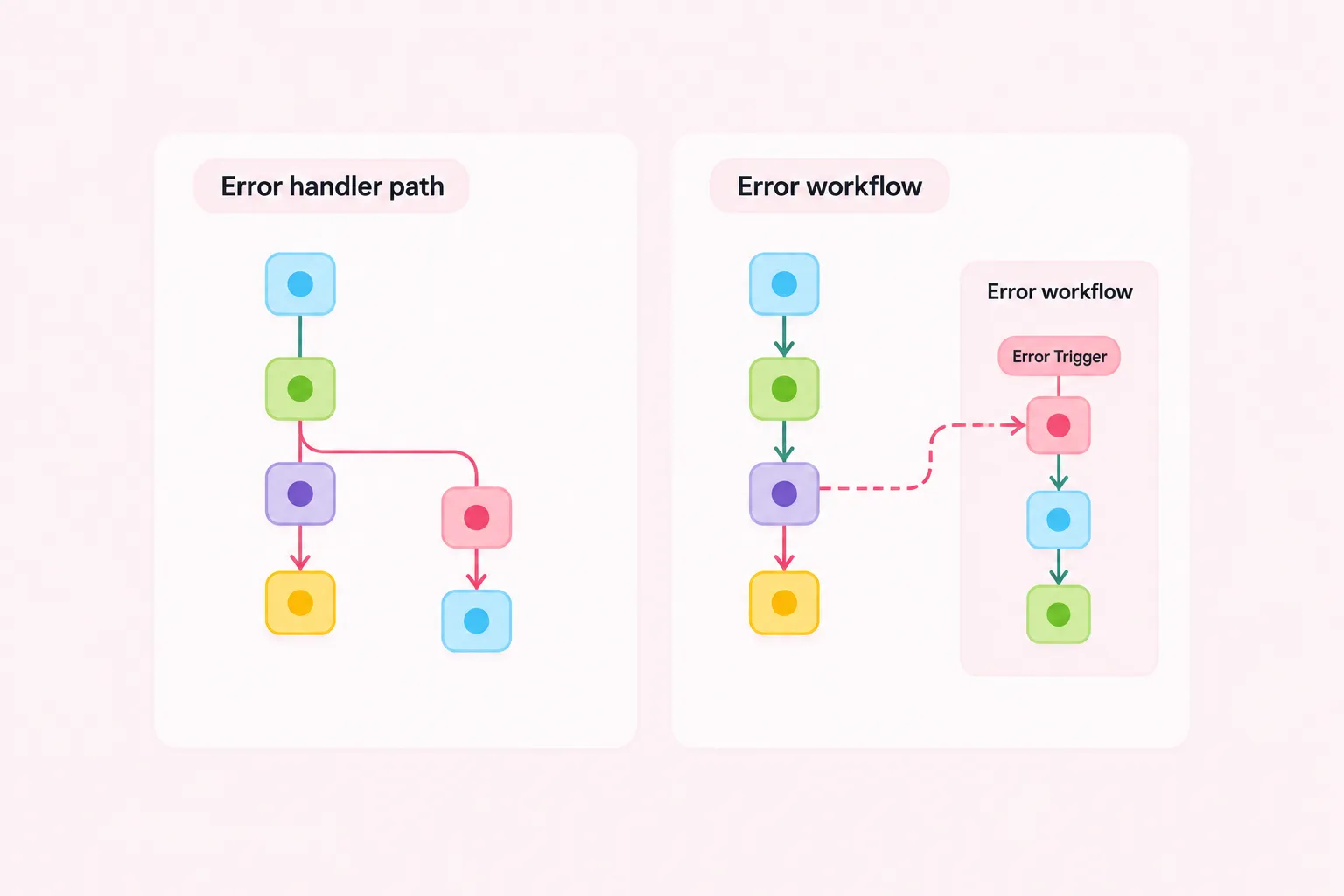
In Zapier, error handling lives inside the Zap as an error handler path. Any step that succeeds inside that path counts as a task, so handling errors uses up part of your usage. The sources don't explain how to set up these paths or how retries work.
n8n handles errors in a separate workflow. You can assign an error workflow to any workflow, and it runs when an execution fails. The error workflow must start with the Error Trigger node. One detail matters: if the trigger node itself is what failed, the error workflow receives different data, so test that case separately. The error data also shows whether the failed execution was a retry of an earlier failure. The sources don't describe any automatic retry settings, though.
Here's a suggested migration approach, not a tested method. List every Zap that has an error handler path, then replace those paths with one shared n8n error workflow. Start it with the Error Trigger and have it send an alert to the channel your team already watches. That gives you one place to maintain instead of a separate path in every Zap.
Run history: Zap history vs n8n executions and pruning
Teams can use Zapier's Zap history for monitoring, because it lists the tasks their Zaps attempted. The sources don't say how long that history is kept or which details it shows. Separately, Zapier's task usage documentation notes a timing limitation: Lead Router usage only appears in Task Usage and Zap History from July 21, 2026, so those pages don't show it for earlier dates.
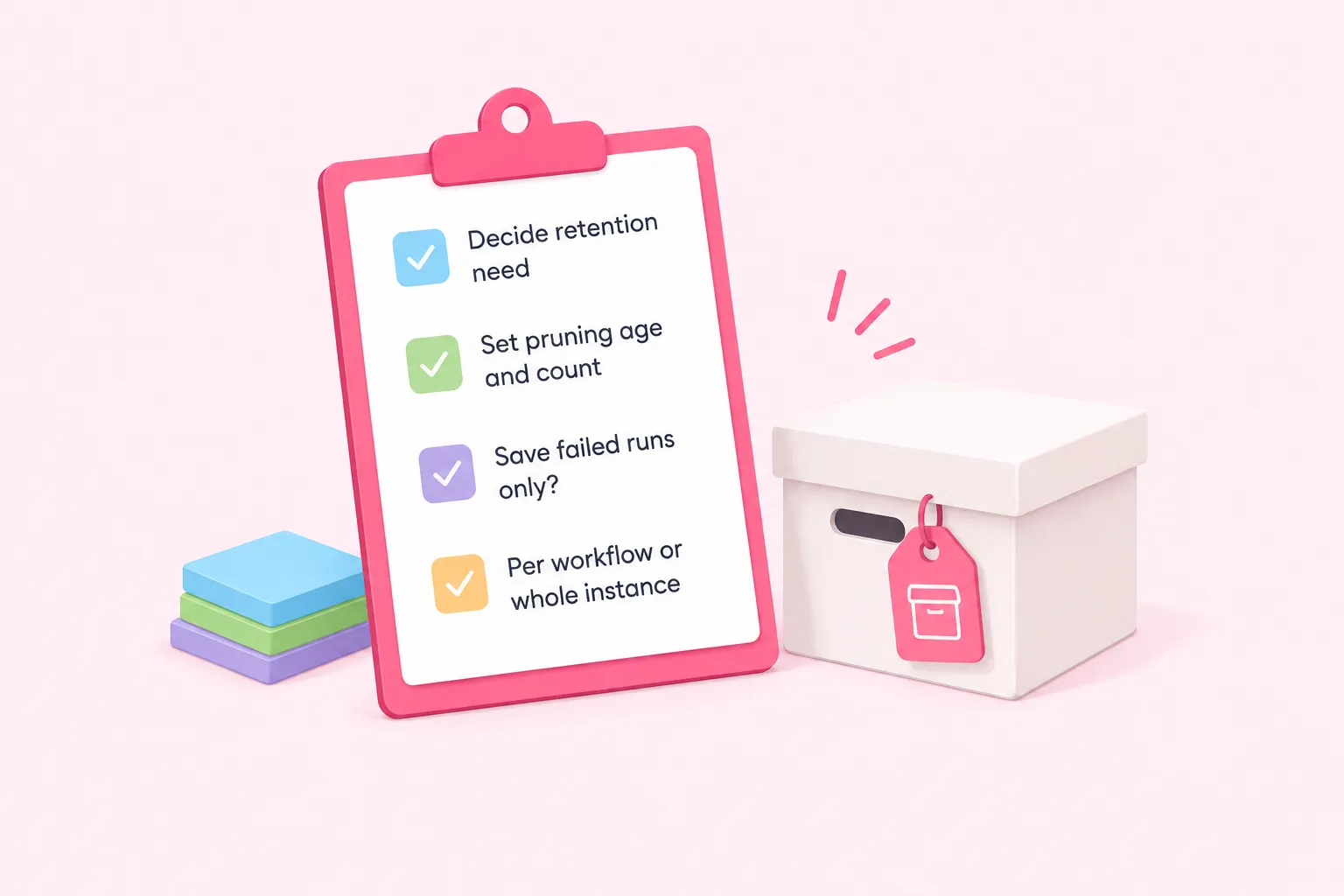
In n8n, you set how much run history to keep. You can limit saved execution data, for example to failed runs only, for the whole instance or for a single workflow. By default, n8n deletes (prunes) executions that are more than 14 days old or that go beyond 10,000 in total. Those defaults come from the self-hosted configuration docs. The sources don't say how n8n Cloud keeps run history.
Before you switch off Zap history, decide how long you actually need to keep run records. Then set n8n's pruning and save-on-error settings to match. Treat this as a planning step to agree on as a team, not a fixed rule.
Hosting and ownership: n8n Cloud vs self-hosted
n8n offers two ways to run it: n8n Cloud, which n8n manages for you, or self-hosting on your own servers. The self-hosted Community edition is free and includes most features. SSO, environments, projects and Git version control need a paid plan. The Community edition also has no workflow or credential sharing. Only the instance owner and the person who created a workflow or credential can access it, which matters if your team shares Zaps today.
n8n calls its pricing page the definitive source for features and prices. We didn't have that page, and features vary by plan and can change, so check it before you plan around sharing or version control.
How Zapier counts tasks, and what to check with n8n
Zapier counts only successful actions toward task usage, and that includes successful steps inside error handler paths. The sources don't list plan prices or task limits. Because they also don't document how n8n counts or bills usage, don't estimate savings by converting Zapier tasks into n8n usage. Check n8n's pricing page for your edition instead.
Our editorial advice: if you're weighing n8n against other Zapier alternatives, leave cost as an open question until you have each vendor's current terms.
Rebuilding a familiar Zap as practice
The quickest way to feel the differences in this Zapier vs n8n comparison is to rebuild one simple Zap you already know, in your own n8n environment. Next, deliberately break a step and watch your error workflow fire. Then open the execution list and check what was saved. Here are some suggested questions to ask yourself (they're prompts, not a checklist from either vendor): Did the alert include enough context to act on? Was the failed run kept? Who else on the team can open this workflow?
Unknowns and next steps
Several questions stay open: automatic retry settings in both tools, Zapier's hosting and data residency, how long Zap history is kept, and n8n Cloud's execution limits and prices. Take those to each vendor's current documentation and pricing pages. Once they're answered, you'll have a Zapier vs n8n comparison based on your own requirements instead of assumptions.