Safely test a reusable n8n error workflow without publishing your real automation
A beginner-friendly guide to separating a real automation, a reusable error handler, and a disposable scheduled test so you can verify controlled failure handling with limited exposure.

Checked against the cited sources on .
Understand the three-workflow safety setup
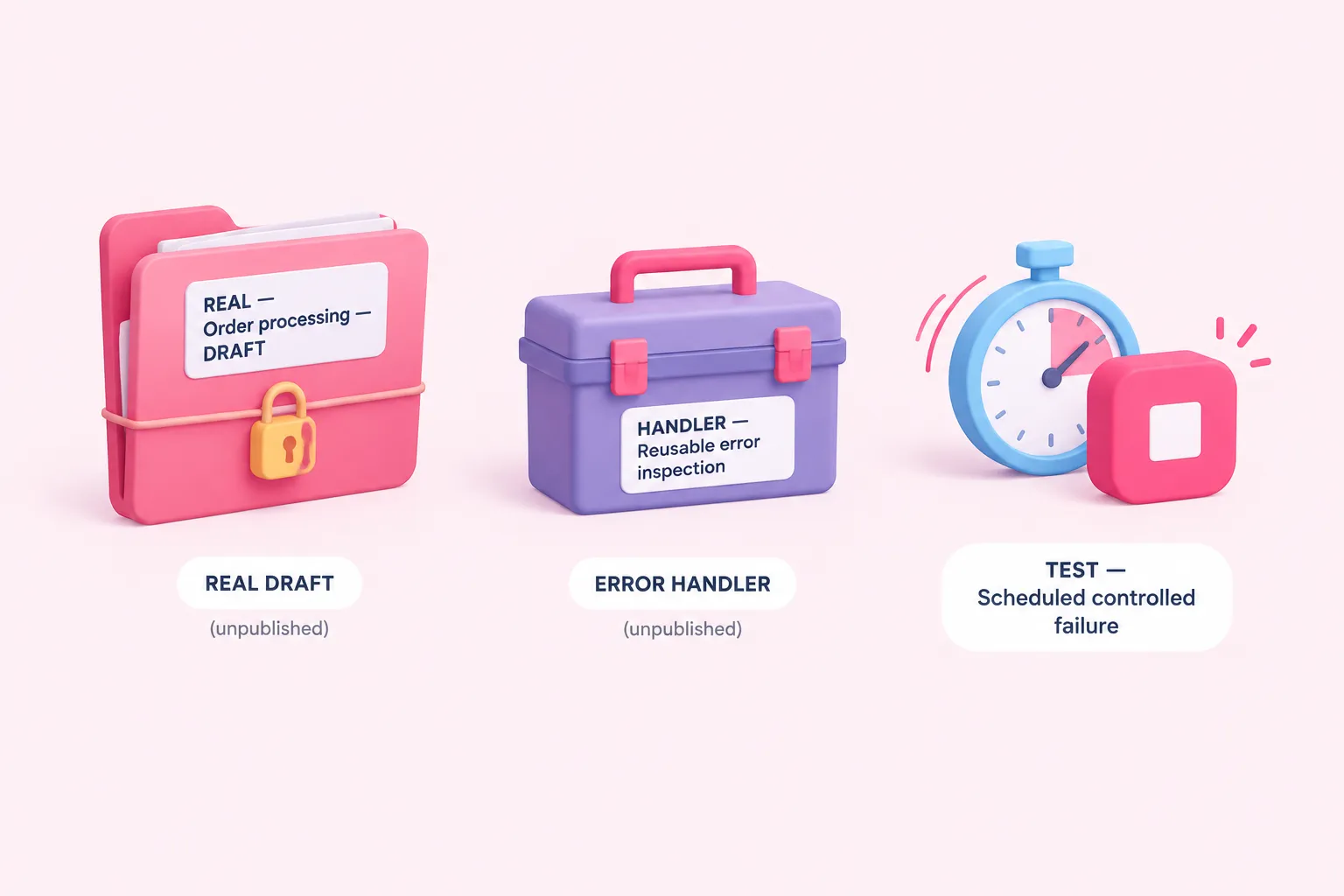
The safest way to approach this exercise is to separate three different responsibilities. Keep your real automation as an unpublished draft. Create a second workflow that receives errors and can later be reused. Then create a third, disposable workflow whose only purpose is to fail on a schedule. This separation is an editorial safety pattern assembled from documented n8n behavior; it reduces the chance of involving the real automation, but it does not make testing risk-free.
Give the workflows unmistakable names, such as “REAL — Order processing — DRAFT,” “HANDLER — Reusable error inspection,” and “TEST — Scheduled controlled failure.” Clear names are especially useful when selecting an error workflow from settings or reviewing execution lists. Before continuing, check that the test workflow contains no customer data, production credentials, notification recipients, or irreversible actions.
The publication boundary is central to the setup. Draft edits stay outside production until publication, while an automatically scheduled execution requires a non-manual trigger and a published workflow. The practical consequence is simple: leave the real automation unpublished and later publish only the isolated test workflow.
Build and save the reusable error handler
Create the handler as a separate workflow and place Error Trigger first. An error workflow must begin with this trigger, and the same handler can be selected by multiple workflows. That makes it useful as a reusable inspection point rather than something tied permanently to this disposable test.
For an initial check, keep everything after Error Trigger low risk. A suggested approach is to inspect the incoming execution data or pass selected fields into a simple transformation step. Do not begin with customer notifications, ticket creation, database writes, or other actions that could produce unwanted effects while you are still learning what the payload contains.
Save the handler, but do not publish it. n8n permits an Error Trigger workflow to remain unpublished. Also, do not rely on a manual execution to prove that the trigger works: the handler is intended to run when a linked workflow fails through the appropriate automatic execution path.
Connect workflows through Error workflow settings
Open the settings of the disposable test workflow and find the Error Workflow option. Select the saved reusable handler there. This setting tells n8n which workflow to start when the test workflow fails.
Confirm the selection carefully before publishing anything. Similar workflow names can make it easy to choose the wrong handler, which is another reason to use explicit prefixes such as REAL, HANDLER, and TEST. At this point, your real workflow should still be separate, unpublished, and uninvolved. The handler should be saved but unpublished, while the test workflow is ready to receive its trigger and controlled failure.
Create a scheduled test workflow that fails deliberately
In the disposable test workflow, connect a Schedule Trigger to a Stop And Error node. Configure a short but controlled schedule that gives you enough time to check the setup before it runs. Avoid an unnecessarily frequent interval, because the workflow will continue failing until you unpublish it or otherwise stop its automatic executions.
Use Stop And Error to produce an unmistakable test-only message or object. A suggested message is “CONTROLLED TEST FAILURE — safe to remove.” A suggested object could contain fields such as testPurpose, expectedFailure, and cleanupReminder. These examples are editorial suggestions, not validated templates, and they should not contain secrets or real customer information.
Stop And Error is designed to create a failed execution and can pass custom error information. That makes the failure intentional and easier to distinguish from an unexpected problem elsewhere. Keep this workflow minimal: Schedule Trigger, Stop And Error, and no additional operational nodes.
Publish only the test workflow and verify the automatic failure
Review all three workflows before publishing. The real automation remains an unpublished draft. The reusable handler remains saved and unpublished. Only the disposable workflow containing the schedule and controlled failure is published. This arrangement follows the documented distinction between draft edits and production executions.
Do not use Execute Workflow or another manual run as the main verification method for Error Trigger. The test needs to run through its published, non-manual trigger so that the linked error workflow can receive the failure. Wait for one scheduled execution rather than repeatedly changing the workflow or starting unrelated runs.
After the scheduled time passes, inspect the execution history for the disposable test. You should find its deliberately failed execution. Then inspect the handler’s executions and check whether it received the corresponding error data. If the handler did not run, recheck that the correct workflow was selected in the test workflow’s Error Workflow setting and that the failure came from the automatic scheduled execution.
Inspect the received error data and clean up safely
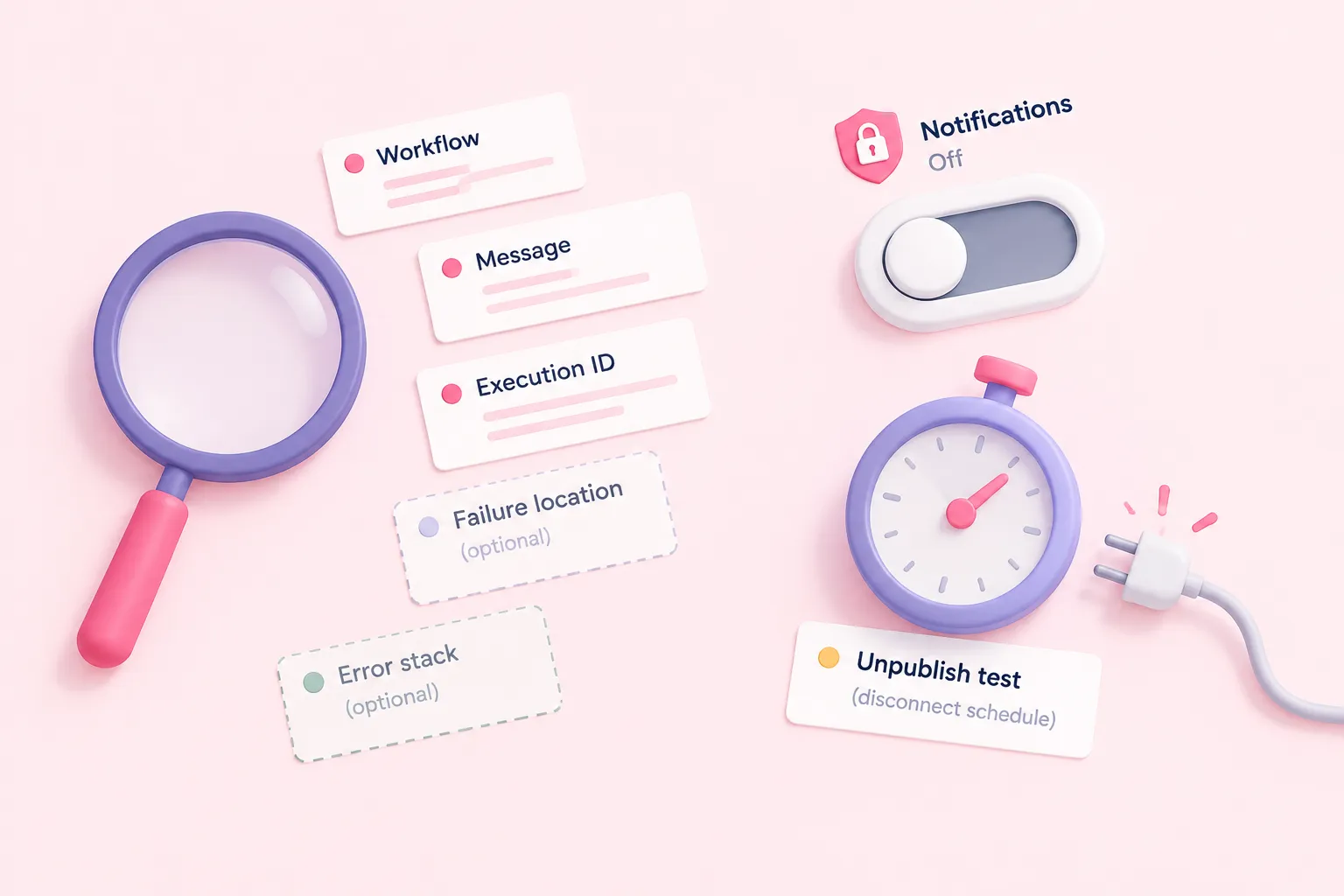
Examine the payload defensively rather than assuming every field will always be present. Error information can vary by failure context. Execution identifiers depend on database persistence, and a failure in a trigger node can produce a different payload shape. If you later build routing or notifications around this handler, treat optional values as optional and provide sensible fallbacks.
Useful inspection questions include: Which workflow failed? What error message arrived? Is an execution identifier available? Did the failure happen in a regular node or during triggering? These are suggested review questions, not a validated diagnostic instrument. Their purpose is to help you notice assumptions before adding higher-impact actions to a reusable handler.
Once you have confirmed the failed test execution and the handler execution, unpublish the disposable scheduled workflow so it cannot continue failing on schedule. Keep or delete the test only according to your own workspace practices. The separation lowers the real workflow’s exposure during this exercise, but credentials, instance settings, saved-execution policies, schedules, permissions, quotas, and any downstream nodes can still affect consequences.
Practice workflow debugging with controlled failures
A reusable error handler becomes more valuable when you understand both sides of the path: how a workflow fails and what information the handler can safely consume. Repeat the exercise with harmless variations, such as changing the custom test message or checking how your inspection step behaves when an expected field is absent. Keep each variation isolated and stop its schedule after one verified run.
As a further suggested exercise, sketch the handler’s future decision points before adding operational actions: identify the failed workflow, normalize optional fields, classify the error, and only then decide whether a notification or another response is appropriate. This is an editorial practice sequence, not proof that every production handler should use the same design.