n8n self hosted vs cloud: one webhook workflow in production
A criteria-by-criteria look at n8n self hosted vs cloud for one webhook workflow: setup, payload limits, credentials, updates, retention, scaling and monitoring.

Checked against the cited sources on .
Scope: one workflow, two hosting paths
Imagine the simplest useful automation: a Webhook node receives a JSON payload, an HTTP Request node calls an external API, and a little data transformation shapes the response. It works on your laptop. The question in n8n self hosted vs cloud is not whether that workflow runs — n8n documents both deployment options as suitable for production use — but what surrounds it once real traffic arrives.
The documentation is blunt about the starting difference: Cloud needs no installation and no technical expertise to stand up, while self-hosting requires setup through npm, Docker or a server, plus the expertise to configure it. The docs also recommend self-hosting for expert users, noting that mistakes can lead to data loss, security problems and downtime. That is guidance, not a measurement, but it sets the tone for every criterion below.
One more scoping note. No pricing figures, benchmarks or latency comparisons were available for this article, so the comparison stays qualitative and mechanism-focused. Check the current n8n pricing page for per-plan numbers rather than trusting figures quoted anywhere else.
Setup, database and the webhook URL itself
For self-hosting, n8n lists several install paths and recommends Docker Compose for production deployments with databases and additional services. By default a self-hosted instance keeps credentials, past executions and workflows in SQLite, with PostgreSQL configurable through environment variables. That default is fine for a single evaluation instance and becomes a constraint later, which is why the database decision belongs before your first production publish, not after.
The Webhook node behaves the same way in both environments. It gives you a test URL and a separate production URL, and n8n registers the production webhook when you publish the workflow. Practically, that means a workflow you prototyped somewhere else must be re-tested after publishing in the target environment, because the URL your caller uses is not the one you clicked during development.
Payload size is where the two paths separate. The webhook maximum payload is 16MB, and only self-hosted users can change it using the N8N_PAYLOAD_SIZE_MAX environment variable. If your API integration receives large uploads or fat JSON documents, that single setting may decide the hosting question on its own. The supplied documentation does not suggest safe upper values or describe the memory impact of raising it, so treat any increase as something to test.
Credentials, encryption keys and moving between the two
A self-hosted instance creates a random encryption key on first launch and stores it in the n8n home folder; that key encrypts your credentials, and in queue mode every worker must share it. Knowing where that key lives — and making sure it survives a container rebuild — is the difference between a routine restart and a morning spent re-entering API tokens. The supplied sources do not document a backup or rotation procedure, so build your own handling deliberately.
Portability is asymmetric. There is no automated migration from Cloud to self-hosted: workflows are exported and imported manually, and credentials cannot be exported from Cloud for security reasons, so they must be re-entered by hand afterwards. Self-hosted instances, by contrast, have CLI export and import commands, including a plain-text credential export intended for moving between installations with different secret keys. That convenience is also a hazard, since the server CLI bypasses access controls and the export exposes sensitive values in the clear.
If a move is even plausible, plan it as a manual exercise: export the workflows, re-enter every credential, then verify each API connection before you repoint the webhook.
Updates, execution data and retention
Update ownership is one of the sharpest lines in n8n self hosted vs cloud. On Cloud, the runtime version, release track of Beta or Stable, update cadence and maintenance window are settings an instance owner manages, and changing the version triggers a short restart of roughly a minute or two. Independently of the cadence you pick, n8n always applies security and stability updates automatically. You trade version pinning for someone else doing the patching.
Self-hosted teams own the upgrade calendar entirely, which is an advantage when a community node or a custom setup is sensitive to version changes, and a liability when nobody is assigned the job.
Execution data follows the same pattern. Cloud prunes execution logs automatically by plan — Pro plans, for example, keep at most 25000 executions with 30 days of retention. Self-hosted instances control retention through the EXECUTIONS_DATA variables, with pruning defaults of 336 hours and 10,000 executions. One caveat that bites SQLite users: pruned rows do not free disk space without a VACUUM.
Scaling, monitoring and feature gating
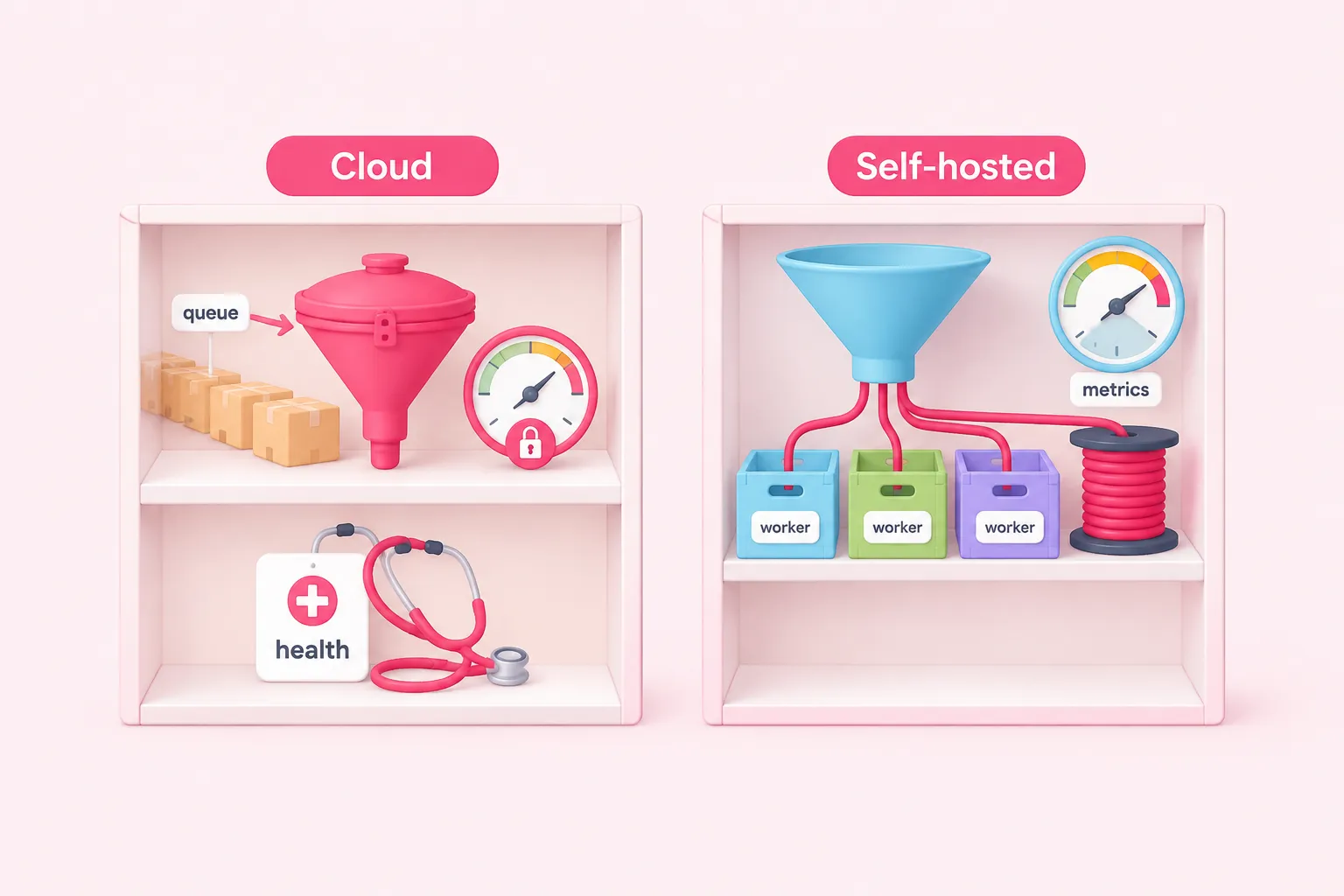
Cloud enforces per-plan RAM and CPU limits, documented from 320MiB on Trial and Starter up to 4096MiB on Enterprise, and applies instance-wide concurrency control to production executions — precisely the ones your webhook starts — queuing anything above the limit. The per-plan concurrency numbers live on the pricing page rather than in the documentation text used here.
Self-hosted scaling means queue mode with Redis and worker processes. Distributed setups are not supported on SQLite, which is the second reason to choose PostgreSQL early. In queue mode, webhook responses relay through Redis with a default size cap of 64 MiB, configurable via N8N_WEBHOOK_RESPONSE_RELAY_SIZE_MAX; offloading larger bodies needs a recent n8n version on every main instance plus shared storage. Multi-main mode is Enterprise-only and unavailable on Cloud.
Monitoring is the clearest split in n8n self hosted vs cloud. The /metrics endpoint is self-hosted only across all editions and is disabled until you enable it explicitly; /healthz is available to both. Log streaming to external systems is Enterprise on Cloud and on self-hosted alike, so self-hosting alone does not unlock it.
Feature gating deserves its own read. The free self-hosted Community edition excludes SSO, environments, projects, external secrets, log streaming and Git version control, but it does include queue mode. Registering that free edition by email unlocks folders, debug in the editor and custom execution data. Feature lists change, and the docs themselves point to the pricing page as the source of truth.
Sources: S7, S8, S5, S14, S15, S3
n8n self hosted vs cloud: tradeoffs, unknowns and how to decide
Applied to one webhook-and-API workflow, the comparison of n8n self hosted vs cloud reduces to a few honest tradeoffs. Cloud gives you managed updates, automatic pruning and no infrastructure ownership, at the cost of a fixed payload ceiling, plan-bound resources, instance-wide concurrency queuing and no metrics endpoint. Self-hosting gives you the payload size, retention policy, metrics and queue-mode scaling you want, in exchange for owning the database, the encryption key, the upgrades and the failure modes the docs warn expert users about.
Several things remain unknown from the available documentation. There are no pricing figures here, no per-plan concurrency numbers, no backup and restore procedure for self-hosted instances, and no benchmark comparing the same workflow in both environments. Treat those gaps as your own evaluation tasks rather than assuming parity.
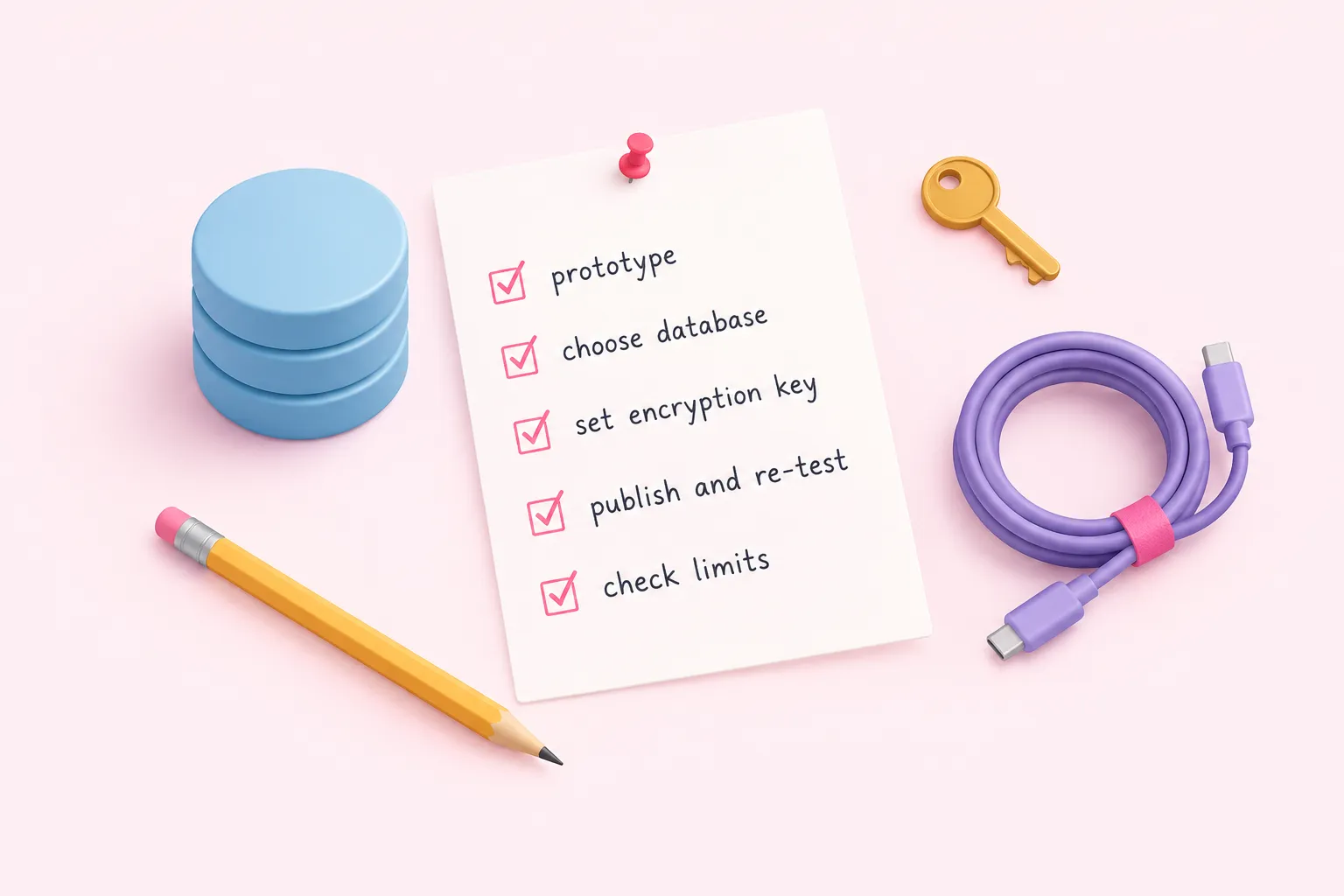
A workable sequence: prototype wherever you can start fastest, decide database, persistent volume and encryption-key handling before the first production publish if you self-host, re-test after publishing because the production URL registers then, and confirm current limits on the pricing page before you commit.