What n8n Courses Must Teach Before Production Workflows
A guide to what n8n courses should teach before a team builds production workflows, covering error handling, access control and version control.

Checked against the cited sources on .
Why n8n Courses Must Go Beyond the Tutorial
Many n8n courses stop once a learner can drag nodes onto a canvas and get a workflow to run once. That is a real milestone, but it isn't the same as being trusted to build automations that touch customer data, billing systems or support queues every day. Good n8n courses for engineering teams should treat "the workflow ran in testing" and "the workflow is safe to run in production" as two different graduation lines, with a defined set of skills separating them.
For an engineering manager standardizing practice across a team, the gap between those two lines is where incidents happen: an unhandled failure nobody notices, a credential shared insecurely, a workflow edited live in production with no way back. The rest of this guide lays out what a team should be taught, and in what order, before members are allowed to ship automations that other people depend on.
Error Handling: The Non-Negotiable Baseline

The first non-negotiable is error handling, because n8n already gives teams a mechanism for it. According to n8n's own documentation, a workflow can be assigned a dedicated error workflow in its Workflow Settings, and that error workflow runs automatically whenever the assigned workflow's execution fails. A course should teach this as a required step, not an optional add-on: no workflow should be considered finished, in an exercise or in production, until it has an assigned error workflow that notifies someone.
Documentation describes the mechanism only; it does not tell a team how many incidents this actually catches once adopted, so it's worth treating an assigned error workflow as a floor, not a guarantee of reliability.
Sources: Handle errors gracefully | Build | n8n Docs
Access Control and Credentials for a Team, Not a Solo Builder
Once more than one person builds on a shared instance, access control stops being optional. n8n's built-in instance roles, Owner, Admin and Member, are the baseline model every team member should understand before anyone gets build access. A course should walk trainees through what each role can and cannot do on a shared or production project before letting them touch it.
Teams on a paid plan have more precision available. Custom instance and project roles, which allow finer-grained role-based access control, are documented as available on n8n Cloud Enterprise and self-hosted Enterprise. External secret stores such as AWS Secrets Manager, Azure Key Vault or HashiCorp Vault are likewise an Enterprise-only feature for centralizing credentials across environments, and an instance admin can scope a shared vault to a single project so only that project's credentials can reference it. A course must be explicit about which of these controls a given team's plan actually includes, so Community-edition teams don't plan around features they don't have.
| Feature | Community edition | Business/Enterprise |
|---|---|---|
| Instance roles (Owner, Admin, Member) | Included | Included |
| Custom instance and project roles | Not documented as included | Included on n8n Cloud and self-hosted Enterprise |
| External secret stores (e.g., AWS Secrets Manager, Vault) | Not documented as included | Included on n8n Cloud and self-hosted Enterprise |
Underneath the plan differences sits a simpler design principle. n8n's own production-deployment guidance describes giving each agent or workflow access only to the secrets it actually needs, so a compromised workflow can't reach credentials it never required. That principle of least privilege is worth teaching before any plan-specific tooling, since it applies whether or not a team has custom roles or an external vault.
Sources: Set permissions and roles (RBAC) | Administer | n8n Docs, Use external secret stores | Administer | n8n Docs, 15 best practices for deploying AI agents in production – n8n Blog
Version Control, Staging and Safe Rollbacks
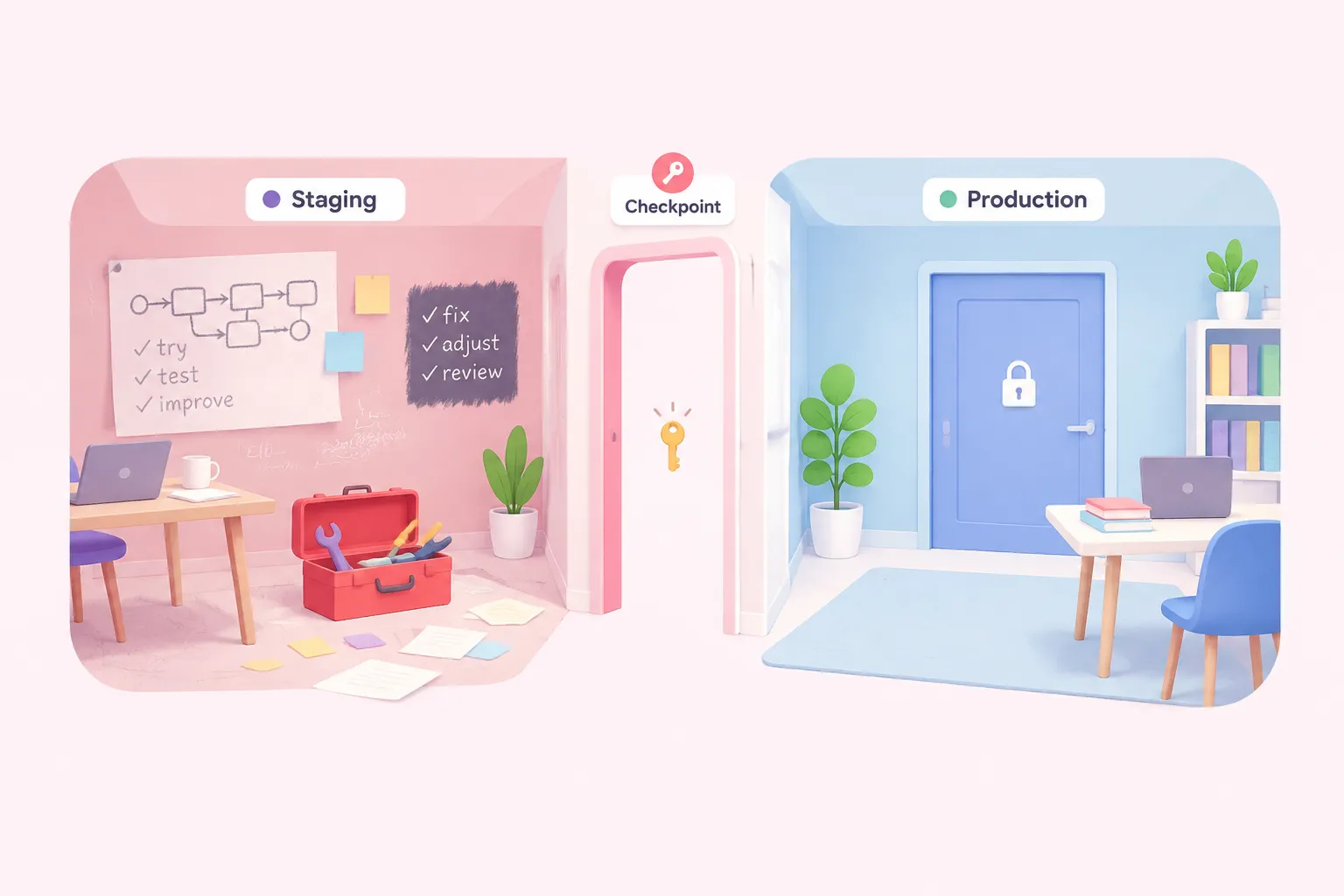
Git-based source control and separate environments in n8n are documented as available on Business and Enterprise plans, and only an instance owner or admin can enable and configure them. An n8n course running on a lower tier can still teach the underlying discipline conceptually, but it should say plainly when a hands-on lab isn't possible on the team's actual plan.
The habit that matters regardless of plan is simpler: n8n's own guidance states that production workflows should never be edited directly, and that changes should be tested in a development or staging environment first. A course should make trainees rehearse this under exercise conditions, making a change in staging, verifying it, then promoting it, before they're ever handed access to a live production project.
Sources: Use source control and environments | Administer | n8n Docs, 15 best practices for deploying AI agents in production – n8n Blog
Workflow Design Discipline: Naming, Modularity and Idempotency
A workflow that survives contact with real data usually shares a few design habits: clear names that describe what a workflow does, logic broken into smaller reusable pieces rather than one sprawling canvas, and steps that can safely re-run without duplicating work if a trigger fires twice. The last two habits, modularity and idempotency, are useful design constraints in their own right, independent of any single source. On naming, error handling and credential separation, Till Freitag, who describes doing n8n workflow consulting for teams professionally, offers a related baseline in his own blog post on production-ready workflows:
Treat that quote as one practitioner's framing rather than an n8n-documented standard; n8n's own documentation reviewed for this guide doesn't prescribe a naming convention. The habits it names, clear naming, handling errors on critical nodes and separating credentials by environment, are worth teaching alongside modularity and idempotency as design constraints from a trainee's first non-trivial build, rather than lessons added only after a workflow has already become unmanageable.
Monitoring and Scaling as Usage Grows
As a team's automation footprint grows, a single n8n instance eventually needs to scale beyond one process, which n8n supports through queue mode. Documentation notes that in queue mode, every worker process must be given the same custom encryption key through an environment variable. Mismatched keys across workers risk credential and workflow failures that are hard to diagnose after the fact, so a course covering scaling should teach this configuration step before a team's first queue-mode deployment, not after.
Monitoring itself connects back to error handling: the error workflow covered earlier in this sequence is what actually notifies someone when something breaks at scale, so the two topics are worth teaching together rather than as separate modules.
Sources: Set a custom encryption key | Deploy | n8n Docs
A Course Sequence and Go-Live Checklist
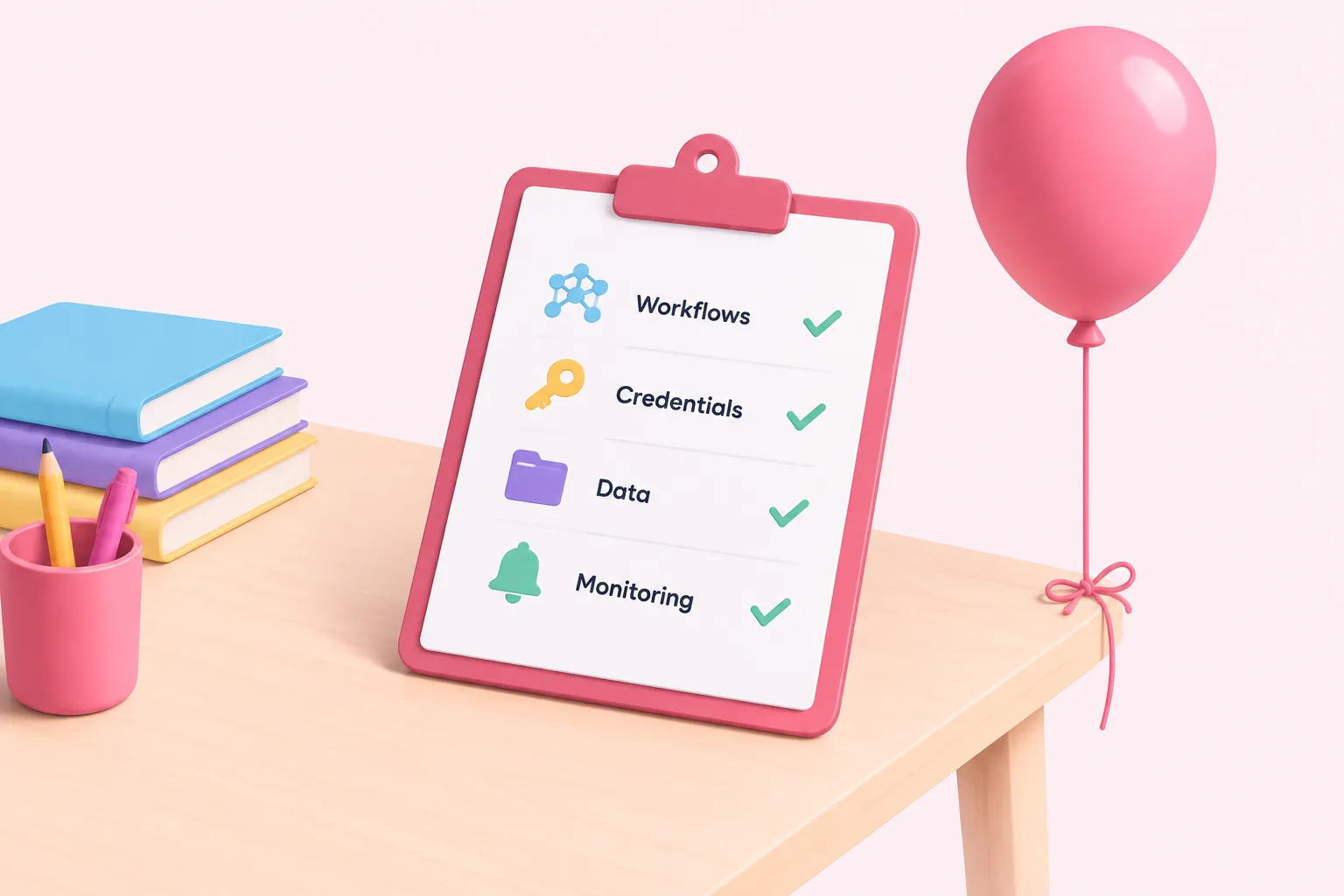
Put together, these topics have a natural teaching order, because later ones assume the earlier ones are already second nature.
Suggested course sequence
- Core building blocks: Triggers, nodes and data mapping, taught first because everything else assumes this is fluent.
- Error handling and idempotency: Every graded workflow must have an assigned error workflow and safe re-run logic.
- Credentials and access control: Instance roles, least privilege, and plan-appropriate secret handling before shared access.
- Version control and staging: Rehearsed staging-to-production promotion before anyone edits a live project.
- Monitoring and scaling: Execution visibility and queue-mode prerequisites once usage grows.
The actual gate for "trusted with production" shouldn't be finishing the last exercise; it should be a written checklist a trainee's workflow has to pass before anyone treats it as done. Sequencing n8n courses this way turns finishing the material and being trusted with real workflows into the same milestone, rather than two unrelated events separated by guesswork.