n8n Workflow Examples to Rebuild by Hand Before Your Team Uses Them
n8n workflow examples to rebuild by hand: what the official first-workflow tutorial teaches, where to practise next, and what to change for team use.

Checked against the cited sources on .
Why rebuild n8n workflow examples by hand
When you look for n8n workflow examples, it's tempting to import a finished one and click run. This guide suggests something slower: rebuild a small official example one node at a time, then change it before a team relies on it. This is our editorial view, not a proven teaching method. The sources below are n8n's own materials. None of them are independent studies, and none show that rebuilding by hand teaches better than importing.
Here's our reasoning. When you import a workflow, all the decisions are already made. When you rebuild it, you choose each trigger, credential and condition yourself. That habit helps later, when a workflow breaks and you need to find which step changed the data.
A good first rebuild: n8n's official first-workflow tutorial
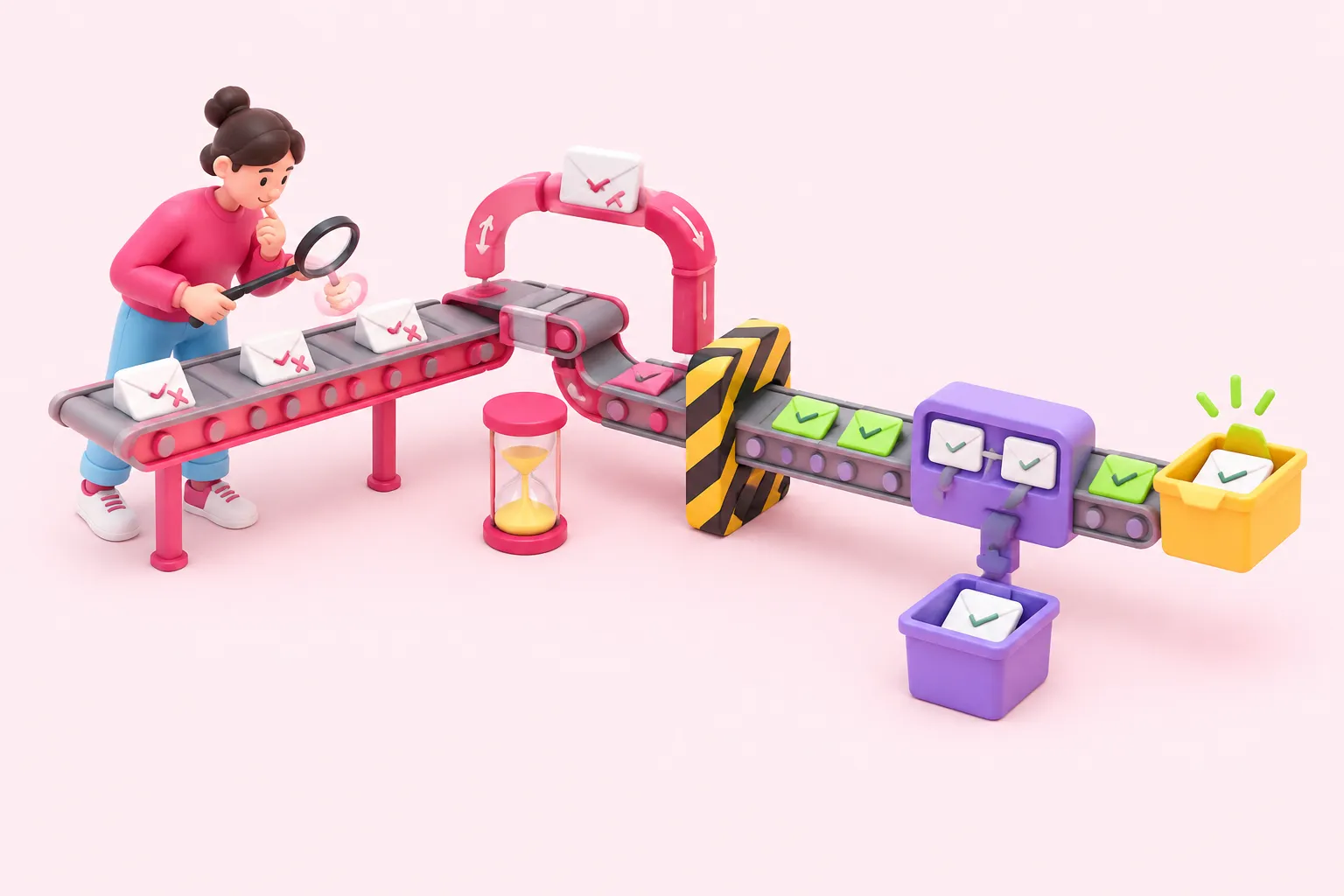
Among official n8n workflow examples, n8n's own first-workflow tutorial is a good place to start. You build the workflow from scratch rather than loading a finished file. It runs on a schedule. A node then fetches data from an external service, a logic step checks that data, and the result goes to PostBin, a temporary destination for the output.
The tutorial workflow, step by step
- Schedule: A trigger decides when the workflow runs.
- Fetch data: A node fetches data from an external service.
- Logic step: A logic step checks the fetched data.
- PostBin: The result goes to a temporary destination so you can inspect it.
Two details matter later. First, the scheduled run only starts after you publish the workflow. The documentation describes this with a Publish button, and that label may change in future versions of n8n. Second, PostBin bins are temporary and expire soon after you create them. That's fine for practice, but a workflow a team depends on shouldn't send its output there.
Sources: S2
Skills each step practises

n8n describes the tutorial as teaching core skills: setting up credentials, processing data and representing logic. It's a useful checklist of what one small workflow covers. The table below matches each skill to where you meet it in the tutorial.
| Skill | Where you meet it | What to watch |
|---|---|---|
| Credentials | Connecting to the data source | Where the key is stored |
| Data processing | Reading the fetched items | Which fields each item has |
| Logic | Logic step | Which items take each branch |
A suggested way to work, and not a tested method: run each node on its own before you add the next one, and say out loud what data you expect to see. When the output surprises you, you've found the thing to learn.
Sources: S2
Other ways to practise after the tutorial
Once the tutorial feels easy, n8n Academy is a natural next step. Its courses come with practice APIs, so most of them don't need any external accounts. The course list also includes one on AI, testing and best practices. The source gives only the course title, not its contents or dates.
Our suggestion: if you want more n8n workflow automation examples after that, or you are browsing n8n use cases examples for ideas, choose small ones that use a single new idea, such as a webhook or a loop, and rebuild them the same careful way. The sources used here don't cover n8n's community template library, so this guide doesn't recommend specific templates.
What to change before a team uses the workflow
A practice workflow and a team workflow have different jobs. n8n's Build documentation covers flow logic, including error handling, and also how to configure, tag, share, export and maintain workflows as they grow. These are overview pages, so the source doesn't include detailed procedures. The checklist below is our editorial suggestion, not a validated standard.
Rebuilding one of these n8n workflow examples teaches one person. A team also needs shared habits for reviews, credentials and failures.
Conclusion: rebuild first, then prepare it for the team
Start with one of the smallest n8n use cases: the official tutorial, rebuilt by hand. Once you understand every node, go through the checklist above so the workflow is better prepared for team use. After that, move on to Academy courses and slightly larger examples.