Checklist: Is This a Good First n8n Automation Project?
Use this checklist to choose a small, predictable first n8n workflow, define its boundaries, test it safely, and decide when it is ready for automatic operation.

Checked against the cited sources on .
Start with a one-sentence project definition
Before opening the workflow editor, describe the candidate project in one sentence: “When X happens, use inputs Y, apply explicit rules Z, and produce observable result O.” This is an editorial planning formula, not a mandatory n8n standard. Its purpose is to reveal whether the idea has a clear beginning, understandable processing, and a visible result.
As an initial screening rule of thumb adapted from RPA guidance, look for a task that is rule-based, repetitive, periodic, and digitally performed. Mark this check complete when you can name several realistic occasions when the same steps recur. A one-off task may still be useful practice, but repetition alone is not a reason to automate it.
Next, check predictability. Common inputs should lead to explicit actions without relying on unstated human judgment. If a person must interpret tone, negotiate exceptions, or make a sensitive decision at every run, narrow the project. Automate a more mechanical part while leaving the judgment with a person.
Sources: S13
Choose one clear trigger
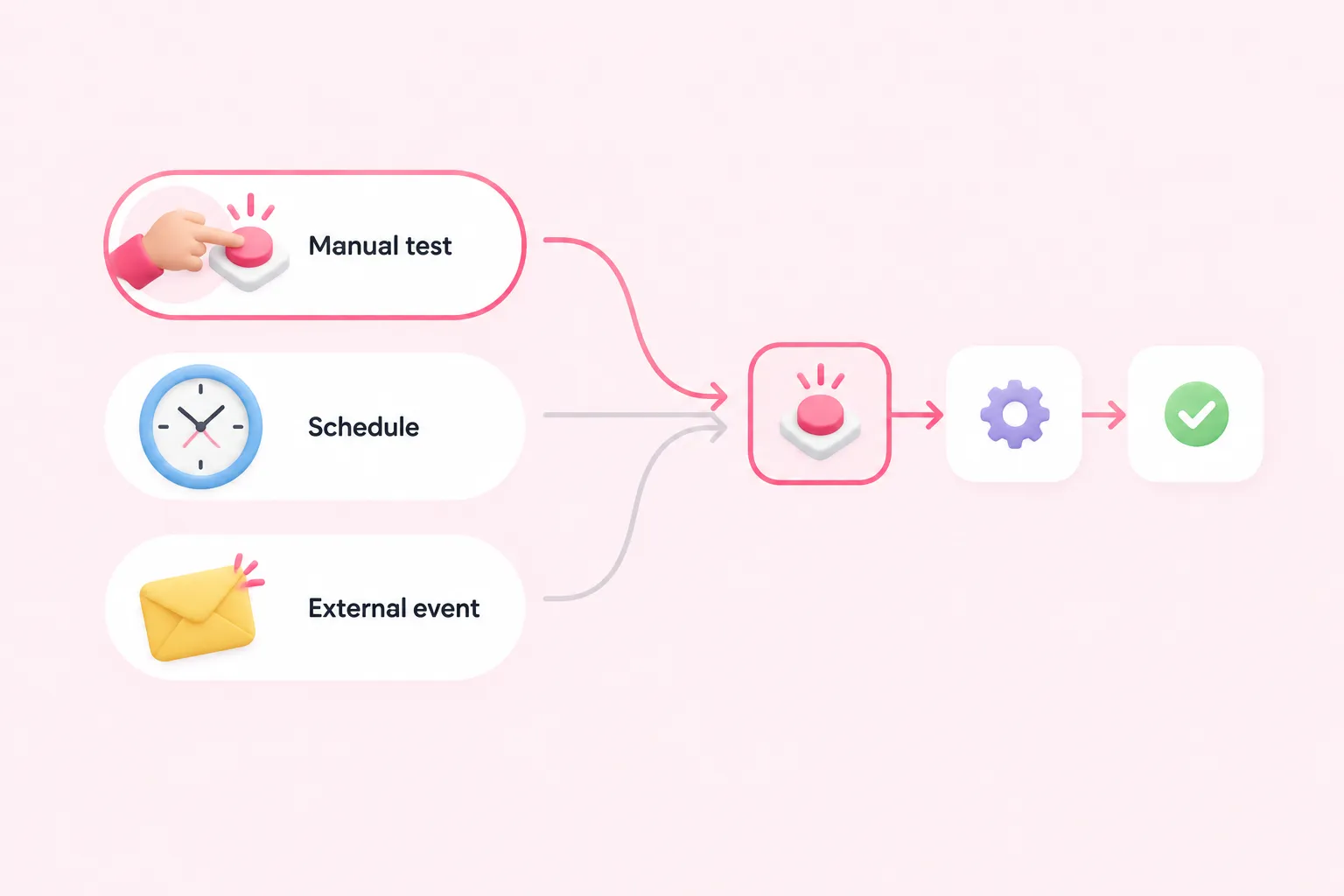
Every n8n workflow needs a trigger, meaning a defined start point. For an initial build, a Manual Trigger lets you run the workflow while testing. This does not establish that manual triggering is best for every learner; it simply provides a supported way to execute a workflow during development.
Mark this check complete when you can name exactly one starting condition. Suggested options include a manual test, a fixed schedule, or a specific external event. Avoid beginning with several alternative triggers because that makes it harder to identify which path caused a result.
If the task is periodic, write the schedule in ordinary language before configuring it: for example, “every weekday at the intended local time.” Scheduled workflows can run at fixed intervals or times, but automatic operation requires the workflow to be saved and published. Scheduling can also depend on timezone and configuration, so include those details in the pre-publication review.
List inputs, permissions, and credentials
Write down every required input, where it comes from, and whether it is always present. For each field, record a suggested example value and what should happen if the value is empty, malformed, or duplicated. These examples are planning aids, not validated test instruments.
Separate data requirements from access requirements. An external service may need credentials, and the required details vary by service. Mark this check complete only when you know which account or system supplies access and which permissions the workflow needs.
Use test destinations and non-sensitive demonstration data where practical. Never place real secrets in screenshots, shared workflow descriptions, or learning materials. A project that requires broad or poorly understood permissions is a signal to reduce its scope before proceeding.
Sources: S12
Define one observable output
A first workflow should end with a result you can inspect directly. Suggested outputs include one created test record, one updated field, or one message delivered to a test destination. These are editorial examples rather than platform requirements.
State the success condition precisely. “Process the data” is too vague; “create one test record containing the expected name and status” is observable. Also decide how you will recognize an unintended duplicate, a partial update, or a missing result.
Mark this check complete when another person could inspect the destination and determine whether the run succeeded without guessing. If several systems must change at once, consider making just one destination the first version.
Keep mapping and decision logic manageable
In n8n, data mapping refers to using output from previous nodes; it is distinct from transforming that data. Before building, list which earlier value each later field should reference. If you cannot trace those relationships on paper, simplify the candidate project.
As an editorial teaching suggestion, prefer one trigger, a short node sequence, limited branching, and one destination for the first version. These are not mandatory n8n standards. They make it easier to inspect data as it moves through the workflow and to isolate a mistake.
Review every decision branch in plain language. Each condition should have an explicit outcome for the inputs you expect. If important cases remain ambiguous, narrow the accepted inputs or route uncertain cases for human review rather than pretending the rule is complete.
Sources: S2
Check security and likely failures
Before connecting a real destination, list plausible failures: missing fields, invalid credentials, an unavailable service, duplicate inputs, unexpected data, or an action aimed at the wrong record. This is an editorial risk review, not a universal platform checklist.
For each failure, choose a suggested response: stop, retry, alert someone, or wait for review. The correct response depends on the workflow and its consequences. n8n supports error workflows that can define a response to execution failure, but a separate error workflow is not necessarily required for every small beginner project.
Mark this check complete when secrets are protected, permissions are appropriately limited, test actions cannot unintentionally alter important data, and each likely failure has a deliberate response. If the consequences of a mistake are difficult to reverse, use a safer test destination or choose a lower-risk first project.
Test, inspect, and troubleshoot
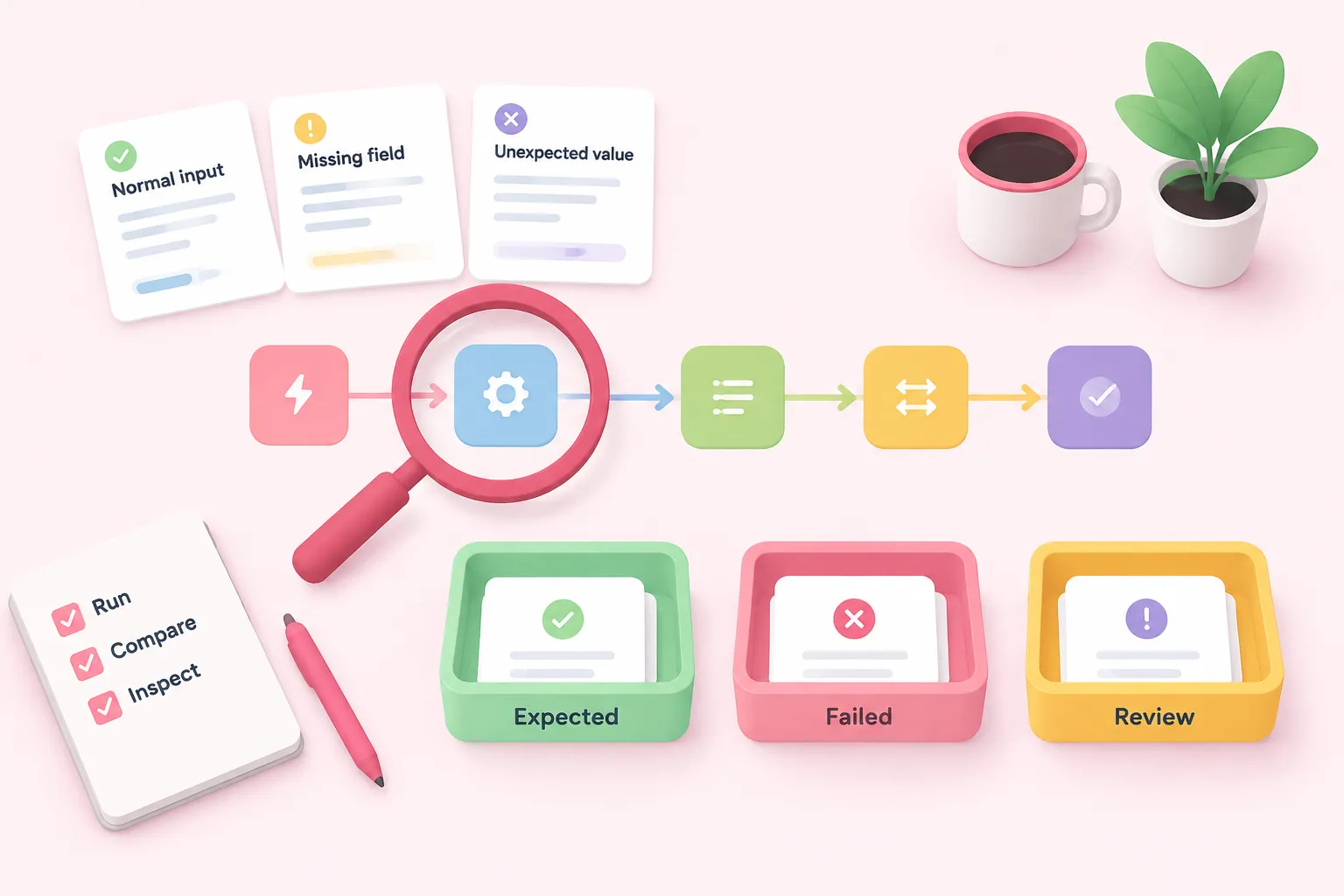
Run the workflow manually while building. Use representative normal inputs as well as suggested failure cases such as a missing optional field, an unexpected value, or a rejected request. These cases are editorial suggestions and have not been validated as a standardized test set.
After every run, compare the actual output with the success condition you wrote earlier. Inspect the execution rather than relying only on what appeared at the destination. Execution records can distinguish failed, running, successful, and waiting runs, although record availability can depend on access and retention settings.
When a run fails, locate the first node whose output differs from your expectation. Check its incoming data, mapped fields, credentials, and response before changing later nodes. Mark testing complete when the expected output appears, unexpected input is handled deliberately, and you can inspect the run status.
Set completion criteria before publishing
Use a short completion gate: the trigger is unambiguous; required inputs and permissions are known; credentials are protected; mapping can be traced; the output is observable; representative success and failure cases have been run; and likely failures have deliberate responses. These are editorial completion criteria, not mandatory n8n standards.
Publish only when automatic operation is actually required. Trigger- and webhook-based workflows need publication to run automatically. For a schedule, recheck the intended time, timezone, saved configuration, and publication state. Also verify that an automatic run cannot create an unintended write in a real system.
A good first project is not the one with the most nodes. It is the one whose behavior you can explain, test, observe, and troubleshoot. If the candidate does not yet meet the checklist, reduce its inputs, branches, permissions, or destinations and reassess the smaller version.