n8n Queue Mode vs Normal Mode: When to Switch
A practical comparison of n8n queue mode vs normal mode: what changes, what n8n's benchmark shows, and when to switch.

Checked against the cited sources on .
n8n Queue Mode vs Normal Mode: What Each Actually Is
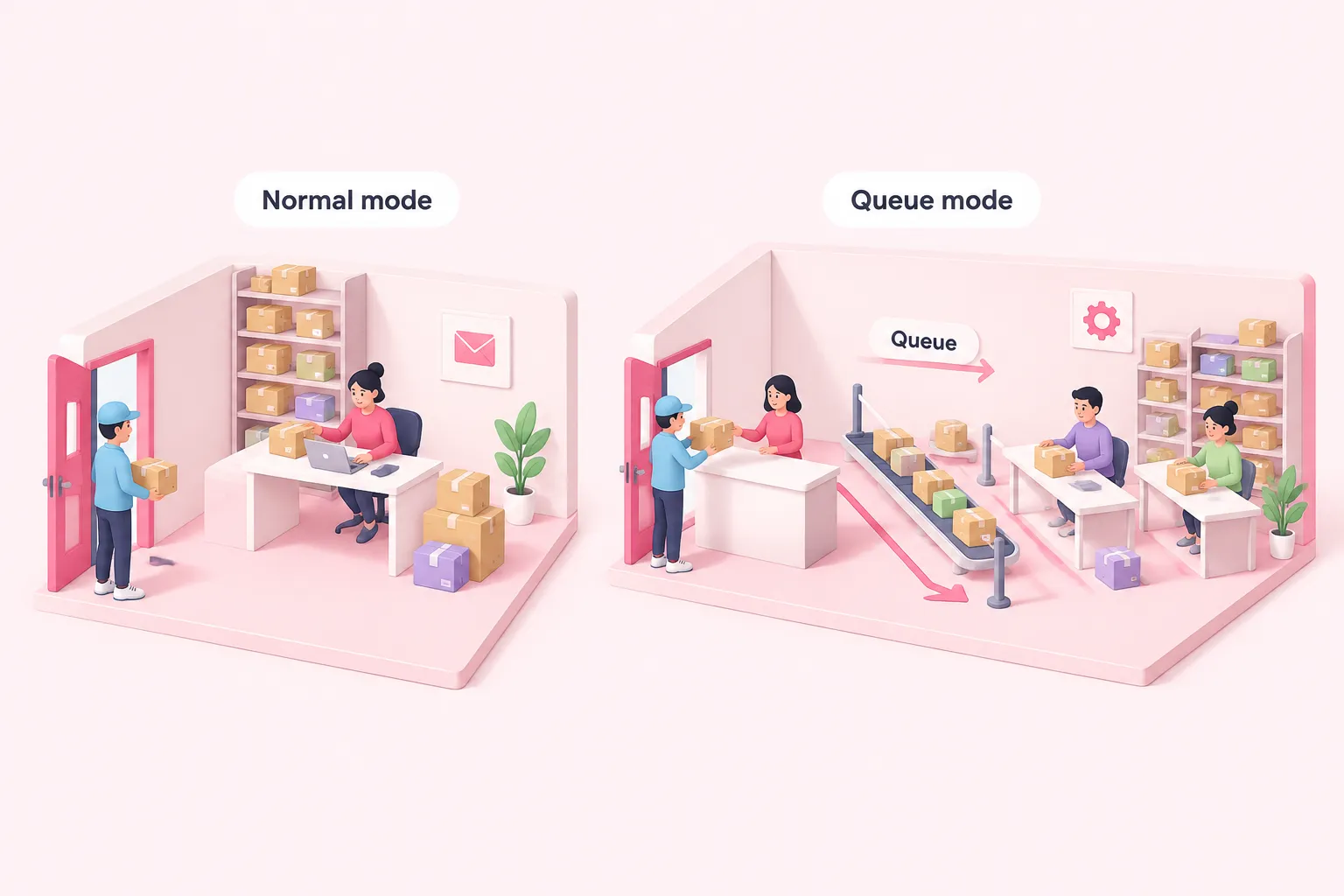
When engineering teams compare n8n queue mode vs normal mode, the difference starts with where a workflow actually runs. In what n8n's documentation calls regular mode, what this article calls normal mode for short, a single n8n process receives every trigger and webhook call and also executes the resulting workflow, all inside one event loop. Queue mode splits that work: n8n's documentation states queue mode is the recommended path for best scalability, because it separates reception from execution across multiple processes. The split matters most once a team's limiting factor stops being code and starts being process capacity.
In queue mode's architecture, n8n's documentation states the main instance only receives triggers and webhooks, while a separate worker instance actually performs the execution. That separation is what lets a slow or stuck workflow run without blocking the instance that is listening for new webhook calls or rendering the editor UI for other users. In normal mode, that isolation does not exist: reception and execution compete for the same process.
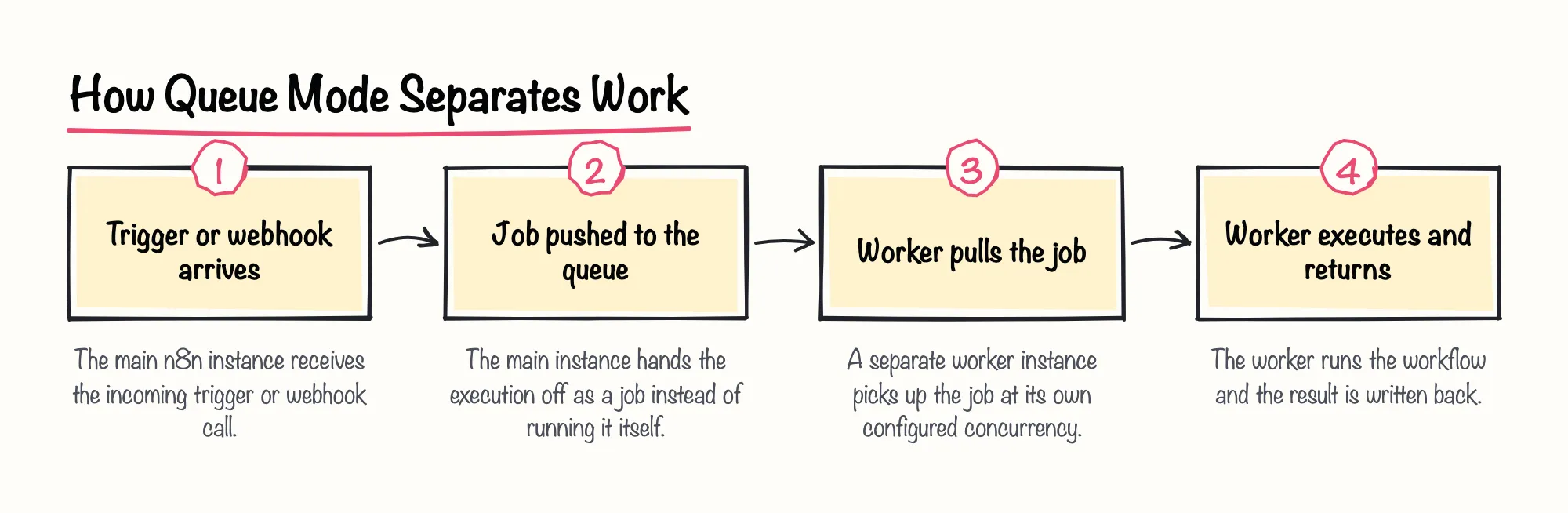
The two modes also control concurrency differently. n8n's documentation on regular mode warns that too many concurrent production executions can thrash the event loop, degrading performance and responsiveness for the whole instance. Queue mode instead lets a team set a per-worker job concurrency with a separate flag, so one worker's load does not automatically become the whole system's load. We'd be cautious about treating any single execution count as the trigger for switching, though: n8n's own documentation describes the mechanism behind event-loop thrashing without naming a specific volume where it starts, so the signal is the symptom, not a number.
Sources: Scaling | Deploy | n8n Docs, Control concurrency | Deploy | n8n Docs, Enable queue mode | Deploy | n8n Docs
What the Benchmark Shows About Throughput, Failures, and Binary Data
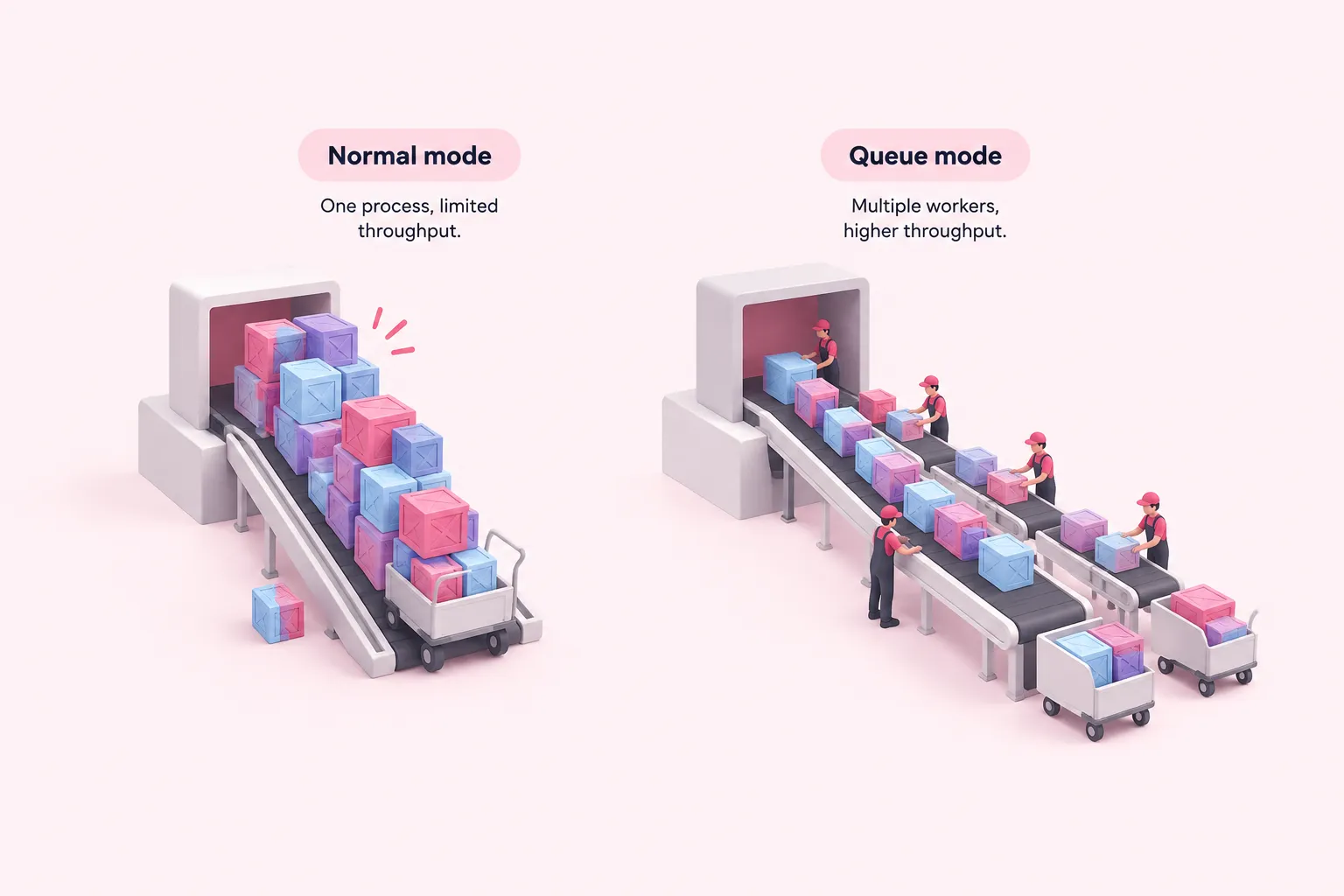
n8n's own performance documentation states that a single instance can handle up to 220 workflow executions per second before a team needs to scale further, and that multi-instance setups rely on queue mode to do that scaling. That framing already answers part of the n8n queue mode vs normal mode question: normal mode is not necessarily slow, but it has a ceiling tied to one process, and queue mode is the documented way past it.
n8n's 2025 scalability benchmark recorded that on a c5.large instance, enabling queue mode raised Single Webhook throughput to 72 requests per second, compared with the same hardware running in normal mode.
| Hardware tier | Single Webhook throughput (queue mode) | Source |
|---|---|---|
| c5.large | 72 requests per second | n8n's 2025 scalability benchmark |
| c5.4xlarge | 162 requests per second | n8n's 2025 benchmark on larger hardware |
On a larger c5.4xlarge instance, n8n's 2025 benchmark on larger hardware recorded a consistent 162 requests per second in queue mode, under a K6 load test ramping to 200 virtual users. n8n's documentation frames both results as its own benchmark on specific instance types rather than a guarantee for every workload.
At the smaller hardware tier, the same benchmark reported that queue mode also cut latency under three seconds and eliminated the failures normal mode showed once load reached 200 virtual users. Our pragmatic take is that a published figure like this is a starting point, not a planning number: we'd run n8n's own benchmarking framework against a team's actual workflow types and hardware before sizing production capacity, because synthetic webhook load does not tell you how a workflow full of branching logic or large payloads will behave.
Binary data changes the calculation. n8n's documentation states that queue mode does not support storing binary data on the local filesystem, and its binary-data configuration guide specifically instructs switching the default binary data mode to database storage once a team runs queue mode, since filesystem mode is unsupported there. A team that moves large files or big webhook responses through its workflows needs to plan for that storage change before switching, not after.
Sources: Measure performance | Deploy | n8n Docs, The n8n Scalability Benchmark – n8n Blog, Enable queue mode | Deploy | n8n Docs, Handle binary data | Deploy | n8n Docs
High Availability, Plan Gating, and What Stays the Same
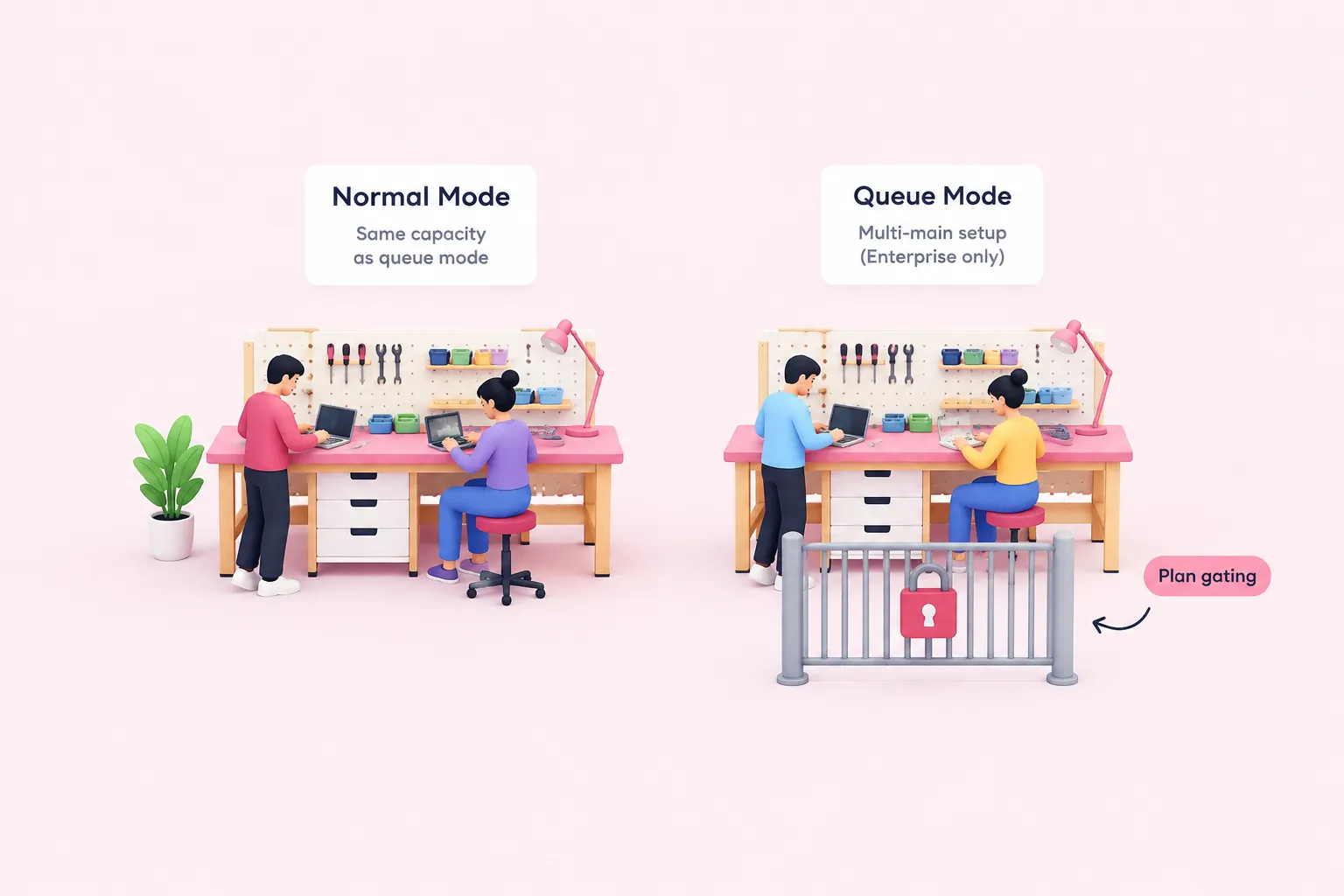
Running more than one main process for high availability is a queue-mode-only capability in n8n's documentation, and it is restricted to self-hosted Enterprise. A team on a community or non-Enterprise self-hosted license can still run workers, but not the multi-main setup that removes the main process as a single point of failure.
On n8n Cloud, queue mode itself is gated to the Enterprise plan, and n8n's documentation states it must be enabled by contacting n8n directly rather than through self-serve settings; concurrency there is still set per worker, the same logic as self-hosted queue mode.
| Criterion | Normal mode | Queue mode |
|---|---|---|
| Concurrency control | Whole-instance limit; too many concurrent executions can thrash the event loop | Per-worker concurrency flag, set separately from the instance-wide limit |
| Execution isolation | Reception and execution share one process | Main instance only receives triggers and webhooks; a separate worker executes |
| Binary data storage | Filesystem storage supported | Filesystem storage unsupported; default must switch to database storage |
| High availability (multi-main) | Not documented as applicable | Available, restricted to self-hosted Enterprise |
| n8n Cloud availability | Default execution mode | Gated to Enterprise plan; enabled by contacting n8n directly |
Some things do not change when a team switches. n8n enables execution-data pruning by default in both normal mode and queue mode, an operational setting that is not tied to which mode is running. A team's pruning and retention configuration survives the switch unchanged, which is one less thing to redesign.
Sources: Control concurrency | Deploy | n8n Docs, Enable queue mode | Deploy | n8n Docs, Handle binary data | Deploy | n8n Docs, Understand concurrency | Deploy | n8n Docs, Manage execution data | Deploy | n8n Docs
Signals It's Time to Switch, and a Checklist to Get There
Put together, the clearest signal to evaluate n8n queue mode vs normal mode is the documented event-loop warning combined with an actual need to scale across more than one instance, rather than a specific execution count. We're optimistic that teams who switch once these signals appear mostly take on operational overhead, not a redesign: the workflows themselves do not change, only where and how they run.
Before committing infrastructure, it helps to work through the switch in order.
n8n's documentation does not name a single execution-volume threshold that mandates the switch, so the decision stays a judgment call built from these signals rather than a fixed rule.
Sources: Control concurrency | Deploy | n8n Docs, Measure performance | Deploy | n8n Docs