n8n Examples That Teach You to Trace a Failure, Not Just List Nodes
These n8n examples teach you to trace a failure from trigger to output, using n8n's debugging tools, error workflows and data pinning.

Checked against the cited sources on .
What Separates Debugging n8n Examples from a Node List
Search for n8n examples online and most of what turns up explains what each node does in isolation: this one fetches data, that one transforms it, another one sends a message. That's useful as a glossary, but it doesn't show you what matters once something actually breaks — how to walk backward from a wrong output, through the chain of nodes, to the trigger that started the run.
A debugging example is different. It walks through what a failed execution actually looked like, which node produced the unexpected data, and how you confirmed it. Few n8n examples do this explicitly, because it means showing a mistake rather than a clean finished workflow. The sections below point to the tools that make that kind of tracing possible, and where their own documentation stops short of a full worked failure.
n8n Balloon Challenges, the hands-on learning site behind this guide, structures its lessons the same way: you pick a challenge, build the workflow yourself, and only collect it once a mentor has checked your working version. That format forces you to produce a real execution you can trace, not just read a description of one.
Sources: Hands-on n8n Automation Challenges · n8n Balloon Challenges
Built-in Tools: Debug in Editor, Copy to Editor, and Error Workflows
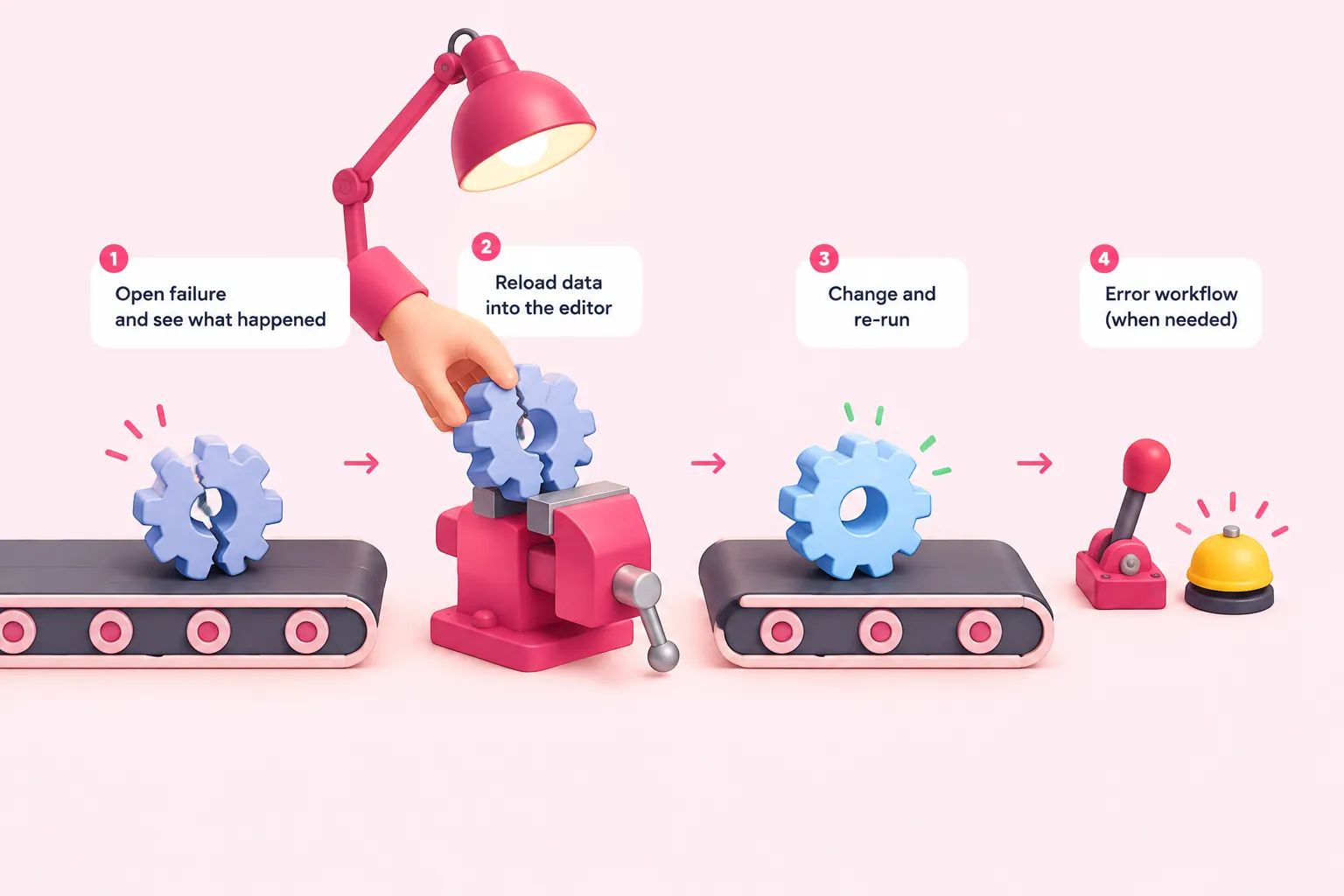
n8n's own documentation describes a direct way to trace a failure: when an execution fails, you can open it, see exactly what happened, and reload its data back into the editor so you can change the workflow and re-run it against the same input. That's the core mechanic for tracing a failure instead of guessing at one — you're debugging with the exact data that broke, not a fresh run that might behave differently. We think this built-in replay is worth learning before reaching for any third-party tool, because it answers the question most debugging actually starts with: what did the workflow receive, and where did it go wrong.
For failures that should notify someone or trigger a fallback, n8n requires a dedicated Error Trigger node at the start of a separate error workflow before it will route failures into it. Practicing this pattern is easier than it sounds: n8n also includes a Stop And Error node you can drop into any workflow to force it to fail on command, which is a convenient way to generate a failure to trace without waiting for a real one.
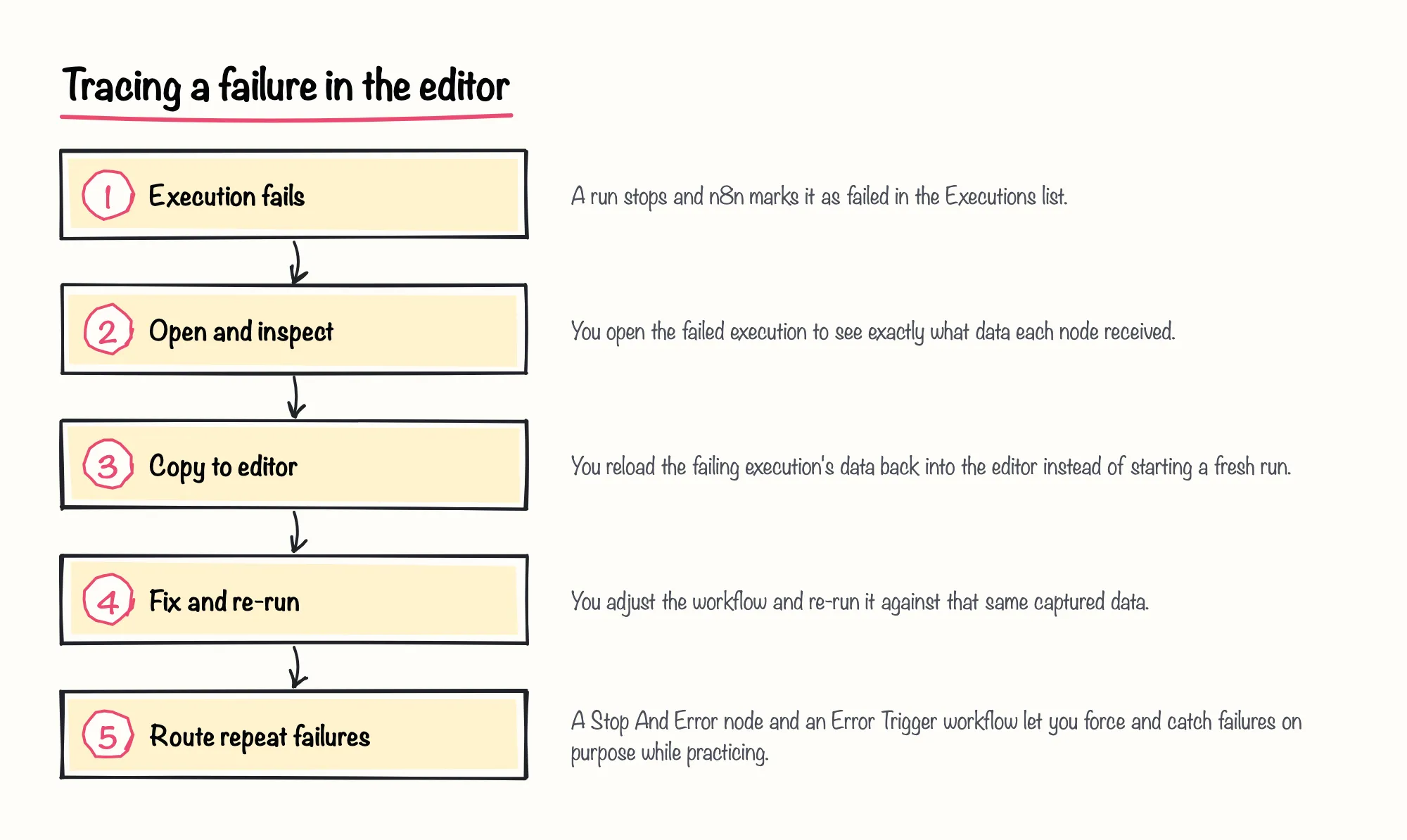
None of these docs walk through one specific failure from start to finish; they describe what each tool does, and it's up to you to apply them to an actual broken mapping. That gap is exactly what practicing on your own workflow is for, which a later section covers.
Sources: Debug executions | Build | n8n Docs, Handle errors gracefully | Build | n8n Docs
Isolating the Failure: Data Pinning and a Guided Template
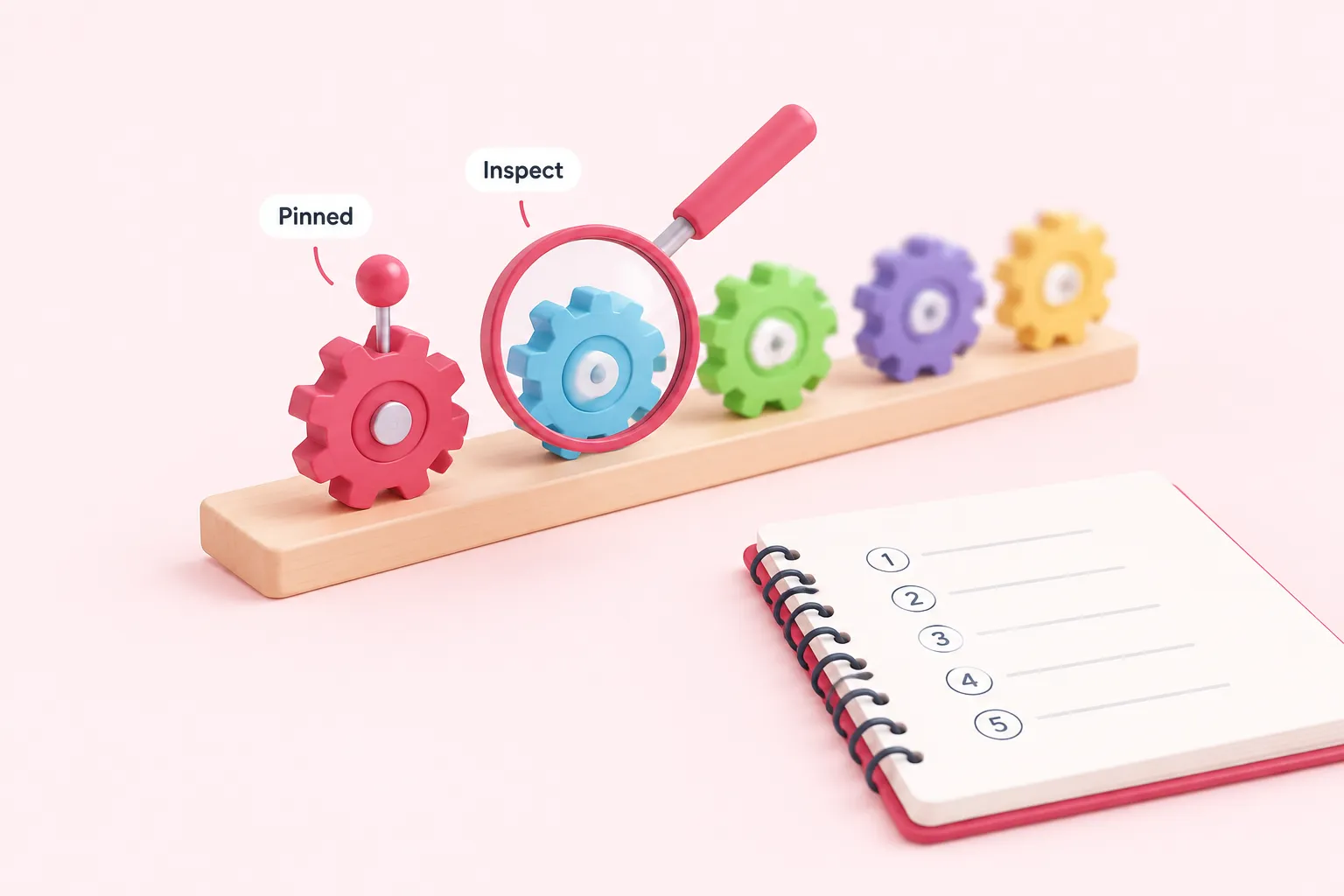
Once you suspect a specific node is the problem, data pinning lets you freeze that node's output and reuse the pinned data on every later run, instead of fetching fresh data each time. That turns a long chain into something you can step through one node at a time, because everything upstream stays fixed while you adjust what comes after it. Pinning only works while you're developing in the editor, not on live production executions, so it's a tool for isolating a failure while you're still building, not for tracing one that already happened in production.
If you'd rather follow a guided walkthrough than work this out alone, n8n's own template gallery hosts an interactive lesson, submitted by a community member, that has you inspect each node's input and output directly and use console.log() inside Code nodes to watch how data actually changes shape as it moves. Because it's a community submission rather than an official tutorial, we'd treat it as a solid warm-up exercise rather than the only lesson on data flow you need.
Sources: Pin and mock data | Build | n8n Docs, Learn n8n interactively, lesson 1: data flow, execution & debugging | n8n workflow template
Practicing the Trace Yourself: Build a Challenge, Then Break It

The most reliable way to learn to trace a failure is to build something small, break it on purpose, and find your own mistake. Treat these as small n8n projects you can safely break: the stakes are low, and you already know where you put the bug. If you want a workflow that already includes failure-handling pieces to study, the Keep Restaurant Orders Moving challenge on this site uses the Manual Trigger, HTTP Request, Loop Over Items, Wait, Data Table and Error Trigger nodes to recover orders from an API that rate-limits and fails unexpectedly.
Several of the site's other beginner challenges, like Air Quality in Valencia, also include a worked solution to compare against once you've built your own attempt, so you can check your own trace against someone else's working version. That turns the practice challenges into n8n examples you actually learn from, not just read about.
Sources: Debug executions | Build | n8n Docs, Handle errors gracefully | Build | n8n Docs, Pin and mock data | Build | n8n Docs
When Teams Reach for Dedicated Observability — and the Trade-offs
Once a team is running many workflows in production, tracing one failure in the editor stops being enough; you need to see patterns across executions. A community member's 2026 post describes building separate observability tooling around n8n — per-workflow execution traces, a metrics explorer, and audit logging — as a way to watch failures across many runs rather than one at a time. Because it's a single self-promotional post about the author's own tool, treat it as one community approach rather than an n8n-documented example.
For a team still learning to trace a single failure, that kind of tooling is a later-stage option, not a starting point. We'd skip it until the built-in debug flow and error workflows above feel routine, and only reach for extra observability once you're debugging across dozens of executions rather than one.
Sources: Show HN: N8n-trace – Grafana-like observability for n8n workflows - DEV Community