n8n Cost: Cloud Plans, Community Edition and Enterprise Pricing
n8n cost compared: free Community edition, n8n Cloud plans, self-hosted Business, and Enterprise pricing for executions, users and support.

Checked against the cited sources on .
The Real n8n Cost Question: What Changes in Production
Once a workflow leaves testing and starts running against real data every day, the question that matters shifts: it stops being about trying n8n and becomes about the ongoing n8n cost of running it every month, for every user and every execution. Ops and IT leads comparing n8n plans need concrete numbers, not marketing language: how many workflow executions a plan includes, whether users are capped, and what happens once usage grows past a limit.
This guide compares n8n cost across the self-hosted Community edition, the n8n Cloud plans, and self-hosted Business and Enterprise, using what n8n's own pricing and documentation pages state. Enterprise pricing is covered in detail below, including how it differs from Business in deployment options and cost structure.
Sources: n8n Plans and Pricing - n8n.io, Choose how to use n8n | n8n Docs
How n8n Billing Works: Executions, Not Steps or Seats
Every paid n8n plan, on Cloud or self-hosted, is priced around workflow executions rather than the number of steps in a workflow or the number of people using it. An execution is counted each time a workflow runs, whether that run is triggered by a schedule, a webhook call, or a chatbot message. That's the number worth estimating before comparing sticker prices between tiers.
As of n8n's pricing update announced in August 2025, every plan from Starter through Enterprise removed limits on the number of workflows, steps and users a customer can create. That leaves the execution quota as the meaningful cap on any plan, rather than how large or numerous your workflows are.
Sources: n8n Plans and Pricing - n8n.io, New plan, no active workflow limits — n8n's new pricing explained. – n8n Blog
Self-Hosted Community Edition: Free License, Not Free Operation
The self-hosted Community edition is free and, according to n8n's own documentation, includes almost the complete feature set of the product. For a team validating whether n8n fits its processes, this is the natural starting point: there's no execution-based bill, because you're running the software on your own infrastructure. n8n Cloud, by contrast, only offers a free trial rather than an ongoing free tier.
n8n's founder and CEO, Jan Oberhauser, described this free self-hosted production use in his own words in an interview on Sequoia Capital's Training Data podcast.
Community edition does leave out a number of collaboration and governance features that the paid editions include.
- Single sign-on (SAML, LDAP)
- Shared workflow and credential access across a team
- Git-based version control for workflows
- Separate environments for development and production
- External secrets storage
- Projects, log streaming and multi-main mode
Registering a Community edition instance with an email address unlocks a few extra features, such as folders, in-editor debugging and custom execution data, at no cost and before any paid plan is needed.
The free license doesn't mean free operation, though. n8n's documentation says self-hosting requires technical knowledge to set up and secure servers and containers, and it recommends self-hosting mainly for expert users, pointing less technical teams toward n8n Cloud instead.
Sources: Compare editions | Deploy | n8n Docs, Choose how to use n8n | n8n Docs, Install with Docker | Deploy | n8n Docs
n8n Cloud and Self-Hosted Plans Compared: Starter, Pro, Business and Enterprise
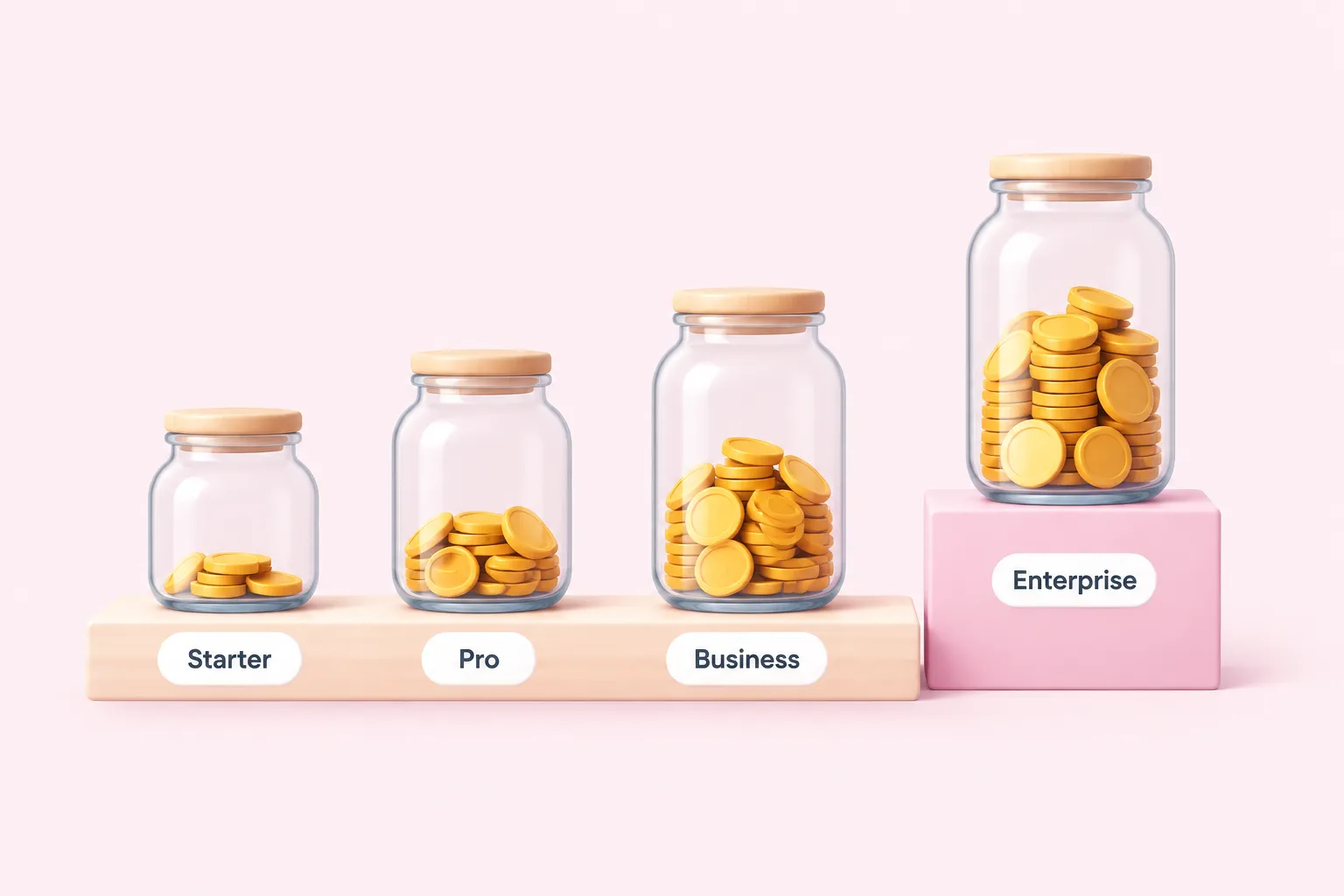
n8n Cloud's published pricing, billed annually in EUR, gives a clear per-tier picture of n8n cost from month to month for a production workload.
| Plan | Monthly price | Included executions | Notes |
|---|---|---|---|
| Starter | 20€/mo | 2,500 executions | Cloud only |
| Pro | 50€/mo | 10,000 executions | Cloud only, aimed at solo builders and small teams |
| Business | 667€/mo | 40,000 executions | Self-hosted only, for companies under 100 employees |
| Enterprise | Contact sales | Negotiated volume | Hosted by n8n or self-hosted, execution volume set by quote |
The self-hosted Business plan, at 667€ per month, isn't sold as a Cloud tier at all; it's a self-hosted option aimed at companies under 100 employees who need more than Starter or Pro provide. Enterprise pricing isn't published on the page; it's quote-based, so the n8n enterprise cost for your organization only appears once you contact sales and negotiate an execution volume.
These figures are shown in EUR on n8n's live pricing page, which carries no stated publication date and may change; treat them as a starting point and confirm current numbers directly on that page before finalizing a budget.
Sources: n8n Plans and Pricing - n8n.io
Business and Enterprise: Where the Paid Features Live
n8n frames the self-hosted Business plan as built for mid-sized companies that need enterprise-grade governance, such as SSO, separate environments and Git-based version control, without adopting a full Enterprise deployment. Business is self-hosted only, while Enterprise is available either hosted by n8n or self-hosted, giving organizations a choice of deployment model.
On Business, going over your execution quota doesn't stop the workflow; it can trigger an overage charge of 4,000 EUR for each additional block of 300,000 executions if you don't upgrade first. That's a real cost lever to watch if usage grows unpredictably.
Enterprise pricing was changed, in n8n's August 2025 update, from being based on workflow count to scaling with execution volume instead, explicitly so that building more workflows doesn't itself raise the bill. As noted above, Enterprise remains quote-based rather than published.
Sources: n8n Plans and Pricing - n8n.io, New plan, no active workflow limits — n8n's new pricing explained. – n8n Blog
Users, Concurrency and Support Across n8n Plans
Every n8n Cloud plan, including the entry Starter tier, allows unlimited users; pricing scales with executions, not headcount. What does vary by plan is concurrency: Starter, for instance, allows five concurrent executions at once, a limit worth checking if several workflows can fire at the same time.
| Plan | Support |
|---|---|
| Starter | Unknown |
| Pro | Unknown |
| Business (self-hosted) | Self-serve, no dedicated support |
| Enterprise | Dedicated support with SLA |
Support access is the sharpest documented line between Business and Enterprise. Business is explicitly self-serve, while Enterprise includes dedicated support with an SLA, described as direct access to n8n's in-house support team rather than community channels alone.
Sources: n8n Plans and Pricing - n8n.io, New plan, no active workflow limits — n8n's new pricing explained. – n8n Blog
A Practical Decision Path for IT Leads
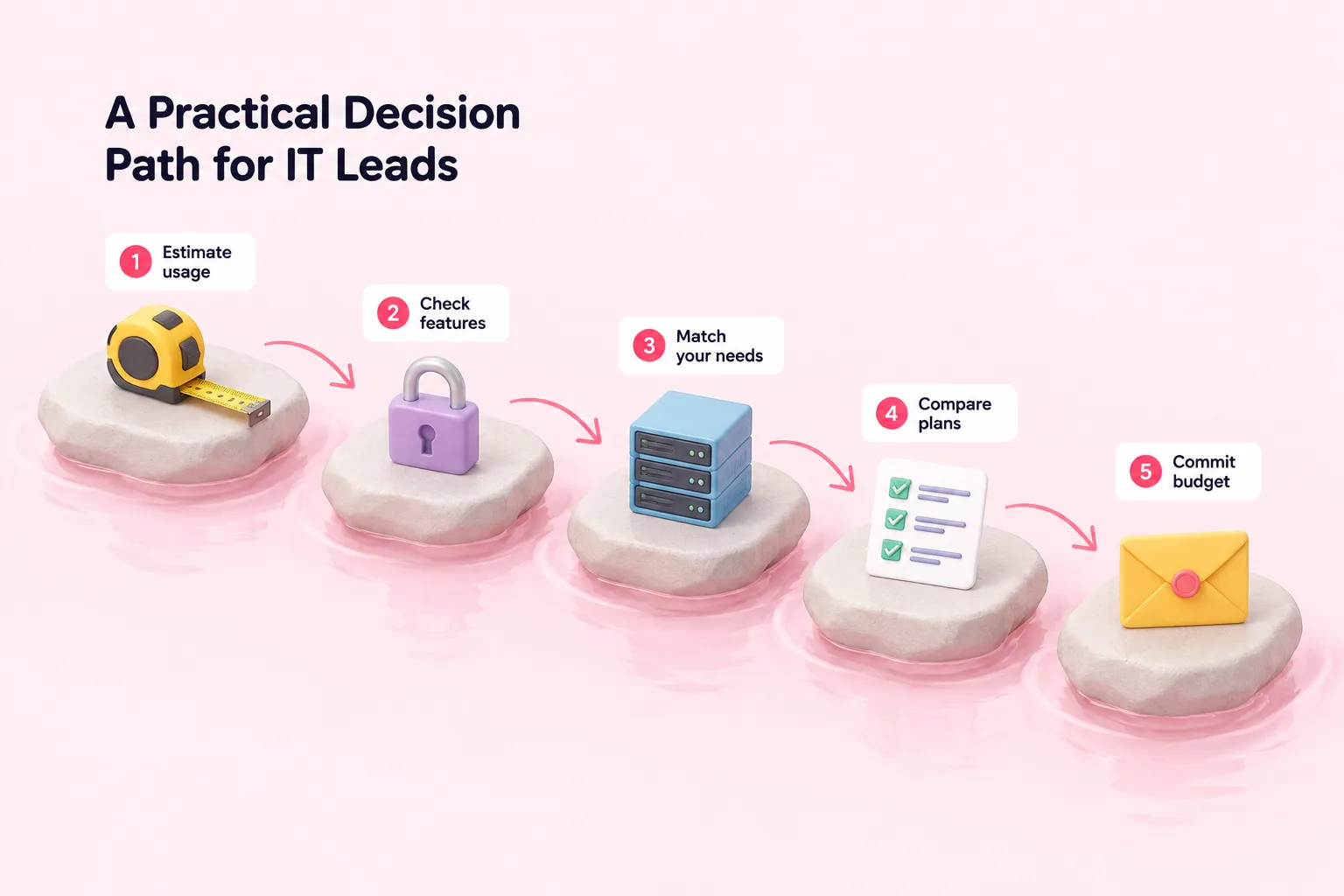
Turning this comparison into a decision doesn't require guessing. The steps below are a suggested order to work through, built from n8n's own guidance on estimating usage and matching features to plans, before committing budget to a tier.
Choosing an n8n plan for production
- Estimate real executions: Estimate a typical month of production executions from your own usage patterns before comparing plan quotas.
- Prove it on Community edition: Validate the workflow on the free self-hosted Community edition, optionally registering it for a few extra free features.
- Weigh Cloud against self-hosting: Compare Cloud's per-execution pricing to the ongoing work of securing and maintaining your own servers.
- Match features to a plan: Check whether you need SSO, separate environments or Git-based version control now, which points toward Business or Enterprise.
- Get an Enterprise quote in writing: If Enterprise fits, request a written quote from sales rather than assuming a number, since pricing isn't published.
Sources: n8n Plans and Pricing - n8n.io, New plan, no active workflow limits — n8n's new pricing explained. – n8n Blog, Compare editions | Deploy | n8n Docs, Install with Docker | Deploy | n8n Docs
Where to Get Instance-Specific Help Before You Commit
None of the plan comparisons above can tell you the exact n8n cost your specific workflows will produce once they're running daily, because that depends on your execution patterns, your team's operational experience, and which governance features you actually need. Those details only show up once someone looks at your real n8n instance and how it's built.