n8n SSO Login: Diagnose a Failing Setup Step by Step
An n8n SSO login exercise: step-by-step checks to separate n8n's own configuration, the identity provider, and the network path when a SAML login fails.

Checked against the cited sources on .
Editorial Exercise: Task and Scope
This is an editorial exercise, not a validated diagnostic script: a structured way to practice working through a failing n8n SSO login rather than a tool we have tested on your instance. Picture this scenario: your team enabled SAML SSO on n8n, and login now fails with an error instead of handing control back to your application. Your task is to work out, step by step, whether the fault sits inside n8n's own configuration, inside the identity provider's setup, or somewhere in the network path connecting the two, before you escalate the ticket to your identity team or assume n8n itself is broken.
This exercise stays narrowly on SAML login failures after SSO has already been configured. It doesn't cover whether to adopt SSO in the first place or how OIDC failures differ, since that groundwork belongs elsewhere. Treat every suggested check below as a starting point to adapt to your own environment, not a checklist n8n itself publishes end-to-end.
Prerequisites and the Inputs You're Given
Before starting, confirm you have what this exercise assumes. n8n documents SAML SSO as a feature available on the Business and Enterprise plans, and setting it up requires signing in as an instance owner or admin. Gather the following before you begin:
For this exercise, assume you're handed three things: a failed login attempt with whatever error n8n shows on screen, access to n8n's own SSO configuration screen, and admin access to whichever identity provider your organization uses, such as Okta or Microsoft Entra ID. In our view, it's worth arranging that identity-provider access before you start, even if it takes an extra approval step, because without it you can only ever see n8n's half of the conversation.
Sources: Set up SAML | Administer | n8n Docs, Configure SSO | Deploy | n8n Docs
Step-by-Step: Diagnosing a Failing n8n SSO Login
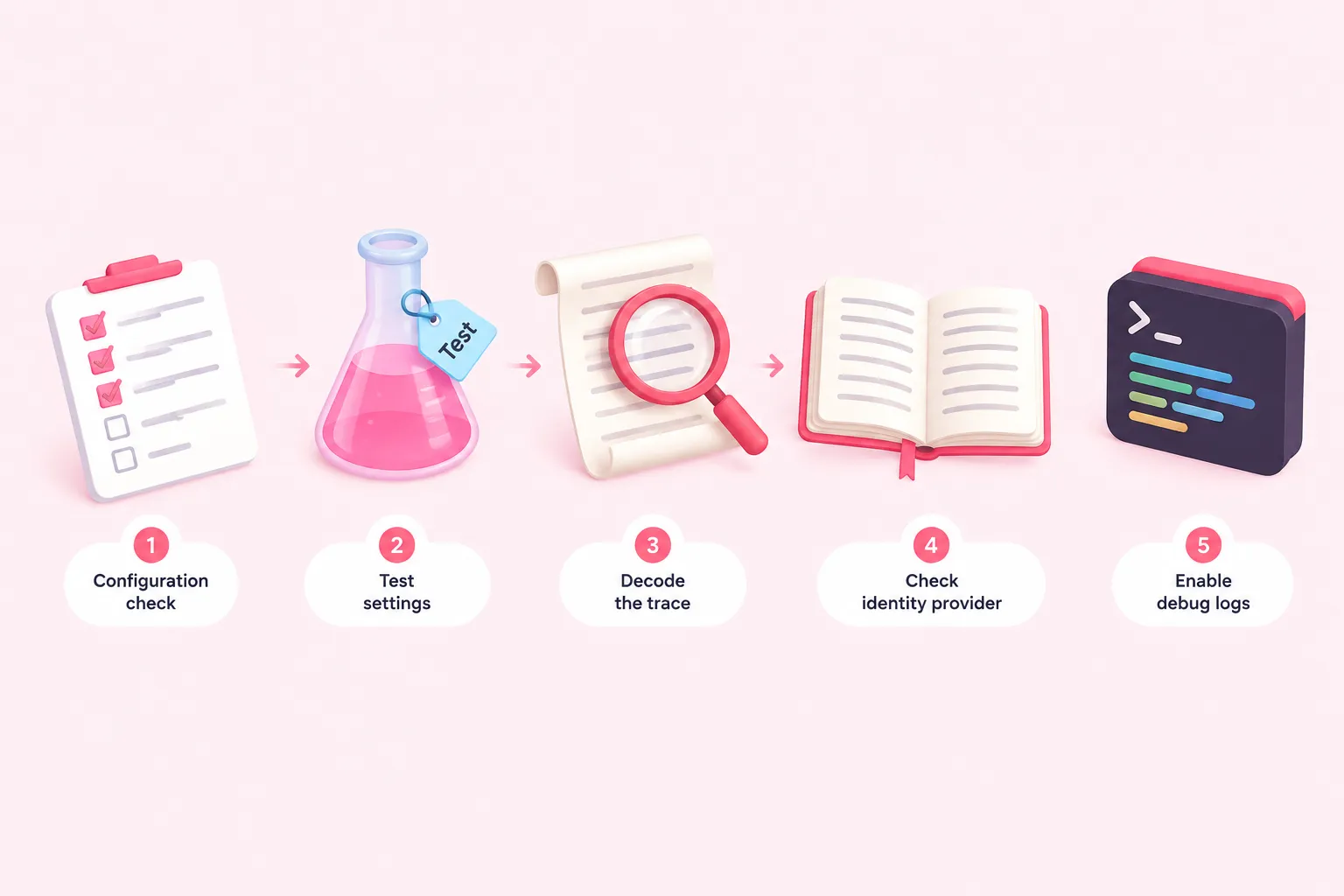
With prerequisites in hand, work through the following five checks in order, resisting the urge to jump straight to the identity provider when a n8n SSO login fails. Each check adds an independent piece of evidence about where the fault actually sits.
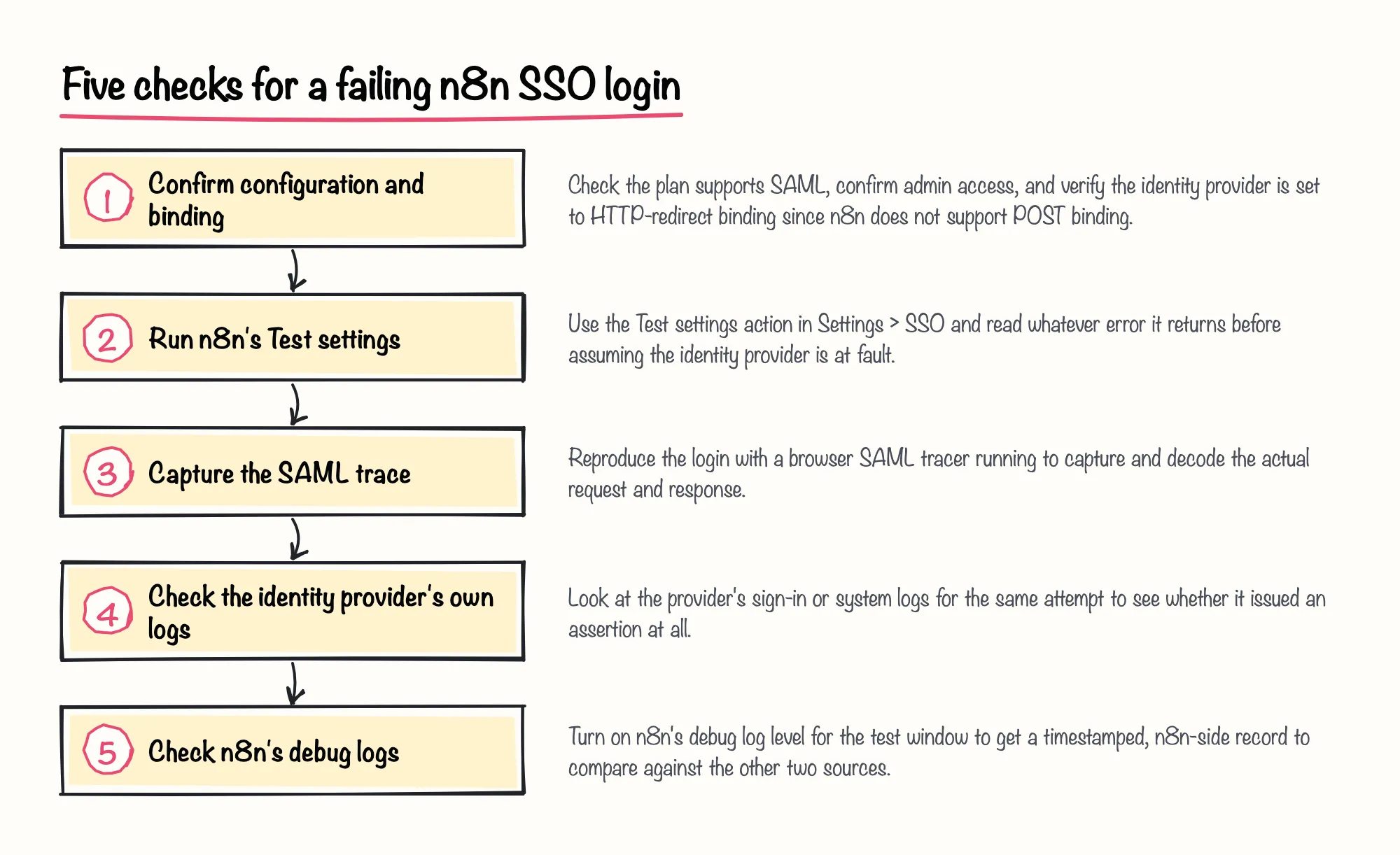
Start inside n8n before anything else. n8n's own SAML setup documentation states that n8n does not support the POST binding, so if your identity provider is still set to send a POST response, that mismatch is a documented, n8n-side cause of failure rather than a flaw in the identity provider. If SSO was configured through environment variables, available from n8n version 2.18.0 onward, remember that n8n reapplies those variables on every restart and locks the matching UI controls, so a setting that looks wrong on screen may simply be environment-driven.
Next, run n8n's own Test settings action, found in Settings > SSO, which n8n describes as a way to check your SAML setup before turning it on. n8n's own troubleshooting page keeps this step deliberately short, limited to three checks, since n8n's documentation doesn't go further than this list:
If Test settings passes but the real login still fails, stop trusting n8n's on-screen error alone and capture what actually crossed the wire. Okta's documentation recommends a browser add-on such as SAML-tracer for exactly this, for both identity-provider-initiated and service-provider-initiated flows. A general SAML debugging guide from WorkOS makes a similar point: reproducing the attempt while recording the traffic surfaces fields such as audience, recipient, timestamp and signature that a short error message won't show you.
Okta's own support documentation, last updated in 2026, treats a successfully captured request/response pair as confirmation that your side of the exchange works correctly with Okta, and lists the fault categories a decoded trace typically reveals: ACS URL mismatches, audience mismatches, certificate errors and attribute mapping issues. We think this decode-the-trace step is worth the extra minutes even when it feels slower than reading n8n's error text, because it's the only check that shows what the identity provider actually sent rather than what n8n reports receiving.
Before turning to the identity provider's own logs and n8n's debug output in the next two checks, it helps to compare what the evidence gathered so far can and can't confirm:
| Evidence source | What it confirms | What it can't tell you |
|---|---|---|
| n8n's Test settings result | Whether the fields entered inside n8n's own SSO screen look correct | Whether the identity provider actually issued a valid assertion |
| A decoded SAML trace | The exact fields the identity provider sent and how n8n responded | Why n8n's own logic rejected a seemingly valid assertion, if it did |
| The identity provider's sign-in log | Whether the identity provider issued an assertion at all for that attempt | What happened to that assertion once it reached n8n |
| n8n's debug-level server log | A timestamped, n8n-side record of the same login attempt | The content of the assertion the identity provider actually sent |
Treat the identity provider's own logs as a second, independent source. Microsoft's Entra ID documentation describes filtering sign-in logs by application and failure status to retrieve a correlation ID, error code and failure reason, and documents a specific code, AADSTS750054, meaning the SAML request or response was missing from the query string for the redirect binding, pointing at a binding or configuration problem rather than an outage.
For Okta integrations, n8n's own setup guide notes that a correctly working connection ends with n8n displaying a success message listing the attributes Okta returned, giving you a concrete working baseline. If a role or claim looks wrong only after a successful login, n8n's Azure AD guide treats that as a separate symptom, pointing at group membership and condition order rather than authentication itself.
Finally, turn on n8n's debug log level, which n8n's own documentation describes as the most verbose output available, intended to help debug issues like this one, for the duration of your test so you have a timestamped, n8n-side record. A community-reported case from n8n's own forum, from July 2025, shows why this matters: one self-hosted Enterprise user saw a 'Could not parse SAML response' error with code ERR_REDIRECT_FLOW_BAD_ARGS even though the redirect URL, entity ID and metadata all matched the identity provider, and traced the real cause to an auth proxy blocking the SAML endpoint in front of n8n.
Sources: Set up SAML | Administer | n8n Docs, SSO | Deploy | n8n Docs, Troubleshoot SAML | Administer | n8n Docs, Okta SAML Login Failing: "Could not parse SAML response" - Questions - n8n Community, Diagnosing SAML assertion failures: A step-by-step debugging guide — WorkOS, Test SAML app implementation with SAML-tracer | Okta Developer, How to Troubleshoot SAML Flows Using SAML Tracer in Okta | Okta Support, Set up logging | Deploy | n8n Docs, How to troubleshoot sign-in errors - Microsoft Entra ID | Microsoft Learn, Error AADSTS750054 - SAMLRequest or SAMLResponse must be present as query string parameters in HTTP request for SAML Redirect binding. | Microsoft Learn, Set up Azure AD SAML | Administer | n8n Docs, Set up Okta Workforce Identity SAML | Administer | n8n Docs
Constraints and Completion Criteria
Keep a few constraints in mind while running this exercise. Avoid changing your identity provider's live configuration without a change window, since that configuration is shared infrastructure beyond your n8n instance. Where possible, test against a dedicated test user or a staging app rather than your organization's primary SSO integration, and write down each check and its result as you go, since the point is comparing evidence across layers rather than fixing things by trial and error.
You can call this exercise complete once you can explain why a given n8n SSO login attempt failed, pointing at n8n's configuration, the identity provider's configuration, or the network path between them, backed by evidence rather than a guess. Use this checklist to confirm you're there:
Sources: Set up SAML | Administer | n8n Docs, SSO | Deploy | n8n Docs, Diagnosing SAML assertion failures: A step-by-step debugging guide — WorkOS, Test SAML app implementation with SAML-tracer | Okta Developer, How to troubleshoot sign-in errors - Microsoft Entra ID | Microsoft Learn
Reflection: A Suggested Diagnostic Path and Pitfalls That Mimic an IdP Problem
The checks above cover n8n's configuration, the identity provider, and the wire between them, but a few failure patterns are worth naming directly because they look like an identity-provider problem at first glance.
We'd treat that auth-proxy fix as one useful example of a network-layer cause, not as proof of what this error code means in general, since it came from a single self-reported case rather than from n8n's own documentation.
n8n's own troubleshooting page for SAML stays intentionally brief, limited to checking identity-provider app support, redirect URL and entity ID accuracy, and metadata formatting, so this exercise leans on identity-provider tooling and that one community report to fill the rest of the picture. Use it as a starting structure for your own investigation, not as a validated or exhaustive instrument.
Sources: Set up SAML | Administer | n8n Docs, SSO | Deploy | n8n Docs, Troubleshoot SAML | Administer | n8n Docs, Okta SAML Login Failing: "Could not parse SAML response" - Questions - n8n Community, Set up Azure AD SAML | Administer | n8n Docs