n8n Merge Node: Combine Two Branches Without Duplicates
A tutorial on using the n8n Merge node to combine two branches without duplicate or missing items, covering matching fields and field clashes.

Checked against the cited sources on .
Prerequisites: What You Need Before Merging Two Branches
Before you connect two branches into one, make sure the n8n Merge node has the right inputs to reconcile. Official n8n documentation describes the Merge node as the standard way to combine data from separate branches or nodes back into a single stream, whether that split happened earlier in the workflow or the two nodes were never part of the same branch to begin with.
Sources: Merge data | Build | n8n Docs
The Goal: Reuniting Two Branches Into One Accurate Stream
The goal is simple to state and easy to get wrong: take two branches of a workflow and produce one stream of items where nothing is duplicated and nothing from either branch silently disappears. n8n's Merge node is built for exactly this job, but which of its settings you pick determines whether you get a clean reunion or a stream full of duplicate or missing items.
Sources: Merge data | Build | n8n Docs
Steps: Configuring the n8n Merge Node

Start by deciding how the two branches should relate to each other. The n8n Merge node offers a Mode setting with a few distinct behaviors, and the mode you pick determines whether you get duplicate items, missing items, or a clean reunion of the two branches.
| Mode | What it does | Best used when |
|---|---|---|
| Append | Puts every item from both branches into one list, one after another | You just want everything from both branches, with no reconciling by key or position |
| Combine by Matching Fields | Pairs items from each branch that share the same value in a chosen field | Both branches represent the same records, for example by ID or email, and you want one merged record per match |
| Combine by Position | Pairs the first item of Input 1 with the first item of Input 2, the second with the second, and so on | Both branches reliably emit the same number of items in the same order |
Once you've chosen Combine, configure it deliberately rather than accepting the first option you see.
Configuring the Merge node step by step
- Choose mode: Decide whether you need Append, Combine by Matching Fields, or Combine by Position based on how the two branches relate.
- Set matching fields: For Combine by Matching Fields, choose the field or fields that identify the same record in both branches.
- Choose Multiple Matches setting: Decide between including all matches or only the first match for each matched pair.
- Check for field-name clashes: Look for fields with the same name in both branches before merging.
Sources: Merge | Nodes | n8n Docs, Merge data | Build | n8n Docs, Merge Node Only Outputting 1 Instead of 2 Items - Questions - n8n Community
Expected Results: What a Correctly Merged Output Looks Like
When the n8n Merge node is configured correctly, the output item count matches what you'd expect from the mode you chose: Append gives you the sum of both branches' item counts, Combine by Matching Fields gives you one item per matched pair, and Combine by Position gives you one item per position. Field values should come from whichever input you intended, and no record should appear more than once unless you deliberately chose an all-matches setting.
Sources: Merge | Nodes | n8n Docs, Merge data | Build | n8n Docs, Merge Node Only Outputting 1 Instead of 2 Items - Questions - n8n Community
Troubleshooting Duplicate Items
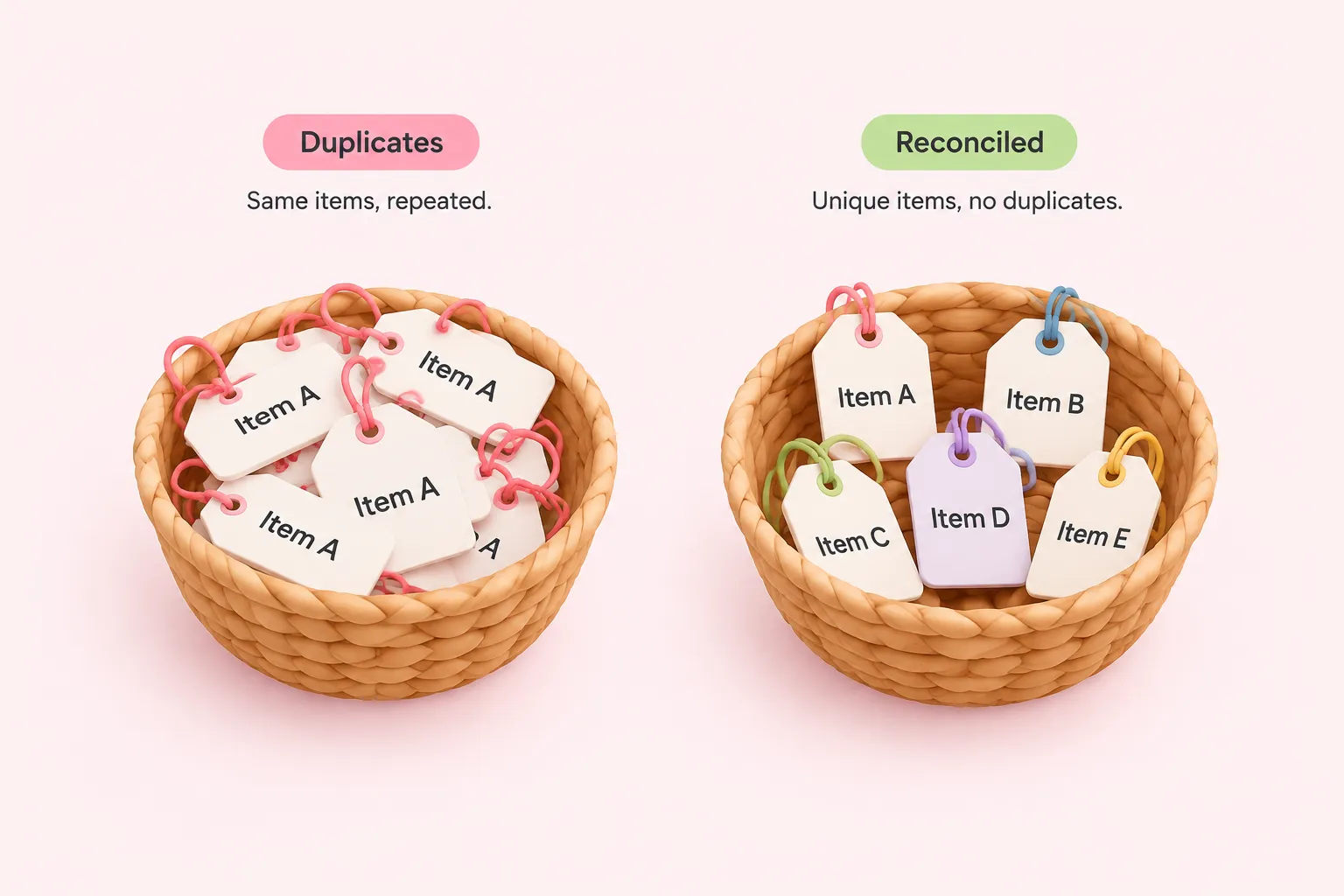
If your merged output has more items than you expected, check the Multiple Matches setting first. Include All Matches is designed to output a separate item for every match found, so a repeated field value in either branch produces multiple output items on purpose, not by accident.
Duplicates also show up when the input data itself already contains duplicate records before it ever reaches Merge. In one reported case on an n8n Cloud workflow running version 1.67.1, a user combined data by Matching Fields after a Split Out and HTTP Request step and found more items coming out than going in; a community moderator traced the cause to duplicate records already present in both input branches, since the Merge node does not deduplicate its inputs by design. Before assuming the node is at fault, inspect what each branch is actually sending in.
Sources: Merge | Nodes | n8n Docs, Merge node creating duplicate records - Questions - n8n Community
Troubleshooting Missing or Stalled Output
Missing items usually trace back to uneven input counts. When the two branches feeding Merge send different numbers of items, n8n only processes items up to Input 1's count in Combine mode, so any extra items in Input 2 beyond that count are dropped. A 2023 community thread flagged a related risk: if each branch is only guaranteed to output one item, Combine by Position pairs them cleanly, but any mismatch in that count drops an item silently.
A different failure looks like a workflow that never finishes rather than one that drops data. The same 2023 thread describes a design where two separate triggers each fire their own execution, so a single run of the workflow only reaches Merge with data in one branch, leaving the node waiting for an input it will never receive.
An independent technical blog reports, without corroboration in n8n's own documentation, that by default the Merge node waits for both inputs and can hang indefinitely if one branch legitimately produces zero items. That source describes an 'Only One Input' style option as a way to let execution proceed with just one input present, though the option's exact label isn't confirmed in the official docs supplied here.
Sources: Merge | Nodes | n8n Docs, Merge Node Only Outputting 1 Instead of 2 Items - Questions - n8n Community, n8n Merge Node: Combine, Multiplex, Pass-Through Explained | Emil Ingemar Karlsson
Recommendations for Team-Owned Workflows
A few habits keep the n8n Merge node predictable once more than one person maintains the workflow.
- Start with Combine by Matching Fields when branches share a key like an ID or email; reserve Combine by Position for branches guaranteed to emit the same count and order of items
- Before assuming the node is buggy, check each branch's item count and content going in, since several real-world duplicate and missing-item reports traced back to the upstream data rather than the node itself
- If a branch can legitimately return zero items, design for it explicitly rather than letting Merge wait indefinitely
- Rename clashing field names with a Set or Edit Fields node before merging if you need to keep both branches' values, since Merge overwrites same-named fields from Input 1 with Input 2's value by default
- Document which Merge mode and options a workflow uses so the next person understands the expected item counts
One detail worth confirming yourself: the official Merge node reference does not state, in the material reviewed here, which Multiple Matches setting is the default, so check your own node instance before relying on it.
Sources: Merge | Nodes | n8n Docs, Merge node creating duplicate records - Questions - n8n Community, Merge Node Only Outputting 1 Instead of 2 Items - Questions - n8n Community, n8n Merge Node: Combine, Multiplex, Pass-Through Explained | Emil Ingemar Karlsson