Migrate Zapier Workflow to n8n: What Maps and What Changes
How to migrate Zapier workflow to n8n: how items, expressions, branching and error handling differ, plus a checklist for the rebuild.

Checked against the cited sources on .
Why a rebuild is not a copy
If you need to migrate Zapier workflow to n8n, it helps to treat the job as a rebuild, not a copy. Many Zap steps have a counterpart in n8n, but the two tools move data in different ways, so a step-by-step copy can behave differently even when each step looks the same.
This guide compares four areas: how data items flow, how fields are mapped and formatted, how branching works, and how errors are handled. It relies only on vendor documentation from Zapier and n8n. None of those sources measure migration effort, outcomes or reliability, and most n8n pages don't say which version they apply to. Make is out of scope here.
Data: items, line items and per-item execution

The n8n docs describe all data passed between nodes as an array of items, where each item is an object. When a node receives several items, it runs its configured operation once for each one. For example, a Trello Create Card node creates one card per item.
Neither Zapier's help centre nor the n8n docs compare the two models directly, so the table below is our editorial summary.
| Concept | Zapier (help centre) | n8n (docs) |
|---|---|---|
| Unit of data | Unknown | Array of items passed between nodes |
| Step execution | Not documented | Node runs once per item |
| Conditional routing | Stops further actions for a stopped item | Items routed down branches by IF or Switch |
| Failed line items | Still reach later steps | Not documented |
In practice, anyone who needs to migrate Zapier workflow to n8n should first mark every step that touches line items. Then decide which n8n nodes should run once per item and which should run once for the whole batch.
Sources: Understand n8n's data structure | Build | n8n Docs, Flow logic | Build | n8n Docs, Filter and path rules in Zap workflows – Zapier
Field mapping and formatting
The Zapier and n8n documentation used here doesn't cover Zapier Formatter steps, so we can't map Formatter operations one to one. What the n8n docs do say is useful on its own. They recommend using expressions where possible, because an expression shows an immediate preview of the computed value. They also recommend preparing data in one Edit Fields (Set) node instead of spreading complex expressions across many nodes.
For list-level work, the n8n docs list visual transformation nodes for common operations, including aggregating items, splitting arrays, sorting and removing duplicates. Matching these nodes to specific Formatter steps is an editorial choice, so check each mapping against sample data. The same n8n page notes that the AI Transform node is available on n8n Cloud only.
- Edit Fields (Set): rename, format and prepare fields in one place
- Aggregate: combine many items into one
- Split Out: turn an array into separate items
- Sort and Remove Duplicates: tidy lists before later steps
One error comes up often during a rebuild: Can't get data for expression. The n8n docs say it often happens because the node the expression refers to hasn't been run yet. We suggest running the workflow up to that node before debugging the expression itself.
Sources: Expressions versus data nodes | Build | n8n Docs, Expressions for data transformation | Build | n8n Docs
Filters and paths compared with IF and Switch
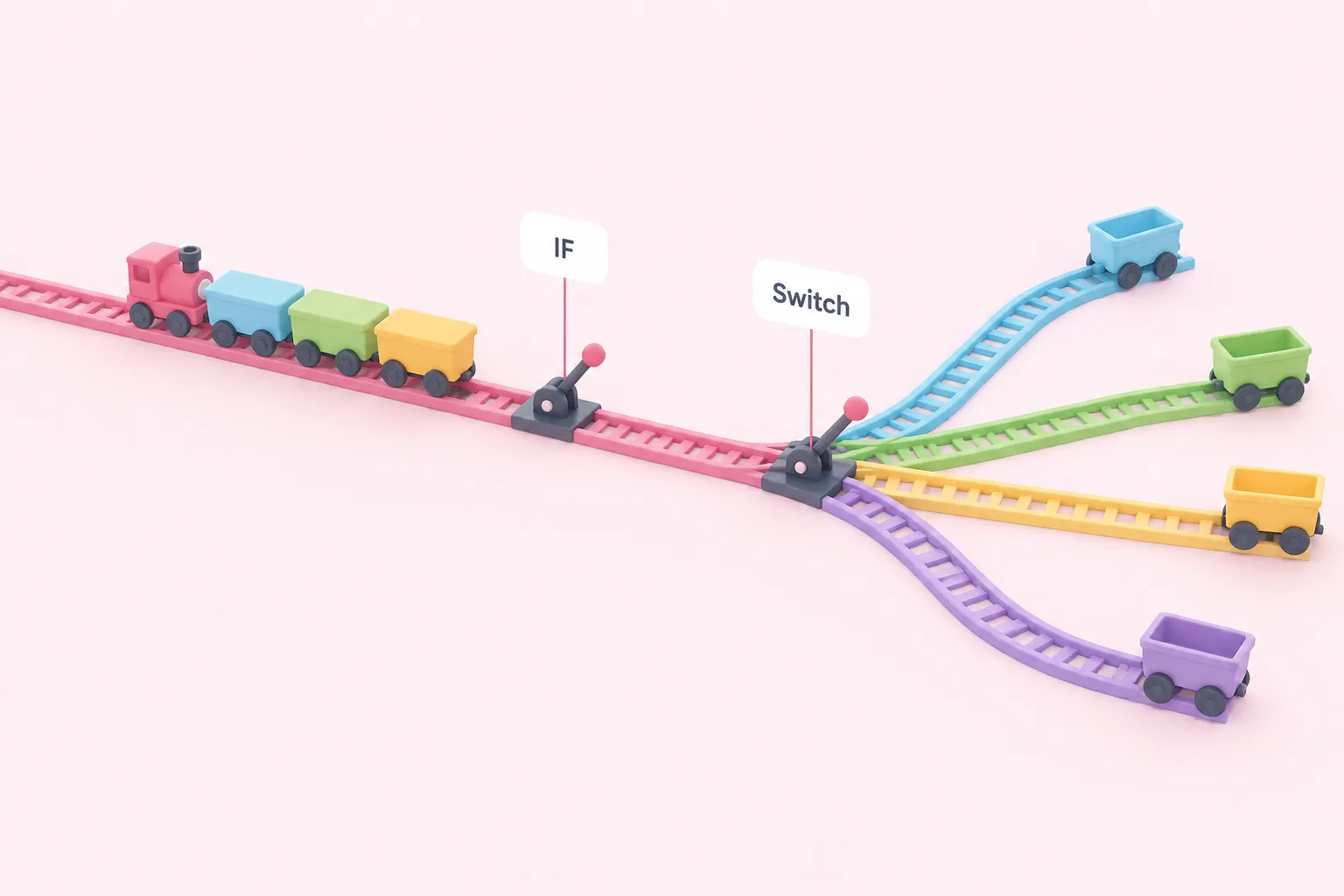
In n8n, conditional branching uses the IF and Switch nodes, which route items down different branches. We suggest rebuilding a Zapier filter as an IF node, and paths as a Switch node or several IF nodes. The n8n overview page gives no configuration detail, so plan each condition yourself.
Because n8n evaluates items one by one, a Zap that relied on Zapier's line-item filter behaviour may route data differently after the rebuild. Test with sample data that includes items that should fail each condition, and check where each of them ends up.
Sources: Understand n8n's data structure | Build | n8n Docs, Flow logic | Build | n8n Docs, Filter and path rules in Zap workflows – Zapier
Error handling and task usage
The n8n docs describe handling errors with a separate error workflow that responds to failed executions, and they list the Stop And Error and Error Trigger nodes. The overview gives no setup steps, and the Zapier documentation used here says nothing about Zapier error handling, so the two tools can't be compared here. We suggest setting up the error workflow before the rebuilt workflow goes live, then testing it on a deliberately failed execution.
On cost, Zapier's help centre says filters and paths don't count towards task usage. The documentation used here doesn't cover how n8n counts executions or bills, so don't assume your Zapier task numbers carry over. Check n8n's current pricing documentation separately.
Sources: Flow logic | Build | n8n Docs, Filter and path rules in Zap workflows – Zapier
Checklist to migrate Zapier workflow to n8n
Use this editorial checklist as a suggested order of work, not a validated method, whenever you migrate Zapier workflow to n8n. It lists only the actions; the reasons are in the sections above.
The general rule: rebuild one step at a time, then check the output item by item. Where n8n's per-item model differs from what the Zap did, adjust the design instead of forcing a literal copy.
Sources: Understand n8n's data structure | Build | n8n Docs, Expressions for data transformation | Build | n8n Docs, Flow logic | Build | n8n Docs