Debug n8n Workflows Before Blaming the Integration
A practical four-layer method for isolating whether an n8n workflow failure comes from credentials, input and mappings, the external API, or your own workflow logic.

Checked against the cited sources on .
A four-layer debugging model
When a workflow that worked yesterday shows a red error node today, the fastest wrong move is to start editing. If you guess and change several things at once, you soon lose track of which version caused which error. A better habit is controlled isolation: keep one failing input fixed, change one layer at a time, and write down whether the same failure is still there.
This guide sorts failures into four layers. It's an editorial model for organising your checks, and it says nothing about how often each layer is the cause. Credentials decide whether you are allowed to talk to the service at all. Input and mappings decide whether you send the values you meant to send. The external API decides whether the other side accepts your request. Workflow logic decides what your own nodes do with the data before and after the call. The layers can look alike from the outside, but each leaves different evidence. That's why the order you test them in matters.
The steps below are a working method, not a measured result. The n8n documentation describes the tools, but it doesn't publish studies showing that this order fixes problems faster. Use each step to gather evidence, not as proof of a cause.
Start with the failed execution and preserve its input
Before you touch a node, open the executions list and find the exact failure you are looking into. You can filter the list to narrow it down, so you work on one real failure instead of a vague feeling that the workflow keeps breaking.
That execution is your evidence. Open the failing node and read its INPUT pane, which shows the exact items the node received. Keep that data somewhere safe, because every later step compares against this one input. If you trigger the workflow again with fresh data, you change two things at once and lose the comparison.
Two limits are worth knowing early. If you delete a workflow, its execution history goes with it, so don't clean up a broken workflow before you finish diagnosing it. Custom execution data also has plan and registration restrictions, so how much you can add to executions depends on your setup.
Check credentials independently
Credentials are a sensible early check, because n8n already tests them. When you save a credential, n8n tests it to confirm it works. If a saved credential fails that test, treat the credential as the first thing to fix before you dig into other layers.
Don't read too much into a pass, though. A successful test doesn't prove the credential has permission for every endpoint and operation your workflow uses. So a passing test narrows the search but doesn't end it.
This is where the habit of blaming credentials for every API error goes wrong. Only call credentials the failing layer when the credential test fails, or when a reproduced request shows an authentication or authorization problem. Otherwise, move on to the next layer.
Sources: S7
Inspect input shape and field mappings
Next, compare what the node is set up to send with what it actually received. Put the node parameters next to the saved INPUT data and check each mapped expression. Does the field exist? Is it at the path you expected? Is the value what the next step needs?
It helps to know what mapping in n8n does. Mapping means referencing data from earlier nodes. It points at data but doesn't change it. So if the value or path is already wrong before the request runs, you have an input or mapping problem, and there's no need to look at the API yet.
The documentation covers item-linking errors on a separate page and doesn't list specific mapping error messages. Don't expect a table of causes. Checking the expressions against the saved input by hand is the dependable approach.
Sources: S2
Reproduce the API request outside the workflow
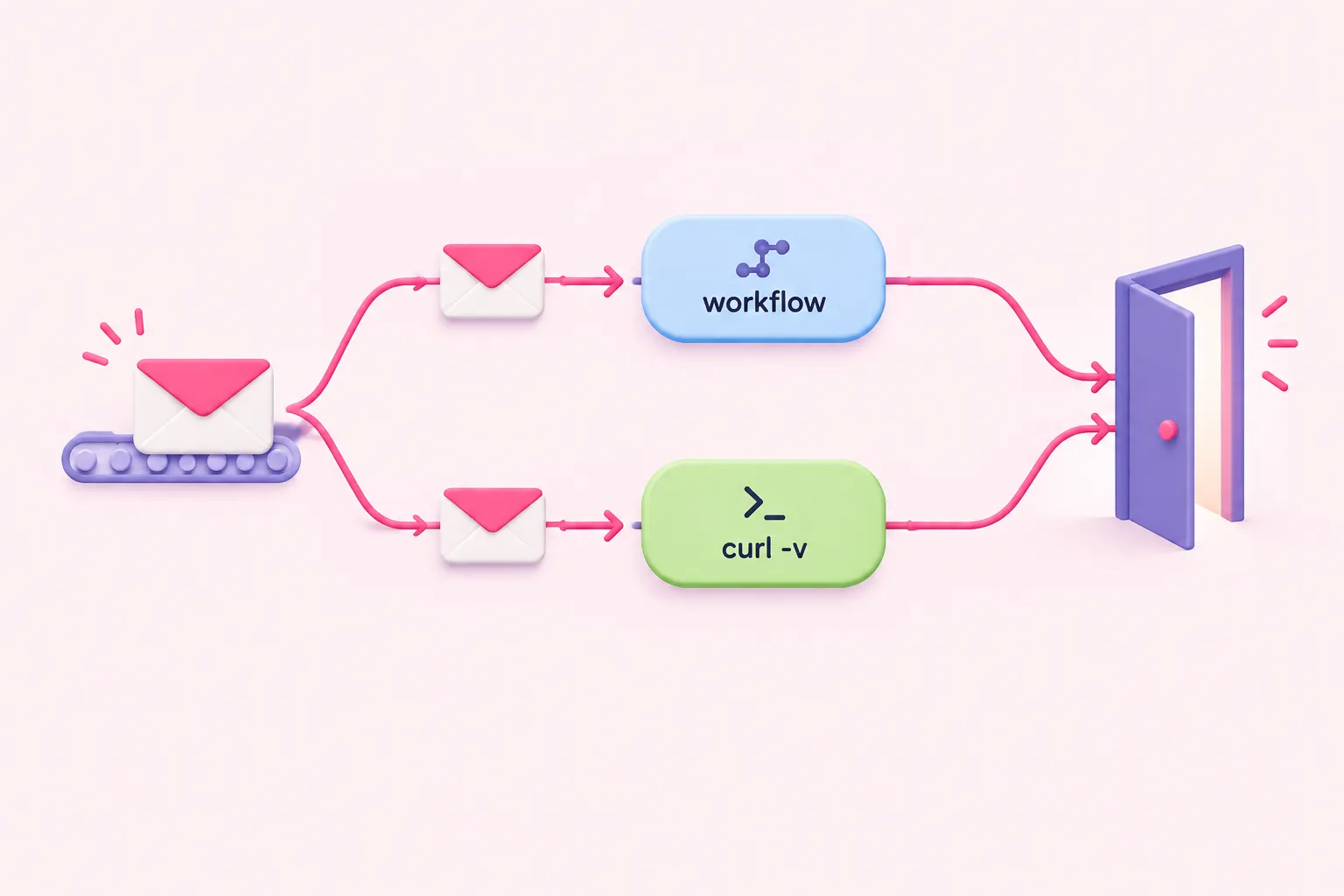
If credentials pass and the outgoing values look right, take the request out of n8n. Build the same call with curl and run it with the verbose option (--verbose, or -v for short). Verbose mode shows what curl sends to the server, plus extra diagnostic details.
This only tells you something if the copy is exact. The method, URL, authentication, headers, query parameters and body all have to match the workflow's request. A curl call that leaves out a header is a different test, not a fair comparison.
Inside n8n, turn on the option in the HTTP Request node that returns the full response: status code and headers as well as the body. As general advice, make sure you can see the status, headers and body of failed responses before you change anything. What they mean for a specific service still comes from that API's documentation, which covers its errors, rate limits, schemas and authentication rules.
Treat the result as a clue, not proof. If the matching request also fails, look at the request format or the external service. If it works, go back to your n8n configuration and logic.
Test the workflow's own logic with saved execution data
The last layer is your own logic: branches, code, merges and the order data moves through the workflow. n8n lets you work from the failure itself. You can open a failed execution, change the workflow to fix it, then re-run it with the earlier execution data. The input stays the same while you change one thing.
If the same input now gives a different result, your change is a likely explanation. But a successful retry could also come from a change on the other service, a temporary outage ending, or different credentials. Treat a passing run as a good sign, not a final answer.
Where you can use this depends on how you run n8n. It works on all n8n Cloud plans. For self-hosted n8n, it's only available in registered Community, Business and Enterprise editions.
Sources: S3
Add error handling before production
Debugging is easier when failures tell you they happened. The n8n docs say to create a new workflow with the Error Trigger as its first node, which gives you a dedicated place to handle failures.
Be clear about what this does. An error workflow reports failures but doesn't prevent them. Some of the error details depend on whether executions are saved, whether there were retries, and whether the trigger node itself failed.
An error workflow is meant to make failures visible, so you have a reason to open the failed execution, which is where this guide began.
Sources: S4
A debugging checklist you can reuse

Here is a suggested routine, not a tested procedure. Find the exact failed execution and save its input. Confirm the credential passes its test, keeping in mind that a pass doesn't prove it has every permission you need. Compare every mapped expression with the saved input. Turn on full response details and write down the status, headers and body. Reproduce the exact request with verbose curl. Re-run the saved execution data after each single change. Then add an Error Trigger workflow so you hear about the next failure right away.
For each step, write one line about what you changed and whether the failure stayed. That note helps you say which layer probably failed, not just which one you edited last.
Sources: S1, S2, S3, S4, S5, S7, S8