n8n Loop Over Items Pagination: Debugging Paginated API Pulls
A practical tutorial on n8n loop over items pagination: check built-in pagination, build a manual Loop Over Items pattern, and debug missed pages or infinite loops.

Checked against the cited sources on .
Prerequisites and the Goal: n8n Loop Over Items Pagination in Practice
n8n loop over items pagination shows up as a recurring problem for developers integrating with APIs that don't return everything in one response. This tutorial walks through building a reliable paginated pull, using n8n's Loop Over Items node when the HTTP Request node's built-in pagination doesn't fit, and explains why pages get missed, or looped forever.
Before you start, you should already be comfortable building and running a workflow in n8n, wiring nodes together and reading their output data. You also need to know your target API's pagination style: a cursor, a next-page URL, or a plain page number you increment yourself. n8n's own documentation notes that the HTTP Request node does not paginate automatically; when a call returns paginated results, the workflow itself must create a loop to walk through each page.
Sources: Loop | Build | n8n Docs
Step 1: Check Whether Built-in Pagination Already Covers Your API
Before building anything manual, open the HTTP Request node's Pagination options. n8n documents two built-in modes: Response Contains Next URL, which follows a next-page link returned by the API, and Update a Parameter in Each Request, which lets you increment a page number or offset on each call.
For page-number pagination, n8n exposes an expression variable, $pageCount, which starts at zero and counts how many pages the node has already fetched, so you can use it to compute the next page number without adding any extra loop node.
A community reply on the n8n forum noted that once this built-in pagination mechanism is configured correctly, it can remove the need for a manual loop entirely, so it is worth trying first even if your API's documentation looks unusual.
Sources: Pagination | Build | n8n Docs, Loop Over Items Bug? - #4 by ihortom - Questions - n8n Community
Steps 2 and 3: Building a Manual Loop Over Items Pattern
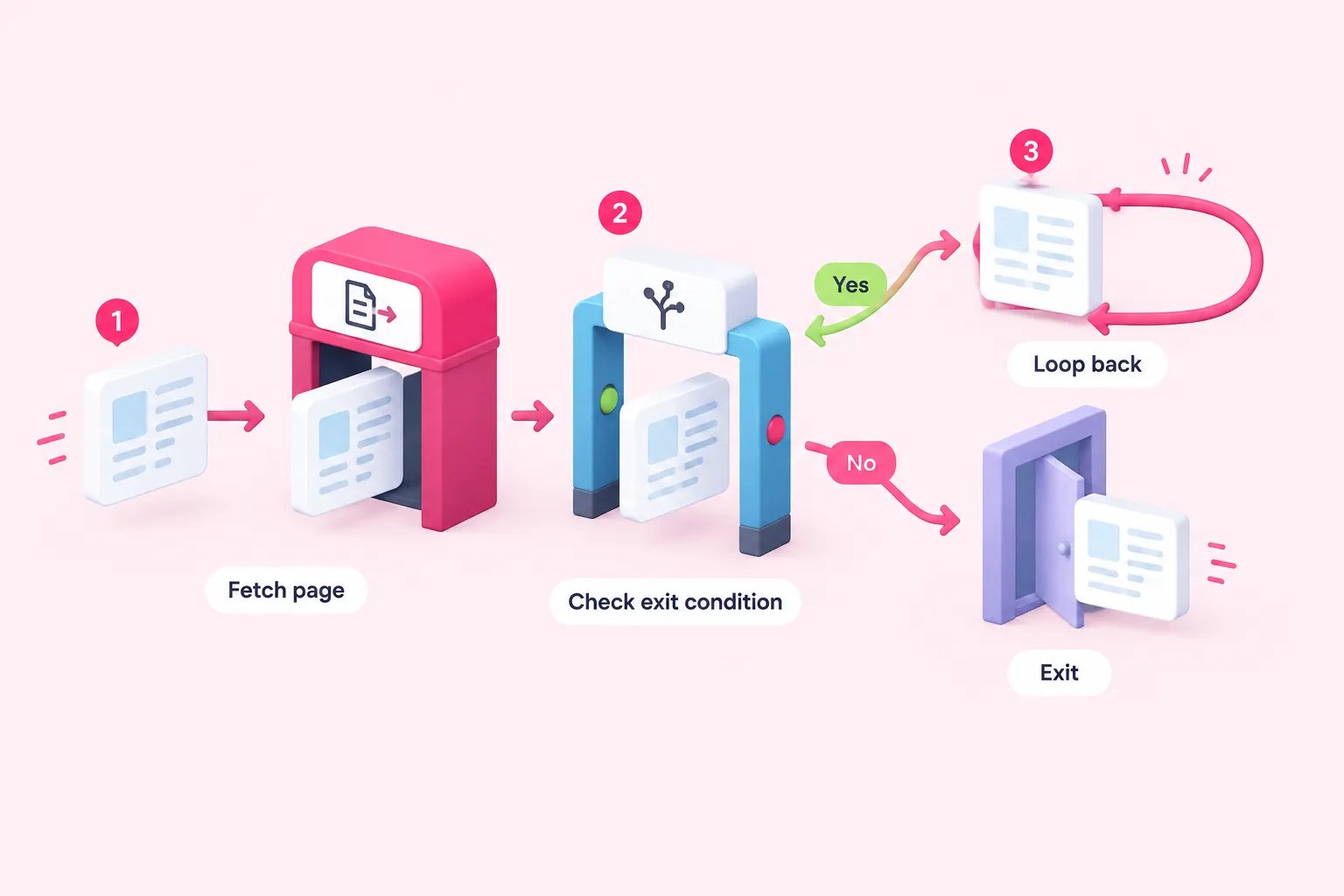
Some APIs paginate in a shape that doesn't fit either built-in mode, for example when the page token has to live inside a specific JSON body structure rather than a URL parameter. This is exactly where manual n8n loop over items pagination comes in: n8n's documentation describes handling it with a Loop Over Items node that has its Reset option enabled, paired with an IF node that evaluates a clear exit condition on each pass.
The overall pattern follows a short sequence of steps:
- Fetch one page: call the API for the current page inside the loop body with an HTTP Request node.
- Carry page state: pass the next page token or page number forward as loop item data so the next iteration knows where to continue.
- Check the exit condition: use an IF node to test whether the API signalled a last page, such as an empty results array or a missing next token.
- Reset and repeat, or exit: route back into the loop with reset enabled while more pages remain, or let the loop's done output fire once the exit condition is true.
Getting that exit condition right matters more than it might seem: see Troubleshooting Infinite Loops and Premature Termination below for what happens when it never matches.
Sources: Loop Over Items (Split in Batches) | Nodes | n8n Docs
Expected Results: Every Page Fetched Once, Loop Exits Through Done
When the pattern is wired correctly, each iteration should fetch exactly one new page, and the loop should keep re-entering its body until the IF node's exit condition is met. At that point execution should leave through the loop's done output exactly once, having touched every page a single time.
If you're testing this for the first time, running the workflow manually with a small page size makes it easier to watch each iteration in the execution log before pointing the loop at a full production dataset.
Sources: Loop Over Items (Split in Batches) | Nodes | n8n Docs
Troubleshooting Missed or Skipped Pages
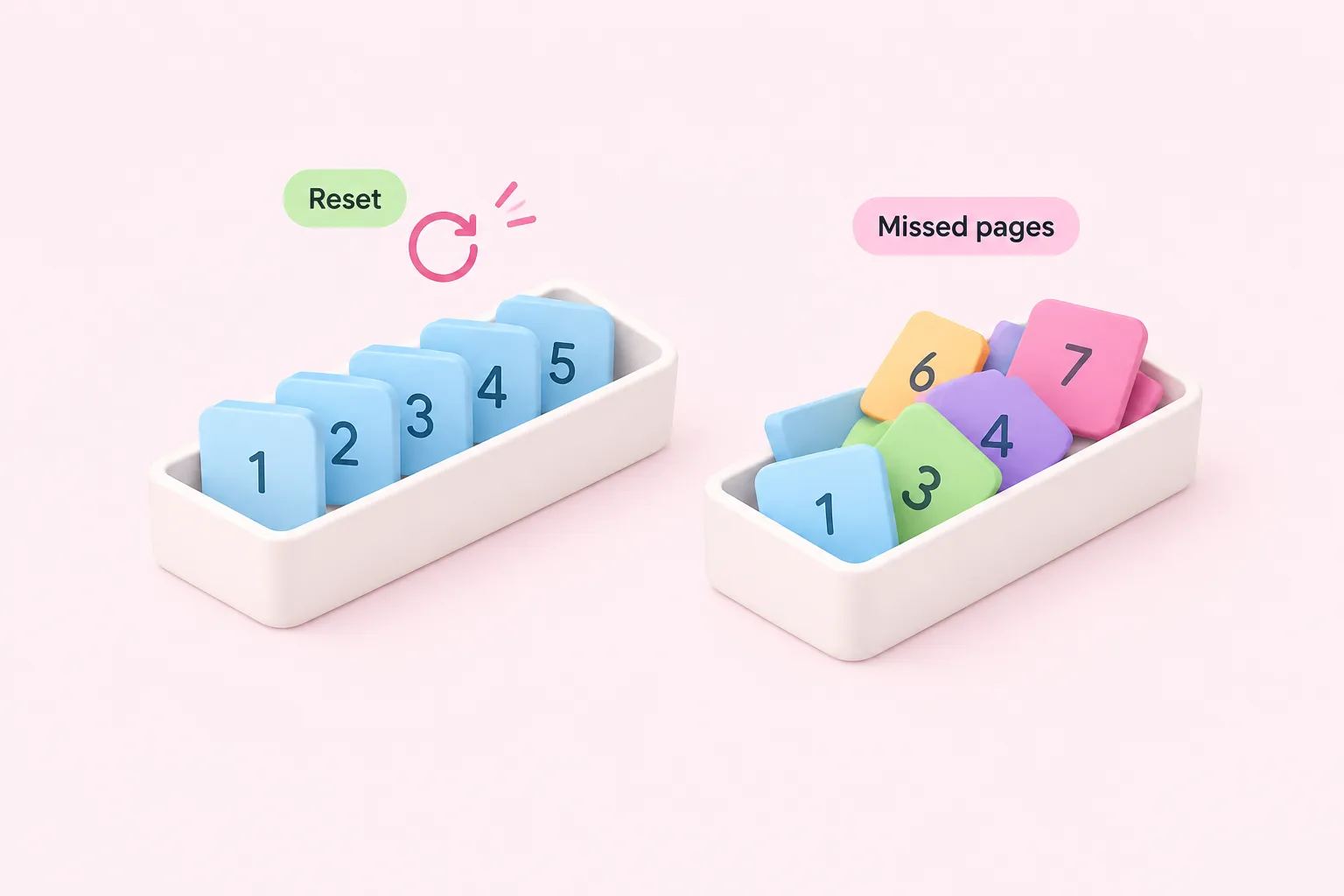
Missed pages are usually a reset problem. A community member reported that a second batch of items would not iterate correctly until the Loop Over Items node was reset, meaning the reset setting mattered as much for correctness as for looping.
In one reported real-world workflow pulling a paginated travel API, an inner Loop Over Items node handling the second page immediately triggered its done branch, so that page's items were never processed, on n8n version 1.107.4.
Another community bug report described the opposite symptom: without reset configured correctly, items from earlier and later pages were all output together through the done branch only after the first batch finished, instead of page by page. These are individual forum reports rather than an official troubleshooting guide, so treat them as patterns to check rather than guaranteed causes.
Sources: Loop Over Items Bug? - #4 by ihortom - Questions - n8n Community, Loop Over Items : “done” branch triggered too early when iterating paginated API - Questions - n8n Community, Reset loop over items expression - Help me Build my Workflow - n8n Community
Troubleshooting Infinite Loops and Premature Termination
n8n's documentation itself warns that an IF exit condition that never matches will leave the workflow stuck looping forever, so the first thing to check in a runaway loop is whether that condition can ever actually become true against real API responses.
Older community explanations, from 2024 and flagged here as more than two years old, described two further causes worth checking even though they may not reflect the current Loop Over Items implementation: a loop ending prematurely because the last node inside it returned an empty or missing value on some iteration, and a nested loop breaking because it shared the workflow's run-index counter with an outer loop built by manually linking a node back to a previous one.
Because n8n's Loop Over Items behavior can change across versions, getting n8n loop over items pagination right on your specific version means confirming each of these against your own installation before assuming a forum fix still applies.
Sources: Loop Over Items (Split in Batches) | Nodes | n8n Docs, Challenge understanding the Loop Over Items and how it works - Questions - n8n Community, Issue in API Pagination with Loops - #6 by barn4k - Questions - n8n Community