n8n MCP client setup: connect Claude or ChatGPT safely
A step-by-step tutorial for an n8n mcp client connection from Claude or ChatGPT, covering the Server URL, OAuth versus API key, per-workflow exposure and troubleshooting.

Checked against the cited sources on .
What you will build, and what you need first
By the end of this tutorial you will have an n8n mcp client connection: a Claude or ChatGPT client that can search and run only the workflows you deliberately exposed. n8n's built-in instance-level MCP server lets supported clients such as Claude Desktop connect to an instance and then search, run, create and edit workflows, so the scoping decisions matter as much as the connection itself.
Prerequisites are short. You need instance owner or admin permissions, which n8n requires to enable MCP access on both Cloud and self-hosted instances. You need an instance the client can reach: ChatGPT connects only to remote MCP servers, so a laptop-only n8n is not directly reachable. And you need a decision about scope, since the n8n mcp model context protocol surface comes in two shapes.
The first shape is instance-level MCP. The second is the MCP Server Trigger node, which makes n8n act as an MCP server exposing a single workflow's tools. Choose before you start, because the steps differ.
| Path | Surface | Authentication options |
|---|---|---|
| Instance-level MCP | Workflows you enable across the instance | OAuth (recommended) or API key |
| MCP Server Trigger node | One workflow's tools | None, Bearer auth or Header auth |
| n8n public API (not MCP) | Account resources, not an MCP surface | Scoped keys on Enterprise only; other keys have full account access |
Sources: Connect to n8n MCP server | Connect | n8n Docs, MCP Server Trigger | Nodes | n8n Docs, Developer mode and MCP apps in ChatGPT | OpenAI Help Center, Authentication | Connect | n8n Docs
Connecting the n8n MCP node path or instance MCP, step by step
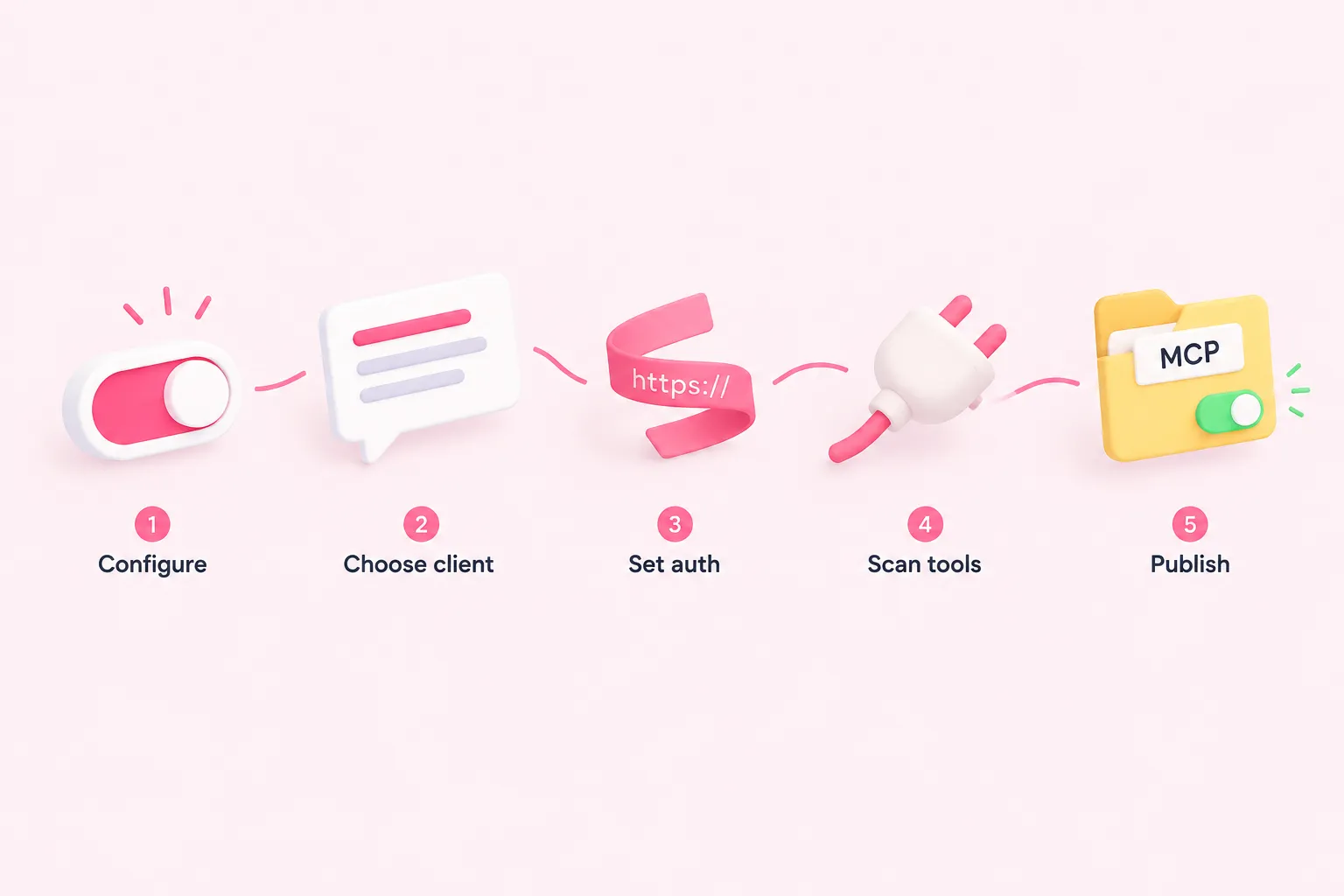
These are the ordered steps for the instance-level path. n8n's documentation states that per-client connection steps are available from n8n 2.33.0; earlier versions show different screens.
- Sign in as instance owner or admin and open Settings, then Instance-level MCP.
- Enable MCP access for the instance.
- Open Connect a client and pick your authentication: OAuth, marked recommended, or the API key tab.
- Copy the Server URL, which ends in /mcp-server/http, and paste it into your Claude or ChatGPT client.
- Enable MCP access explicitly on the one workflow you want the client to use.
A note on the authentication choice in step three. n8n groups Claude.ai and ChatGPT as Web clients in the Connect a client dialog and marks OAuth as recommended alongside the API key option. Prefer OAuth where the client supports it, since n8n marks it as recommended.
On the ChatGPT side the flow mirrors this: an admin configures the MCP endpoint and authentication, scans the tools, then publishes the app for the workspace. OpenAI's help article states that full MCP support including modify and write actions is rolling out in beta to Business, Enterprise and Edu plans, with Business admins unable to update apps after publishing and Enterprise and Edu adding role-based access and action control.
Sources: Connect to n8n MCP server | Connect | n8n Docs, Developer mode and MCP apps in ChatGPT | OpenAI Help Center
Scoping: what an n8n MCP Claude connection can still see
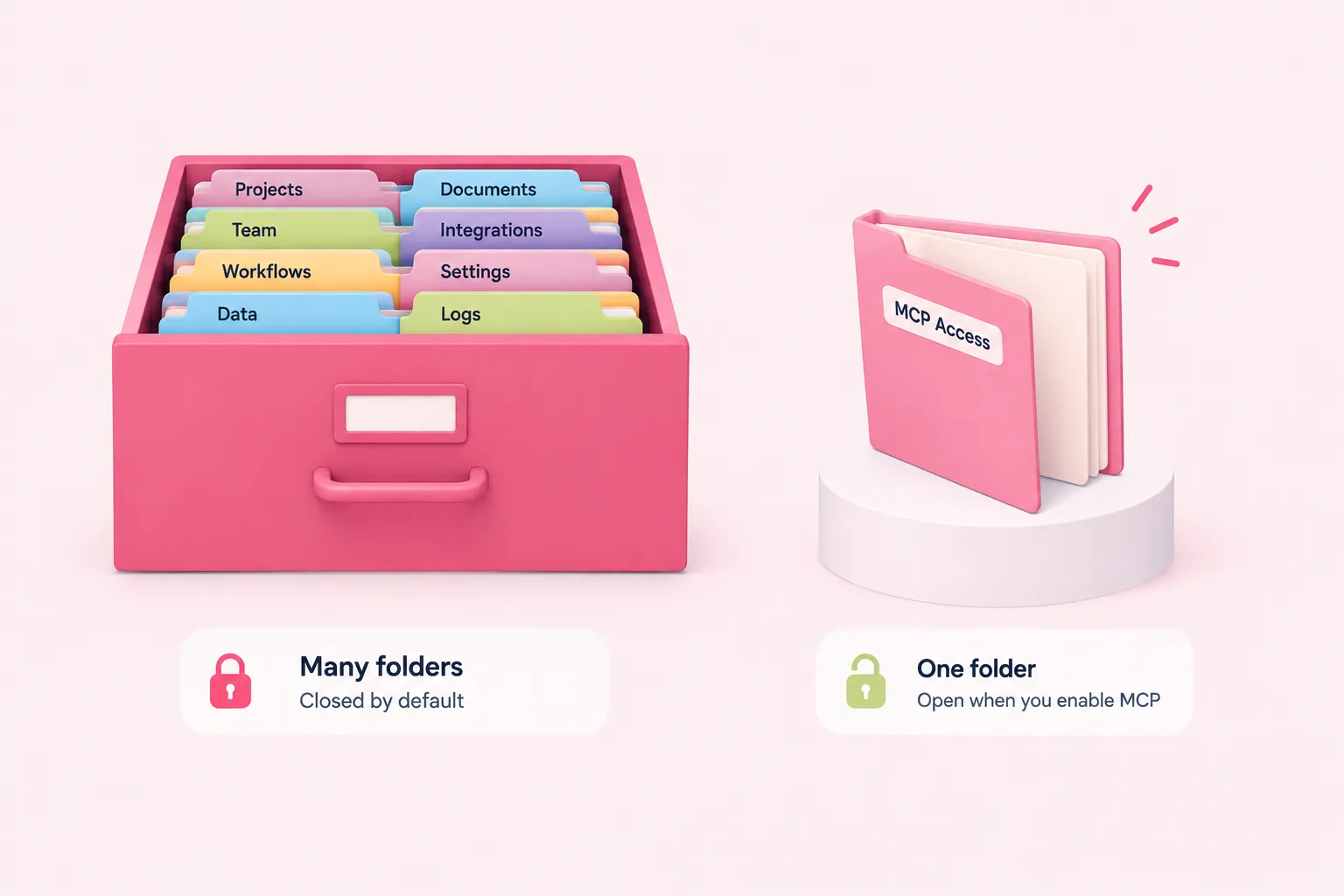
Exposure is opt-in per workflow: an n8n mcp client cannot read full data, execute or modify a workflow unless you explicitly enable MCP access for it. That is the guardrail the whole setup rests on.
There is one gap worth knowing before a demo. n8n's tools reference warns that search_workflows can list every workflow a user has access to, regardless of the Available in MCP setting, so workflow names and descriptions stay discoverable. Keep client names and sensitive context out of those names.
For a tighter boundary, use the MCP Server Trigger node instead. It offers None, Bearer auth or Header auth for connecting clients. Claude Desktop reaches it through a gateway that proxies SSE to stdio, because the node does not support stdio transport.
In the reverse direction, when an n8n agent calls out to an external MCP server, the MCP Client Tool node supports Bearer, generic header, multiple headers or OAuth2 auth, and narrows which external tools reach the agent with All, Selected or All Except. The MCP Client node, by contrast, uses MCP tools as regular workflow steps and needs a Server Transport plus an MCP Endpoint URL.
Narrowing the exposed surface
- Enable instance MCP: Turn on MCP access as owner or admin.
- Expose one workflow: Enable MCP access explicitly for a single workflow.
- Choose auth: Use OAuth where supported, or Bearer auth on an MCP Server Trigger.
- Trim tool lists: On outbound connections, use Selected or All Except in the MCP Client Tool node.
- Start read-only: Confirm a read-only connection works before granting write actions.
Sources: Connect to n8n MCP server | Connect | n8n Docs, MCP server tools reference | Connect | n8n Docs, MCP Server Trigger | Nodes | n8n Docs, MCP Client Tool | Nodes | n8n Docs, MCP Client | Nodes | n8n Docs, MCP Server Security: Risks and Controls – n8n Blog
Expected results, troubleshooting and team habits
Success looks like this: your client lists the tools, search_workflows returns workflow names, and the one workflow you enabled runs and returns data. If the client lists nothing runnable, check that you enabled MCP access on the workflow itself rather than only on the instance.
If an n8n mcp client cannot connect at all, re-check the reachability prerequisite above. Then confirm MCP access is enabled on the instance and that the workflow you want is marked available in MCP.
One documented quirk can look like a failure but is not: claude.ai custom connectors ask you to sign in to n8n even when Authentication is set to None, and n8n notes claude.ai is the only client known to do this.
On posture, n8n's blog (n8n team, 2026) calls over-provisioned tokens the most common MCP vulnerability and advises starting read-only; it also describes least-privilege parameter binding where only $fromAI fields are fillable by the model. OpenAI warns separately that connecting untrusted MCP servers raises security risk including prompt injection. Both are vendor guidance rather than independent evaluation. For read-only research use, OpenAI's developer documentation specifies implementing search and fetch tools.
Write your team's rules down so settings do not drift after the first demo. The checklist below is this article's own suggestion, not a product feature list.
Sources: Connect to n8n MCP server | Connect | n8n Docs, MCP server tools reference | Connect | n8n Docs, MCP Server Trigger | Nodes | n8n Docs, Developer mode and MCP apps in ChatGPT | OpenAI Help Center, Building MCP servers for plugins and API integrations | OpenAI API, MCP Server Security: Risks and Controls – n8n Blog