n8n Community Nodes Checklist: Evaluate, Install, Test and Monitor
A checklist for vetting, installing, testing and monitoring an n8n community node before it touches company credentials or production data.

Checked against the n8n documentation on .
Before you install: evaluate the source and trust signals
Community nodes let you use integrations that other people have built for n8n. Before you install one, there's something you need to know. According to n8n's documentation, a community node gets full access to the machine your n8n instance runs on. It does not run in a sandbox. So installing a node is less like adding a plugin to a document editor and more like running someone else's code on your server.
That is why this checklist begins with a review, not an install command. Each item below counts as done only when you can write a short answer for it in your team's notes.
Check 1: Is the node verified? n8n reviews verified nodes against a submission checklist. One requirement is that the code must not touch environment variables or read or write files. Unverified nodes skip that review. Done means you know which of the two groups the node is in and have accepted the risk that comes with it.
Check 2: What is the license? n8n requires verified nodes to use the MIT license. That rule is part of the verification process and does not apply to community nodes in general. Still, it's a good benchmark for any node you look at. Done means you've found the license and confirmed it works for your company.
Check 3 (editorial suggestion): Look at the repository. Even for an unverified node, open its source repository. See how recently it was changed, read the open issues, and check whether the maintainer answers people. n8n's docs don't ask for this outside its own verification process, but a quick look often tells you whether a node is still maintained. Done means you'd be comfortable explaining who maintains the node and how active they are.
Keep one caveat in mind: verification means the node passed n8n's checklist when it was reviewed. The documentation doesn't say that verification guarantees the node stays secure, has no bugs, or can't receive a harmful update later.
Install with the right access controls
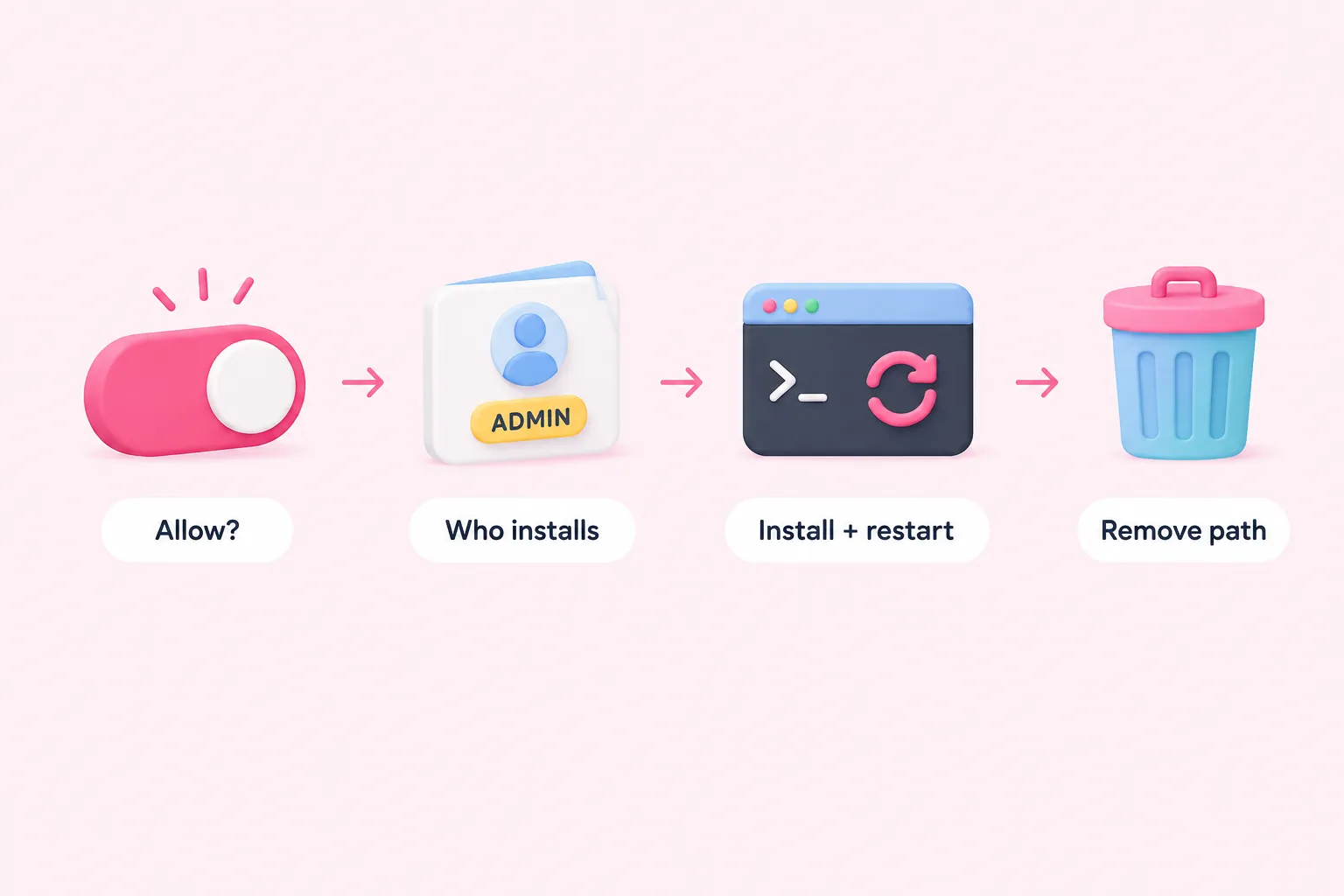
Once a node passes review, the next step is deciding who can install it and how. These checks are about access controls, not setup convenience.
Check 4: Decide whether community nodes should be allowed at all. On self-hosted n8n, admins can turn community nodes off completely by setting the N8N_COMMUNITY_PACKAGES_ENABLED environment variable to false. For some companies, off by default with case-by-case exceptions is the right policy. Done means your team has picked a setting on purpose and not just kept the default.
Check 5: Limit who can install. According to the docs, only the instance owner and admin accounts can install verified community nodes through the n8n interface. Done means you've reviewed which people hold those roles and still agree they should.
Check 6: Follow the manual install steps when you use them. On self-hosted n8n, a manual install uses npm inside the instance, and then you restart n8n so the node loads. Done means the restart has happened and the node shows up where you expect it.
Check 7: Know how to remove it. You can uninstall a community node from the Community nodes page in the instance settings. Done means someone on the team has found that page before they ever need it in a hurry.
Test in a disposable workflow before production (editorial guidance)
n8n's documentation doesn't describe a formal testing procedure for community nodes. The checks in this section are editorial suggestions, not requirements from n8n. They are simply sensible habits that keep your experiments away from real data.
Check 8 (suggestion): Swap a familiar node in a scratch workflow. Take an integration you already understand, such as one built with a core node or an HTTP Request node. Rebuild it in a new, disposable workflow using the community node, then compare the output field by field. Done means you can say how the two outputs differ.
Check 9 (suggestion): Give it bad input. Send the node empty fields, the wrong data types or oversized payloads, and see how it fails. A clear error is a good sign. A silent success with mangled data is a warning. Done means you've seen at least one failure and understand what caused it.
Check 10 (suggestion): Use a scoped credential. For the trial, connect the node with a separate API key that has the smallest permissions you can give it, not a shared company-wide credential. This is general security practice, not something the n8n docs cover. Done means revoking that key would affect nothing except the trial.
Monitor, maintain, and keep a fallback plan
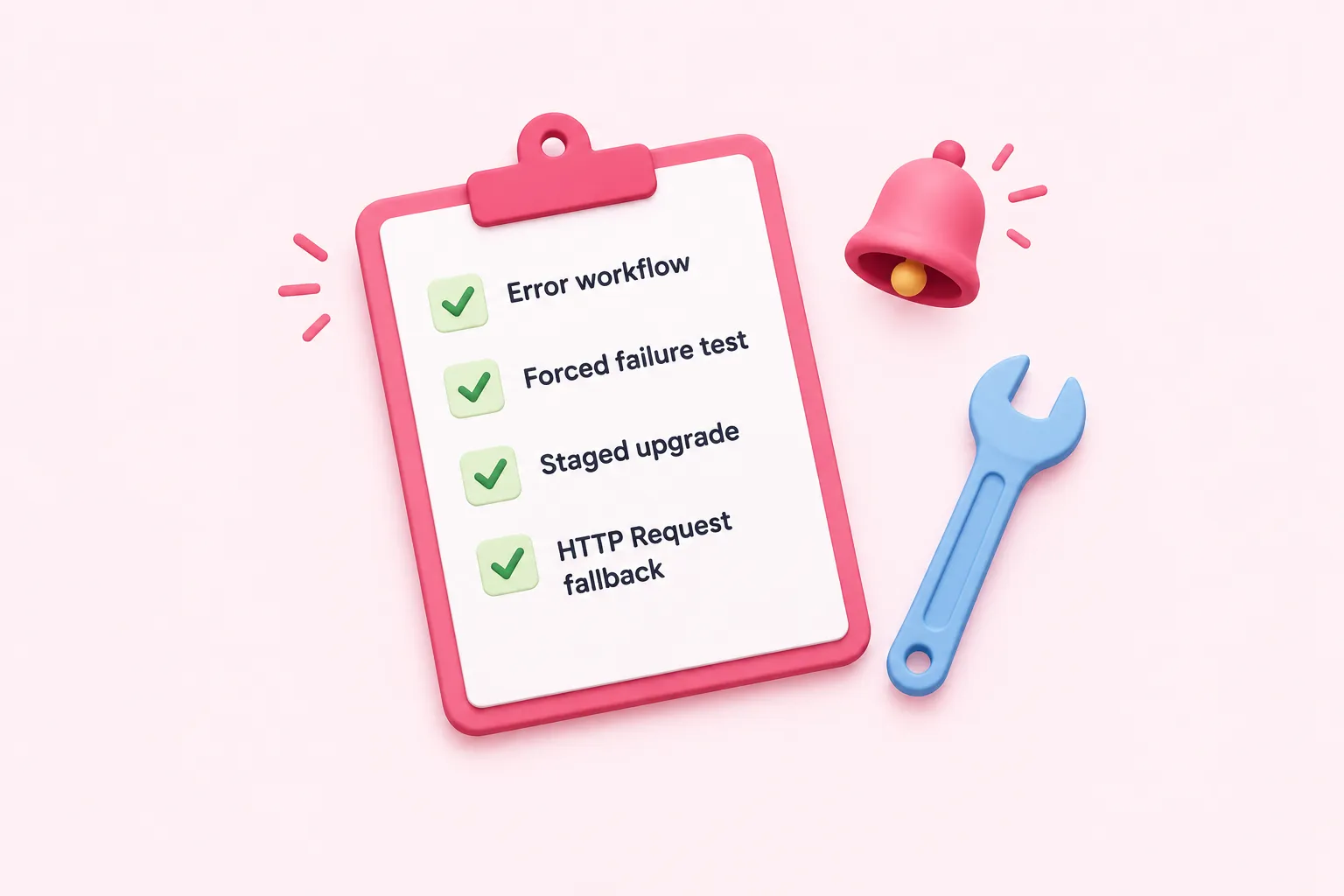
A node that passed testing still needs someone watching it in production. The last checks are about noticing failures quickly and recovering calmly.
Check 11: Attach an error workflow. n8n lets you set a dedicated error workflow that begins with the Error Trigger node and runs whenever the main workflow fails. Every workflow that uses a community node should have one, so failures send alerts and don't go unnoticed. Done means the error workflow is set in the workflow settings and sends its alert somewhere a person will actually see it.
Check 12: Test your alerting on purpose. Add a Stop And Error node under a condition you control to make an execution fail, then confirm that the alert arrives and any fallback steps run. Done means you've watched an intentional failure reach the right person.
Check 13: Treat upgrades carefully. The docs warn that upgrading a community node can bring breaking changes that affect every workflow using it. As an editorial suggestion, try each new version in a staging workflow before upgrading in production. Done means you have a written upgrade routine and a record of which version is running.
Check 14 (suggestion): Keep a fallback ready. Build or document an HTTP Request node version of the same integration. If the node is abandoned or breaks during an upgrade, you can switch without starting over. Done means the fallback has run successfully at least once.
One final limitation: everything cited here comes from n8n's official documentation, not from independent security audits or incident reports, and the sources include no performance or long-term reliability data on community nodes. Use this checklist as a starting point and adapt it to your own risk policies.