n8n Current Version: When and How Should a Self-Hosted Team Upgrade?
A practical guide to keeping a self-hosted n8n current version: when to apply routine minor updates, how to plan a major version upgrade, and what to check first.

Checked against the cited sources on .
Why Staying on an n8n Current Version Matters
Deciding how often to update a self-hosted n8n current version is really two separate questions: how often to apply small updates, and how to plan the occasional major jump. n8n's own hosting documentation advises updating frequently, saying this avoids having to jump multiple versions at once and reduces the risk of a disruptive update.
For ops and IT leads running their own instance, the stakes differ from n8n Cloud: on a self-hosted install, the team decides when an update happens and is the one who finds out afterward if a workflow has broken. Getting the timing and the process right is a team decision, not a background task.
Sources: Update n8n | Deploy | n8n Docs
Minor Updates vs. Major n8n Versions: Two Different Decisions
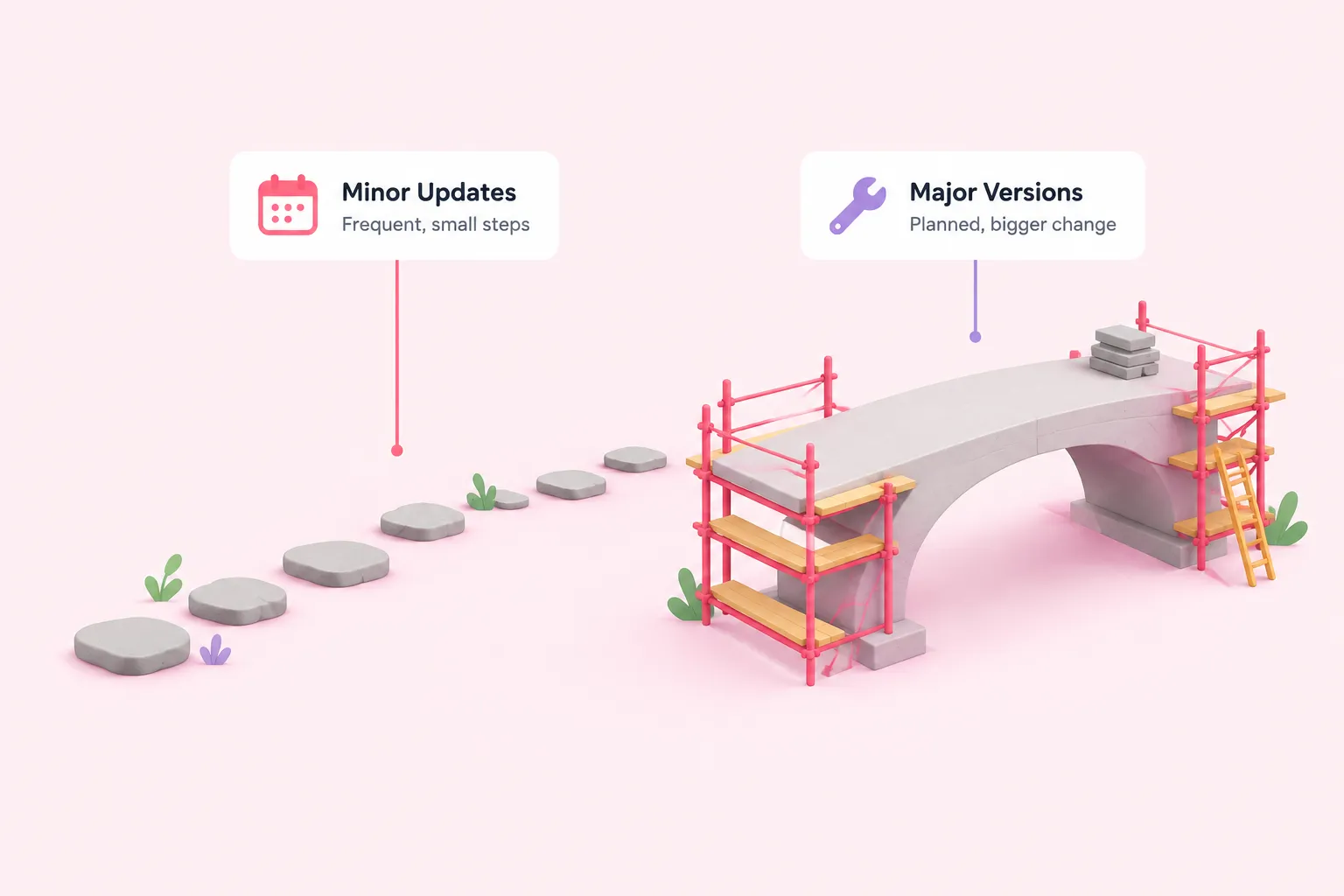
Most of what a self-hosted n8n current version receives each week is a minor release. n8n's changelog states that it ships a new minor version most weeks, so a team that wants to stay current faces a high update frequency if it tries to keep pace with every release. n8n also distinguishes a beta release channel, described as potentially unstable, from the stable channel recommended for production use. In our view, chasing every minor release the moment it ships is overkill for most teams; a steady monthly cadence catches security fixes without turning upgrades into a part-time job.
A major version is a different kind of decision. n8n's announcement of its 2.0 release states that the company plans to ship one to two major versions per year going forward, so self-hosted teams should expect a breaking-change review more often than in the product's earlier history. The same announcement states that the prior major version, 1.x, kept receiving security and bug fixes for three months after 2.0 shipped, and that all of the changes in 2.0 applied to every edition, including self-hosted Community installs.
| Dimension | Minor update | Major version jump |
|---|---|---|
| Frequency | A new minor version most weeks, per n8n's changelog | One to two major versions a year, per n8n's own stated plan |
| Typical risk | Low when applied on a routine cadence | Breaking changes across the instance, applying to every edition |
| Process needed | Check release notes, apply on a schedule | Backup, staging test, breaking-changes review, possible script changes |
| Support window | Not applicable | Documented only for the 1.x-to-2.0 transition: the prior version kept receiving security and bug fixes for 3 months after 2.0 shipped; n8n hasn't stated whether the same window applies to future major jumps |
Sources: Update n8n | Deploy | n8n Docs, Changelog | n8n Docs, Introducing n8n 2.0 – n8n Blog
A Practical Cadence and Safe Upgrade Steps
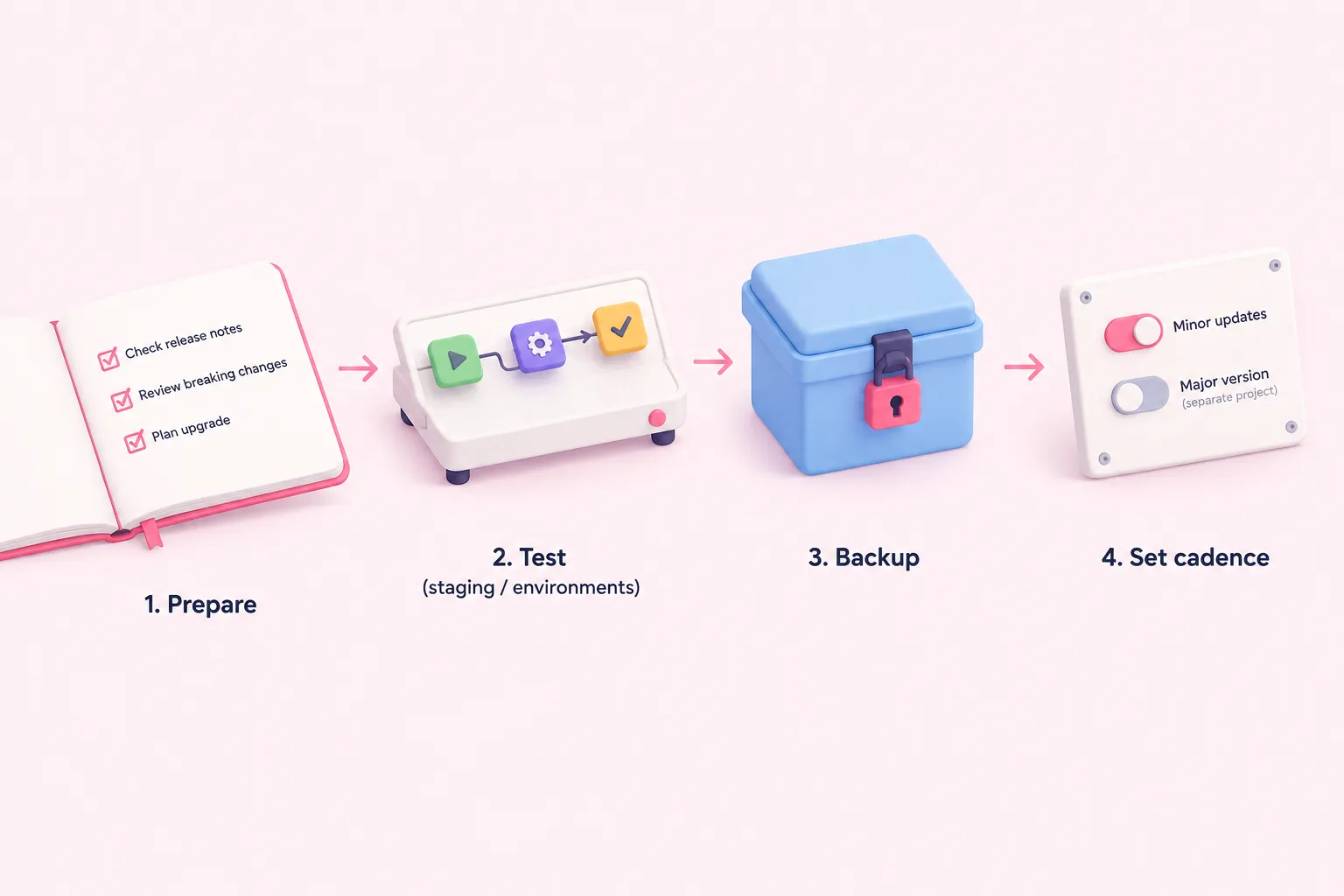
Set a routine cadence for minor updates, and treat major version jumps as a separate, planned project. We think treating a major n8n version jump like routine maintenance is a mistake worth avoiding; it deserves its own project plan, not a slot in the regular update rotation.
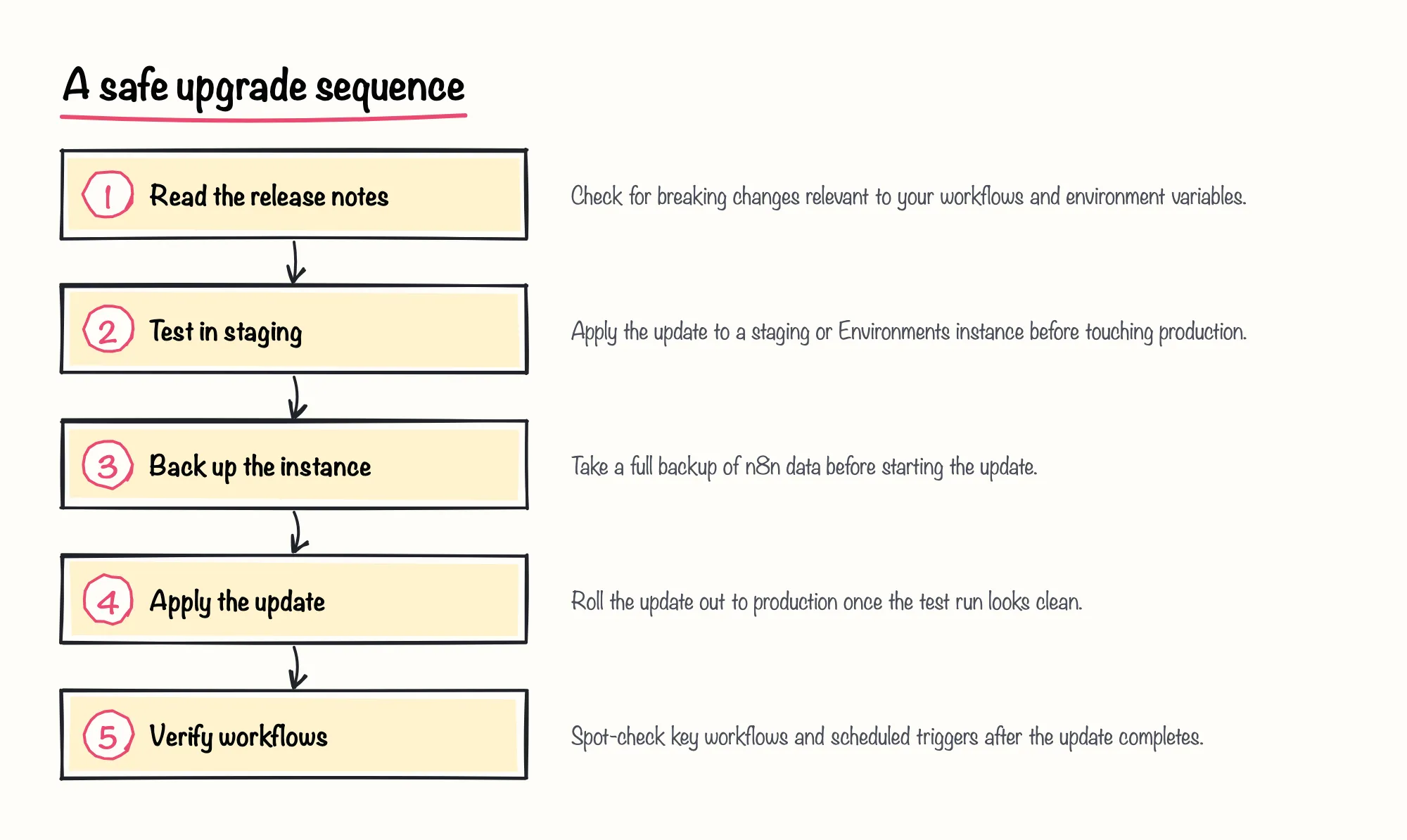
Before any update, n8n's own update documentation tells operators to check the release notes for breaking changes. For a major version, that review should extend to a dedicated breaking-changes guide, a test run on a staging or Environments instance first, and a full backup, which is exactly what n8n's 1.0 migration guide instructed before that specific upgrade. The same guide recommended moving to the latest 0.x release before jumping to 1.x, so any problems could be isolated to the correct release rather than mixed in with other changes.
Sources: Update n8n | Deploy | n8n Docs, Changelog | n8n Docs, v1.0 Migration guide | Changelog | n8n Docs
What Changes at a Major Version Boundary: Lessons from 1.0 and 2.0
At a major version boundary, naming and defaults can shift. n8n's 2.0 breaking-changes documentation shows that the release channels themselves were renamed, from latest and next to stable and beta, and it recommends pinning a deployment to an explicit version number, such as 2.0.0, instead of tracking a moving tag. We're optimistic that pinning to an explicit version number is one of the cheapest reliability wins a self-hosted team can make, since it turns upgrades into a decision rather than a surprise.
Automation that calls the n8n CLI needs its own check. n8n's CLI documentation states that the update:workflow command is deprecated starting in n8n 2.0 and will be removed, with publish:workflow and unpublish:workflow named as the replacement commands for managing workflow state. Any script a team wrote to toggle workflows on or off from the command line should move to the new commands before the old one disappears.
Installation method matters too. n8n's changelog ties the removal of npm installs to n8n 3.0, around an October release window, so a self-hosted team still running n8n through npm needs a Docker-based setup in place before that version lands.
Sources: Use the command line | Deploy | n8n Docs, Changelog | n8n Docs, v2.0 Breaking changes | Changelog | n8n Docs
Checklist: Are You Due for an Upgrade?
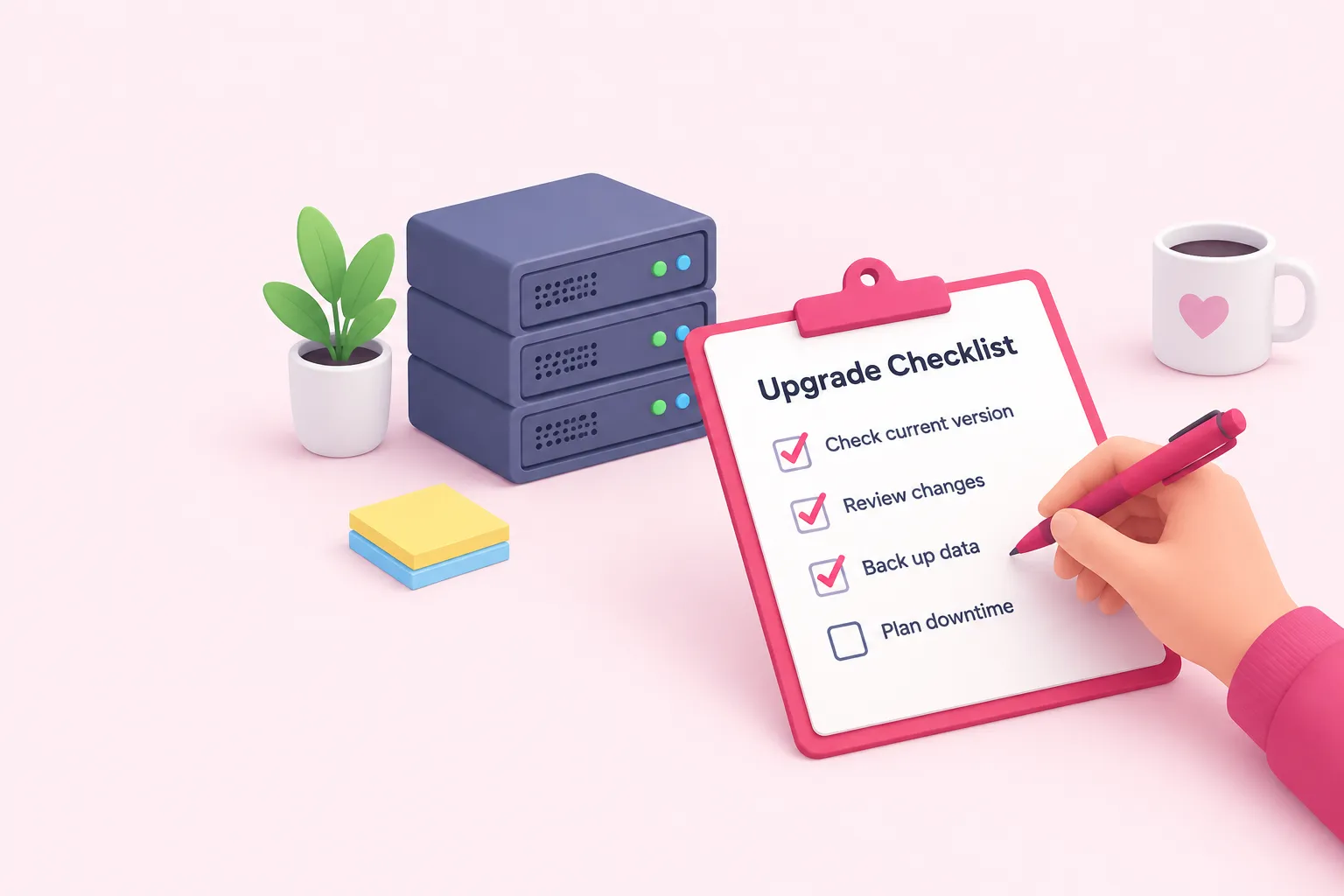
A short pre-upgrade routine answers most of the timing question about when an n8n current version is due for a change. The checklist below turns the points covered above into something a team can work through before touching a production instance.
Sources: Update n8n | Deploy | n8n Docs, Use the command line | Deploy | n8n Docs, Changelog | n8n Docs, v2.0 Breaking changes | Changelog | n8n Docs, v1.0 Migration guide | Changelog | n8n Docs