n8n Code Review Agent: From PR Webhook to Posted Comment
Build an n8n code review agent step by step: wire a GitHub or GitLab pull-request webhook to an AI Agent that reviews diffs and posts comments.

Checked against the cited sources on .
What You'll Build: An n8n Code Review Agent From PR to Comment

This is an editorial exercise, not a build we ran or verified end to end: a self-contained task you can attempt yourself. The goal is to design an n8n code review agent that watches a pull request or merge request, reads the diff, checks it against your team's written conventions, and posts a structured comment back onto the PR or MR without anyone copying text between tools.
n8n's AI Agent node cannot reason over a diff on its own. Official n8n documentation states that the node requires at least one connected tool sub-node before it can run, so any n8n code review agent design needs to give the agent something to call, whether that is a diff-fetching tool, a conventions document, or both.
Sources: AI Agent | Nodes | n8n Docs
Prerequisites and Inputs You'll Need

Before wiring anything, line up four things: an n8n instance, cloud or self-hosted, a GitHub or GitLab account with a repository you can safely test against, API credentials scoped to that repository, and an AI provider account whose model you plan to call from the AI Agent node.
On the credentials side, n8n's own documentation recommends a personal access token with the repo scope for most GitHub node operations, while a GitLab credential is documented as needing the broader api scope to unlock the node's full functionality. Because this workflow only needs to read diffs and post comments, that GitLab guidance points to more access than the task strictly requires.
Sources: GitHub credentials | Nodes | n8n Docs, n8n-docs/docs/integrations/builtin/credentials/gitlab.md at main · n8n-io/n8n-docs · GitHub
Building the Workflow: Five Steps From Webhook to Comment
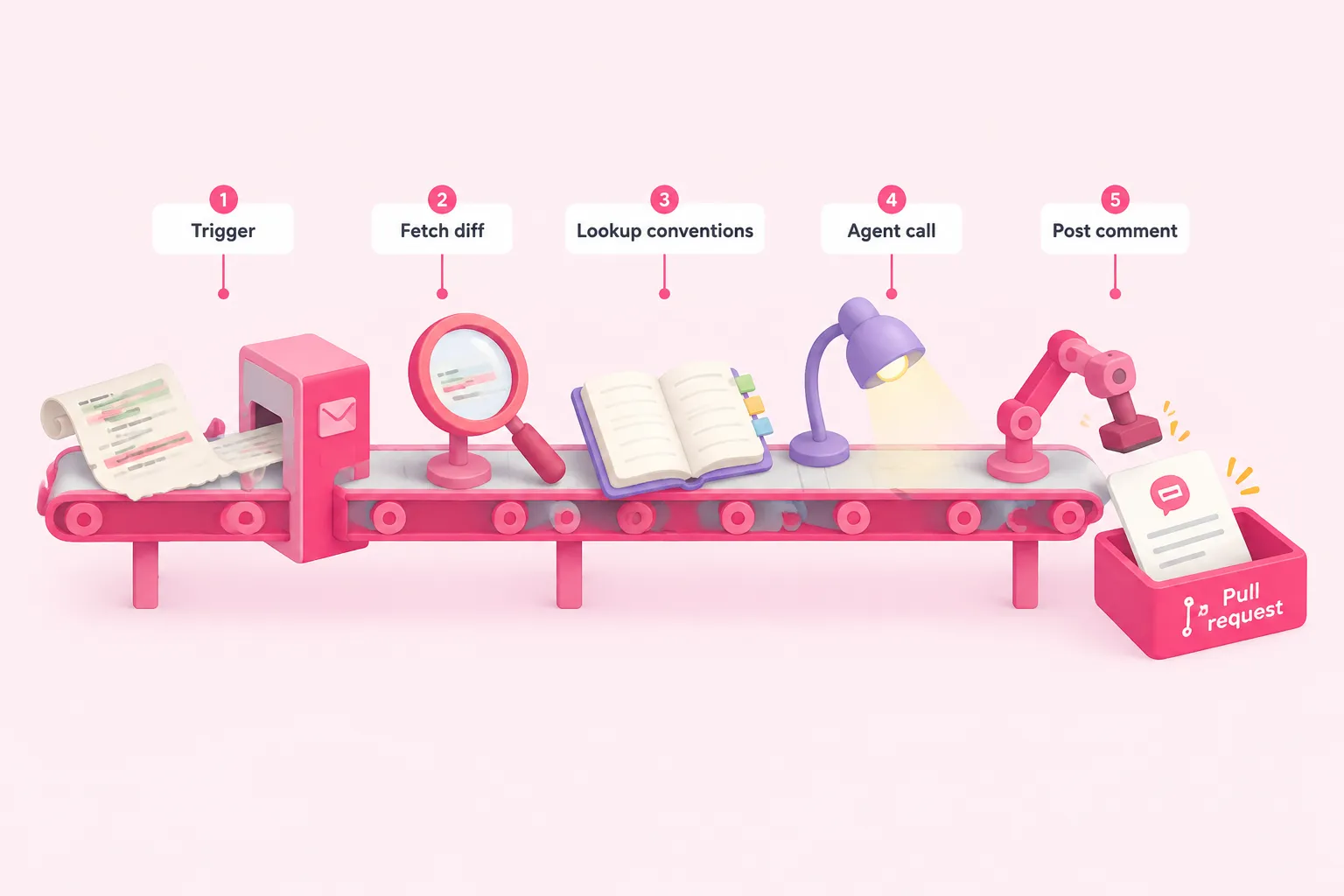
The overall shape of an n8n code review workflow is short: a trigger, a diff fetch, a conventions lookup, an agent call, and a comment post. The diagram below lays out that order; the paragraphs after it cover the decisions that matter at each stage.
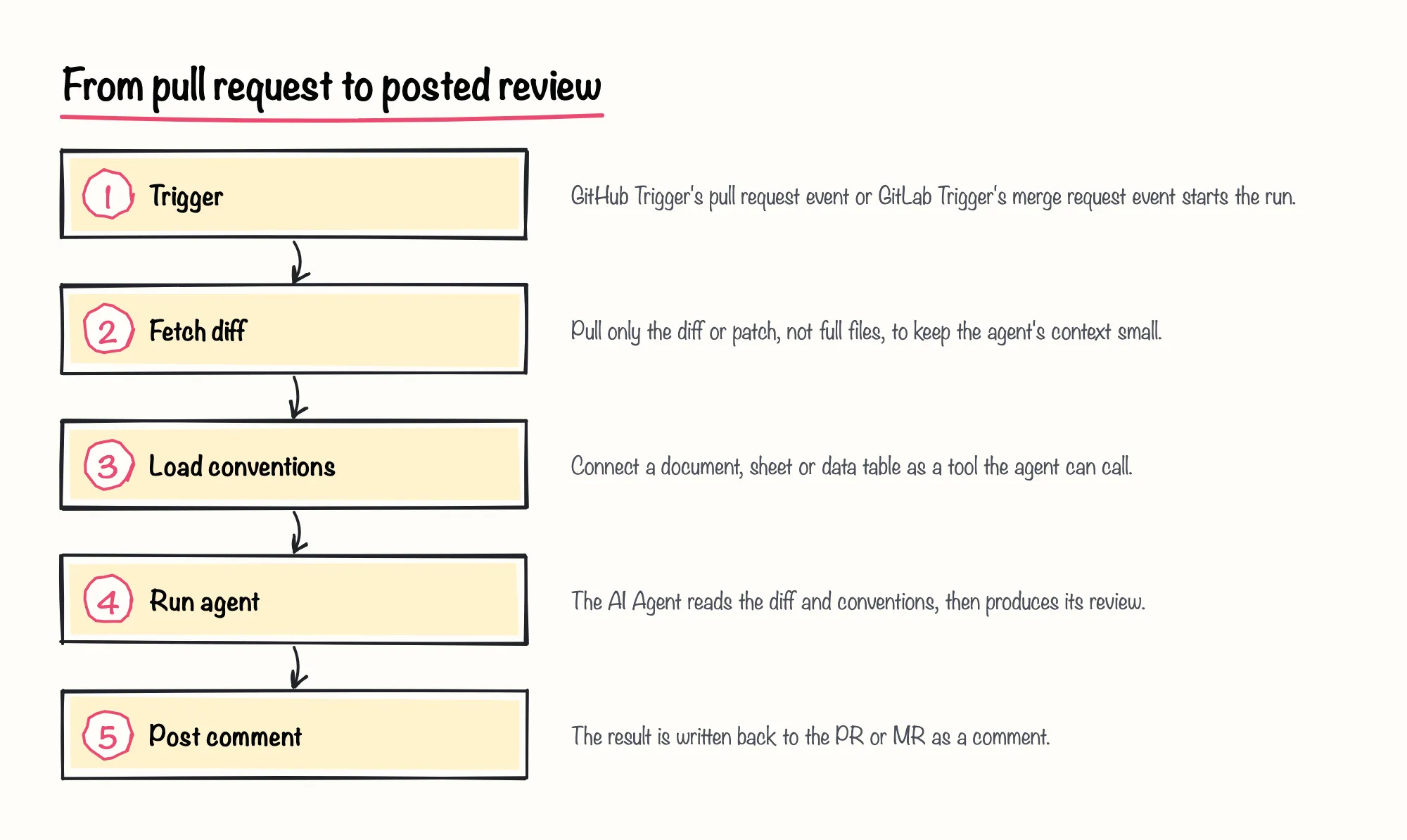
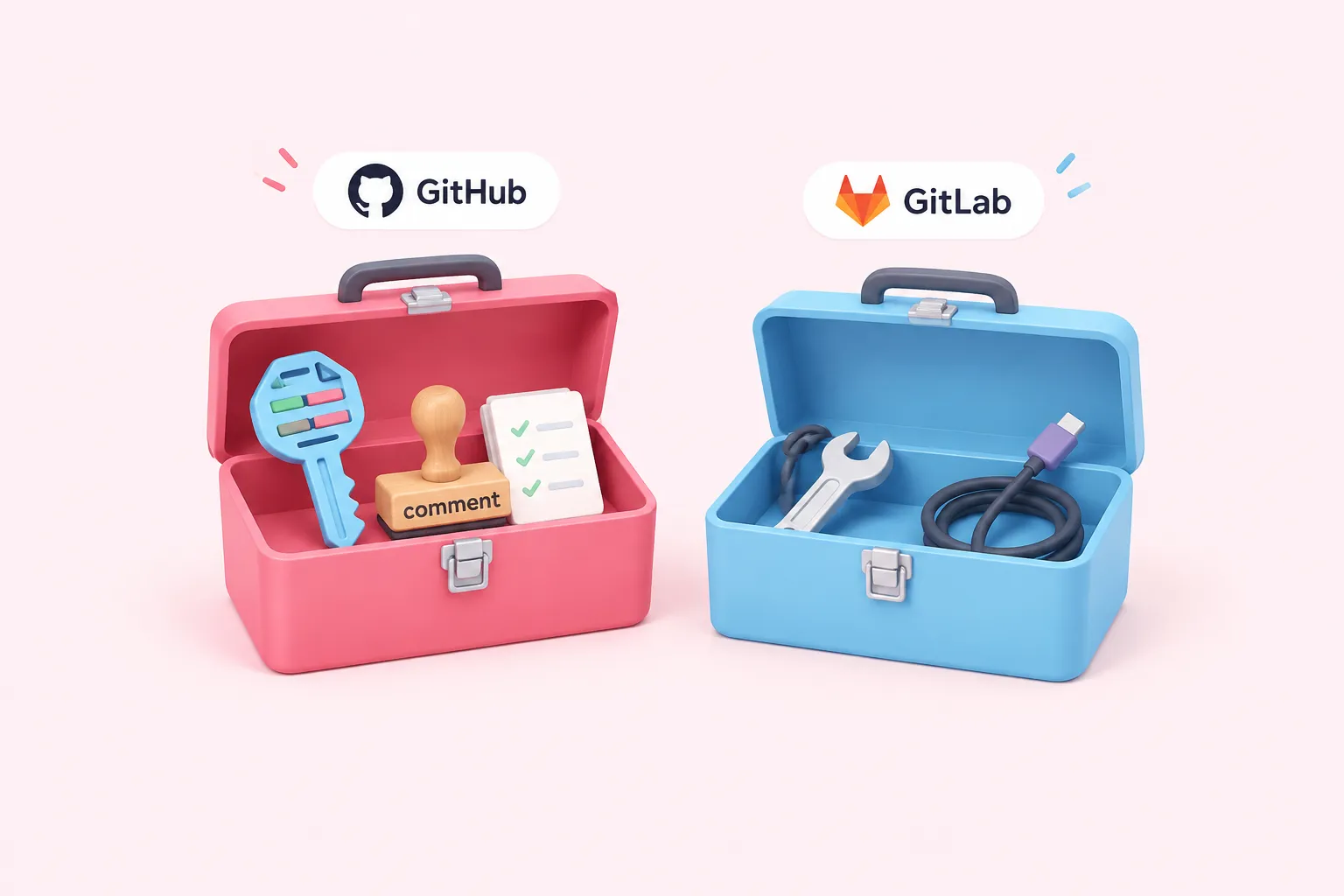
GitHub's own node documentation lists pull request operations that include fetching the diff or patch directly, alongside GitHub Trigger events for plain pull request activity, review submissions and review comments. GitLab's trigger similarly exposes a merge-request event, but the documented GitLab app node's operations cover files, issues, releases, repositories and users, with no listed merge-request action for fetching a diff or posting a comment. One documented community build works around that gap by calling the GitLab API through an HTTP Request node instead, the pattern it used for its n8n code review GitLab workflow.
| Step | GitHub app node | GitLab app node |
|---|---|---|
| Fetch diff | Documented Get Diff / Get Patch operation | No documented merge-request operation; the one documented community build we reviewed used HTTP Request |
| Post comment | Documented comment-creation operation | No documented merge-request operation; the one documented community build we reviewed used HTTP Request |
| Trigger event | Pull request, review and review-comment events | Merge request event alongside issues, pipelines and other activity |
For team conventions, one documented community build connects a Google Sheet holding a team's coding standards as a tool the AI Agent can query, rather than pasting the rules into the prompt text. We think that tool-based approach is worth the extra setup: it keeps one workflow reusable across repositories with different standards, instead of forking the prompt every time a rule changes.
Once the agent has both the diff and the conventions, the next design choice is output shape. Asking the model for structured output, for example a JSON array of file, line and comment fields, and parsing it with n8n's Structured Output Parser gives the comment-posting step predictable data to map, echoing how one documented community build shaped its GitLab review comments. In a separate community blog post about building an AI code-review automation, developer Harsh Jolapara describes the same kind of automation this way:
Posting back is usually the simplest node call: GitHub's node includes a comment-creation operation, and one documented community build uses it to publish the AI's feedback once the agent finishes; the GitLab equivalent again goes through an HTTP Request node in the one documented community build we reviewed for GitLab. Either way, treat the AI's comment as a draft opinion in the PR, not a merge gate.
Sources: AI Agent | Nodes | n8n Docs, GitHub Trigger | Nodes | n8n Docs, GitHub | Nodes | n8n Docs, GitLab Trigger | Nodes | n8n Docs, n8n-docs/docs/integrations/builtin/app-nodes/n8n-nodes-base.gitlab.md at main · n8n-io/n8n-docs · GitHub, Automate GitHub Code Reviews with n8n’s AI Agent | by Anirban Mukherjee ✍️ | Medium, Can AI Be Your Code Reviewer? Building an Automated Merge Request Reviewer with n8n and LLM | by Rerngrit Frank | Medium
Constraints and Completion Criteria
Token scope, rate limits and diff size are the three constraints most likely to bite. Scope credentials minimally: a GitHub PAT with the repo scope, or a GitLab token scoped as narrowly as your platform allows below the broad api scope that n8n's docs describe as the easy default.
Rate limits differ by platform. GitHub's API expects clients to wait until the time given in its rate-limit reset header before retrying, and GitLab specifically throttles comment creation on issues and merge requests to a documented limit on GitLab.com, separate from its general API limits; self-managed or dedicated GitLab instances set their own limits, which the documentation notes without giving a figure. We'd design for backoff and a maximum-retries cap from the start rather than adding it after a workflow trips a limit in production.
- Minimal token scope for the platform you use
- Backoff when GitHub's rate-limit reset header fires
- Awareness that GitLab throttles comment creation separately from general API calls
- A diff-size ceiling so oversized pull requests don't overload the agent's context
Call the exercise complete once a genuinely new pull or merge request triggers the n8n code review agent workflow, the diff and conventions both reach the AI Agent, the agent returns structured output the workflow can parse without manual fixing, and a comment appears on the PR or MR that reflects the diff's actual content.
Sources: GitHub credentials | Nodes | n8n Docs, n8n-docs/docs/integrations/builtin/credentials/gitlab.md at main · n8n-io/n8n-docs · GitHub, Rate limits for the REST API - GitHub Docs, GitLab.com rate limits | GitLab Docs
Reflection, Troubleshooting and a Suggested Solution Sketch
A working n8n code review agent should feel boring in the best sense: it fires quietly on new pull requests and leaves one useful comment, nothing more. Because none of the tutorials behind this exercise document error handling for a failed AI call or a failed comment post, and no source here confirms the exact comment schema either platform's node expects, we'd treat the whole flow as a draft to test on a low-traffic repository before trusting it on anything that matters. Our pragmatic call: skip fully automated posting at first and route the agent's output to a private channel for a week before letting it comment on real pull requests.
Typical failure points worth checking during testing include an oversized diff that the model truncates or mishandles, structured output that almost but not quite matches your parser's schema, and a comment-post call that fails silently after the AI call already succeeded.
If you want to practice the underlying pattern, connecting an AI Agent node to a single tool with conversational memory, before adding a webhook trigger and two external APIs on top, the Your First AI Agent challenge builds exactly that combination in your own n8n environment.
Sources: AI Agent | Nodes | n8n Docs, Automate GitHub Code Reviews with n8n’s AI Agent | by Anirban Mukherjee ✍️ | Medium, Can AI Be Your Code Reviewer? Building an Automated Merge Request Reviewer with n8n and LLM | by Rerngrit Frank | Medium