n8n AI Agents and Workflow Automation Training: A Checklist
What n8n ai agents and workflow automation training should teach before production: tool calling, memory, guardrails, deployment and cost control.

Checked against the cited sources on .
Why n8n AI Agents and Workflow Automation Training Must Cover More Than a Demo
If your team is comparing options for n8n ai agents and workflow automation training, the demo reel can look nearly identical across providers: a chat trigger, an AI Agent node, one tool, a happy-path answer. What actually separates a course that prepares a team for production from one that doesn't is whether it goes beyond that demo into five areas — tool calling, memory, guardrails, deployment and cost control. This checklist sets out what each area should cover, grounded in n8n's own documentation and vendor and practitioner guidance, so you can score a syllabus, or your own team's current practice, against it before you commit a training budget.
Many engineering managers meet this question while scrolling a marketplace rather than scoping an internal program — a udemy n8n ai agents and workflow automation training listing, say, or a course titled something like Udemy n8n ai agents and workflow automation training 2025 9. A catalog title tells you almost nothing about depth; the sections below do.
In our view, a course that only demos tool calling and memory, with no hands-on guardrails or deployment module, isn't yet a production-readiness curriculum — it's a product tour, and teams should treat it that way when comparing options.
Checklist: Tool Calling Fundamentals

At the center of any n8n AI agent sits the Tools Agent node. n8n's own documentation states that the Tools Agent implements LangChain's tool-calling interface, the mechanism the agent uses to select and invoke external tools during a conversation. A sound n8n ai agents and workflow automation training program teaches this interface explicitly, including how the agent decides between tools, rather than just showing one tool wired up and working.
A practitioner's 2026 blog post on building n8n agents reports, from the author's own client work, that vague tool descriptions are a more common cause of tool-selection failures than bugs in the tools themselves. That's one practitioner's field observation rather than a measured benchmark, but it points to a teaching gap worth checking for: does the course spend real time on writing tool descriptions, not just connecting nodes?
Sources: Tools Agent | Nodes | n8n Docs, n8n AI Agent Workflows: Multi Agent Setup and Examples
Checklist: Memory and Conversation State
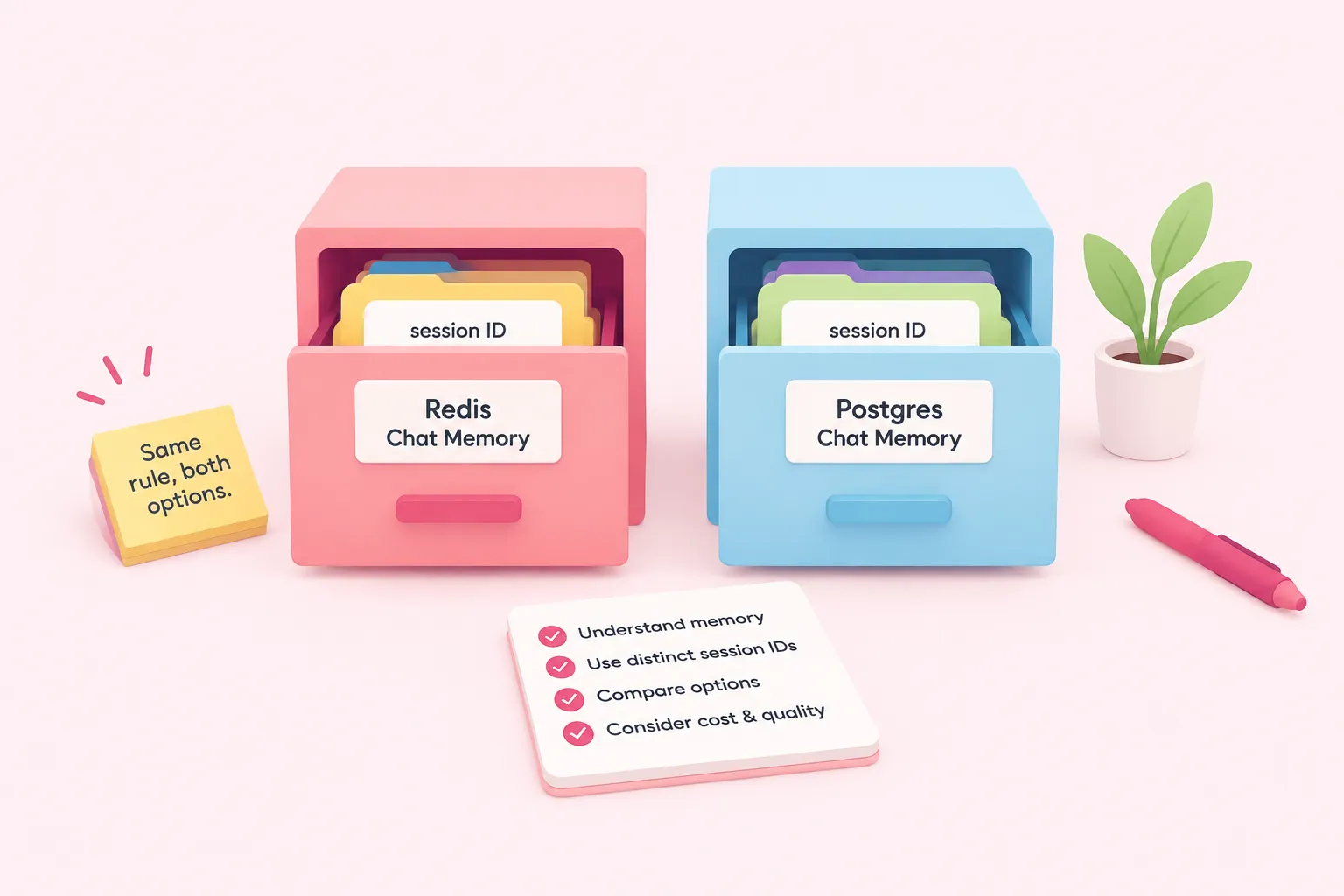
n8n's own documentation frames memory in plain terms: it keeps a history of previous messages so a chat workflow can hold an ongoing conversation instead of starting fresh with every message. A curriculum should teach this concept before it teaches which memory node to drag onto the canvas, so learners understand what they're actually configuring.
Two documented memory options illustrate the same configuration risk. n8n's Redis Chat Memory documentation warns that multiple memory nodes share one memory instance by default, so a course should teach setting distinct session IDs to avoid cross-conversation contamination. n8n also documents Postgres Chat Memory as a database-backed option for storing chat history, suited to durable or cross-session conversations; a curriculum should teach the same distinct-session-ID discipline wherever more than one memory node of either type is used.
| Memory type | How it stores conversation | Key configuration risk |
|---|---|---|
| Redis Chat Memory (database-backed) | Uses Redis as an external memory server for storing chat history across a workflow | Multiple memory nodes share one memory instance by default unless you set distinct session IDs |
| Postgres Chat Memory (database-backed) | Uses Postgres as a database-backed option for storing chat history, suited to durable or cross-session conversations | Needs the same distinct-session-ID discipline whenever more than one memory node is used |
A community blog on n8n agent deployments argues that memory choice drives both cost and output quality, a practitioner's own observation rather than a controlled comparison. We'd be cautious of any curriculum that teaches only one memory node and calls the module done; swapping memory types changes both the bill and the conversation quality, so a course should show that trade-off, not just one wiring example.
Sources: How memory works | Build | n8n Docs, Redis Chat Memory | Nodes | n8n Docs, Postgres Chat Memory | Nodes | n8n Docs, n8n AI Agent Workflows: Multi Agent Setup and Examples
Checklist: Guardrails, Output Reliability and Human Review
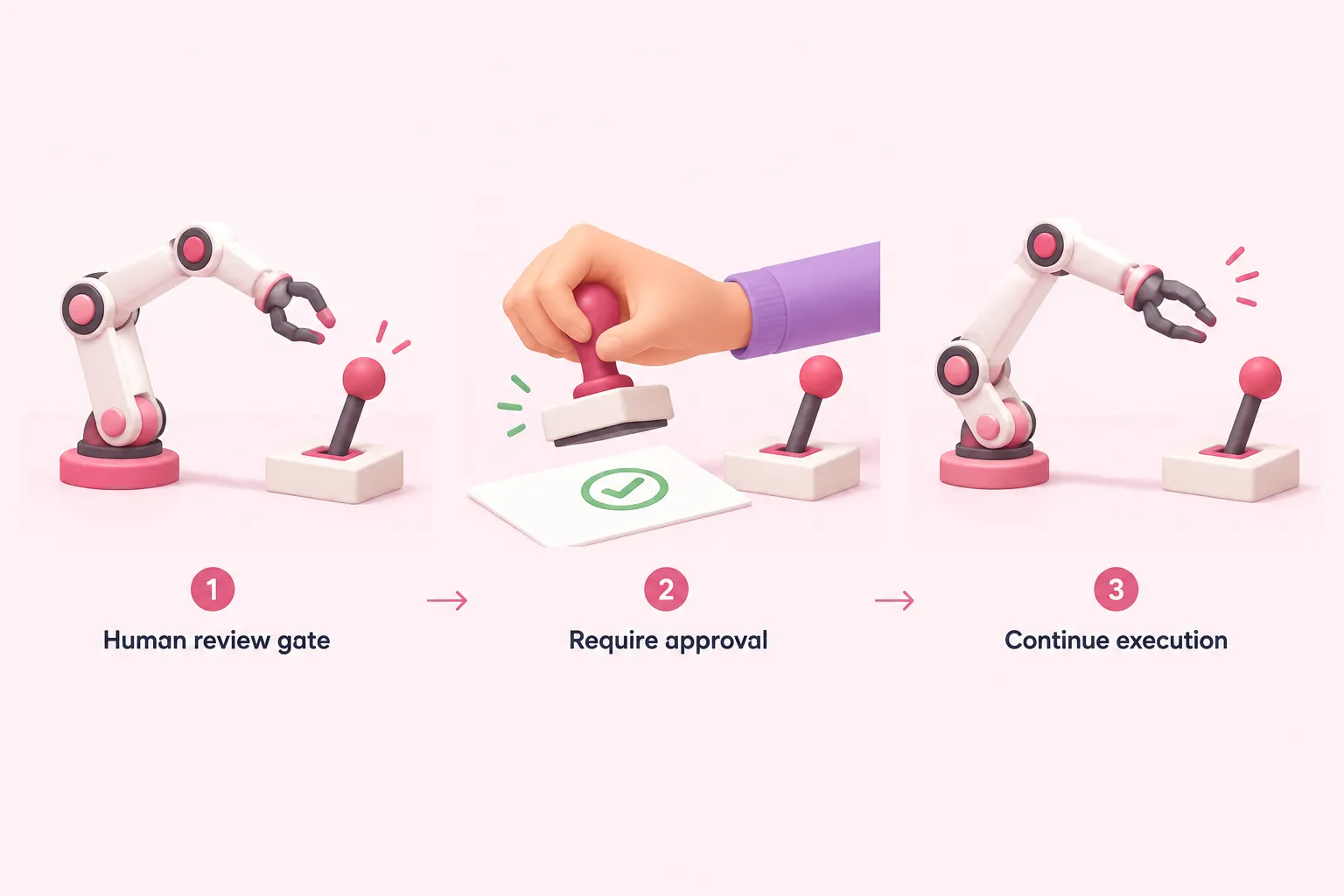
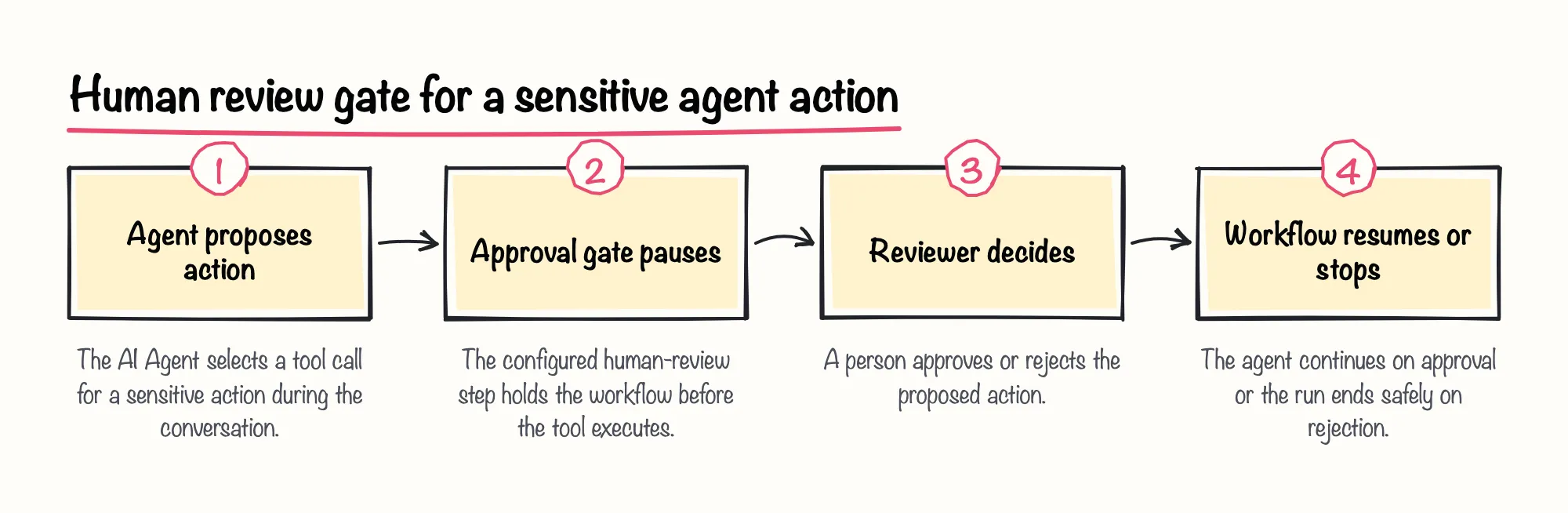
n8n's documentation describes a built-in guardrail: a human-review gate that can require approval before the AI Agent executes specific tools. Separately, a 2026 production checklist from HatchWorks, an AI consulting vendor, lists human-in-the-loop approval gates for high-risk agent actions as a required guardrail category before relying on an agent in production. A curriculum should have learners actually configure this gate, not just discuss it.
Structured output is the other common failure point. n8n's documentation states that structured output parsing is often not reliable when attached directly to an agent, and recommends a separate LLM chain to parse the agent's output instead. A curriculum should teach that workaround as standard practice, not an edge case.
HatchWorks' same 2026 guide presents circuit breakers that halt a workflow after repeated AI failures as, in its own editorial ranking, the single guardrail that prevents runaway cost from silent failures better than any other. That's the vendor's own ranking rather than an independently measured comparison, but it's a specific, teachable mechanism a course can walk through.
Sources: Tools Agent | Nodes | n8n Docs, Common issues | Nodes | n8n Docs, n8n Cost Controls: 12 Guardrails To Stop Runaway Executions, n8n Best Practices Checklist for Production (2026)
Checklist: Deployment Readiness (Versioning, Rollback, Kill Switches)
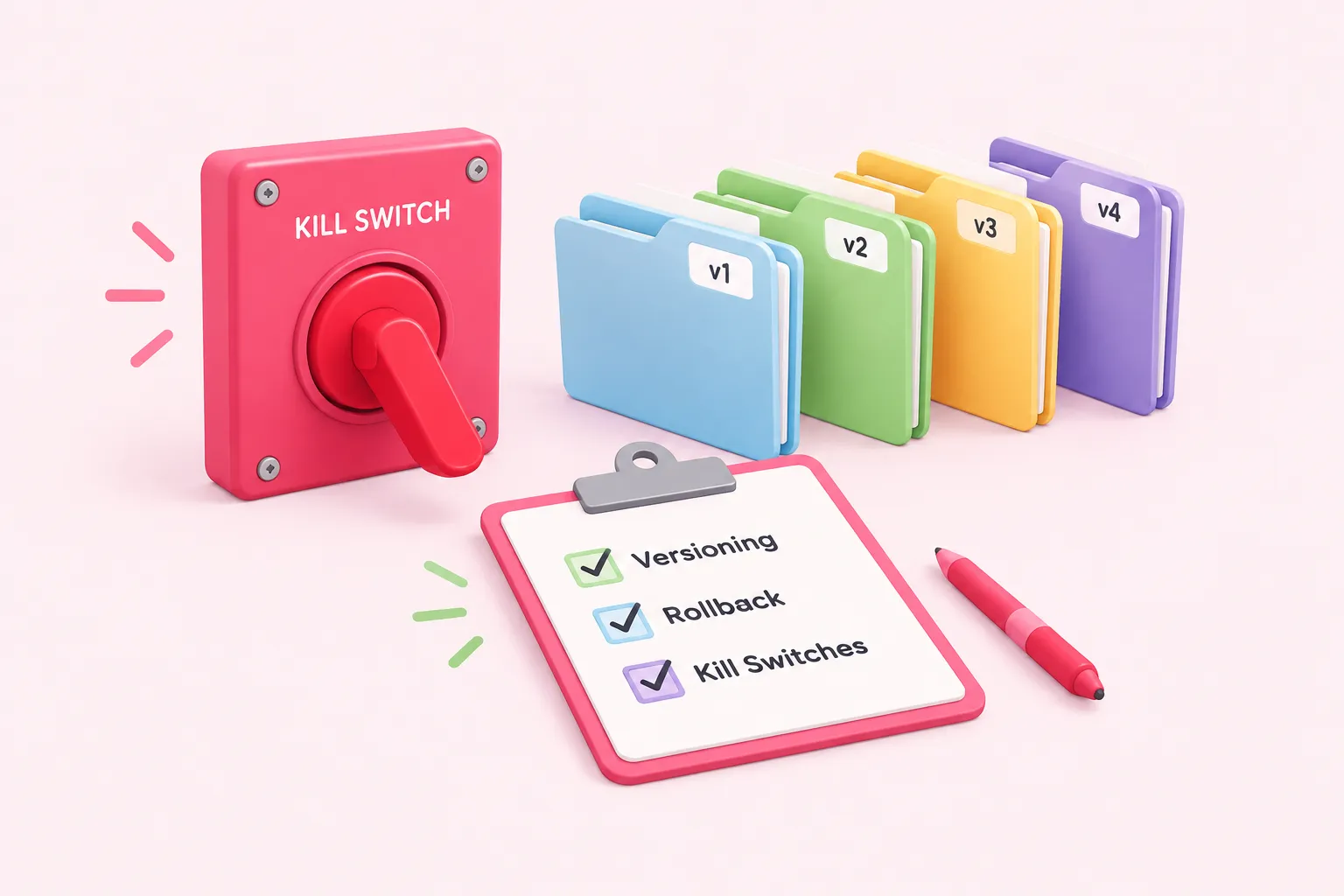
HatchWorks' 2026 production checklist lists a kill switch per agent workflow, pausable without touching infrastructure, as a deployment-readiness item. A curriculum that stops at 'click publish' skips the part of the job that matters most once an agent is live: how a team shuts it off fast when something goes wrong.
The same checklist recommends a staged rollout specifically for high-risk workflows, rather than switching every user over at once. A course should teach both mechanisms as paired practices — the kill switch for when something has already gone wrong, and staged rollout for catching problems before they reach everyone.
Sources: n8n Best Practices Checklist for Production (2026)
Checklist: Cost Control and Observability
A 2026 HatchWorks guide on AI agent guardrails notes that n8n bills execution cost per workflow run regardless of how many nodes it passes through — a cost that's separate from whatever the LLM provider charges per token. A curriculum should teach this split explicitly, because conflating 'n8n cost' and 'model cost' makes any later cost audit unreliable.
HatchWorks' 2026 analysis of client n8n cost ledgers estimates that in most cases, 10-20% of workflows account for the majority of AI and execution spend — an estimate worth treating as directional rather than a benchmark for your own setup. We're optimistic that teams who track n8n execution cost and LLM token cost as two separate lines, instead of one bundled 'automation cost,' catch a runaway workflow long before it becomes a budget problem.
A practitioner blog recommends running a test dataset through an agent workflow using n8n's Evaluations feature before shipping a new version, as a pre-deployment check rather than an afterthought. A curriculum should teach this as the last gate before an agent handles real traffic.
Sources: n8n Cost Controls: 12 Guardrails To Stop Runaway Executions, n8n AI Agent Workflows: Multi Agent Setup and Examples
Using This n8n AI Agents and Workflow Automation Training Checklist to Evaluate a Course
Use this checklist the same way whether you're vetting a marketplace course, scoping this kind of training program internally, or checking what your team already has running in production. Walk each section — tool calling, memory, guardrails, deployment, cost control — and mark it covered only if the course or your current setup includes a hands-on exercise, not just a mention.
- List the five areas side by side with the course syllabus or your team's current setup
- Mark each area covered only if there's a hands-on exercise, not just a slide
- Flag any area with zero coverage as a gap to close before production use
- Re-run the same checklist against your own team's workflows, not only against a course
This checklist evaluates what a curriculum should cover, based on documented n8n behavior and vendor or practitioner guidance; it doesn't evaluate or validate any specific course's actual syllabus, since none was supplied here.