n8n 2.43 Release Notes: Browser Use Now On for Everyone
n8n 2.43 release notes make Browser Use available to everyone and change its defaults; here's what changed, who it affects, and what's not stated.

Checked against the cited sources on .
What n8n 2.43 Release Notes Cover, and When It Shipped
n8n 2.43 release notes describe a single dated update: n8n's official changelog lists version 2.43, released October 6, 2026, with Browser Use becoming available to all users as the headline item among a total of 14 changes bundled into this n8n October 2026 update.
GitHub's own release listing for the n8n repository shows the 2.43.0 tag published on October 6, matching the changelog's date, and marks it as a Pre-release rather than a general release.
Sources: Release notes | Changelog | n8n Docs, Releases · n8n-io/n8n · GitHub
The Headline Change: Browser Use Moves From Experiment to Default-On
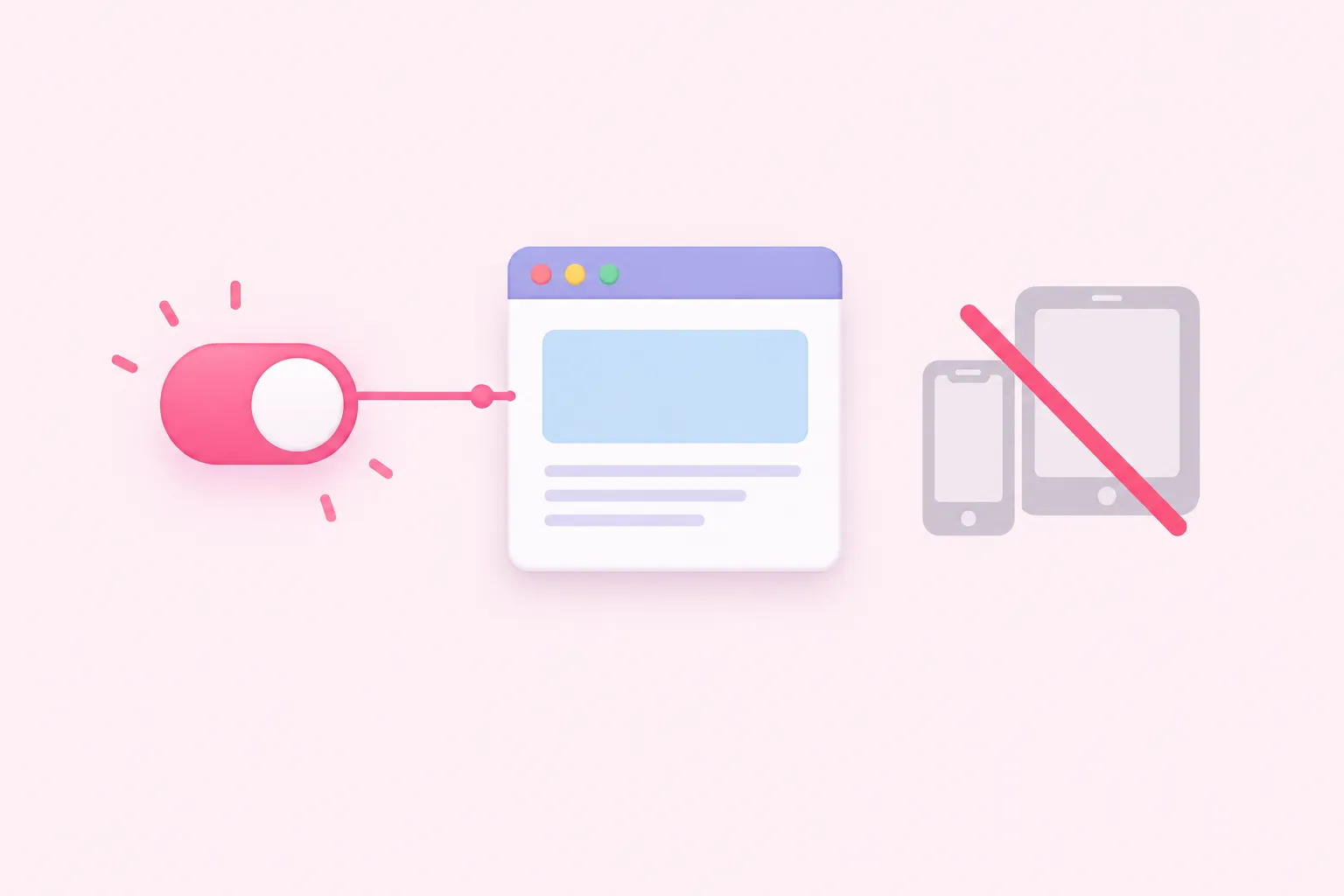
The centerpiece of this release is the n8n Browser Use feature inside the n8n Assistant. n8n 2.43 turns Browser Use on for every user instead of keeping it behind an experiment flag, and it is now governed by a new instance admin setting, N8N_INSTANCE_AI_BROWSER_USE_ENABLED, which the release notes describe as on by default.
Two related details sit next to that change. The feature still does not work on phones or tablets, including iPads in desktop mode, and the automatic credential-setup option that used to be part of the experiment is now switched off by default for everyone, though n8n's notes say the underlying code stays in place for a possible future return.
We think moving an AI browsing feature from opt-in experiment to on-by-default is the right default for a workflow builder: most teams never flip experimental flags, so leaving Browser Use hidden behind one would have meant most users never saw it at all.
n8n has described the wider n8n Assistant, the surface that now carries Browser Use for all users, as a tool where someone describes an automation in plain language and the assistant plans it, builds it on the canvas, and helps run and debug it; that description predates 2.43 and does not name Browser Use directly, so it is used here only as background to what the Assistant already did.
Sources: Release notes | Changelog | n8n Docs, Introducing n8n Assistant – n8n Blog
What Else Changed Alongside Browser Use
Browser Use is the headline, but it travels with 13 other changes in the n8n 2.43 release notes, together forming this n8n new features update's 14 total items. This article stays focused on Browser Use, since that is the one change the release notes call out by name in the version title; the rest sit in the changelog as a flat list that n8n does not group by theme, and this article does not attempt to summarize each one.
Sources: Release notes | Changelog | n8n Docs
Is n8n 2.43 the Stable Release Yet?

At the time this page was checked, n8n's own release-notes listing showed 2.43 marked as the current beta release, while 2.42.5 was still shown as the current stable release. That means 2.43 had not yet been promoted to the stable channel at that point.
GitHub's release list for the n8n repository backs that up: the 2.43.0 tag is labeled a Pre-release rather than a general release, consistent with n8n's own beta designation for this version line.
| Source | What it showed | Status label |
|---|---|---|
| n8n release notes page | 2.43 listed as current beta; 2.42.5 shown as current stable | Beta |
| GitHub releases for the n8n repository | 2.43.0 tag published October 6 | Pre-release |
We'd treat a Pre-release tag and a beta label the same way we treat any staging build: useful to explore now, risky to assume will behave identically once it reaches the stable channel.
Sources: Release notes 2.x | Changelog | n8n Docs, Releases · n8n-io/n8n · GitHub
What the n8n 2.43 Announcement Does Not Say
The n8n 2.43 release notes do not state whether Browser Use, or any of the other 13 changes, behaves the same way on n8n Cloud, on a self-hosted instance, and on Enterprise, or whether it reaches every hosted plan at the same time. That is left unstated rather than implied one way or the other.
The notes also do not explain what a Pre-release GitHub tag or a beta channel label practically means for someone running n8n in production versus someone testing it separately. This is noted as something the announcement itself does not cover, not as a gap to fill in with a guess.
Sources: Release notes | Changelog | n8n Docs, Release notes 2.x | Changelog | n8n Docs, Releases · n8n-io/n8n · GitHub
What to Do Now With n8n 2.43
n8n's 2.43 release notes describe what changed; they do not tell readers how to roll it out. The checklist below is this article's own editorial suggestion, not advice stated by n8n itself.
In our view, trying a new default feature like this on a side instance before leaning on it for client-facing work is the sensible middle ground between ignoring it and trusting a beta build blindly.
Sources: Release notes | Changelog | n8n Docs, Release notes 2.x | Changelog | n8n Docs, Releases · n8n-io/n8n · GitHub