n8n Respond to Webhook: Exercise in Predictable JSON Responses
Practise n8n Respond to Webhook with an editorial exercise: define JSON responses for success, invalid input and a handled processing failure.

Checked against the cited sources on .
Editorial exercise: define your response contract
This n8n Respond to Webhook exercise asks you to build a POST endpoint with explicit JSON responses for three outcomes. It is an editorial assignment based on documented capabilities; the proposed solution and expected results have not been executed or validated.
You need an accessible n8n environment, workflow-editing access and curl 7.82.0 or later, which supports --json for sending POST requests. Use synthetic data and the test webhook while developing. The supplied n8n documentation is mostly undated and not pinned to a release, so check settings against your installation.
Use the following editorial response contract. Inputs must be syntactically valid JSON objects; malformed JSON, authentication failures and infrastructure failures are outside this assignment.
| Case | JSON input | Status | JSON response |
|---|---|---|---|
| Success | {"name":"Ada"} | 200 | {"ok":true,"message":"Hello, Ada"} |
| Invalid input | {} | 400 | {"ok":false,"error":{"code":"INVALID_INPUT"}} |
| Handled failure | {"name":"Ada","simulateFailure":true} | 500 | {"ok":false,"error":{"code":"PROCESSING_FAILED"}} |
Sources: n8n-docs/docs/integrations/builtin/core-nodes/n8n-nodes-base.webhook/README.md at main · n8n-io/n8n-docs · GitHub, Respond to Webhook | Nodes | n8n Docs, JSON - everything curl
Suggested solution: validate, then process
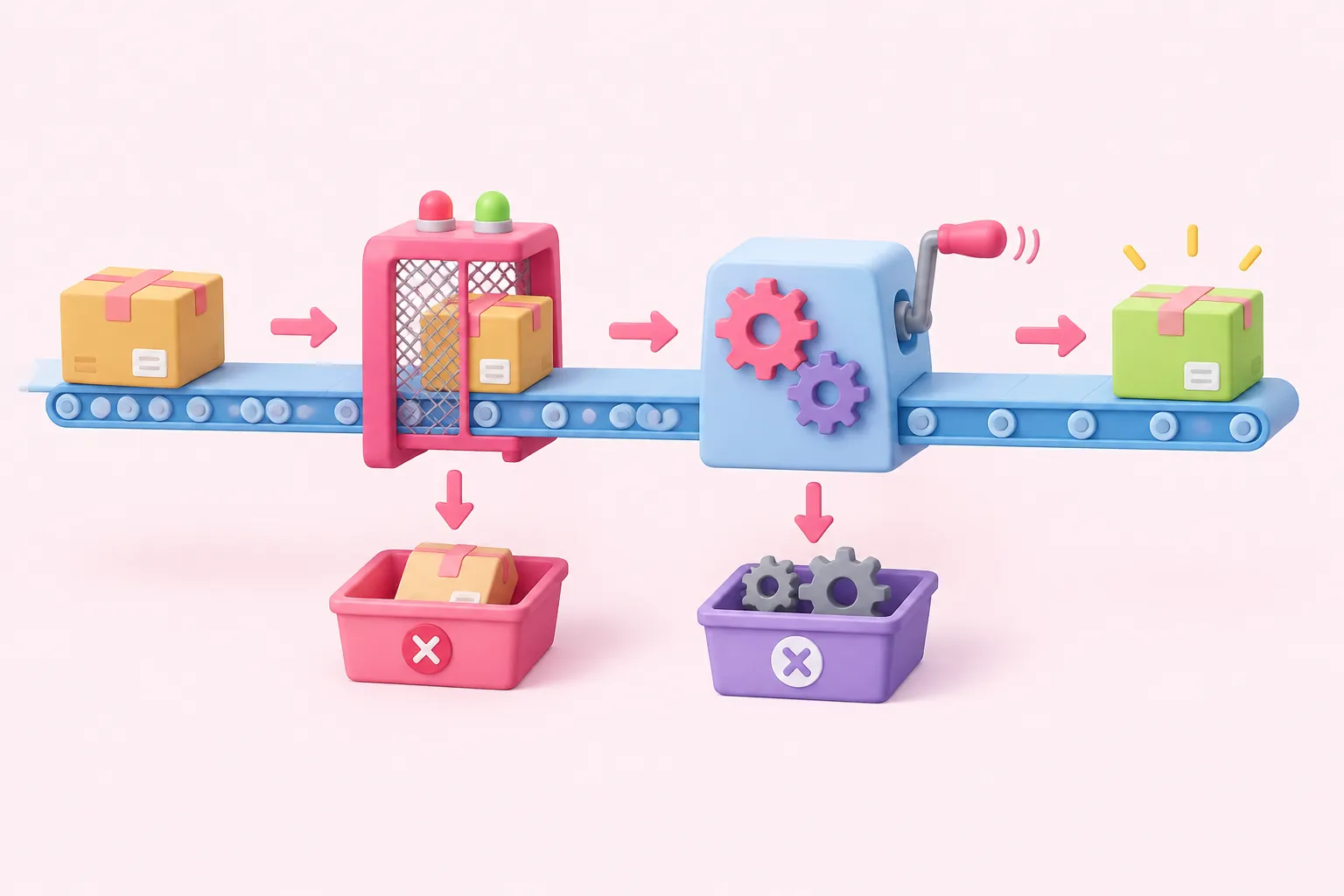
Set the Webhook method to POST and its response mode to Using 'Respond to Webhook' Node. Connect it to a JavaScript Code node. The supplied moving-master Webhook implementation exposes the request payload under body; this is not a guarantee for every installed release, so inspect your Webhook output before using that path.
For the validation Code node, use Run Once for All Items and this proposed JavaScript: const b = $input.first().json.body; const valid = b !== null && typeof b === 'object' && !Array.isArray(b) && typeof b.name === 'string' && b.name.trim().length > 0; return [{ json: { valid, name: valid ? b.name.trim() : '', simulateFailure: valid && b.simulateFailure === true } }];
Add an IF node that tests whether valid is true. Send false to the invalid-input response. Send true to a processing Code node, also running once for all items, with this proposed JavaScript: const d = $input.first().json; if (d.simulateFailure) throw new Error('Exercise failure'); return [{ json: { ok: true, message: 'Hello, ' + d.name } }];
Configure the processing node to continue using its separate error output, represented as continueErrorOutput in the supplied reference. Wire its normal output to the success response and its error output to the failure response. This handles that node's failure, not whole-workflow timeouts, crashes outside nodes or failures elsewhere without wired error outputs. We think separating validation from processing makes the response contract easier to reason about.
Sources: n8n-docs/docs/integrations/builtin/core-nodes/n8n-nodes-base.webhook/README.md at main · n8n-io/n8n-docs · GitHub, n8n/packages/nodes-base/nodes/Webhook/Webhook.node.ts at master · n8n-io/n8n · GitHub, n8n-docs/docs/integrations/builtin/core-nodes/n8n-nodes-base.code/README.md at main · n8n-io/n8n-docs · GitHub, n8n-docs/docs/integrations/builtin/core-nodes/n8n-nodes-base.code/common-issues.md at main · n8n-io/n8n-docs · GitHub, skills/skills/n8n-error-handling-official/references/NODE_ERROR_OUTPUTS.md at main · n8n-io/skills · GitHub
Configure n8n Respond to Webhook JSON bodies

Create three terminal n8n Respond to Webhook nodes. In each, select JSON under Respond With and set Response Code explicitly using the corresponding opening contract row. The table below adds the body configuration detail; the success expression reads the processing node's current JSON item.
| Response node | Response Body configuration |
|---|---|
| Success | Expression: {{ $json }} |
| Invalid input | Fixed JSON from the invalid-input contract row |
| Handled failure | Fixed JSON from the handled-failure contract row |
Keep the failure body fixed rather than exposing exception details. In our view, callers should receive a stable public error contract, while internal diagnostics belong in the team's debugging process.
Sources: Respond to Webhook | Nodes | n8n Docs
Test each caller-visible result

Select Listen for test event before sending a request, rearming the listener before subsequent requests as needed. In these proposed commands, replace TEST_URL with the node's test URL. curl --json does not validate your JSON; -i includes response headers alongside the body.
- Send success input: curl -i --json '{"name":"Ada"}' 'TEST_URL'
- Send invalid fields: curl -i --json '{}' 'TEST_URL'
- Send controlled failure: curl -i --json '{"name":"Ada","simulateFailure":true}' 'TEST_URL'
For each request, record the HTTP status, headers, JSON body and executed response branch. Compare the results with the assignment contract; manually inspecting them does not establish automated coverage or JSON validity.
Sources: n8n-docs/docs/integrations/builtin/core-nodes/n8n-nodes-base.webhook/workflow-development.md at main · n8n-io/n8n-docs · GitHub, JSON - everything curl, curl - The Art Of Scripting HTTP Requests Using curl
n8n Respond to Webhook not working? Trace the branch
If the caller receives something unexpected, use this suggested diagnostic checklist. A workflow that finishes without executing n8n Respond to Webhook returns n8n's standard message with status 200; that fallback fails this exercise's explicit response contract.
Completion means all three inputs reach their intended response nodes and match the required statuses and bodies. For reflection, explain why invalid fields and a processing exception deserve separate outcomes, and why acknowledging a request early cannot promise completed processing.
Keep this exercise synchronous and short. n8n Cloud documents a 524 response when an incoming webhook receives no response within 100 seconds; other infrastructure and callers may impose different deadlines. Treat that limit as a boundary, not a timing target.
Sources: n8n-docs/docs/integrations/builtin/core-nodes/n8n-nodes-base.webhook/README.md at main · n8n-io/n8n-docs · GitHub, n8n-docs/docs/integrations/builtin/core-nodes/n8n-nodes-base.code/common-issues.md at main · n8n-io/n8n-docs · GitHub, skills/skills/n8n-error-handling-official/references/NODE_ERROR_OUTPUTS.md at main · n8n-io/skills · GitHub, n8n-docs/docs/integrations/builtin/core-nodes/n8n-nodes-base.respondtowebhook.md at main · n8n-io/n8n-docs · GitHub, n8n-docs/docs/integrations/builtin/core-nodes/n8n-nodes-base.webhook/common-issues.md at main · n8n-io/n8n-docs · GitHub, n8n-docs/docs/integrations/builtin/core-nodes/n8n-nodes-base.webhook/workflow-development.md at main · n8n-io/n8n-docs · GitHub, Respond to Webhook | Nodes | n8n Docs