n8n pinned data: an exercise to reproduce and fix a mapping bug
Practise using n8n pinned data to reproduce a downstream mapping bug, repair a nested field reference and check fresh data from a test integration.
Checked against the cited sources on .
Editorial exercise: reproduce a bug with n8n pinned data
Use n8n pinned data to hold an API response steady while you investigate an incorrect downstream field reference. Your task is to prepare a sanitized response, reproduce the mapping error, repair it and check fresh input from a test integration. This is an editorial exercise; it has not been executed or validated.
You need an editable n8n workflow, configured credentials for a test API integration, its JSON response and a downstream mapping node. Supply your own endpoint, authentication and response contract. Use no production credentials and keep destinations non-destructive; this applies n8n Help Center guidance on controlled testing to the exercise.
Completion requires two checks: the repaired mapping returns the fixture’s declared value, and an unpinned run maps fresh test-integration data correctly. Production workflows ignore pinned data and fetch fresh data on each execution, according to n8n’s glossary, so a fixture result alone cannot establish how production input will behave.
Sources: n8n-docs/docs/get-started/key-concept-glossary.md at main · n8n-io/n8n-docs · GitHub, FAQs - General Tips - Optimizing and Debugging Large Workflows in n8n | n8n Help Center
Prepare a sanitized response and pin it
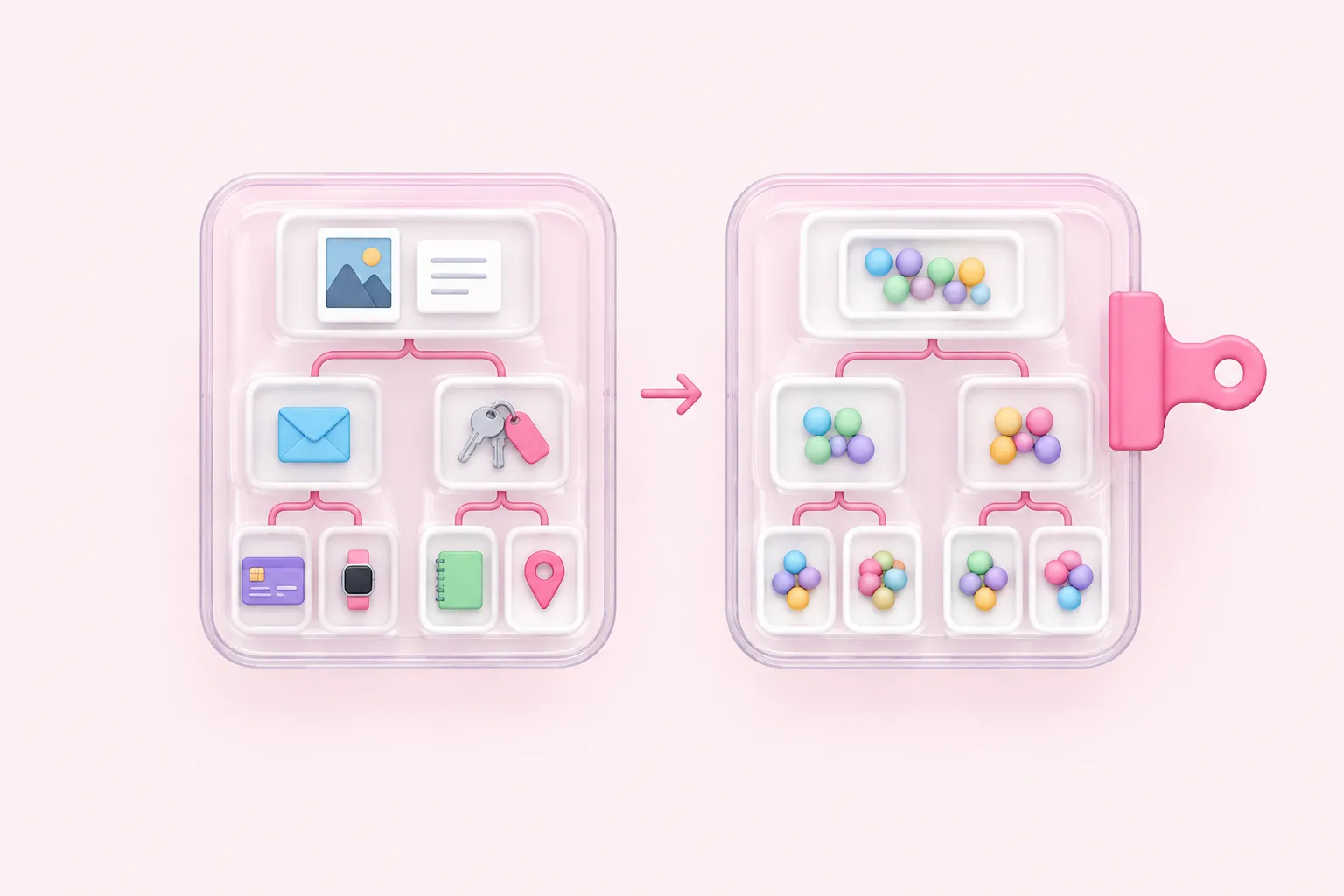
Start from your test API response. As an editorial safeguard, replace sensitive values before putting it into shared workflow output, while preserving the field names, nesting and value types needed for the bug. Inspect the entire fixture, including unrelated fields. Ynteractive’s commercial lesson warns against pinning real client details in shared workflows; these suggested safeguards are not verified security controls.
Use the following author-created example to define the mismatch. The fixture and expected value are illustrative inputs, not a supplied API contract. Adapt your response only where its structure supports this example.
| Item | Suggested setup |
|---|---|
| Nested field | customer.email contains practice@example.invalid |
| Value type | String |
| Incorrect reference | Top-level email |
| Expected repaired value | practice@example.invalid |
GenAI Unplugged’s commercial course describes opening raw output JSON with the edit icon beside the pin control and says saving edited output automatically pins it. Follow that procedure on the API node: paste your sanitized JSON, save and confirm the output is pinned. No n8n version is specified.
We think a useful fixture preserves the awkward structure that exposed the bug; simplifying that structure away defeats the exercise.
Sources: How to Pin Data in n8n for Faster Automation Testing, What is pinned data in n8n? Definition, Meaning and Example
Reproduce the mismatch and repair the reference
With n8n pinned data in place, inspect the downstream node’s input and output rather than relying on the execution indicator. n8n documents input/output inspection and generating mapping expressions by dragging input fields into node parameters. Use those capabilities in this suggested sequence.
- Confirm that downstream INPUT contains the nested customer.email field.
- Set the intended output field to reference top-level email, execute the mapping step and record the mismatch.
- Replace that reference by dragging customer.email from INPUT into the downstream parameter.
- Execute the mapping step again and compare its actual output with practice@example.invalid.
The mapping operation references existing data; it does not transform the API response itself. Record the observed incorrect result without assuming a particular error message or output: the exercise does not prescribe the mapping node’s configuration.
Sources: FAQs - General Tips - Optimizing and Debugging Large Workflows in n8n | n8n Help Center, Use the UI mapper | Build | n8n Docs
Unpin and check fresh test data

FlowKit’s commercial debugging guide recommends unpinning after testing n8n pinned data and rerunning with fresh API data. Apply that recommendation to your test integration using the checks below. Passing both checks provides evidence for those inputs, not exhaustive production readiness.
If output appears stale, execute the affected node again. n8n documents that unpinning marks a node dirty and executing it clears that status; a cleared status does not establish mapping correctness. If fresh input fails, compare its nesting and field types with the fixture before changing the reference.
In our view, a mismatch between the fixture and fresh input is a reason to revisit the example’s coverage before adding another mapping workaround.
Sources: FAQs - General Tips - Optimizing and Debugging Large Workflows in n8n | n8n Help Center, n8n-docs/docs/build/understand-workflows/understand-executions/understand-dirty-nodes.md at main · n8n-io/n8n-docs · GitHub, Debugging n8n workflows: the complete method (executions, pin data, logs) | FlowKit
Reflect on what the fixture represents
Finish by writing a short fixture note. As proposed team conventions, name an owner, describe the response shape represented, record the sanitization decisions and choose a refresh trigger, such as a changed API contract.
Suggested reflection: which assumption did the incorrect reference make, and what response shape would your repaired mapping still fail to handle?