n8n Agents Announcement: What Changed
A plain read of the n8n Agents announcement from n8n's blog: what changed, who it affects across Cloud, self-hosted and Enterprise, and what to do now.

Checked against the cited sources on .
The n8n Agents announcement: what changed and when
On September 25, 2026, n8n published a blog post titled "Introducing n8n Agents," and this n8n Agents announcement describes a new Agent capability arriving in the product. The post states that n8n now has Agents, adding this capability to the product alongside the workflow canvas already in use.
For anyone trying to understand this n8n Agents announcement, the starting fact is simple: it adds a new way to build automations in n8n. Later sections cover what changed, what stayed the same, and who the announcement says is affected.
Sources: Introducing n8n Agents – n8n Blog
The core change and what stays the same
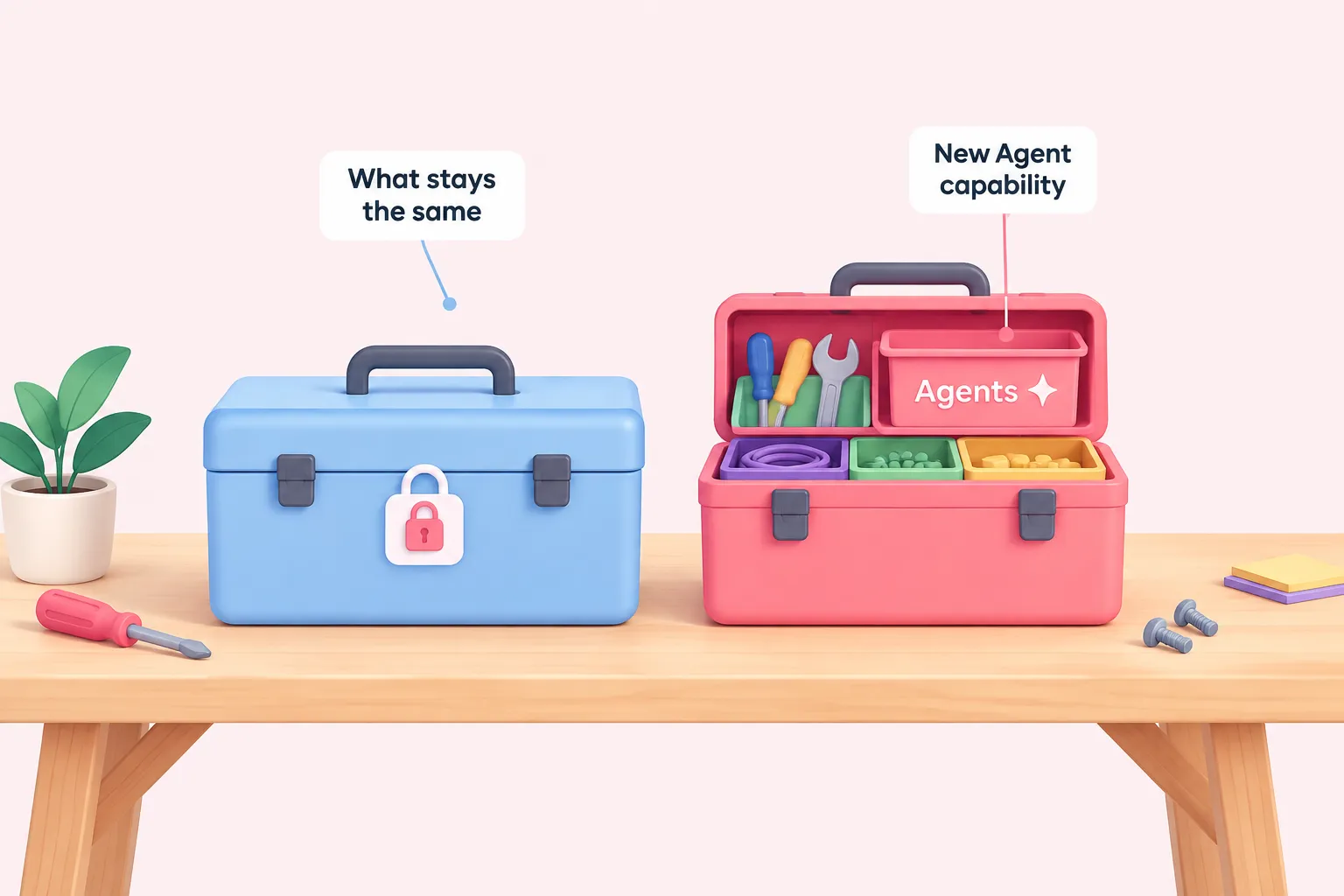
According to the announcement, the core change is a distinct Agent capability in n8n, separate from the workflow canvas that already existed. The post does not quantify how many accounts or workflows this touches, or explain rollout mechanics beyond saying the capability is now part of the product.
The announcement is also explicit about what has not changed. It states that existing workflows built with the current AI Agent node are unaffected, saying plainly that nothing about it has changed. Teams that already rely on the AI Agent node inside a workflow are not asked to migrate anything because of this update.
- Changed: a new, distinct Agent capability now exists in n8n, alongside workflows
- Unchanged: the existing AI Agent node and any workflow already built with it
- Not stated by the announcement: user counts, migration steps, or a version number for the update
Sources: Introducing n8n Agents – n8n Blog
Who is affected: n8n Cloud, self-hosted and Enterprise timelines
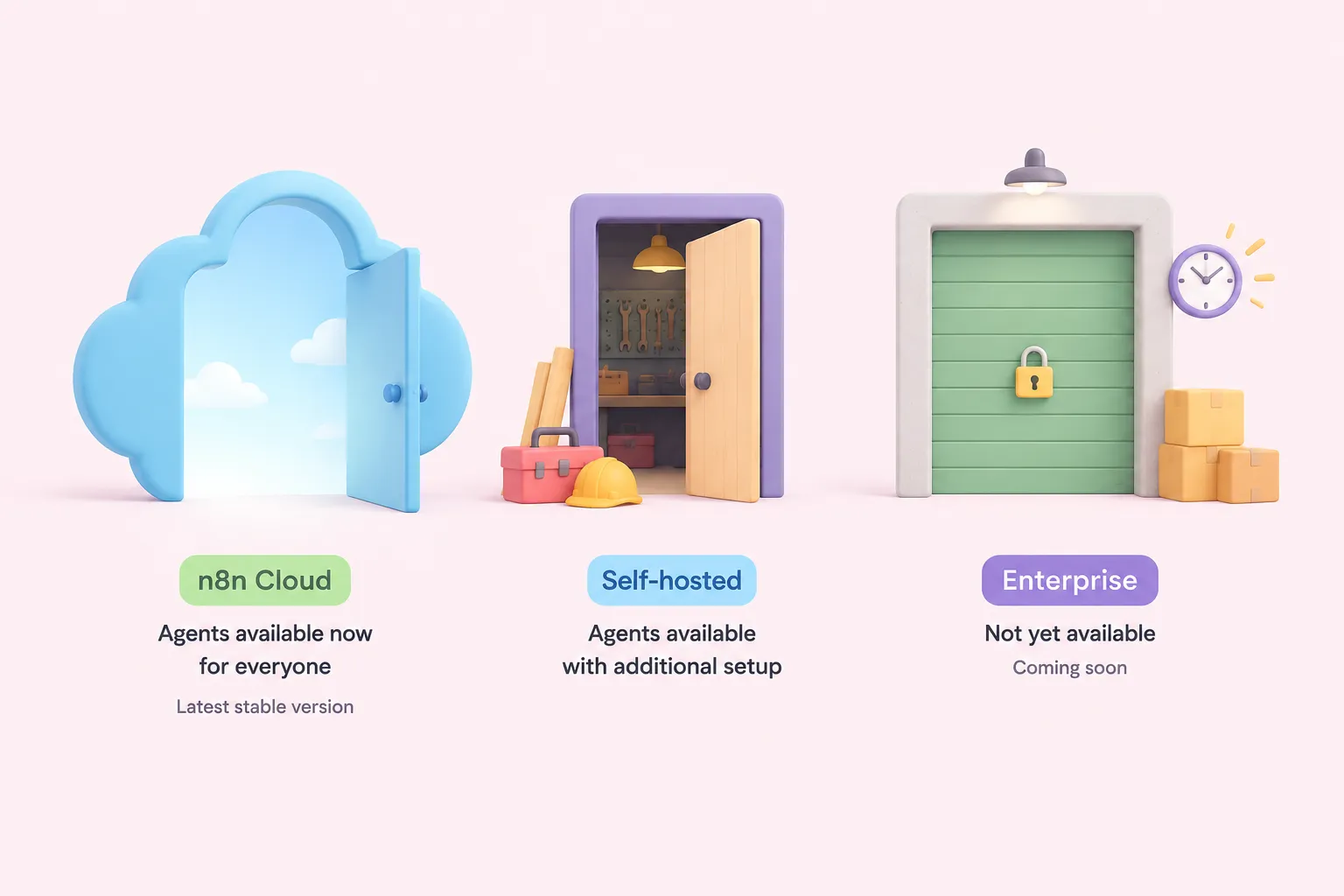
The announcement gives different availability for different editions, and this is the part ops and IT leads managing licensing should read closely. Agents are described as available now to everyone on n8n Cloud running the latest stable version, with no pricing tier named beyond that condition.
Self-hosted n8n also gets Agents, but the announcement notes it needs some additional setup compared with Cloud, without describing what that setup involves. Self-hosted Enterprise support is not yet available; the post describes it only as coming soon, with no date, version or timeline given. The announcement separately notes the feature is still in preview and may change.
| Edition | What the announcement states |
|---|---|
| n8n Cloud | Available now to everyone on the latest stable version |
| Self-hosted | Available now, with some additional setup not detailed in the post |
| Self-hosted Enterprise | Not yet available; described only as coming soon, no date given |
Sources: Introducing n8n Agents – n8n Blog
Background: how agents differ from the chains and workflows n8n already had
n8n's documentation offers background that helps make sense of this n8n Agents feature update, even though it does not date the September 25 post itself. n8n's docs describe an agent generally as an autonomous, configurable assistant built inside n8n, distinct from a workflow that runs a fixed sequence of steps.
The docs also explain two supporting ideas the announcement builds on. A skill, in n8n's documentation, packages instructions together with the tools needed for a specific task. Publishing an agent takes a snapshot of the current draft, which is how a configured agent becomes the version that actually runs.
n8n's docs frame the distinction this way: one way to think of an agent is as a chain that knows how to make decisions, rather than following one predetermined path. That framing is useful background for readers who want n8n Agents explained in terms they already know from building chains or workflows.
How an n8n agent is built and run, per n8n's documentation
- Draft the agent: Configure an autonomous assistant instead of a fixed sequence of steps.
- Add skills: Bundle instructions with the tools the agent needs for a specific task.
- Publish: Take a snapshot of the current draft to create the version that runs.
- Agent decides: The published agent makes decisions rather than following one set path.
Sources: Build and manage agents | Build | n8n Docs, What agents do | Build | n8n Docs
What the announcement asks readers to do now, and what it leaves unstated
Beyond describing the change, the announcement's own statements about availability are the clearest guide to action: check whether you're on n8n Cloud, self-hosted, or self-hosted Enterprise, since each has different access today. Everything past that is this article's own suggestion, not the announcement's instruction.
The announcement does not state a version number or changelog entry for the update beyond its publish date, and it does not address pricing tiers, seat limits, or security and compliance implications of Agents. These are simply topics the post does not cover, not confirmed gaps in the feature itself.
Sources: Introducing n8n Agents – n8n Blog
Practical next steps for teams evaluating this change
For a team already running n8n, this n8n Agents announcement is worth a short internal review rather than an immediate rebuild. The open questions this announcement raises are about availability and setup across editions, not about whether current automations still work, since the announcement's own compatibility statement is covered earlier in this article.
Since the announcement's stated next step is simply to check which edition applies to a team, confirming that against current licensing and infrastructure plans is a reasonable starting point before any rollout planning begins for a team responsible for its own n8n setup.
Sources: Introducing n8n Agents – n8n Blog