n8n Execute Sub-workflow: Practise a Contact Contract
Build an n8n Execute Sub-workflow caller and contact normalizer in this editorial exercise, then check missing values, types and multiple items.

Checked against the cited sources on .
Editorial exercise: define the contact contract
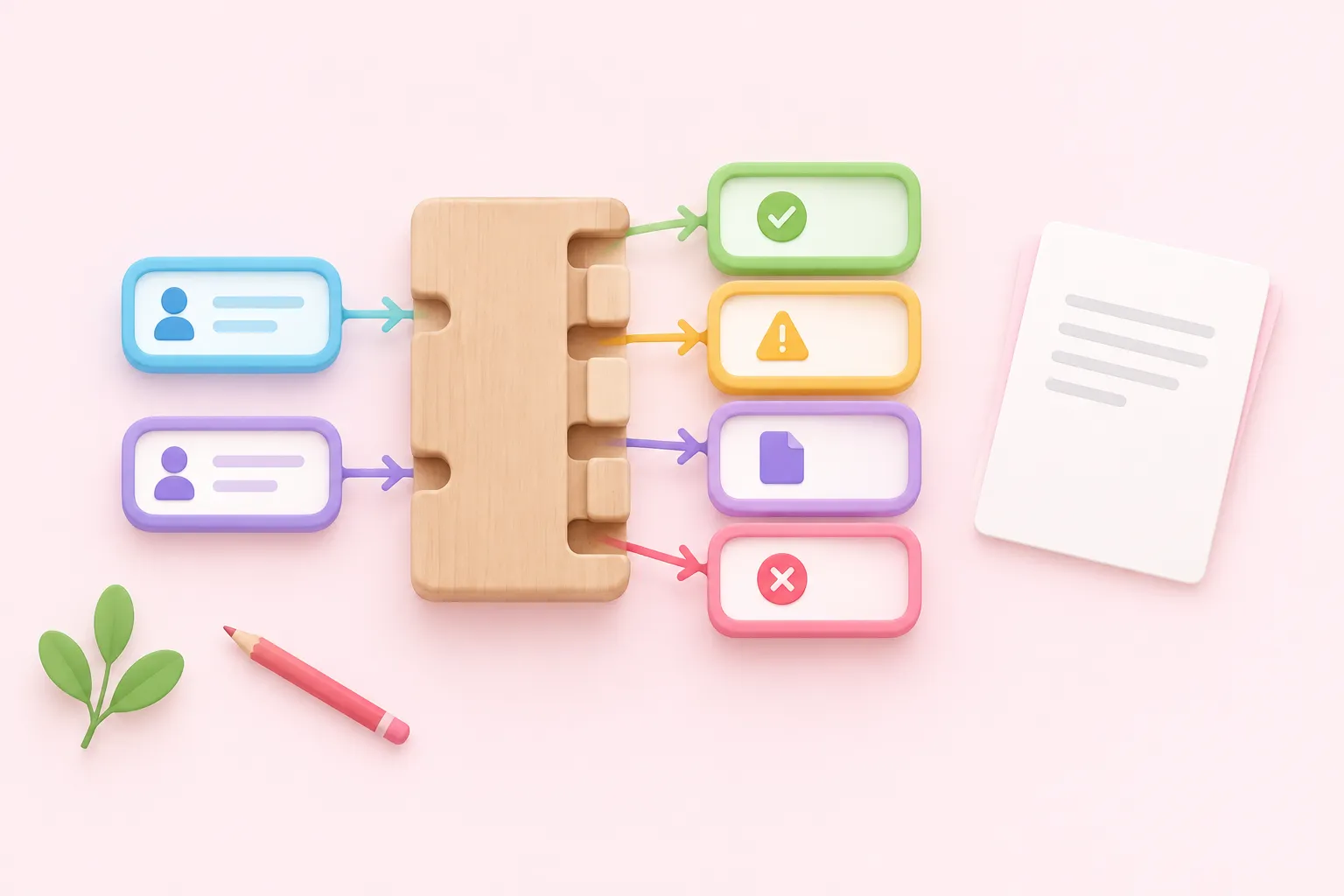
Practise n8n Execute Sub-workflow by building a reusable contact normalizer and a separate development caller. Your task is to define their shared contract, implement it, and collect actual outputs or errors for four suggested test cases. This is an editorial exercise, not an executed or validated solution.
Use your own development n8n environment, synthetic contacts and no external services. You should already know how to add nodes and map fields. Keep the exercise manually constructed and synchronous; production publishing, permissions, paused executions, error-workflow routing and automatic extraction of existing nodes are outside its scope.
Use the following proposed contract. Require nonblank email and name values; trim both and lowercase the email. For this exercise only, accept an email if it contains an @ with text on both sides and no whitespace. This is deliberately limited, not comprehensive email validation.
| Direction | Field | Type | Rule |
|---|---|---|---|
| Input | String | Required; normalize and check | |
| Input | name | String | Required; trim |
| Output | success | Boolean | True only when valid |
| Output | String | Normalized value, or empty on failure | |
| Output | name | String | Trimmed value, or empty on failure |
| Output | error | String | Empty on success; reason on failure |
We think writing the return contract before building nodes makes this exercise more useful: it gives every check a concrete target.
Build the child with n8n Execute Sub-workflow Trigger

Start the child with n8n Execute Sub-workflow Trigger and declare email and name as string inputs. n8n documents this trigger as the child's first node; declared typed inputs become parameters the caller can populate.
For the suggested implementation, connect a Code node for per-item validation and normalization, then an Edit Fields node named Return. The sequence below defines the proposed logic. n8n returns the child's last node output, and its guidance recommends a final Set / Edit Fields node to expose the return contract; that does not automatically enforce a complete output schema.
- Check for null, missing values and non-string values before calling string methods.
- Trim both strings, lowercase email, then check for blank values and the exercise's email rule.
- On failure, produce success false, empty email and name strings, and an explanatory error string.
- On success, produce success true, normalized email, trimmed name and an empty error string.
- Configure Return to expose only success, email, name and error.
For expected validation failures, retain the same field names and types. This follows n8n's recommendation to use a consistent return shape with a success flag and error field.
Sources: n8n-docs/docs/integrations/builtin/core-nodes/n8n-nodes-base.executeworkflowtrigger.md at main · n8n-io/n8n-docs · GitHub, skills/skills/n8n-subworkflows-official/SKILL.md at main · n8n-io/skills · GitHub
Build the development caller

Create a separate caller with Manual Trigger, synthetic fixtures and n8n Execute Sub-workflow. n8n documents Code and Edit Fields as ways to generate custom test datasets. In Execute Sub-workflow, select Database / From list, choose the child and map its declared inputs.
Enable Wait for Sub-Workflow Completion and initially disable Attempt to convert types. Waiting lets the parent proceed after the child finishes; it does not validate returned data. Start with the mode that passes all input items into one execution. Neither mode guarantees your intended output count.
The mapped fields are absent when the child uses Accept all data, so use explicit typed inputs here. You may pin development fixtures for repeatability, but pinning is unavailable in production executions; these checks cannot establish production behavior.
Sources: n8n-docs/docs/integrations/builtin/core-nodes/n8n-nodes-base.executeworkflow.md at main · n8n-io/n8n-docs · GitHub, n8n-docs/docs/build/work-with-data/pin-and-mock-data.md at main · n8n-io/n8n-docs · GitHub
Check four cases through the caller

Run these suggested fixtures through the caller boundary and record what actually happens. The expected values below are exercise targets, not reported test results.
| Case | Input | Target or observation |
|---|---|---|
| Valid | email: ' ALICE@EXAMPLE.COM '; name: ' Alice ' | true; alice@example.com; Alice; empty error |
| Missing name | Valid email; name mapping removed | false; empty email/name; explanatory error |
| Wrong type | email: 12345; name: Alice | Record caller rejection or child result |
| Multiple items | Two distinct valid contacts | Target two normalized results in both execution modes |
n8n documents that removing the requested name mapping sends null.
In his vendor walkthrough from 2026, Jahanzaib Ahmed reports that his Docker test on n8n 2.43.4 rejected numeric email at the parent with conversion disabled; enabling conversion passed it to child validation as a string. This is his reported result, not independently verified behavior across installations. Repeat both settings yourself; under the proposed email rule, the string 12345 should fail validation. Do not assume a caller rejection becomes a child-generated failure row.
Sources: n8n-docs/docs/integrations/builtin/core-nodes/n8n-nodes-base.executeworkflow.md at main · n8n-io/n8n-docs · GitHub, n8n Sub Workflow: Build One and Handle Failures
Review mismatches and finish the exercise
If the result differs from your contract, inspect the declared inputs and caller mappings first, then null handling and conversion settings. For missing return data, inspect the execution mode, waiting setting and the child's final node output. Compare field names, types and item counts at the caller.
We'd keep boundary rejection and business-validation failure separate in the review: each tells you something different about where the contract failed.
Complete the exercise with the evidence below. For reflection, explain why a rejected call might have no child return object, and how conversion changes what your validation receives.
Sources: skills/skills/n8n-subworkflows-official/SKILL.md at main · n8n-io/skills · GitHub, n8n-docs/docs/integrations/builtin/core-nodes/n8n-nodes-base.executeworkflow.md at main · n8n-io/n8n-docs · GitHub