n8n 2.43 announcement: selected changes for teams
The n8n 2.43 announcement covers Browser Use, migration reports and Azure deployment selection. Here is what changes and what teams can review.

Checked against the n8n documentation on .
The n8n 2.43 announcement and its date
The n8n 2.43 announcement describes changes to Browser Use in the n8n Assistant, migration reports and Azure OpenAI Chat Model deployment selection. The official release notes give October 6, 2026 as the release date. The release notes do not establish a separate announcement publication date.
This article covers those selected operational changes, rather than the complete release.
Sources: Release notes
Browser Use: availability, defaults and devices

For n8n 2.43, the announcement describes Browser Use in the n8n Assistant as released to all users. The instance-admin setting N8N_INSTANCE_AI_BROWSER_USE_ENABLED controls it and defaults to on. Phones and tablets are excluded, including iPads using desktop mode.
The announcement does not specify edition or hosted-plan entitlements or give a deployment-specific rollout timetable. Its general release-note caveat also says publication does not guarantee immediate availability on every instance.
Sources: Release notes
Migration reports: impact and compatibility
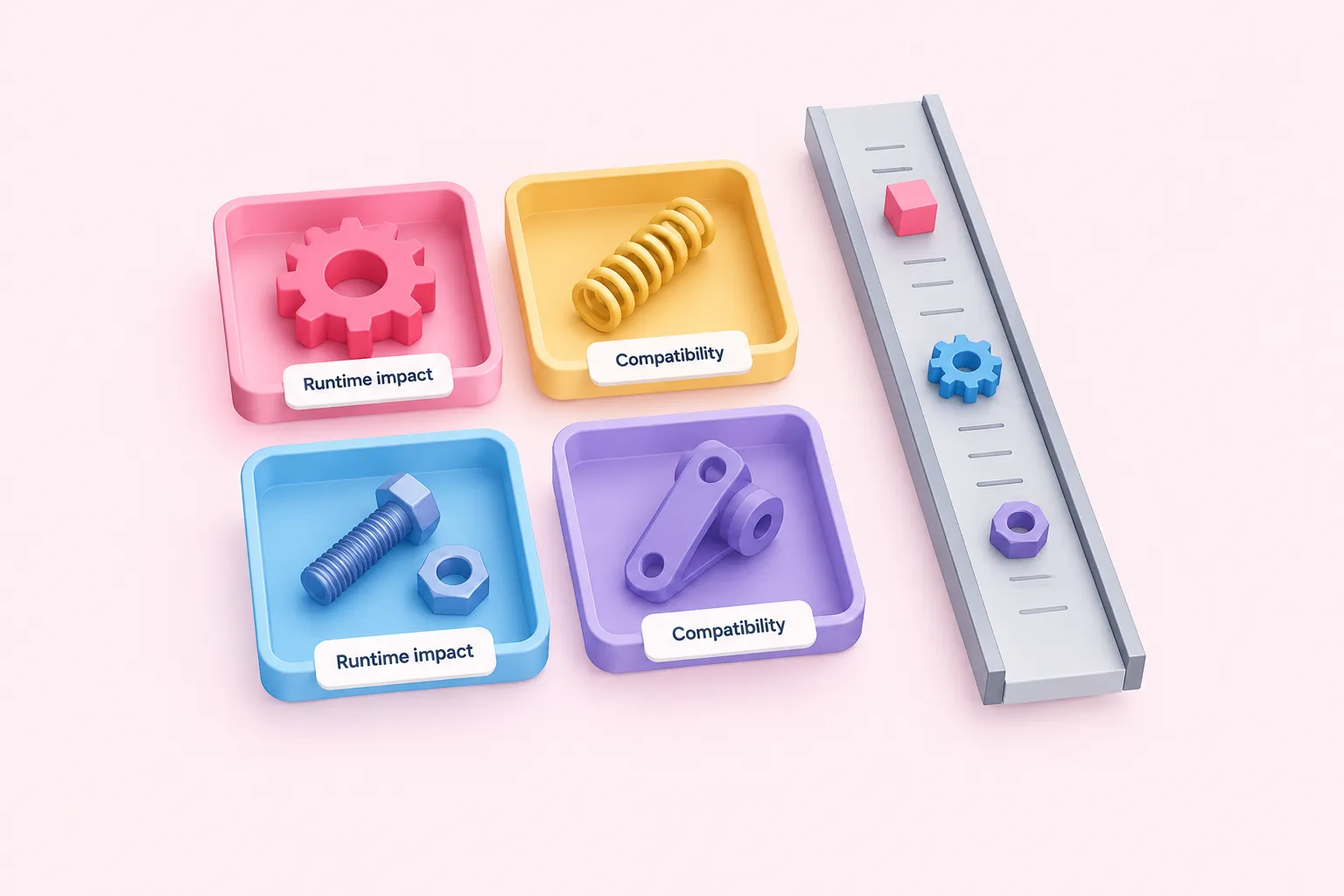
The n8n 2.43 changes replace migration-report severity labels with categories describing runtime impact. A progress bar also shows workflow compatibility with the target version. These are announced reporting changes, not evidence of successful upgrades or measured reliability improvements. The categories are:
- Upgrade blocked
- Executions fail
- Behavior changes
- Capability removed
We think runtime impact is a more useful starting point for an upgrade discussion than an abstract severity label, because it directs attention to what the team needs to investigate.
Sources: Release notes
Azure deployment selection depends on node version
For Azure OpenAI Chat Model users, the n8n 2.43 update adds deployment selection to new node version 1.1. Listing deployments requires an Azure AI Foundry credential with a Project set. Existing version 1 nodes retain their text fields and saved values.
The announcement describes errors for classic credentials or empty projects, but does not supply a complete credential-configuration or troubleshooting procedure. The deployment selector should therefore be understood within those stated prerequisites.
Sources: Release notes
What teams can review now

The n8n 2.43 announcement does not provide a complete upgrade procedure. The checklist below is our editorial suggestion for reviewing the selected changes, not a recommendation attributed to n8n or a validated upgrade checklist.
Our practical view is to give each relevant change a clear owner before deciding what to adopt. A short review of the team's actual setup is more useful than treating the release as one undifferentiated upgrade task.
Sources: Release notes