An n8n SAP Exercise: Pull Sales Order Data and Notify
An editorial n8n SAP exercise: pull sales order data from a SAP sandbox, transform it, and trigger a notification, with session renewal and error handling built in.

Checked against the cited sources on .
Editorial exercise: task overview and learning goal
This is an editorial exercise for SAP architects and integration developers who want to test how an n8n SAP workflow could pull sales order data before building one for production. The task: connect n8n to either a SAP Business One Service Layer sandbox or an SAP S/4HANA Sales Order OData sandbox, log in, retrieve a batch of sales order records, reshape them into a clean structure, and trigger a follow-up notification step, using only n8n's HTTP Request node and documented SAP APIs, with session renewal and error handling built into the flow.
We designed this exercise from documented SAP and n8n capabilities; we have not built, run or validated it ourselves, so treat it as a blueprint to try in your own sandbox, not a proven recipe. The learning goal is narrower than simply connecting n8n to SAP: it is deciding what a session-based enterprise API expects from a caller, and where n8n's job stops and SAP's job as system of record begins.
Prerequisites: sandbox access, credentials and tools
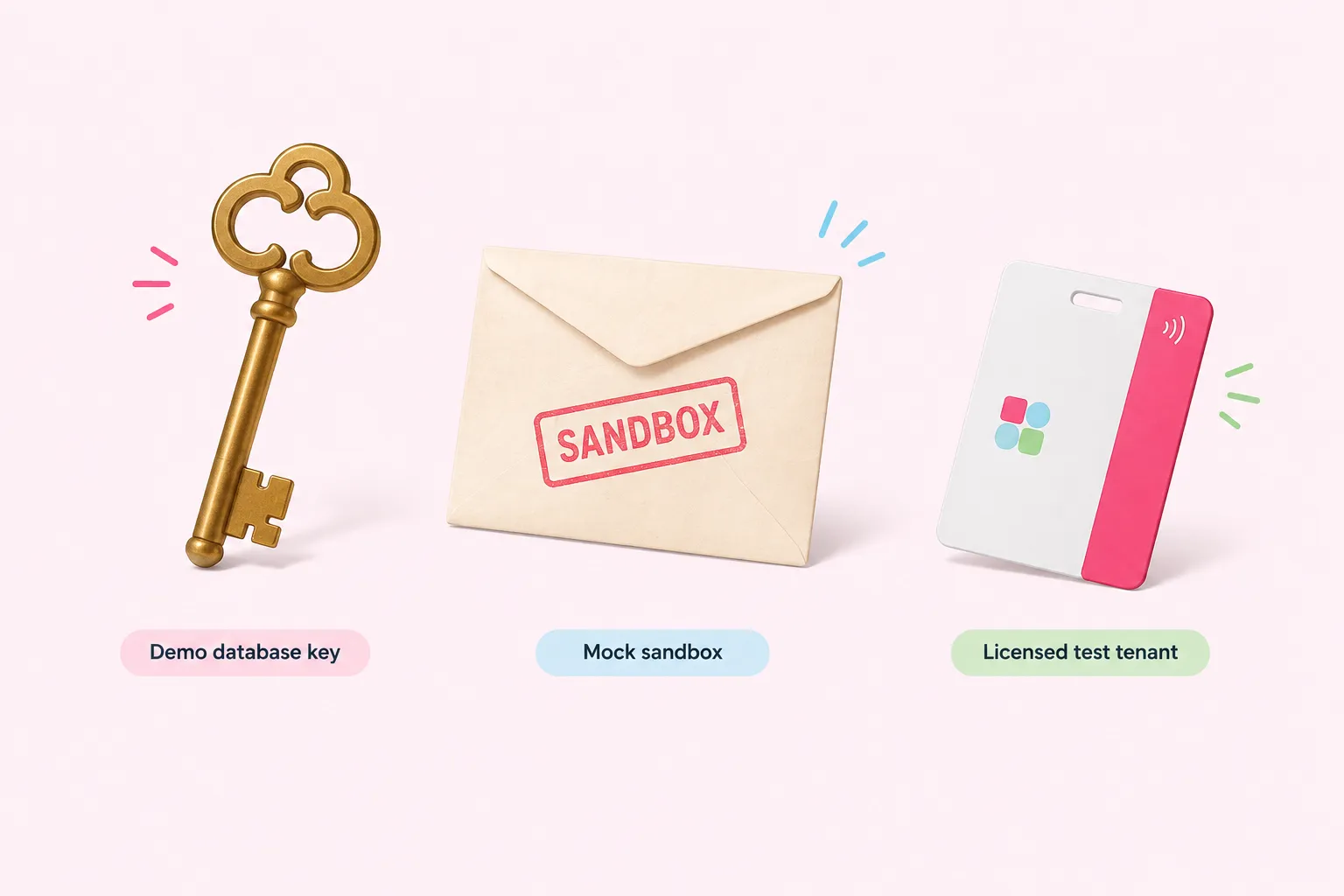
For SAP Business One, SAP's own Service Layer training shows a Basic Authentication login request that posts a company database name, username and password to the Login endpoint, using a demo database as its example. A sandbox attempt needs those same three values for whatever company database you can reach, plus network access to that Service Layer instance from wherever n8n runs. On the n8n side, the HTTP Request node's generic credential options include Basic auth, Custom auth and Digest auth, any of which can carry the login call or the resulting session.
For SAP S/4HANA, SAP's Business Accelerator Hub offers an AI-generated API sandbox for trying REST and OData APIs, including Sales Order endpoints, without a real backend; it is capped at 20 calls per user per month and returns mock responses. For real data and real session behavior, the Hub's Configured Environment feature lets a developer try APIs against their own licensed productive or test system, supporting OAuth 2.0 alongside Basic and API key authentication. The table below lines up what each path gives you before you start building.
| Option | Auth | Data | Best for |
|---|---|---|---|
| SAP Business One Service Layer (demo DB) | CompanyDB, username, password via Login endpoint | Real demo company data | Testing real login, session timeout and 401 behavior |
| S/4HANA AI-generated API sandbox | None needed beyond Hub access | Mock, AI-generated responses | Shaping request and response structure only |
| S/4HANA Configured Environment | Basic, API key or OAuth 2.0 | Your own licensed test tenant data | Testing against your own licensed tenant data |
In our view, starting with the Business One demo database is the pragmatic choice for this exercise: its login, timeout and error-message behavior is the most fully documented of the three options, while the S/4HANA mock sandbox is only useful for shaping requests, not for seeing a real session expire.
Sources: Logging In and Out Using Basic Authentication with Service Layer, Managing Service Layer Settings | SAP Help Portal, 3383703 - SAP Business One Service Layer returns "Invalid session or session already timeout" error | SAP Knowledge Base Article, HTTP Request | Nodes | n8n Docs, Trying Out APIs in a AI-generated API Sandbox | SAP Help Portal, Trying Out APIs in a Configured Environment | SAP Help Portal
Inputs and constraints: documented APIs only
Neither sandbox gives direct database access, so the workflow has to go through documented endpoints and respect whatever protocol version SAP currently supports for each one. The list below sets out what that means for this n8n SAP exercise, covering Service Layer, the S/4HANA Sales Order A2X interface, pagination, and the limits of the public sandboxes.
- Use the Service Layer Orders entity or the S/4HANA Sales Order A2X interface, never a direct database query.
- SAP deprecated OData Version 3 in Service Layer as of SAP Business One feature package 2405, making OData Version 4 the primary protocol there.
- The Orders service also defines dedicated actions, such as a cancel action, for operations plain create-read-update-delete calls cannot express.
- SAP's version 2608 S/4HANA API documentation lists the Sales Order interface in both an OData V4 and an OData V2 variant.
- SAP's own Service Layer guide dedicates a section to paginating order query results, separate from a single-page GET.
- n8n's HTTP Request node can walk successive pages itself using its 'Update a Parameter in Each Request' pagination mode.
- Treat the S/4HANA public mock sandbox as request-shaping only; a 2017 description of an older public sandbox as read-only, last touched in 2024, may not reflect today's Hub-based options.
Sources: Service Layer API Reference, Working with SAP Business One Service Layer, Sales Order (A2X, OData V4) | SAP Help Portal, Sales Order (A2X, OData V2) | SAP Help Portal, HTTP Request | Nodes | n8n Docs, S/4HANA Cloud Sandbox is now available in SAP API ... - SAP Community
Building the n8n SAP workflow: authentication, pull, transform and notification
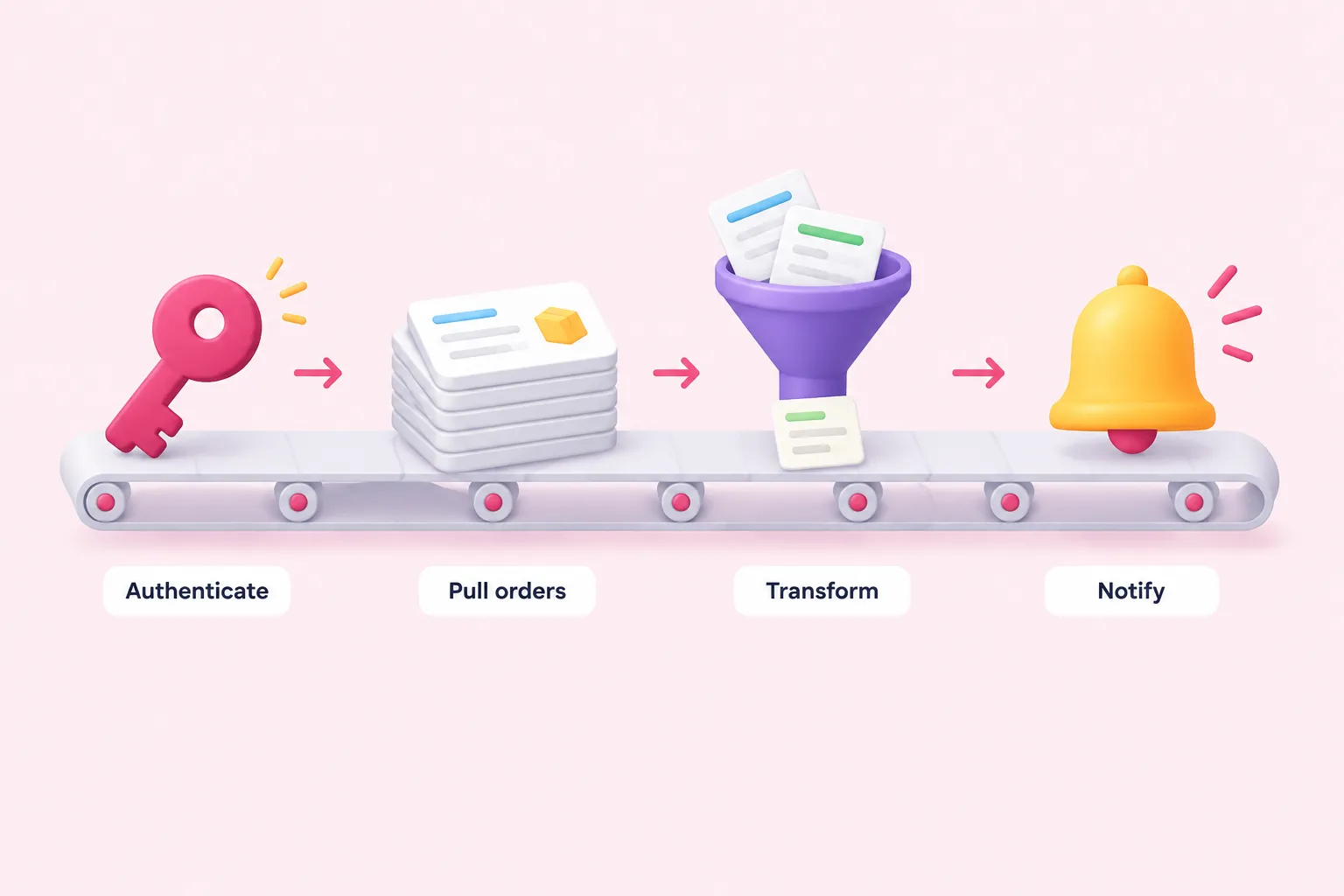
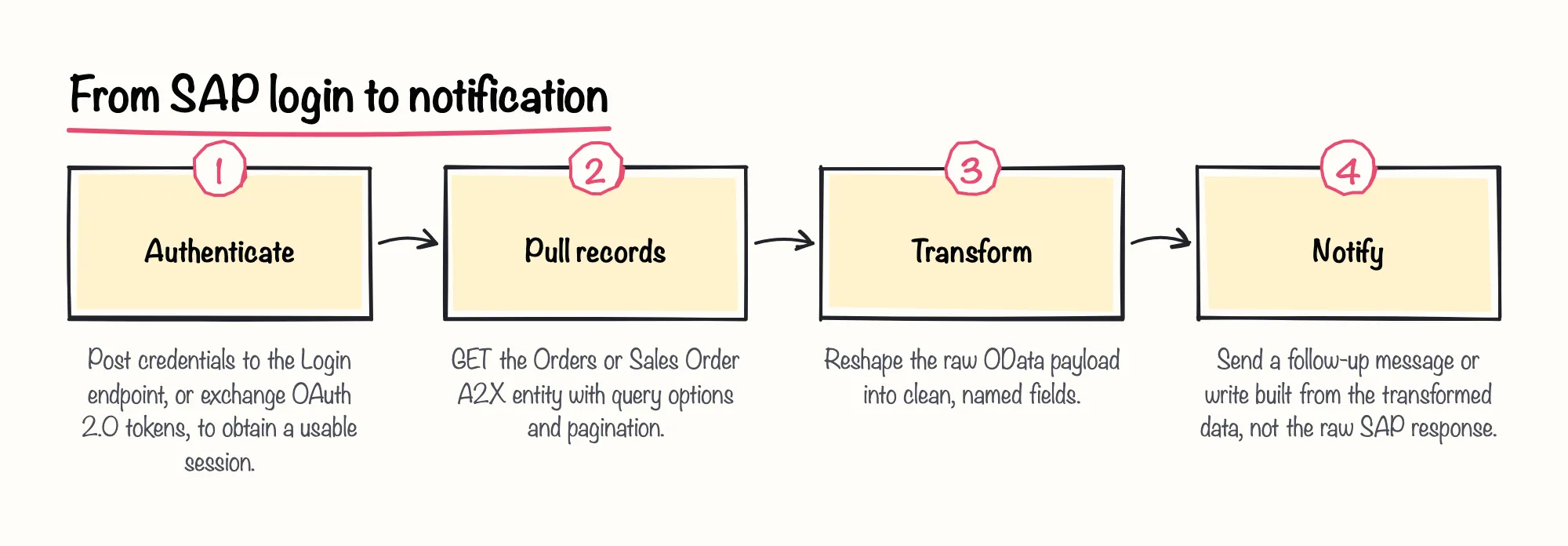
Authentication comes first for this n8n SAP workflow. For Service Layer, the HTTP Request node posts the company database, username and password to the Login endpoint, following the Basic Authentication pattern SAP's own training shows, and the response carries a session that later calls reuse. For S/4HANA's Configured Environment, OAuth 2.0 is one of the available authentication options alongside Basic and API key, so the node's OAuth2 credential type can hold the token exchange instead.
Pulling records is a second HTTP Request node, a GET against the Orders entity or the Sales Order A2X interface, using OData query options to select fields, order results and limit the page size. A 2025 SAP Community post by an SAP Business One consultant builds a similar GET against Service Layer as one stage of a larger reporting workflow; its example path uses the deprecated v1 route, so point at the v4 path instead. For more than one page, the node's 'Update a Parameter in Each Request' pagination mode can step through successive requests.
Transforming the records is ordinary n8n work from here: an Edit Fields or Code node reshapes the raw OData payload into the fields the rest of the workflow needs, trading SAP's internal field names for ones a notification template can read directly.
The follow-up step, an email, a chat message or a write to a tracking sheet, reads from that transformed data rather than from SAP directly, so a slow or failing SAP call never leaves the notification half-built.
Sources: Logging In and Out Using Basic Authentication with Service Layer, HTTP Request | Nodes | n8n Docs, Trying Out APIs in a Configured Environment | SAP Help Portal, Automating SAP Business One Sales Reporting with n... - SAP Community
Renewing the session and handling errors
SAP's Service Layer configuration documentation sets the default idle session timeout at 30 minutes, and the setting is configurable. Once a session is closed or otherwise invalid, SAP's own training shows the next request returning HTTP 401 with an 'Invalid session or session already timeout' message, and SAP's knowledge base confirms the same message can appear on any request once the session has lapsed, on SAP Business One 10.0, version for SAP HANA. A workflow that only expects success on every call will break the first time that timeout lands mid-run.
By default, n8n's HTTP Request node treats only 2xx responses as success, but its 'Never Error' option lets a workflow read the status code itself and branch: on a 401, call the Login endpoint again, then retry the original pull. A vendor blog from the developer of a competing SAP OData community node states that SAP's OData services also require fetching a CSRF token before every write operation; we would treat that as a vendor's own description to double-check against SAP's own documentation before relying on it for anything beyond this read-only exercise.
Sources: Logging In and Out Using Basic Authentication with Service Layer, Managing Service Layer Settings | SAP Help Portal, 3383703 - SAP Business One Service Layer returns "Invalid session or session already timeout" error | SAP Knowledge Base Article, HTTP Request | Nodes | n8n Docs, How I Built the First Real SAP OData Node for n8n | Avanai
Completion criteria and reflection
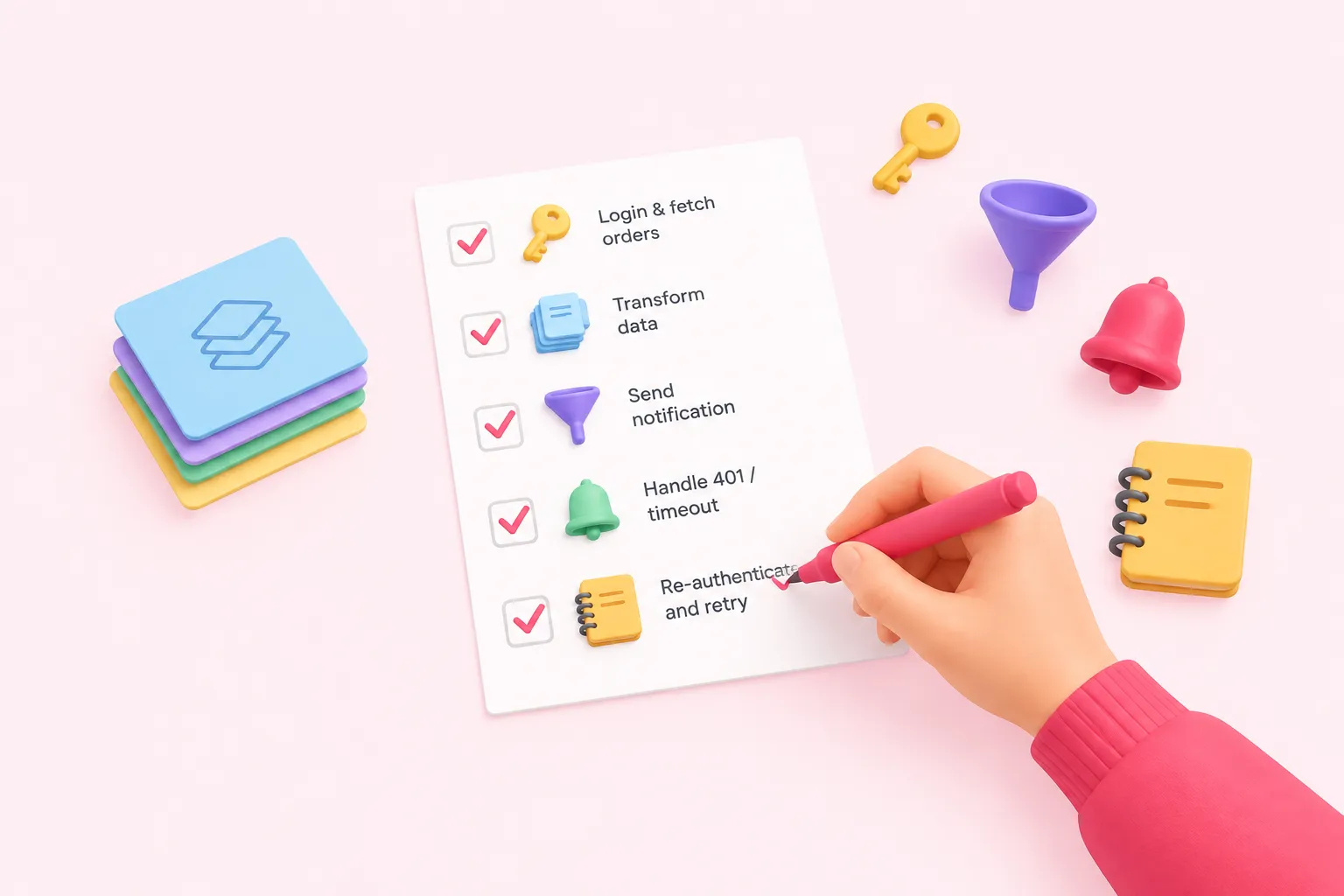
Call the exercise complete once the workflow logs in and retrieves sales order records from a documented endpoint, applies a transform step that produces clean, predictable fields, sends a follow-up notification built from those fields, and detects a 401 or timeout response and re-authenticates before retrying rather than failing silently.
SAP stays the system of record for the sales order itself throughout this exercise; n8n never substitutes its own copy for SAP's. We see this split as where n8n SAP integrations tend to work best in practice: SAP keeps owning the order record and its business rules, while n8n sequences the login, the retries, the transform and everything that happens around the data once it leaves SAP.